Kindles are getting costlier faster than they’re getting better.
Supply pressures, shortages, and inflation have pushed tech prices relentlessly upward over the last half-decade, and even basic gadgets haven’t been immune. That’s why you can spend $385 on a Raspberry Pi, or why the cheapest Amazon Kindle in 2026 costs more than the midrange one from a few years ago. “New thing, better features, same price” used to be a reliable formula, but now you’re lucky if you can get the same thing for barely more than before.
The 2024 Kindles all came with small price increases, but the 2026 models make them look like stellar deals. The $160 Kindle Paperwhite from two years ago wipes the floor with this year’s $150 Kindle in just about every conceivable way, from screen size to front light quality to waterproofing—something to consider if you’re choosing between a used or refurbished Paperwhite and one of these new models.
The flagship of the now five-model-large monochrome Kindle family is the $250 2026 Paperwhite Signature Edition, which takes the core specs of the new $200 Paperwhite and puts it in a sturdy iPad-esque aluminum case instead of the typical plastic.
It’s an exceptionally nice reader, and if you’re down with paying even for it, longtime page-turn button holdouts can recover their precious buttons while still getting the benefits of new, fast Kindle hardware. With the exception of one regression—wireless charging, a feature of the 2024 Signature Edition that has been removed here—it’s the fastest and nicest Kindle you can get. It’s mostly the value, or lack thereof, that leaves a bad taste in one’s mouth.
Hardware updates
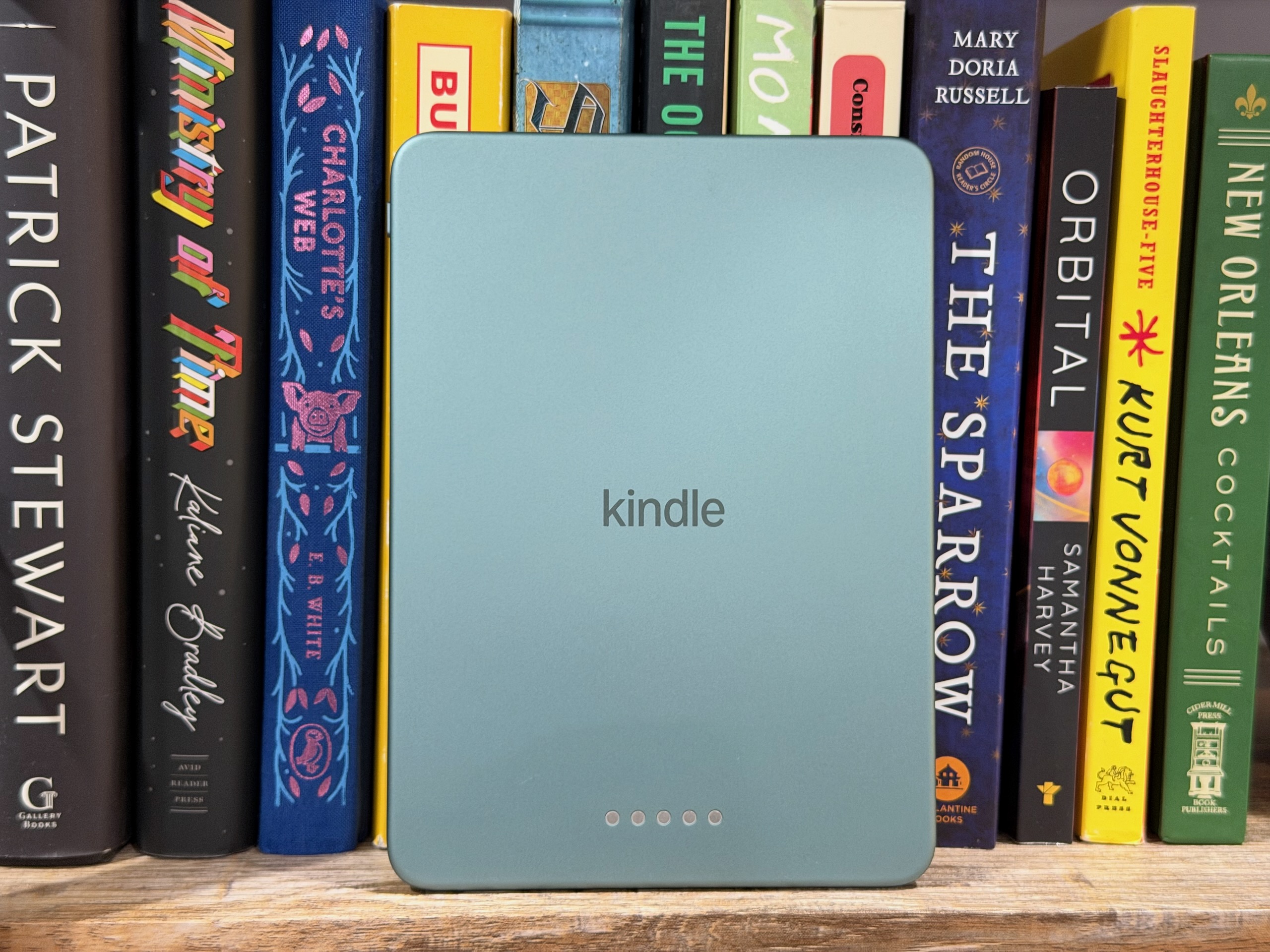
Unlike the 2021 or 2024 Kindle Paperwhite updates, the 2026 Paperwhite doesn’t include any notable screen or lighting upgrades. Anyone upgrading from a two- or three-generation-old version of the hardware will still get an upgrade, but the 2026 Paperwhite isn’t doing a ton to push the category forward. And while speed increases were front-and-center in Amazon’s promotional material for the 2024 Paperwhite, Amazon isn’t highlighting any particular gains for this year’s Paperwhite (the base Kindle does apparently open books 30 percent faster than the previous-generation Kindle, though).
| Display size/PPI | 6-inch, 300 PPI | 6.8-inch, 300 PPI | 7-inch, 300 PPI | 7-inch, 300 PPI |
|---|---|---|---|---|
| Lighting features | Front light | Warm light | Warm light | Warm light |
| 8GB | 8GB | 16GB | 16GB | |
| IPX8 | IPX8 | IPX8 | IPX8 | |
| Battery life | “Up to 6 weeks” | “Up to 10 weeks” | “Up to 12 weeks” | “Up to 12 weeks” |
| Micro USB | USB-C | USB-C | USB-C | |
| 6.4 oz/181g | 7.2 oz/205g | 7.4 oz/211g | 7.2 oz/204g | |
| Starting price | $130 (plastic) | $140 (plastic) | $160 (plastic) | $200 (plastic) |
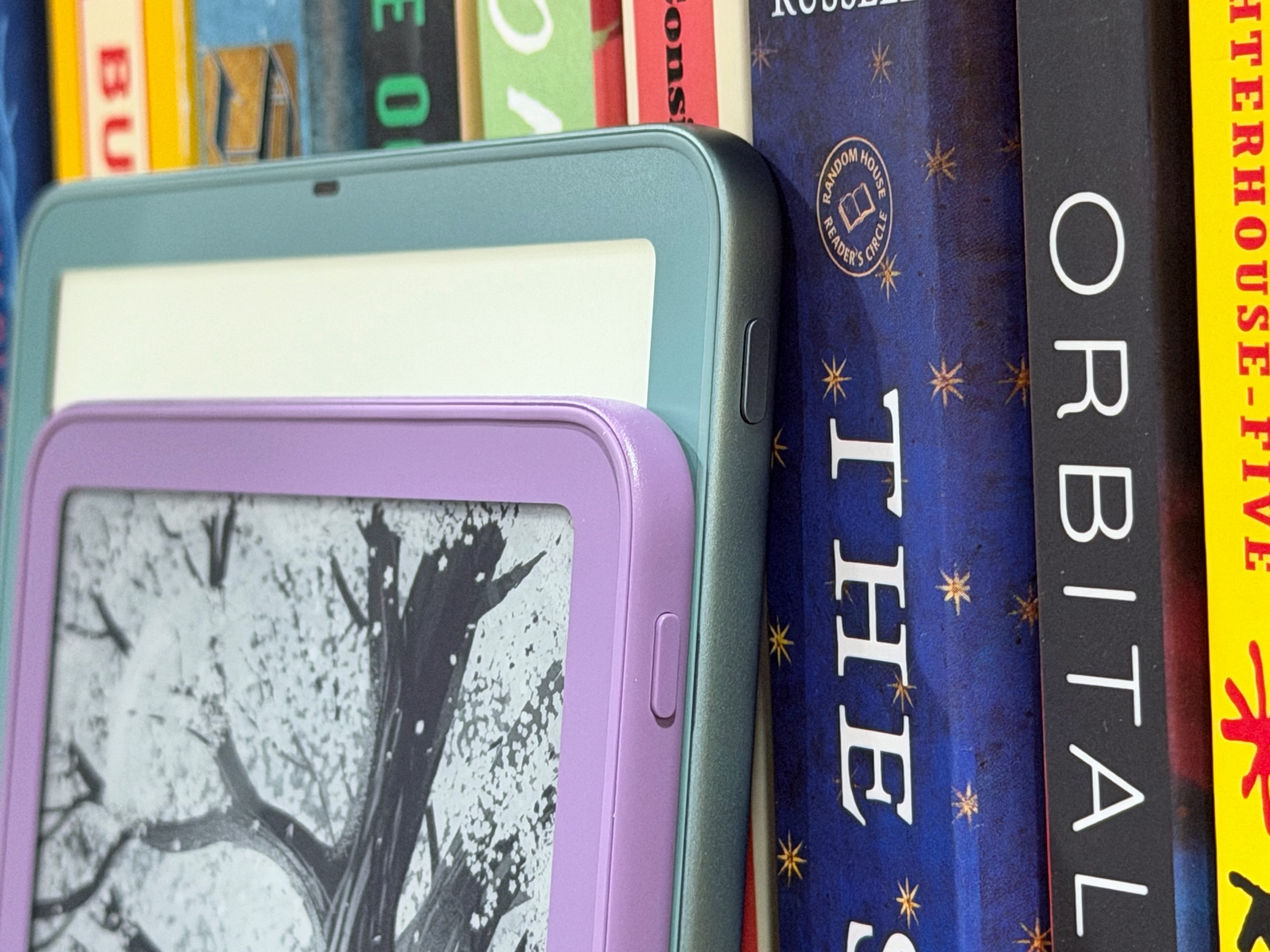
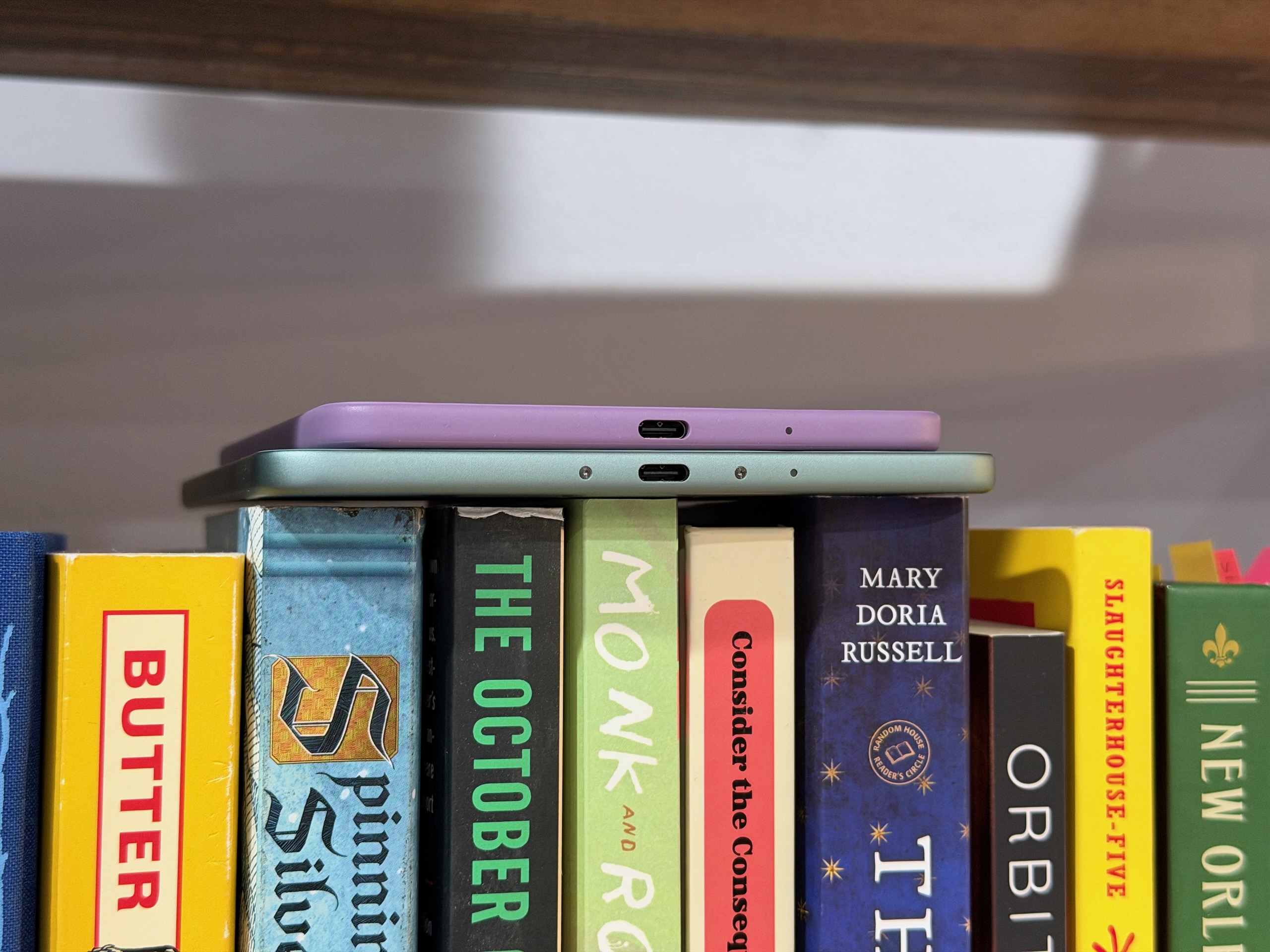
But the Paperwhite and this year’s basic Kindle both make a couple of tweaks worth mentioning that don’t really show up on a spec sheet. One is that the device’s power button moves from the bottom edge to the top-right edge, a small change I appreciate because I’ve accidentally pressed the bottom-mounted power button all the times I’ve tried to set the Kindle on the edge of something. The other is that the devices now have user-replaceable batteries, a change made in part to comply with right-to-repair regulations going into effect in some countries.
Whether you’re buying the standard plastic-backed Paperwhite or the aluminum Signature Edition, you’re still getting a 7-inch 300 PPI screen with a front light that can adjust its color temperature as well as its brightness, which I find makes the Paperwhite easier on the eyes than the harsher, more bluish-tinted front light on older Kindles and the basic 2026 Kindle. The plastic Paperwhite is a smidge lighter than the 2024 version, and the Signature Edition is a little heavier (thanks in part to the aluminum casing), though not by a lot in either direction.
Whether it’s faster than the 2024 Paperwhite or not, the snappy and fluid performance I observed while using that device is definitely present in this one. The E-Ink screen still puts a cap on exactly how fluid and responsive the device can feel, but you rarely feel the big gap between your touch input and the device responding to that input like you can on most older Kindles. (I tried repeatedly to run the old Google Octane 2.0 benchmark I used to get a sense of the 2024 Paperwhite’s relative performance, but it could never complete a run in either the 2026 Kindle or the 2026 Paperwhite’s browser, for whatever reason).
Notes on the basic Kindle
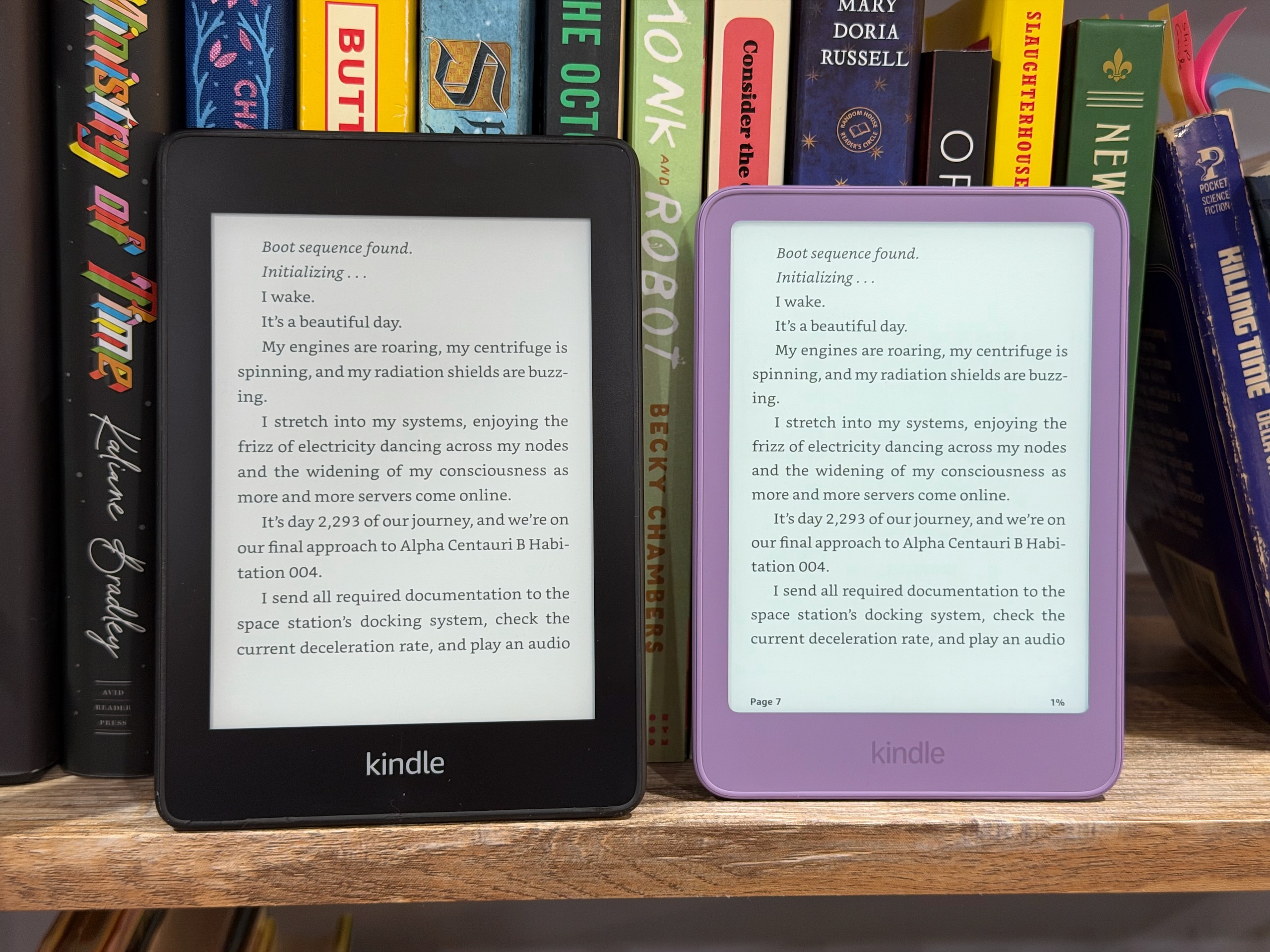
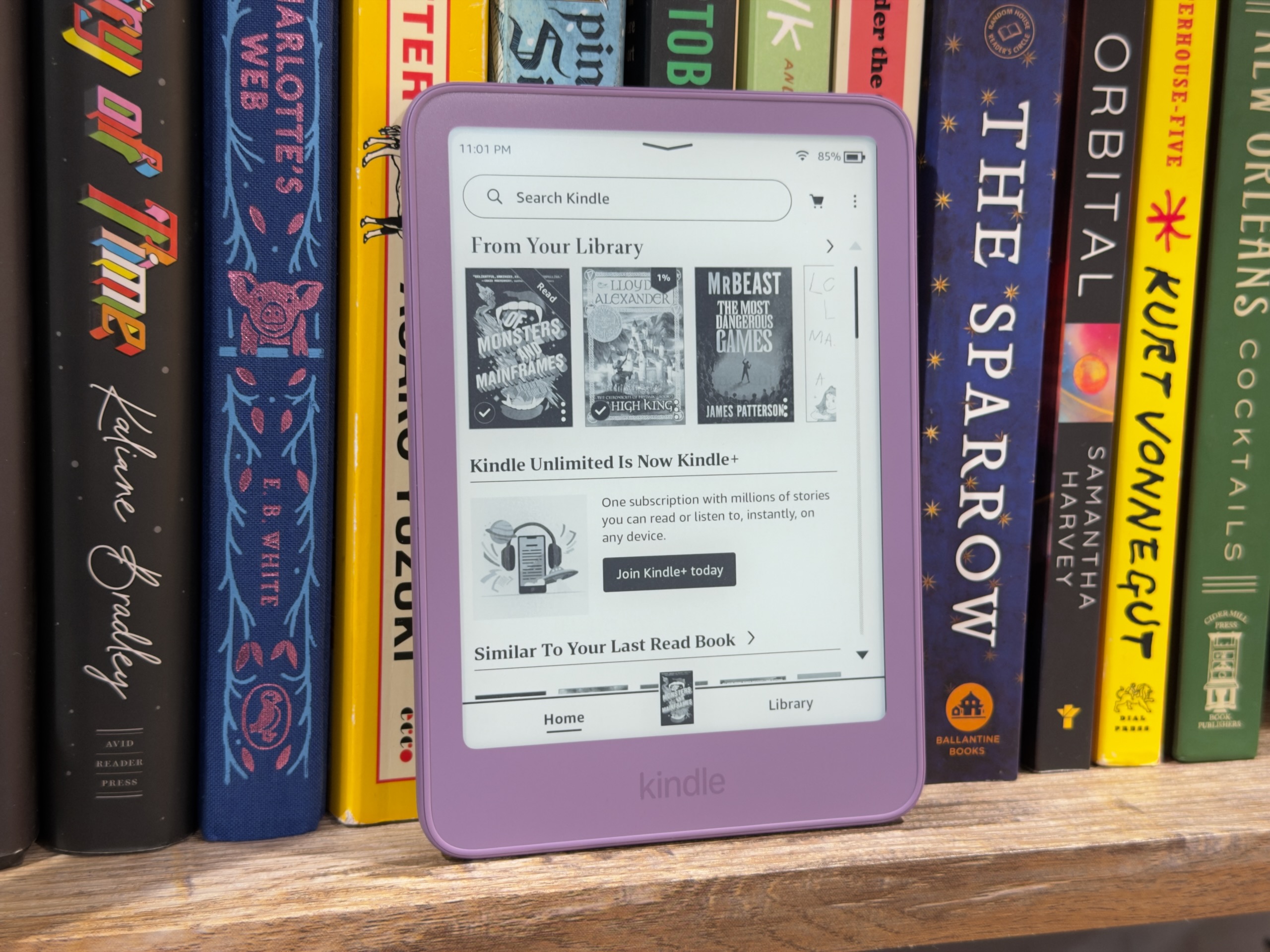
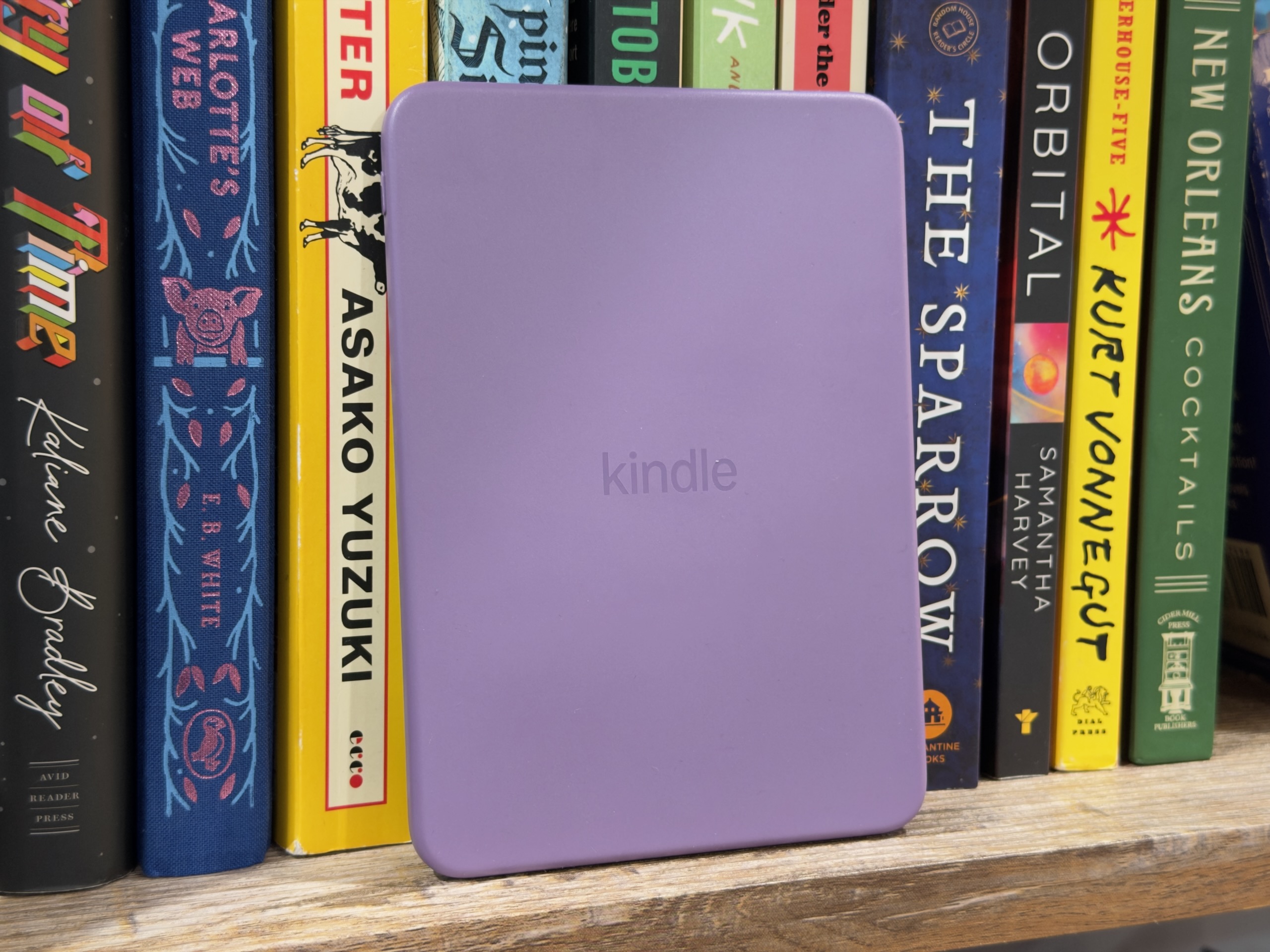
I didn’t spend as much time with it, but I did test the basic 6-inch Kindle alongside the Paperwhite Signature Edition.
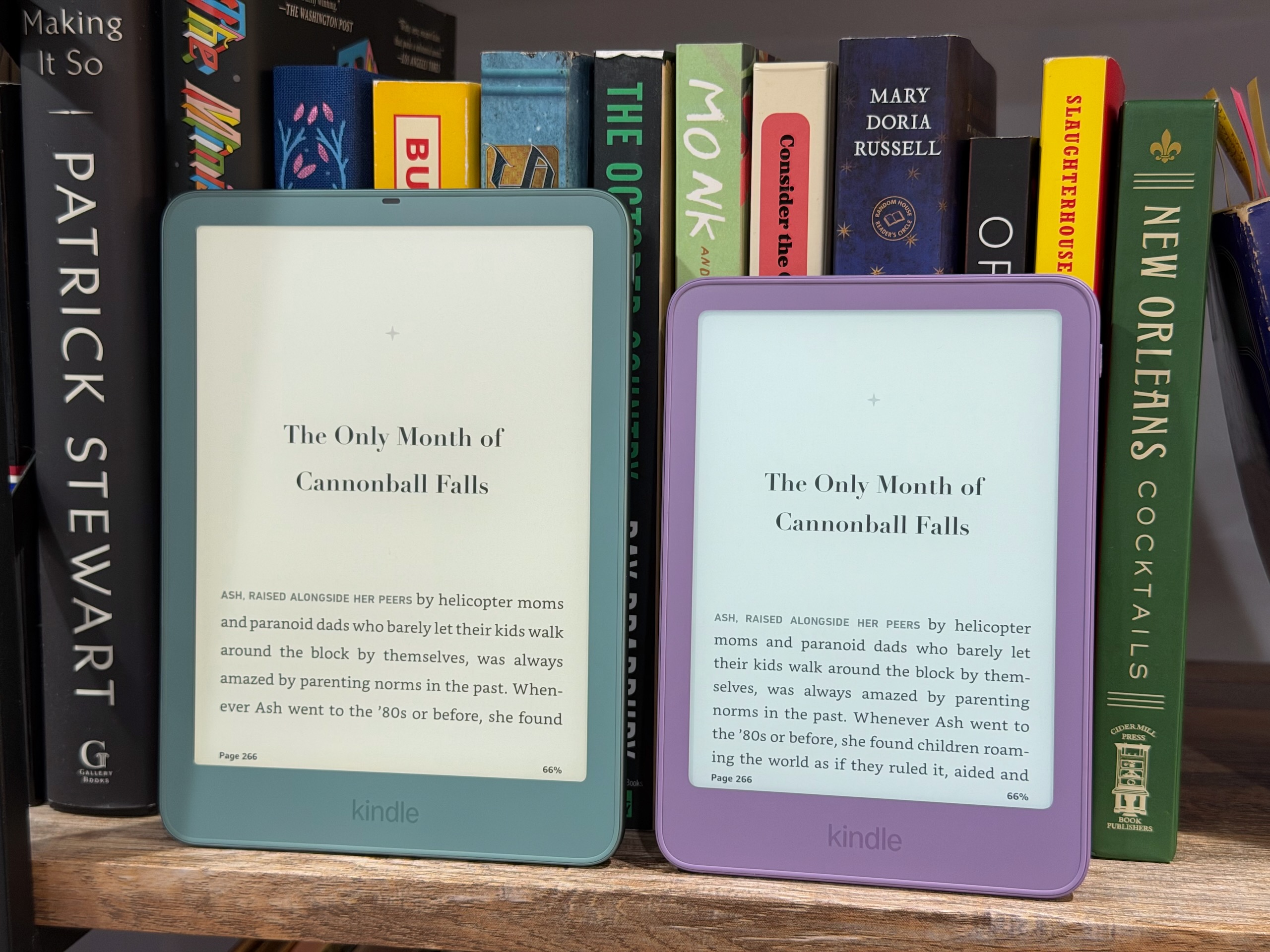
Overall, I like the updated look and feel of the redesigned Kindle, particularly the fact that the screen and bezel are now flush, as the last few Paperwhites have been. And despite using the same 6-inch screen size as older Paperwhites, Amazon has significantly shrunk the overall size and weight of the device. It doesn’t quite look like a “Kindle mini” next to the current Paperwhite, but it’s not far off.
| Display size/PPI | 6-inch, 300 PPI, recessed | 6-inch, 300 PPI, flush | 7-inch, 300 PPI, flush | 7-inch, 300 PPI, flush | 7-inch, 300 PPI, flush | 7-inch, 300 PPI, flush |
|---|---|---|---|---|---|---|
| Lighting features | Basic front light | Basic front light | Warm light | Warm light | Warm light, auto light sensor | Warm light, auto light sensor |
| 16GB | 16GB (plastic), 32GB (aluminum) | 16GB | 16GB | 32GB | 32GB | |
| None | None | IPX8 | IPX8 | IPX8 | IPX8 | |
| Battery life | “Up to 6 weeks” | “Up to 6 weeks” | “Up to 12 weeks” | “Up to 12 weeks” | “Up to 12 weeks” | “Up to 12 weeks” |
| Wireless charging | No | No | No | No | Yes | No |
| 5.56 oz/158g | 4.9 oz/140g (plastic), 5.7 oz/162g (aluminum) | 7.4 oz/211g | 7.2 oz/204g | 7.5 oz/214g | 8.1 oz/229g | |
| Starting price | $110 (plastic) | $150 (plastic), $190 (aluminum) | $160 (plastic) | $200 (plastic) | $200 (plastic) | $250 (aluminum) |
But you’re still getting less for your money than you were a few years ago. If you compare the 2026 Kindle to the 2024 or 2022 model, you ignore what each one of those devices cost to buy, it looks like slow and steady improvement. But the fact is that you can pay $150 for this Kindle and important features, like the warm light and waterproofing, that Amazon offered in the 2021 Paperwhite for just $140 back in 2021.
That’s just the reality of buying technology right now. “Get more for the same money” is out. Now if you want more, you have to pay more.
Put a button on it
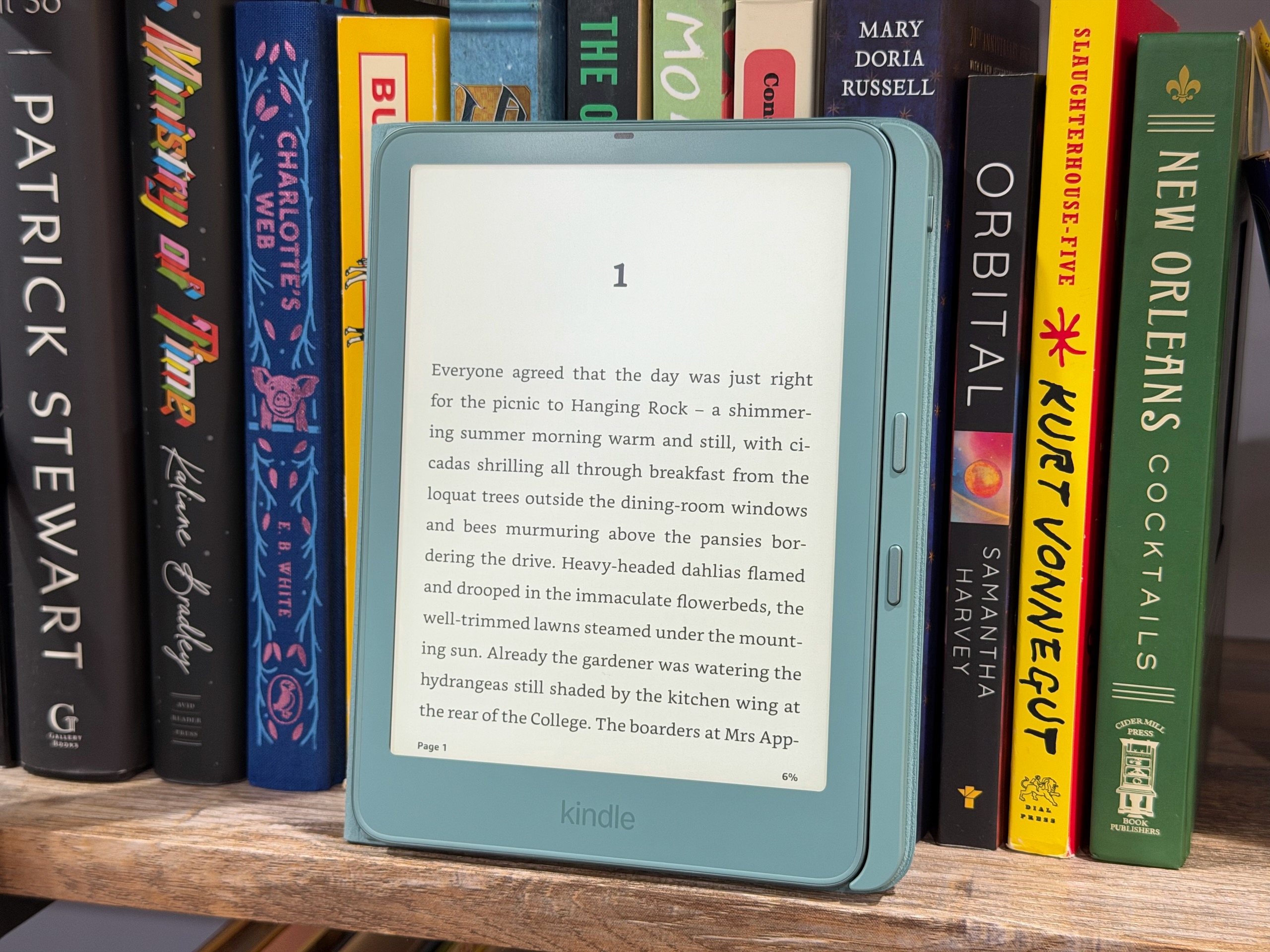
The new Paperwhite Signature Edition’s biggest upgrade, should you choose to pay for it, is the addition of page-turn buttons. Page-turn buttons by proxy, at least.
The Signature Edition adds iPad-style copper contacts on the back, and for another $80 (on top of the $250 you’ll pay for the Kindle) you can buy a Kindle Page Turn Cover in various colors that connects to those contacts with pogo pins. It’s the cover that adds the buttons. Amazon also offers a $60 charging stand that uses the pins, the closest equivalent for the now-removed wireless charging feature.
The cover really does make the new Paperwhite look and feel a bit more like a Frankenstein Kindle Oasis, right down to the asymmetrical edge that the button area adds. And the page-turn buttons themselves feel good and work well. The physical feedback from clicky buttons and the Kindle’s overall responsiveness both make page turns feel nearly instantaneous when you press it to turn a single page. Clicking the buttons quickly to turn multiple pages still gets bogged down a little.
Functionally, the worst things I can say about the Page Turn Cover are that it adds to the reader’s size and weight, and the power button doesn’t feel nearly as good as the page-turn buttons. The case’s “button” is basically a little plastic nub that pushes in the device’s actual built-in power button. At least with the hardware I bought, the case’s button feels like it can’t consistently reach the device button, which means it wasn’t always reliable. This is partly moot because opening and closing the cover also wakes and sleeps the device.
Amazon offers one cheaper option for every other Kindle that can run the newest version of the Kindle operating system: a $35 remote control-style Kindle Click. As a completely separate accessory you have to hold or rest on something in order to use, I don’t find this to be a particularly compelling solution to the “no buttons” problem. But it’s also the only version of “clickable buttons” that Amazon offers for less than $330. It is what it is.
The Kindle Click requires a Kindle running version 5.20.1.0.2 or later of the Kindle operating system. Currently, that version only runs on the 2024 and 2026 Kindles, plus 2022’s Kindle Scribe. It seems as though Amazon has gotten stingier with long-tail Kindle OS updates than it was in 2024, when all Kindles going back to 2018 could run the same software. The 2018 Kindles currently top out at 5.18, while the other 2021/22 Kindles stop at 5.19.
Still good readers, but not great upgrades
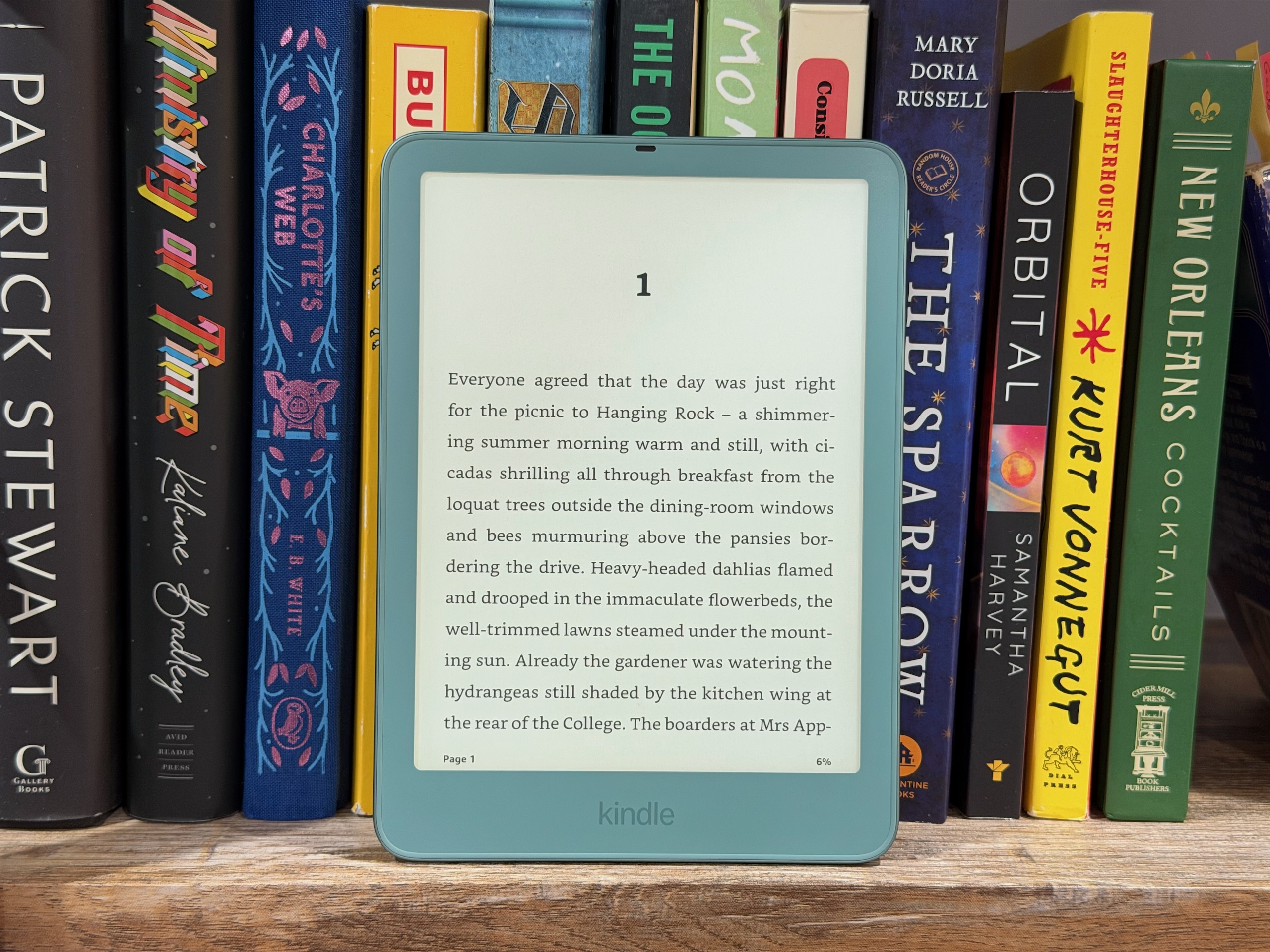
The last reader Amazon offered with page-turn buttons was 2019’s $249 Kindle Oasis, which was dinged pretty much across the board for being “expensive.” Today’s Kindle Paperwhite Signature Edition will cost you just as much, but charge you $80 extra for the case and buttons. It’s a nicer reader in some important ways, most notably its USB-C port and much-improved performance. But that’s still a pretty substantial increase for anyone with an aging Oasis they’d like to replace with a Paperwhite-plus-case.
That’s my response to the new Paperwhite and to all of this year’s Kindle releases in a nutshell. They nice, but they’re so much more expensive than Kindles have been in the very recent past that it’s hard to feel very enthusiastic about them. The basic Kindle-versus-old-Paperwhite comparison is the one that’s the most frustrating—the Kindle has picked up Paperwhite-style pricing more quickly than it has added Paperwhite features.
Hopefully we’ll see third-party accessory makers figure out support for their own pogo-pinned accessories, to bring the pricing down just a little bit. Otherwise, if you don’t need or want buttons, the best way to find a good deal on a Kindle is probably to buy an old one—the 2024 Paperwhite is $130 right now, and you might want to get it while the getting’s good.
The good
- Fast, responsive e-reader that’s comfortable to hold and to look at for long stretches.
- Warm light on the Paperwhite is much more pleasant than the basic Kindle front light.
- User-replaceable batteries.
- The return of page-turn buttons, kind of.
The bad
- Price hikes.
- If you want buttons, you’ll pay for them.
- No more Qi wireless charging on the Signature Edition.
- Still no waterproofing on the basic Kindle.