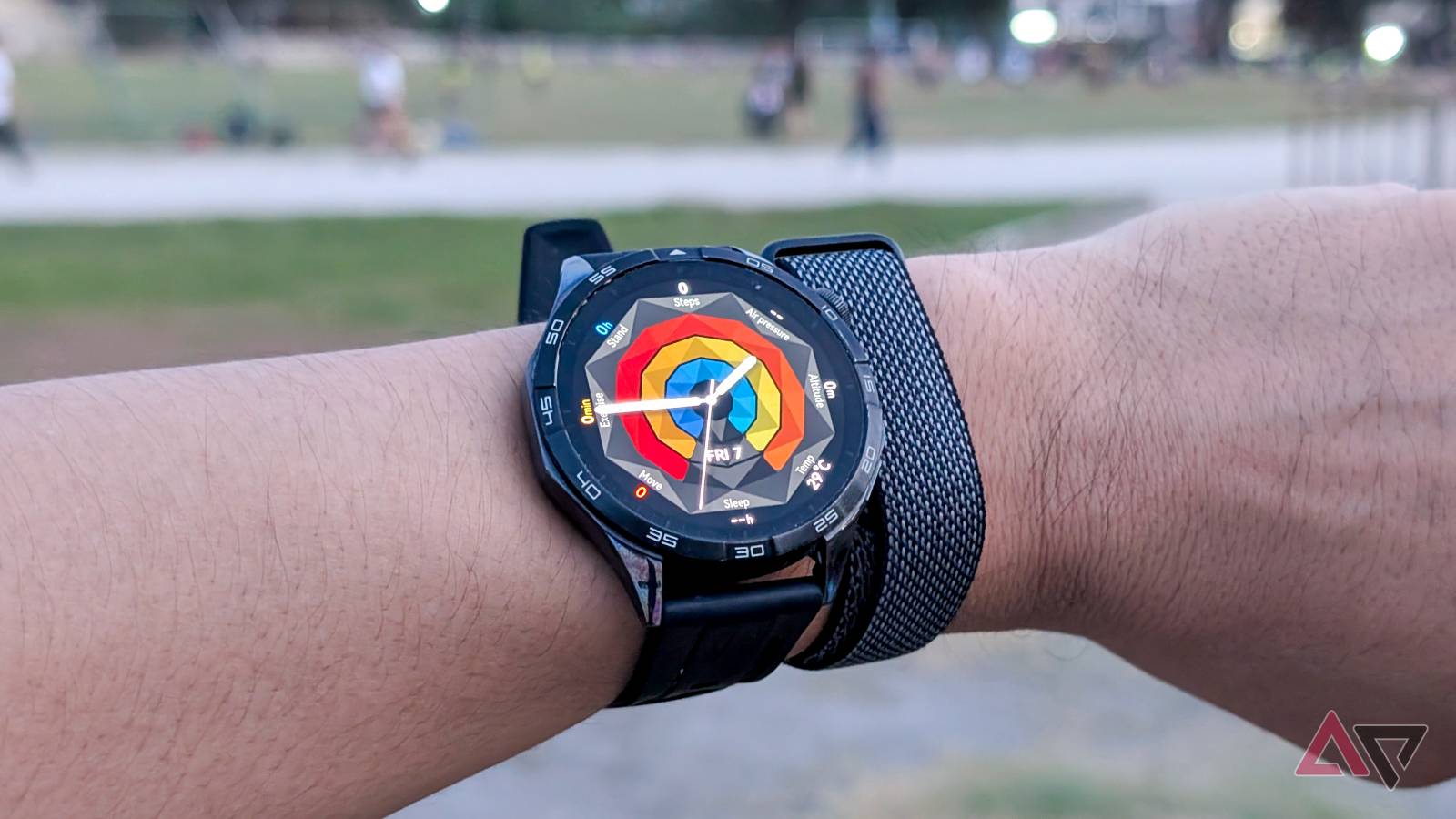
For over a decade, I've worn a smartwatch on my wrist. I've tried and switched between a handful of models over the years.
When the Google Fitbit Air launched, I tried it without expecting to love it. I told myself I'd test it for a few weeks before returning to my smartwatch.
What surprised me was that after that trial period, the Fitbit Air became my daily wearable. I put my smartwatch on the sidelines, expecting I would eventually return to it. But I never did.
For several months now, I've worn the Fitbit Air every day, and it has completely convinced me to retire my smartwatch. Now, I don't see myself going back to one for these reasons.
Screenless is not a disadvantage
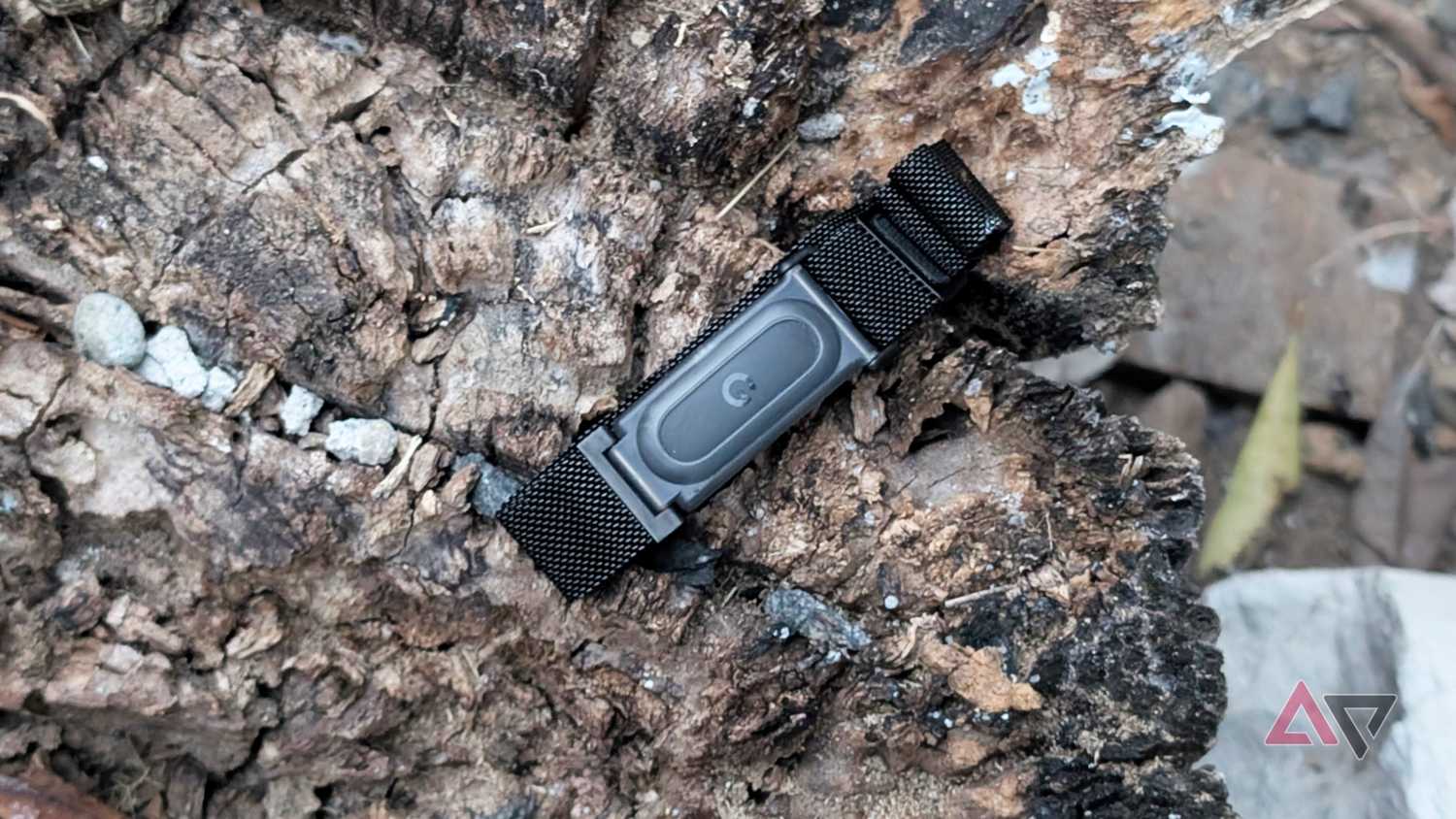
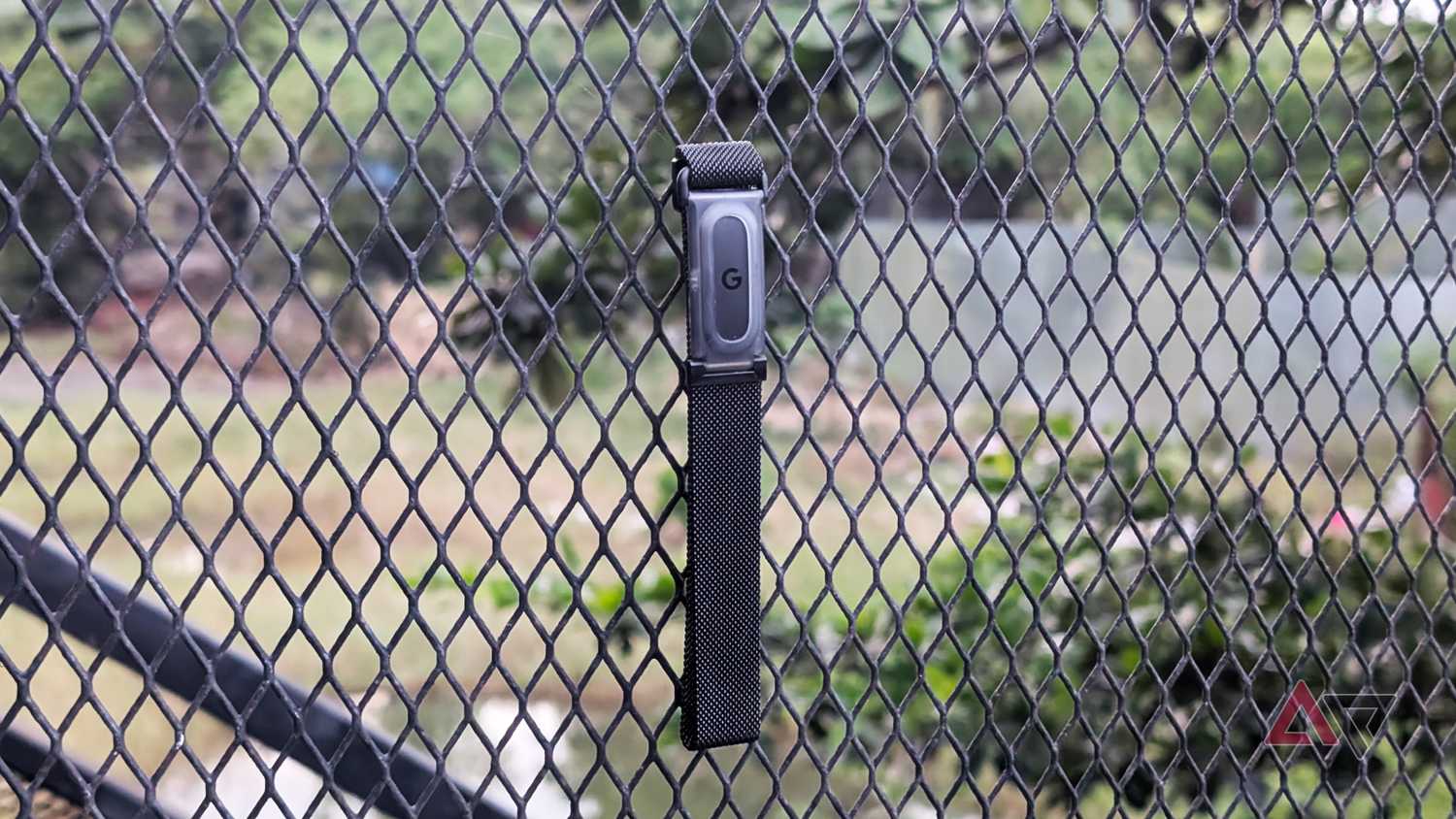
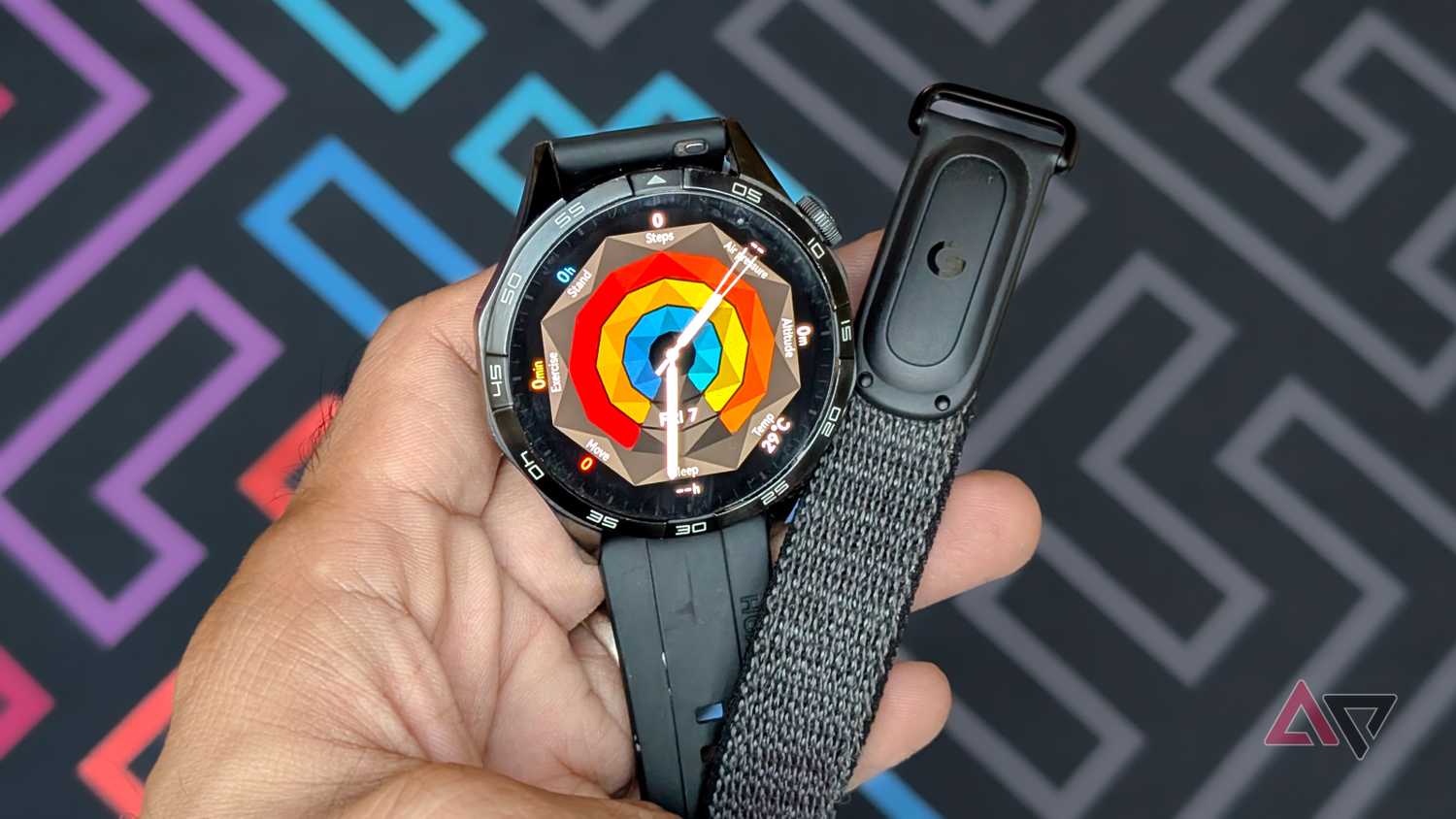
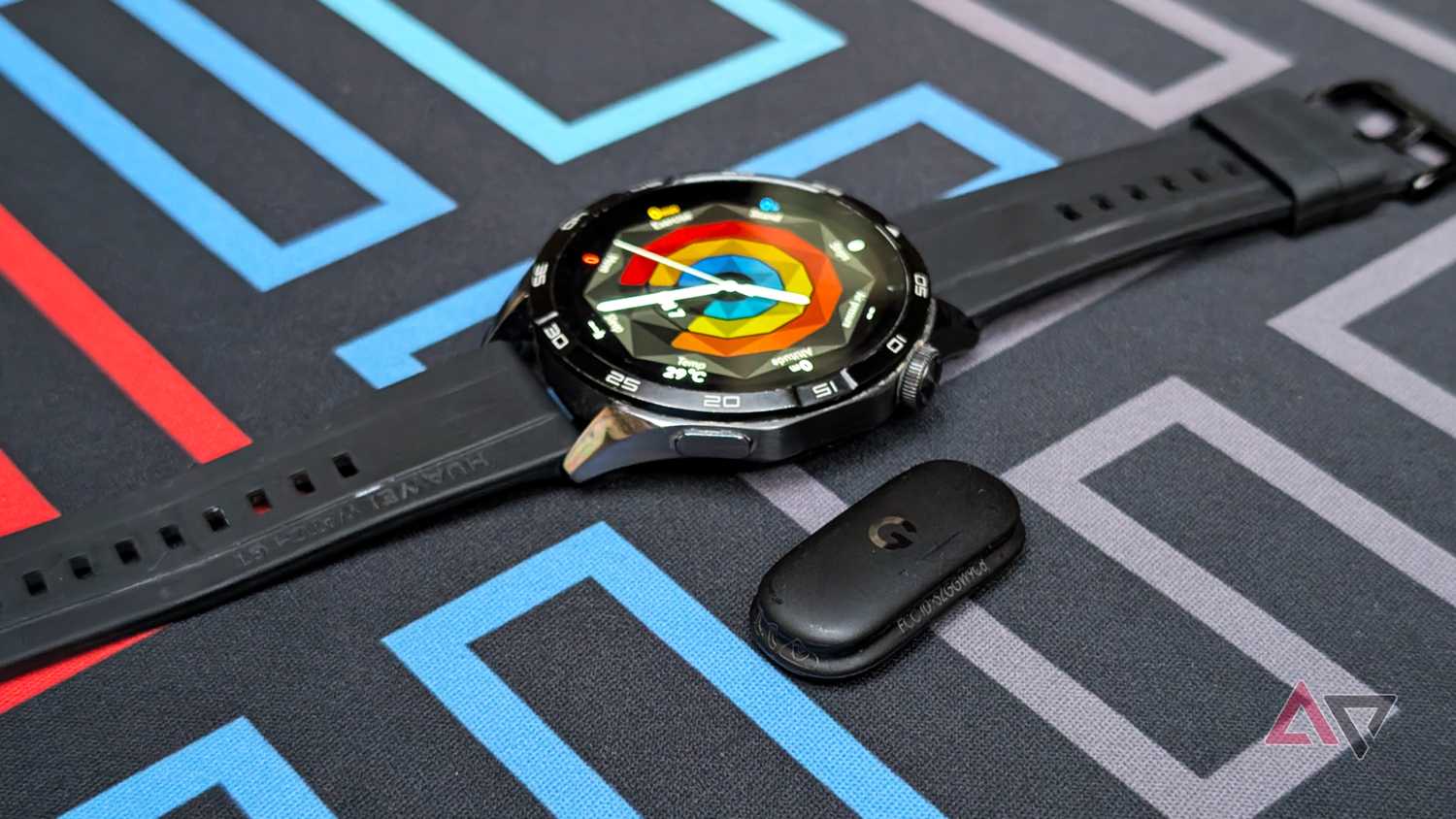
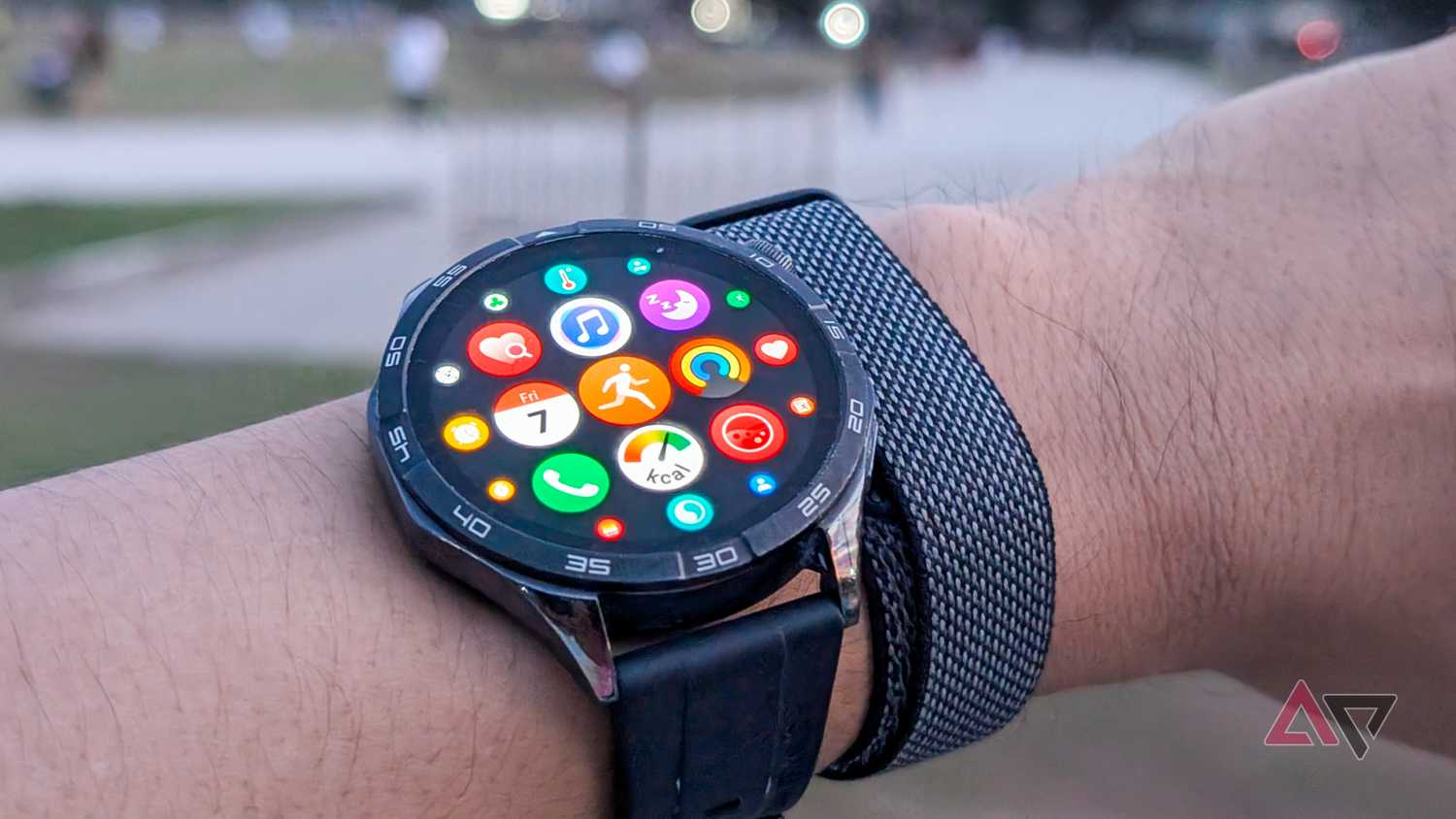
Initially, I thought of my Fitbit Air as secondary to a . I planned to use it as a backup when charging my Huawei Watch GT or when I needed to track my sleep, since I've never liked wearing a watch overnight.
The Fitbit Air lacks the display I've relied on with my standalone watch to check the time, my vitals, and notifications. It also doesn't have a microphone for calls or voice commands.
At first, I overlooked those missing features, knowing they were part of the trade-off for the discreet design and lower price compared with a smartwatch that can cost two or three times more.
However, over time, I've realized that the screenless form factor is exactly why I've stuck with it. It's become an advantage of having the Fitbit Air.
Having no display means I'm no longer constantly checking my wrist to see the time or how many steps I've accumulated throughout the day.
If I do, it's usually just to check my sleep insights and see how much sleep I need to maintain a decent sleep score.
Over time, this has actually made me more productive at other things. I spend less time glancing at my wrist or unnecessarily fiddling with the interface as I used to.
It serves me well for tracking
I stopped paying for features I don't need
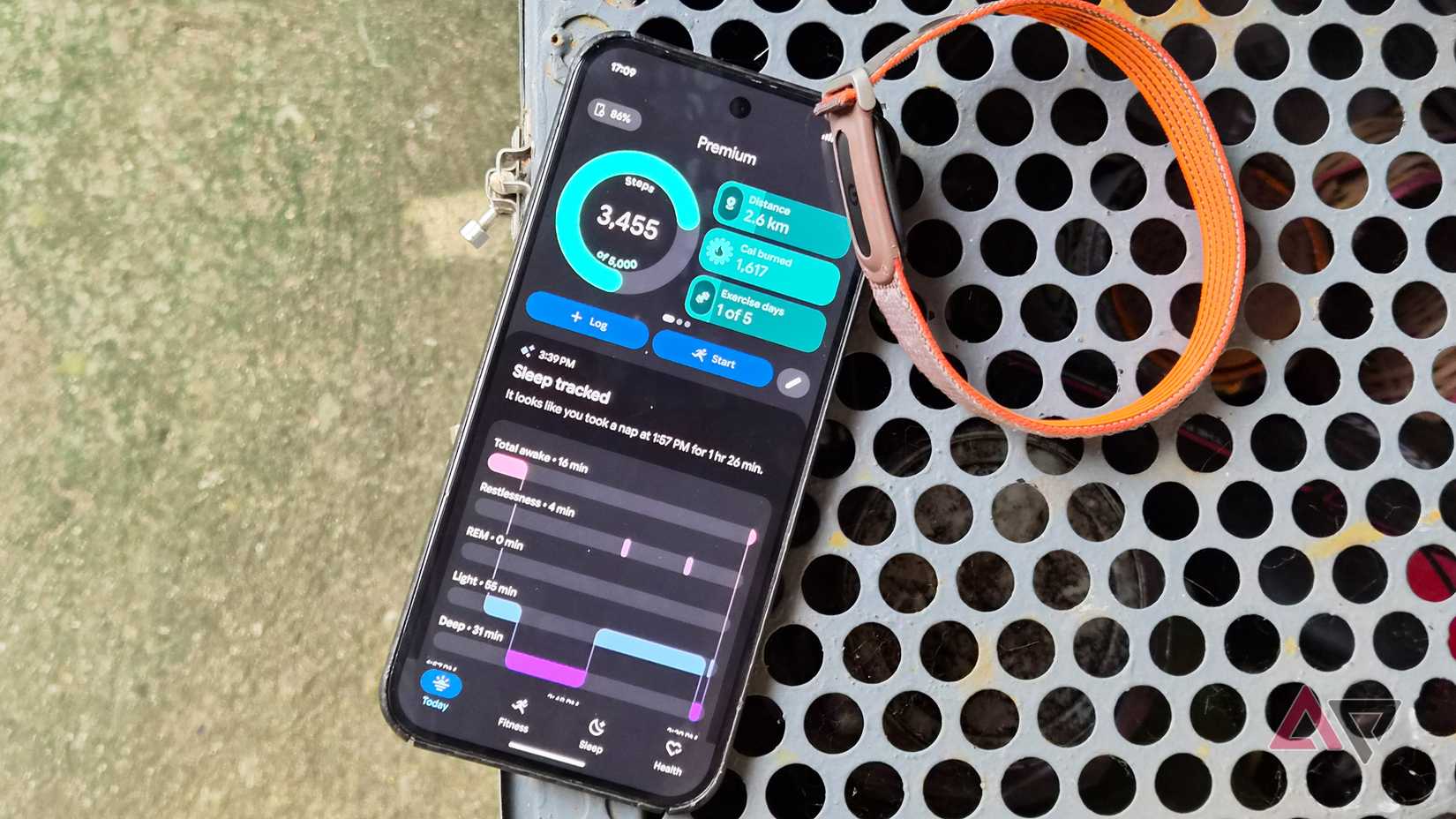
Beyond the display, I realized that I simply don't need many of the extra features modern smartwatches offer.
That includes running apps, endlessly customizing watch faces, or taking calls from my wrist.
Those features are certainly useful for some people, especially users who rely less on their phones.
In my case, though, I've mainly used wearables for tracking workouts, sleep, and other health metrics.
That's also how I used my smartwatch most of the time. Many of the more advanced features simply went unused because I only needed the essentials.
The Fitbit Air delivers those essentials just as reliably, but in a much smaller and less distracting package. I even skipped paying for after my free three-month trial ended.
There simply wasn't enough value to justify subscribing when the free experience already covered everything I needed from a health and fitness tracker.
A truly rugged wearable
I'm not worried about knocking it around
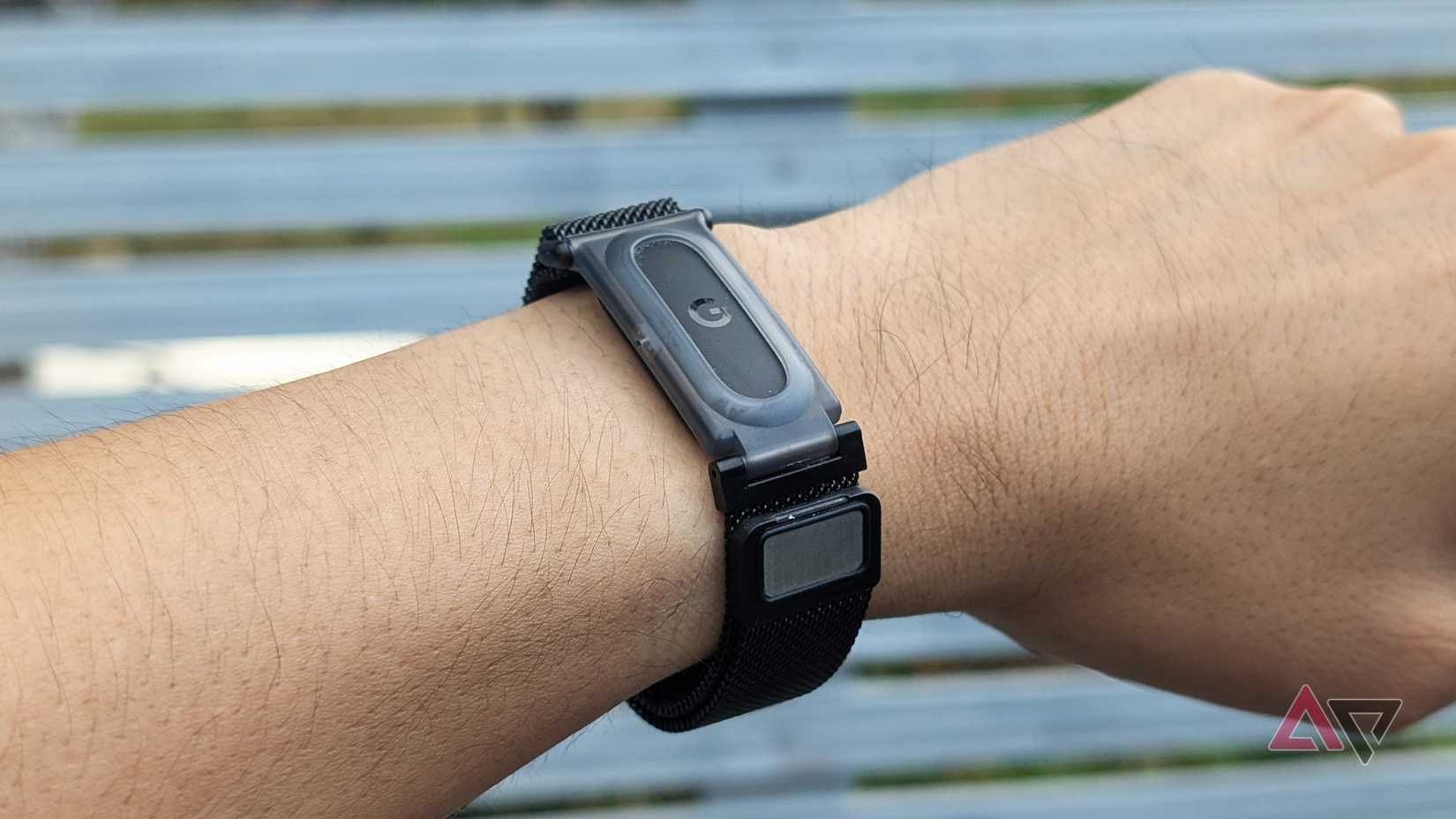
I don't worry about accidentally bumping it against furniture or scratching it during daily use. Its design also protects it, because the second layer of the band covers the top of the module.
Sure, it has picked up a few minor scuffs after months of wear, but it still looks and feels solid.
Knowing it doesn't have physical buttons or a display also gives me extra peace of mind. I'm not constantly thinking about protecting the screen or worrying about damaged buttons after the occasional knock.
I've also worn it during a few swimming sessions. Because it has fewer openings and exposed components than most smartwatches, it feels more sealed and robust.
Consistent battery life
I stopped thinking about charging
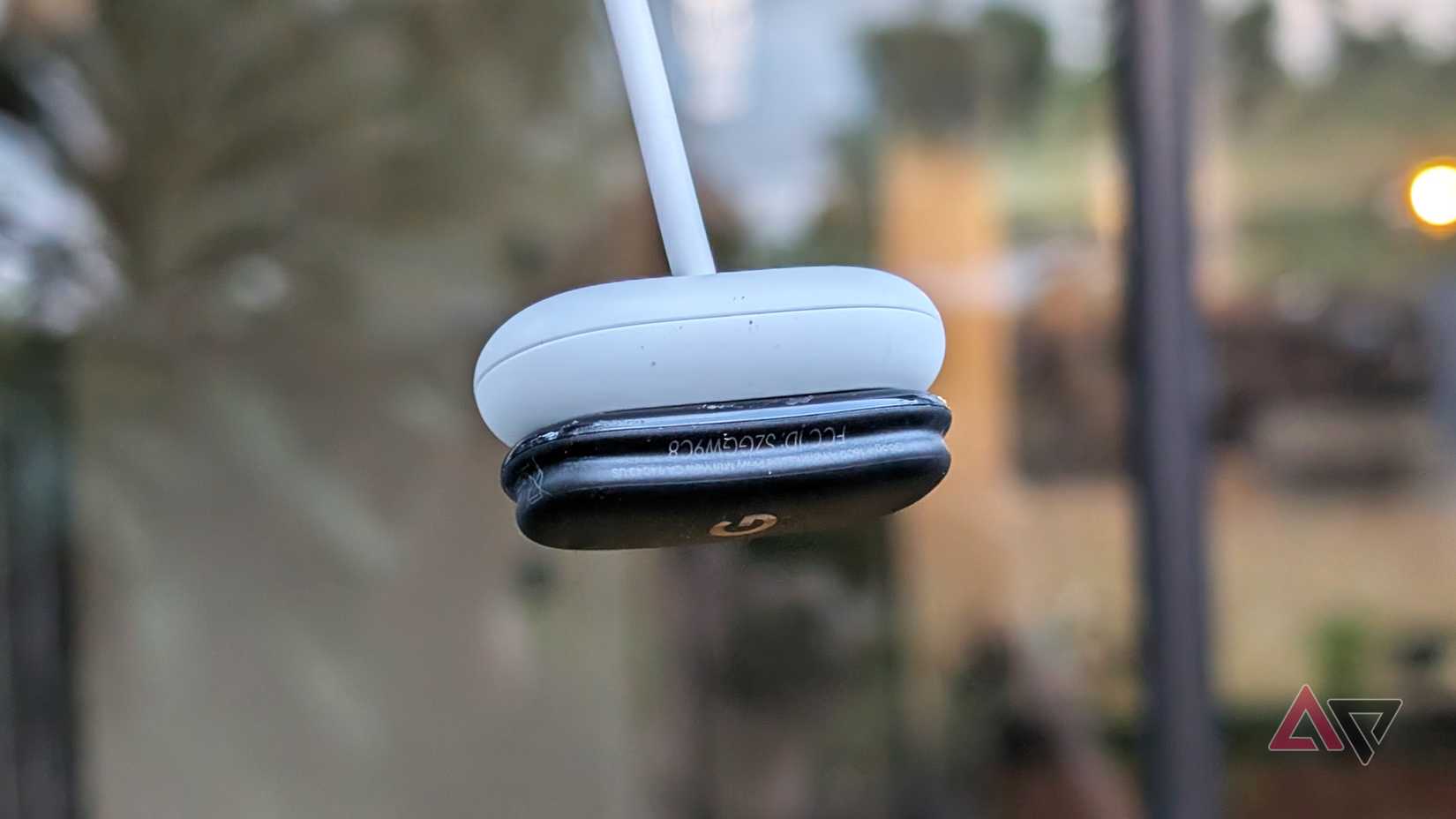
Although my previous smartwatches lasted a few days between charges, the Fitbit Air delivers far more predictable battery life.
I can charge it to 100% and not worry about it dying for four or five days.
Even better, I've stretched it to seven days on a single charge at times, roughly double what I typically get from my smartwatch.
It also removed the habit of constantly checking battery levels. I leave it strapped to my wrist and only think about charging it once a week.
Speaking of charging, it isn't quite as fast as I expected. However, its small battery also means that even a short top-up can provide enough power to last the rest of the day.
I stopped worrying about buggy updates
The Fitbit Air has remained optimized throughout
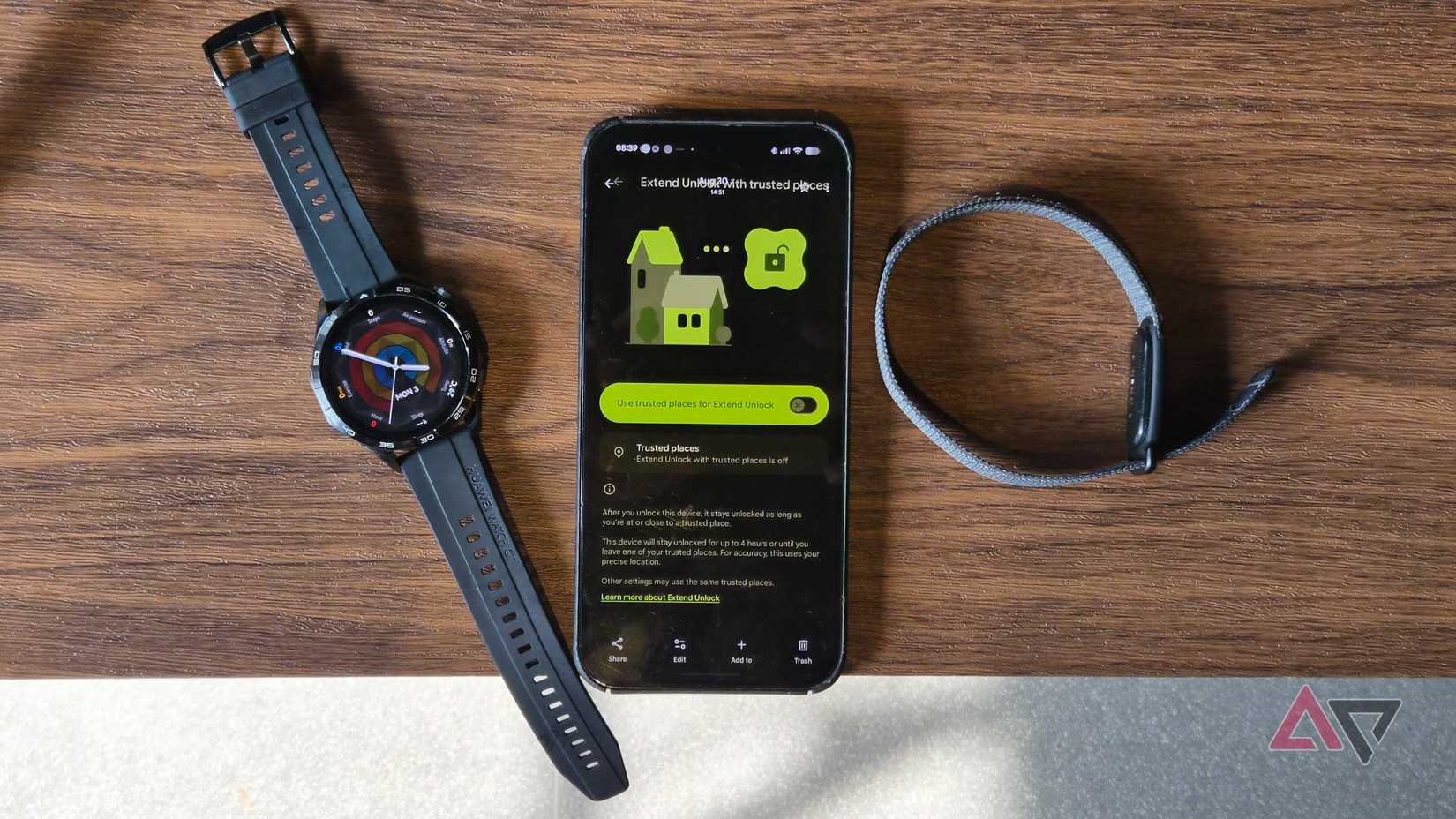
It's true that smartwatches such as the Google Pixel Watch and Samsung Galaxy Watch now offer an experience comparable to a smartphone's.
That's made possible by Wear OS and Gemini integration. However, there is also a downside when the software becomes buggy or introduces unexpected issues.
I've followed Pixel Watch updates for years, and there's always the occasional update that causes battery drain, performance issues, or broken features.
The Fitbit Air runs on a lighter Fitbit OS instead of the full-fledged smartwatch platform found on Wear OS devices.
Plus, most improvements and new features arrive through the Google Health app rather than through frequent firmware updates to the wearable itself.
In the time I've owned it, I've received only one post-launch firmware update, alongside the initial setup update.
For a tiny wearable with no display and no buttons, that's not necessarily a bad thing. It also means it's less susceptible to software bugs that could impact its functionality.
Since owning it, I've only encountered a handful of issues, mainly with sleep-tracking accuracy.
Beyond that, it has remained stable and dependable for everyday tracking, which I credit to the less complicated operating system it runs on.
The Fitbit Air made me skip my Pixel Watch plans
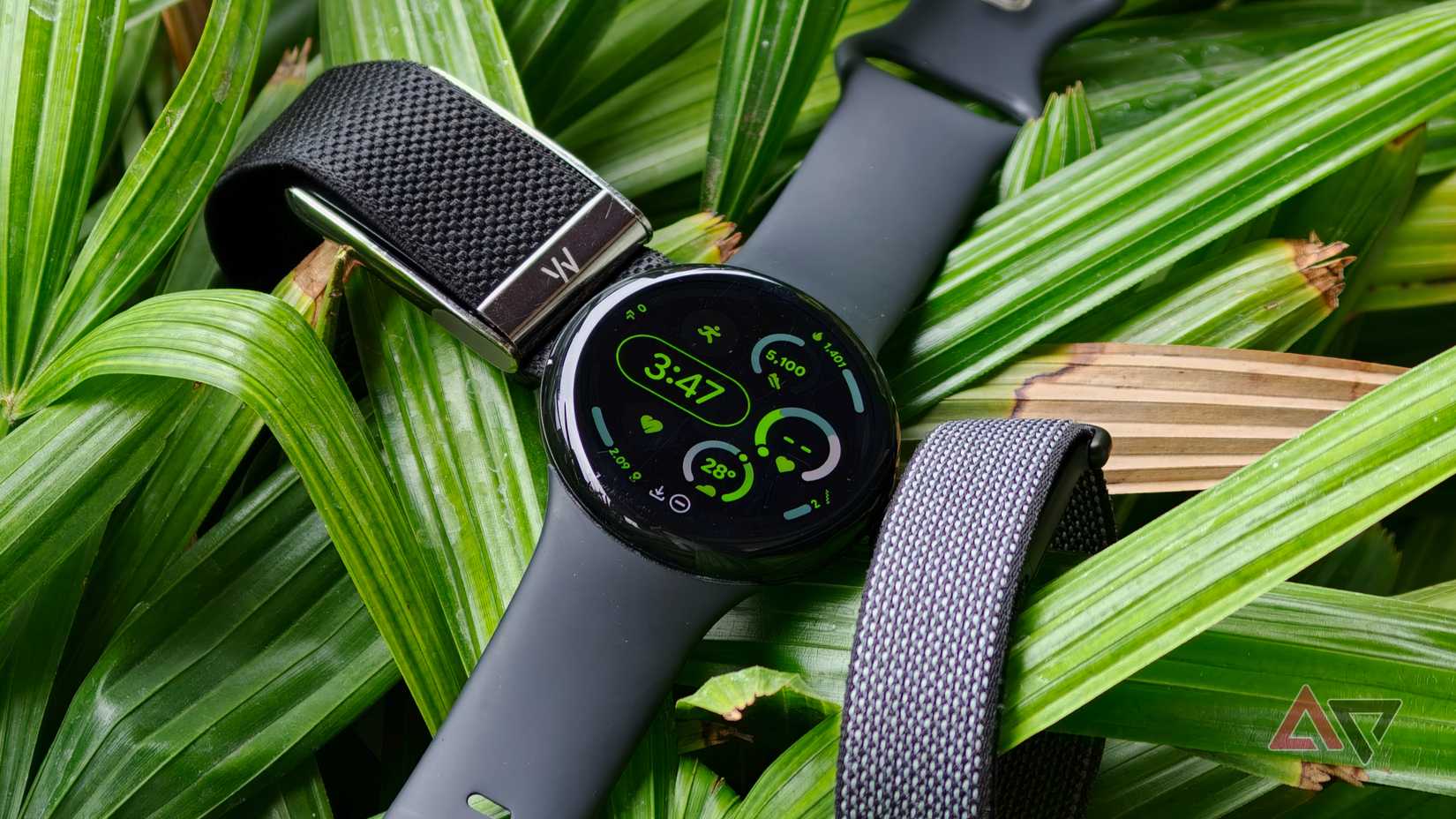
Frankly, the Fitbit Air isn't a perfect wearable. But if you judge it by what it was designed to do, then it's arguably more than sufficient for my needs.
I can easily overlook its limitations as long as it delivers what I expect: reliable 24/7 health and fitness tracking. It does that exceptionally well.
This experience made me realize something I never expected: I don't actually need a smartwatch when a simpler device can do everything I need for less.