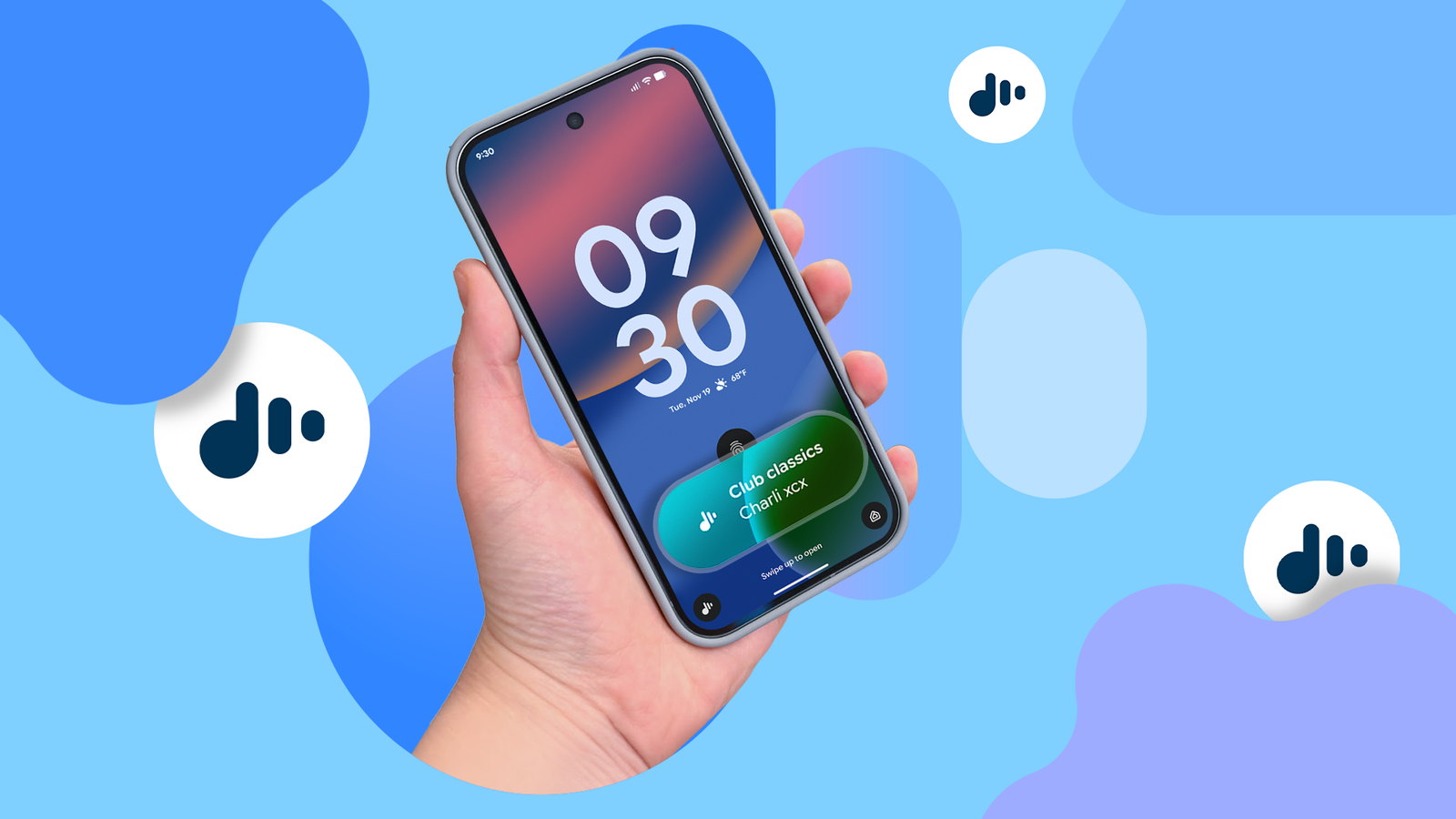
If you're like me, you've probably tried dozens of Android smartphones, each with its own unique software features.
Some excel at manual camera controls, while others infuse AI into every aspect of the experience.
Very few have meaningfully changed the way I use my phone. That is, until I started using the Google Pixel 9.
The Pixel experience isn't only about a clean Android experience or timely updates. It's also about the subtle intelligence baked into the software — now supercharged by the deeply integrated Gemini assistant.
These little tricks, using a combination of AI and clever design, have shifted how I communicate, create, and relax.
Here are five Pixel features that changed how I use my phone every day.
Fix it after the click
If you're investing in a Pixel smartphone, the camera experience likely ranks high in your smartphone buying decision.
Taking the perfect photo is rarely a one-tap affair, even with the best camera smartphones. Someone always blinks, a stranger wanders into the background, or there's that one strange shadow across your face.
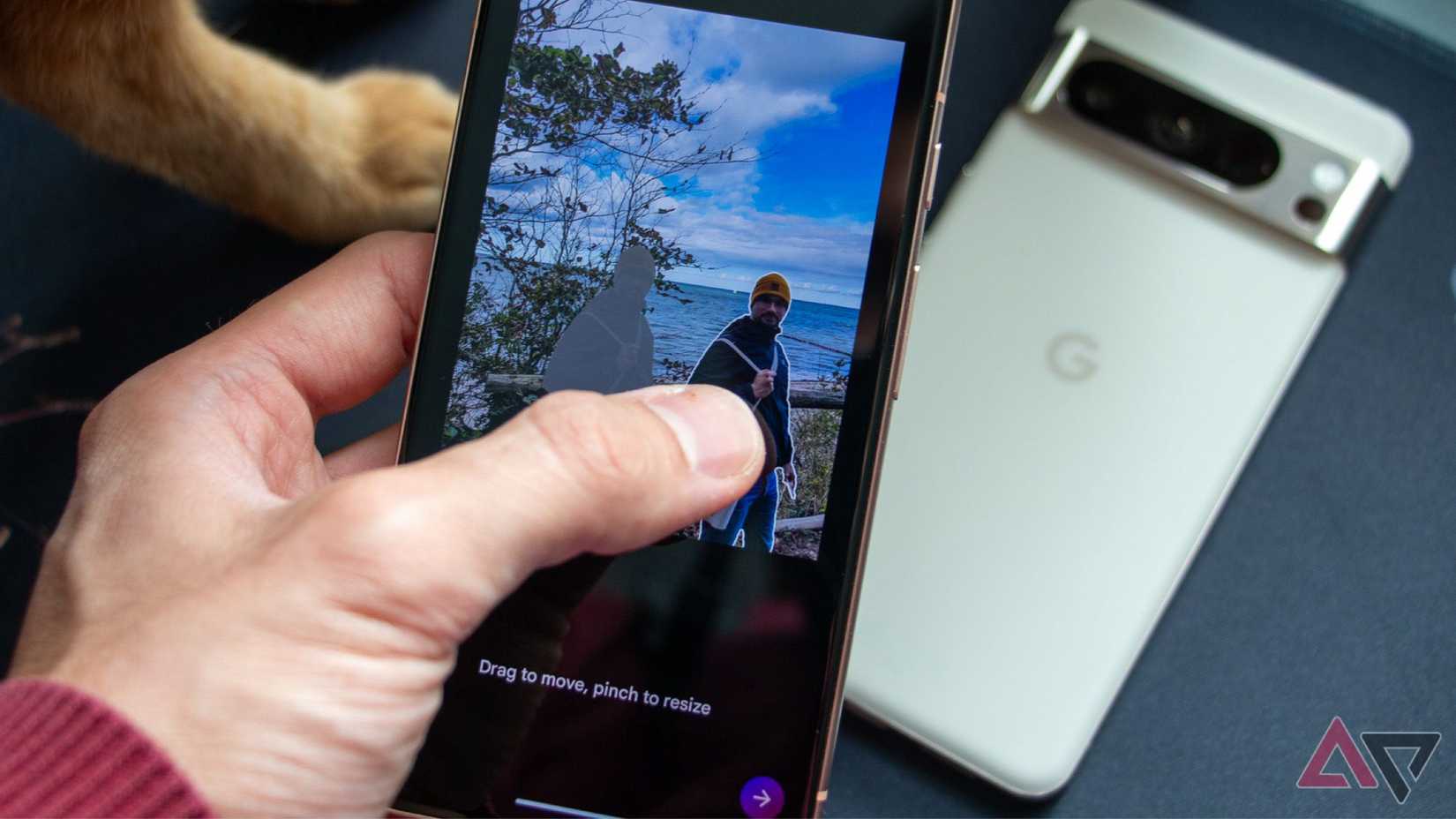
With most phones, you're stuck with those imperfections. However, with the Pixel's Magic Editor, Magic Eraser, and Best Take features, I've stopped worrying about them entirely.
Magic Eraser lets you erase distractions from your photos with a tap. Distracting objects or photobombers ruining the perfect shot? It's a single tap to get rid of them.
It's shockingly easy and often eerily accurate. I've cleaned up so many photos that would've otherwise sat unused in my gallery.
Then there's Magic Editor, which feels like having a professional photo retoucher built into the phone. It goes beyond just deleting things.
If I compose a shot poorly in the moment, I can tap, hold, and slide the main subject where I want them in the frame. I can even swap out a drab, overcast sky for a vibrant golden-hour sunset.
It gives me a second chance to frame and light a scene long after I've left it.
Best Take is another lifesaver, especially during trips with friends or chaotic family holidays.
The Pixel grabs a burst of images when you snap a group shot, then lets you swap in the best facial expressions across those shots to build a single flawless picture.
Instead of settling for the one where your cousin blinked and your friend was looking away, you get everyone smiling with their eyes open. You get the perfect group photo, exactly how you want to remember it.
I use it so often that it's completely eliminated the stress of trying to get everyone to pose perfectly at the exact same second.
These tools aren't only about fixing bad photos. They've changed how confidently I capture memories and instilled trust in the phone's ability to capture the shot even in imperfect conditions.
The magic of discovery
This one's an oldie but a goldie that never ceases to amaze me.
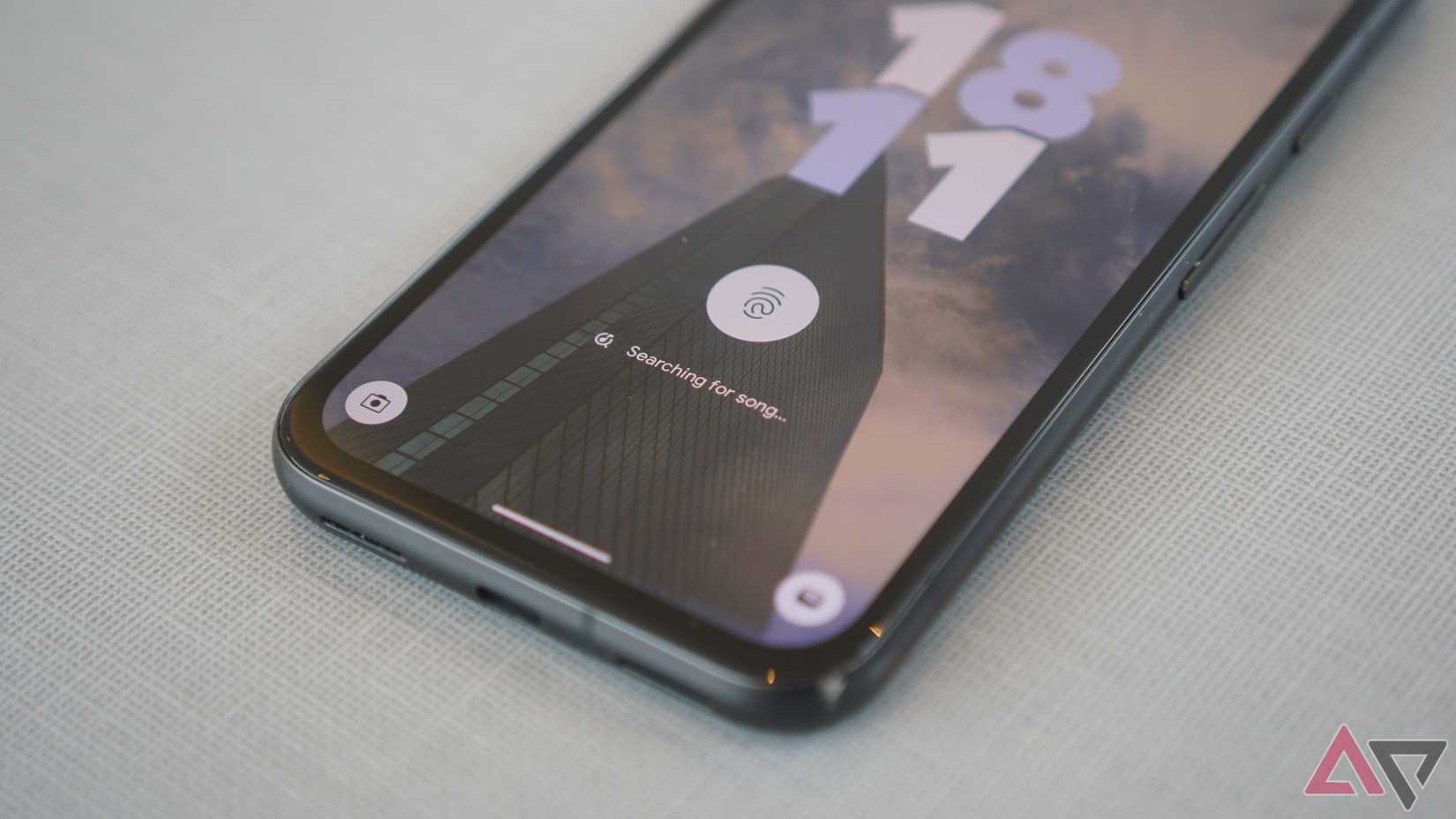
I frequent a lot of music venues; the Pixel's ability to sniff out even the rarest of ambient audio tracks has been a favorite feature.
When I'm out and about, the Pixel quietly listens for music playing in the background and shows the song title and artist on the lock screen.
I've rediscovered songs I forgot existed and found dozens of new ones without ever lifting a finger.
The best part is that it all works offline. No internet required. The Pixel has a local database of thousands of songs and uses on-device smarts to identify them. It's private, efficient, and incredible.
Now, instead of opening Shazam or Googling lyrics, I glance at my lock screen. Every few weeks, I check the in settings to scroll through the music I've passively collected.
It's basically Pokémon Go, but for all the music that surrounds you as you go about your day.
Circle to Search
Search for anything, anywhere
While not a Pixel-exclusive, it's one of those tricks that becomes second nature after you start using it.
I can't count how many times I've seen a product, word, or face on my screen and wanted to look it up. That usually meant jumping between apps, screenshots, and browser tabs. Not anymore.
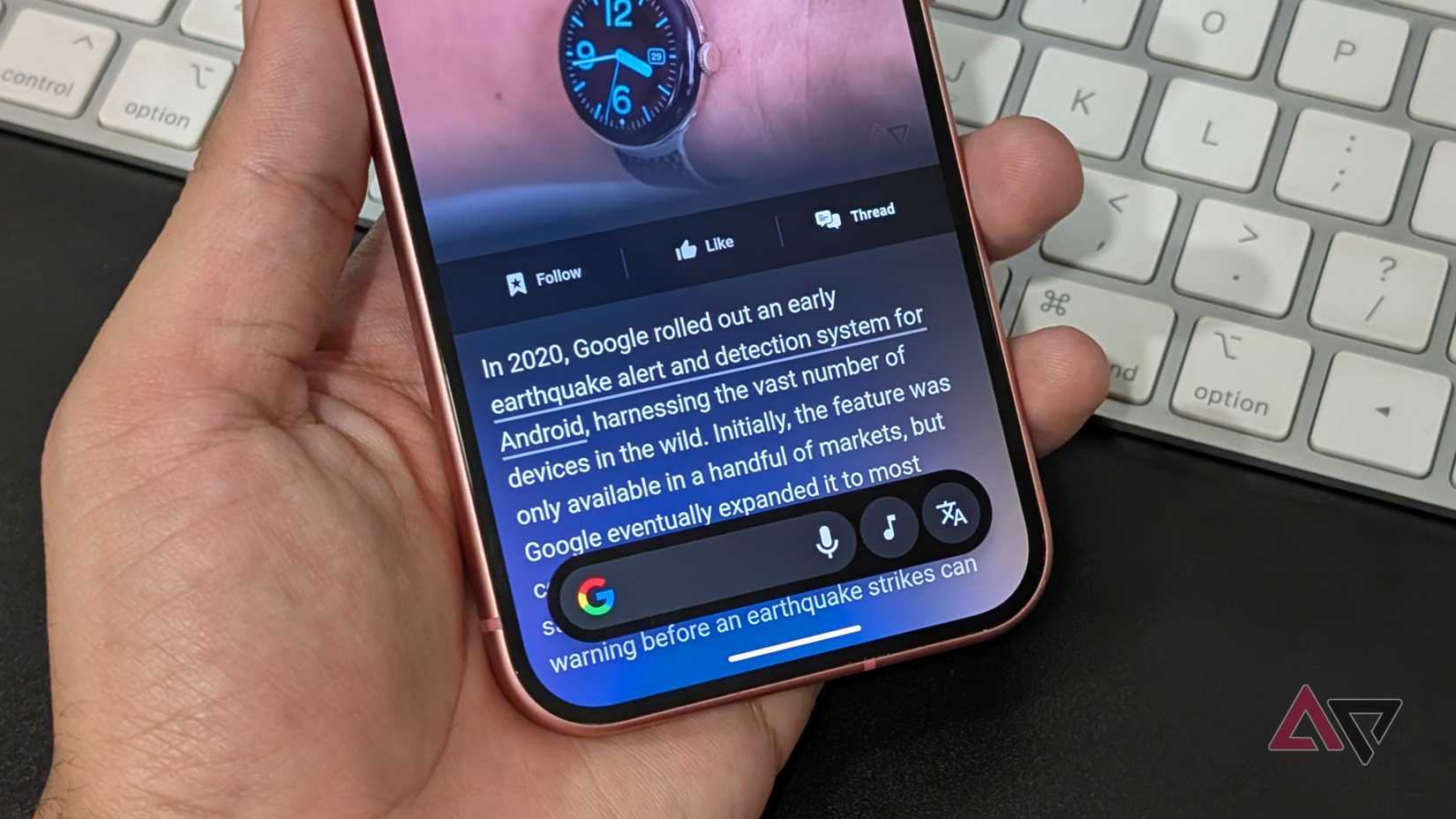
With Circle to Search on the Pixel, I just long press the home bar and circle what I want to know more about. That's it.
Spot an interesting-looking accessory? Circle it, and the phone pops up with accurate results. Reading an article and stumbled on a word you didn't understand? Circle to Search looks that up for you.
It's the natural evolution of Google Lens, and I love how it makes search instantly accessible and intuitive.
Moreover, the feature works almost everywhere, including social media apps like Instagram, YouTube, web articles, and more. This seamless accessibility is why I've found myself using it more than ever.
It's made looking up content frictionless, and I'm here for it.
Your personal AI note taker
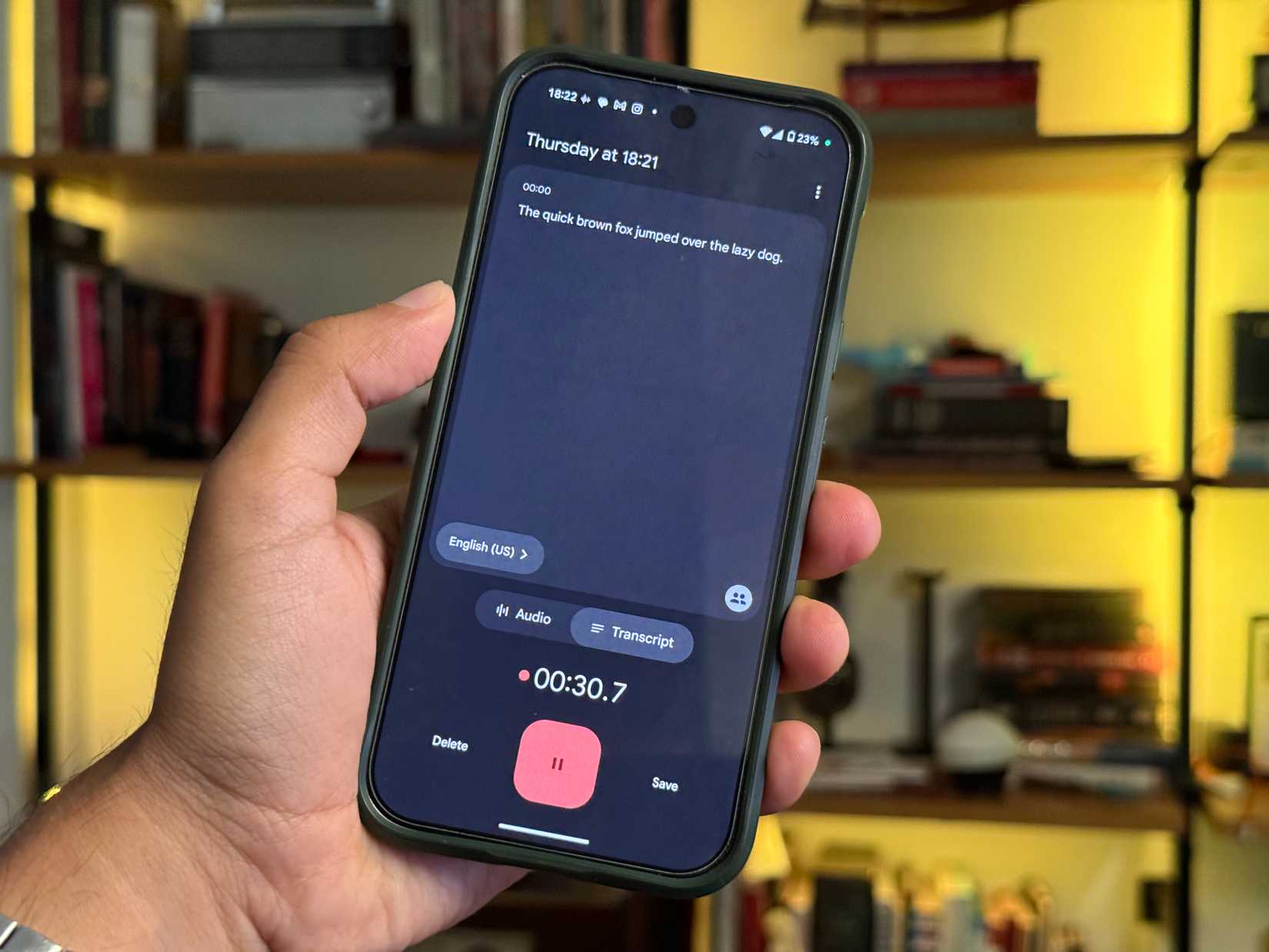
As a journalist, I attend a lot of interviews and take meeting notes. Moreover, sometimes, I like to journal thoughts out loud.
For me, the is underrated. I've used plenty of voice recorder apps, but none feel this smart or intuitive.
As soon as I tap , the Pixel starts transcribing what's being said in real time. No uploads. No waiting needed.
It doesn't dump a wall of text. It breaks it into paragraphs, labels different speakers, and makes the recording searchable by keyword.
Need to jump to the part where someone mentioned a specific project or date? Search for that word, and you're there in seconds.
This feature has saved me hours of manual transcription, and it's so well-integrated that I sometimes forget how advanced it is.
Whether I'm recording a brainstorming session or a quick voice memo to myself, it's become second nature, and it's even more valuable with Gemini summaries now baked in.
Making everyday conversations effortless
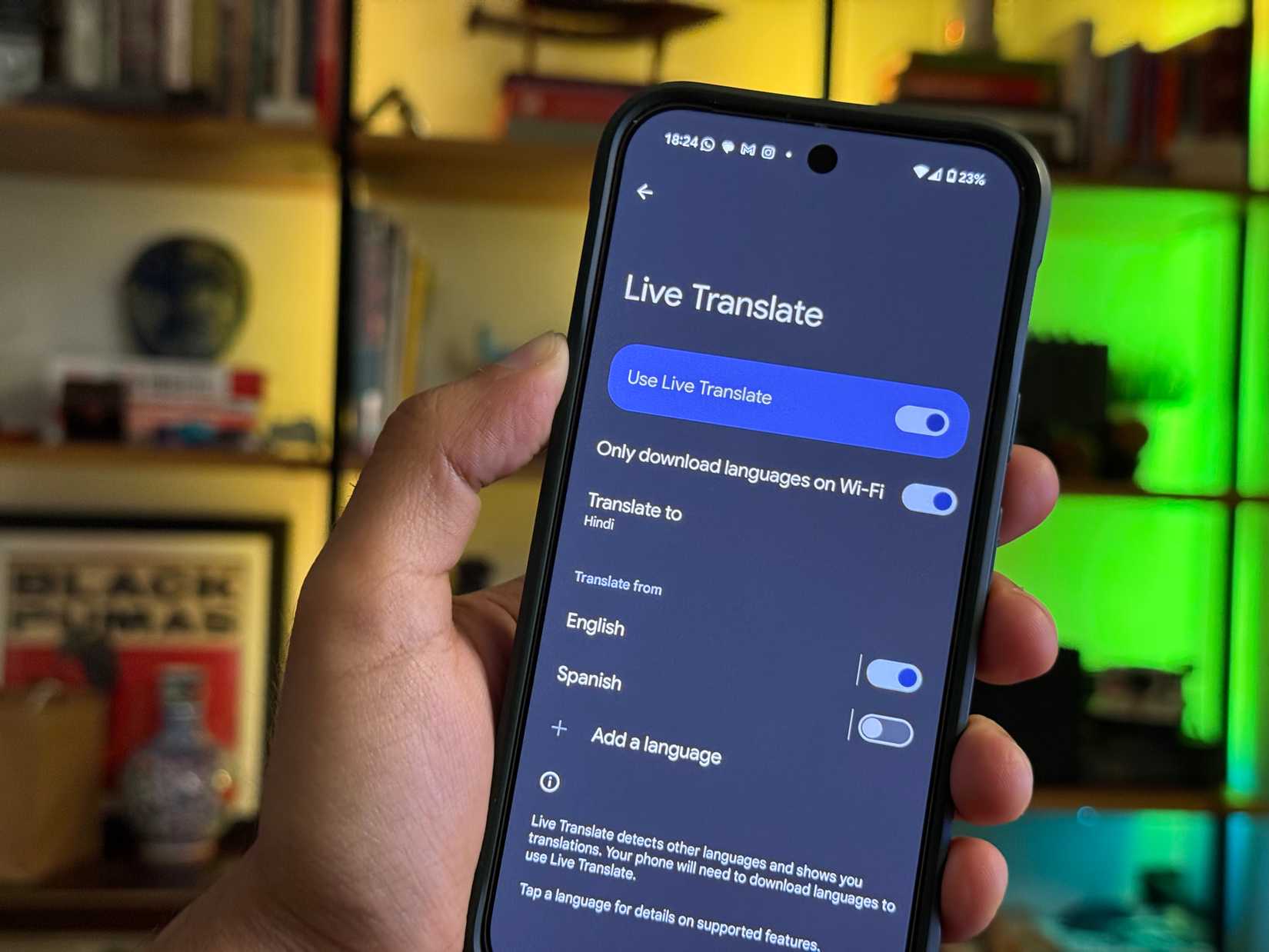
I live in India, so it isn't uncommon for me to encounter messages or text messages in local languages. These aren't always easy to read, but the Pixel's built-in Live Translate service comes in handy for making sense of them.
The Pixel can translate conversations in real time, even within apps like WhatsApp and Google Messages. No copying and pasting into Translate and zero awkward delays. Just seamless, real-time text translation that happens as you type.
The feature comes in handy while traveling, too. I put it to work on a trip to Spain and could effortlessly communicate at a local restaurant. That seamless ease of use is priceless.
The translation accuracy isn't perfect, but it's surprisingly good, and because it's embedded so deep in the OS, it feels effortless. It's one of those features you forget exists until you absolutely need it. And then you're very glad it's there.
Why the Pixel keeps me coming back
There's a lot of talk about AI in smartphones these days, but with the Pixel, it doesn't feel like a buzzword.
Google's additions feel like thoughtful, intelligent tweaks that work in the background to make my life easier without me having to ask for them.
These aren't features I use once and forget. They're deeply integrated into my daily routine, whether it's cleaning up a group photo, identifying a song at a coffee shop, or translating a WhatsApp message in a language I barely understand.
What stands out most is how seamlessly everything works. There's no steep learning curve or setup process. The best Pixel tricks show up when you need them and hide away when you don't.
I like that kind of invisible helping hand, and it keeps me coming back to the Pixel lineup year after year.
For me, it's no longer just about specs, camera sensors, or charging speeds. It's about smart software that understands how I use my phone and makes the experience feel effortless.