The first big heating bill of the season usually stings more than the first cold snap.
You can take a lot of the bite out of it with about 15 minutes in the Google Home app, before the furnace starts running around the clock.
Here are the Nest thermostat settings I'd check right now. I'll tell you where to find them and what values I'd pick.
Some of them save money. A couple of them protect your pipes and your pets, which is worth more than a few dollars off the bill. Here's what to do.
Older Learning Thermostats can't use any of this
Before anything else, check which thermostat is on your wall. Google ended cloud support for the Nest Learning Thermostat 1st and 2nd gen on October 25, 2025.
None of the app paths below work on those units anymore. If you own one, you have to make every schedule and temperature change on the physical dial.
If you have a Nest Learning Thermostat 4th gen, 3rd gen, Nest Thermostat (2020), or Nest Thermostat E, the Google Home app is still where everything happens.
Eco Temperatures should kick in when nobody's home
Pick a temperature your pets can tolerate
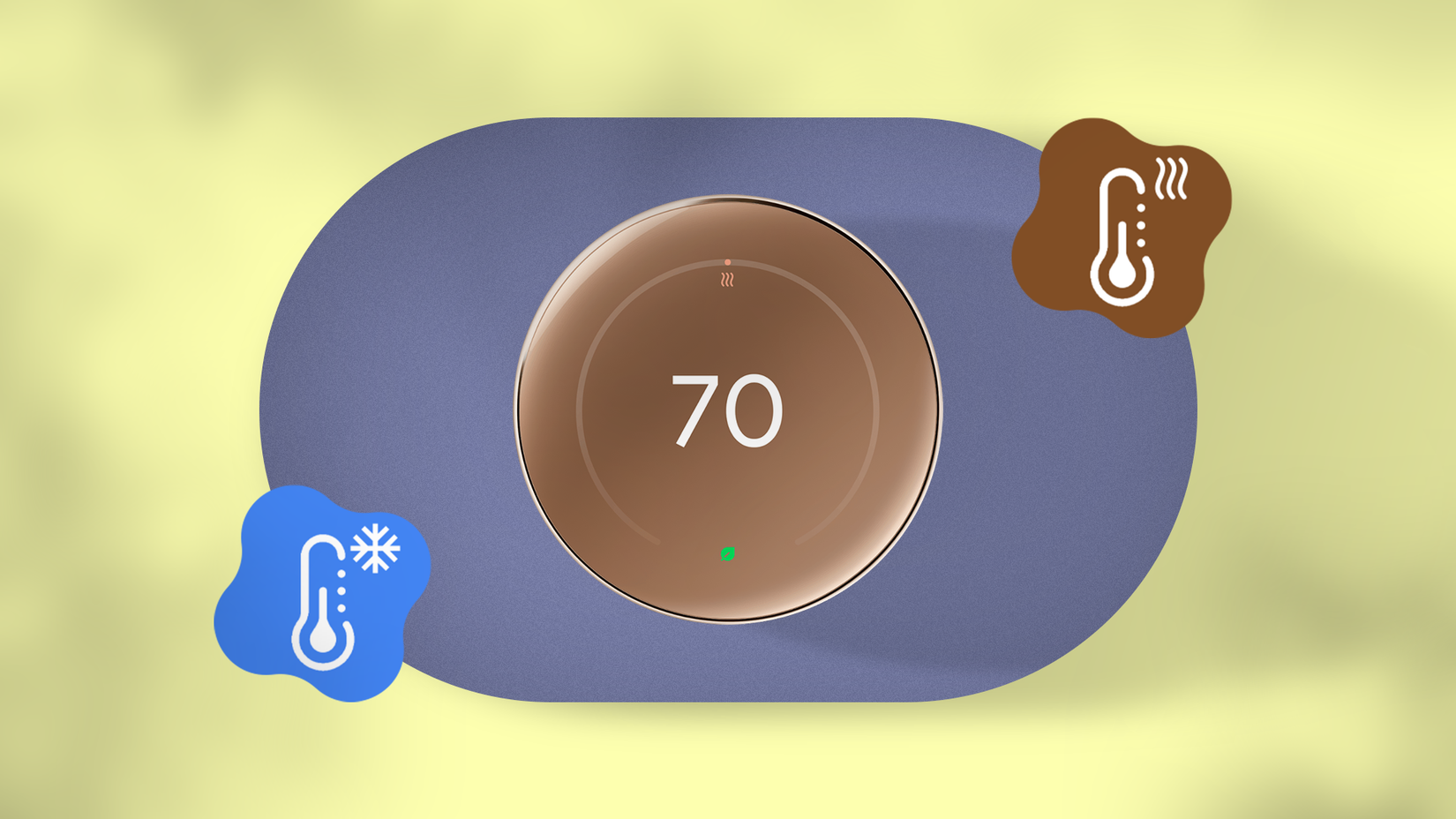
Heating an empty house is the fastest way to burn money. Eco Temperatures drop the heating setpoint automatically when the house is unoccupied.
You'll find them at Home > Climate > [your thermostat] > Settings > Temperature preferences > Temperature presets > Eco.
On a Nest Thermostat E or 3rd-gen Learning Thermostat, go to .
The temptation is to set the heating Eco point as low as it'll go. That's fine for an empty house, but a house with a dog or cat in it isn't empty.
Vets generally say indoor pets are comfortable at the same 60 to 70 degrees most of us keep our homes at in winter.
Small, thin-coated, young, and older animals feel the cold first, so give them some extra headroom.
I'd keep the Eco point between 65 and 70 and accept a smaller savings bump. Without pets, you can go lower.
Every phone in the house belongs in presence sensing
One missing phone means a cold living room
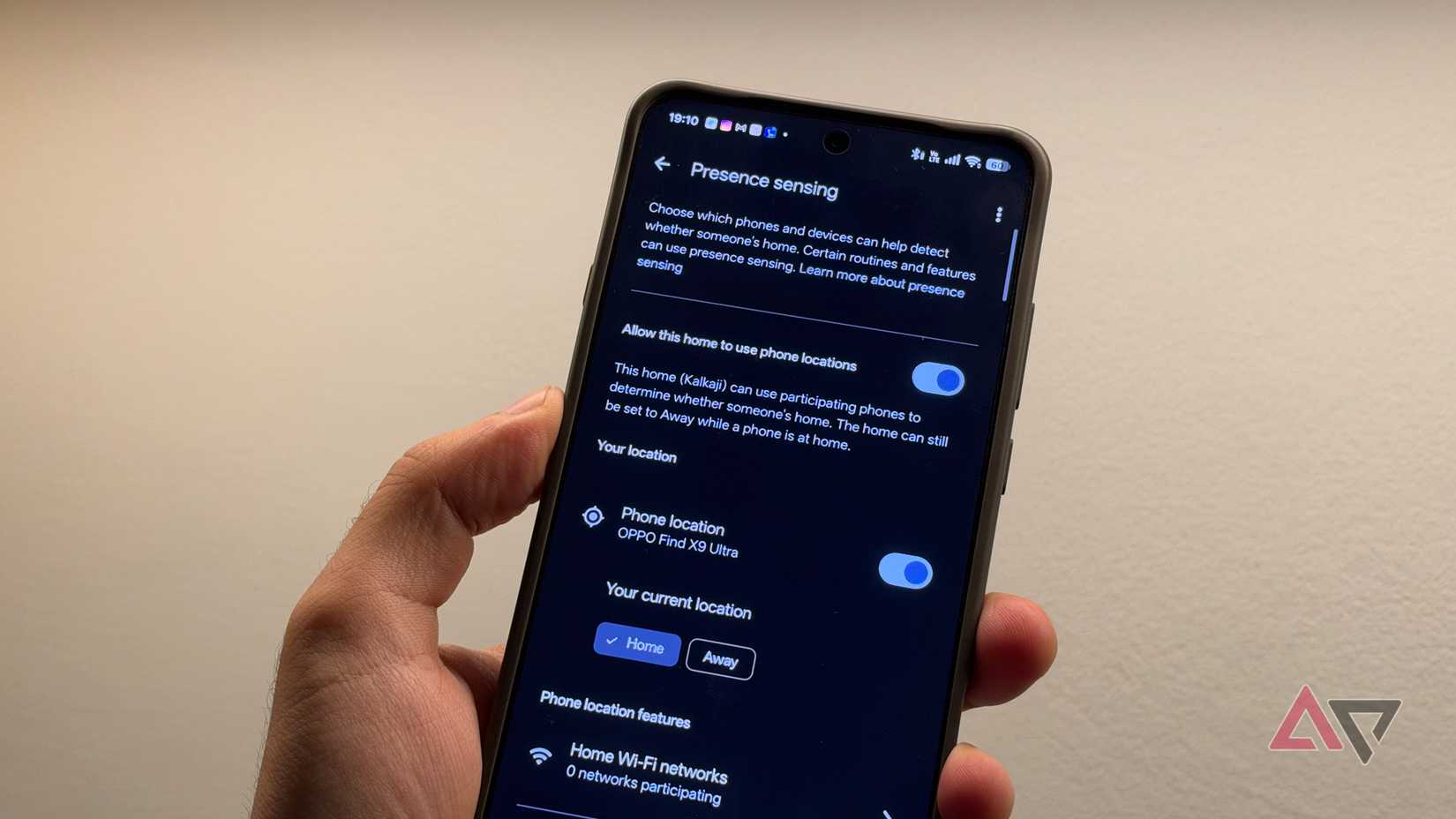
Eco Temperatures only switch on by themselves if Eco when away is turned on and presence sensing is set up.
Go to Home > Climate > [your thermostat] > Settings > Eco , and the app walks you through presence sensing for the first time.
Google combines your phone's location and Wi-Fi connection with activity sensors on the thermostat and other Nest gear to figure out whether anyone's home.
Every person who lives there needs to turn on presence sensing on their phone. If you skip someone, the system can decide the house is empty as soon as the last phone it knows about leaves.
So when you leave for work, the heat can drop even if your partner is still on the couch, unless the thermostat spots them.
That's the setting most likely to cause a family argument, so get it right.
You can pause outdoor temperature adjustments, but you probably shouldn't
Great for chilly mornings but bad for your bill
Your thermostat also factors in outdoor temperatures. On the Nest Learning Thermostat (4th gen), Natural Heating and Cooling can hold off the furnace on a sunny morning and let the sun finish warming the house.
The May 2026 Google Home app update (v4.16) added a one-tap override for it.
It sits on the thermostat controller screen and pauses the use of outdoor temperatures without touching your long-term settings.
That override is mostly for comfort. If the house feels chilly while the thermostat waits on the sun, tap it. Otherwise, leave it alone, because it's cutting your runtime.
Safety Temperatures keep your pipes from freezing
This one overrides everything else

While you're in the menus, check Safety Temperatures at Home > Climate > [your thermostat] > Settings > Temperature preferences > Safety Temperatures.
This is the one check you shouldn't skip. Heating protection is on by default with a 40-degree floor, so make sure nobody has switched it off.
If the house drops below that floor, the thermostat turns the heat on even if it's set to Eco or Off, or your home is set to Away.
Suggested automations are also worth a look
Someone has already written the routine for you
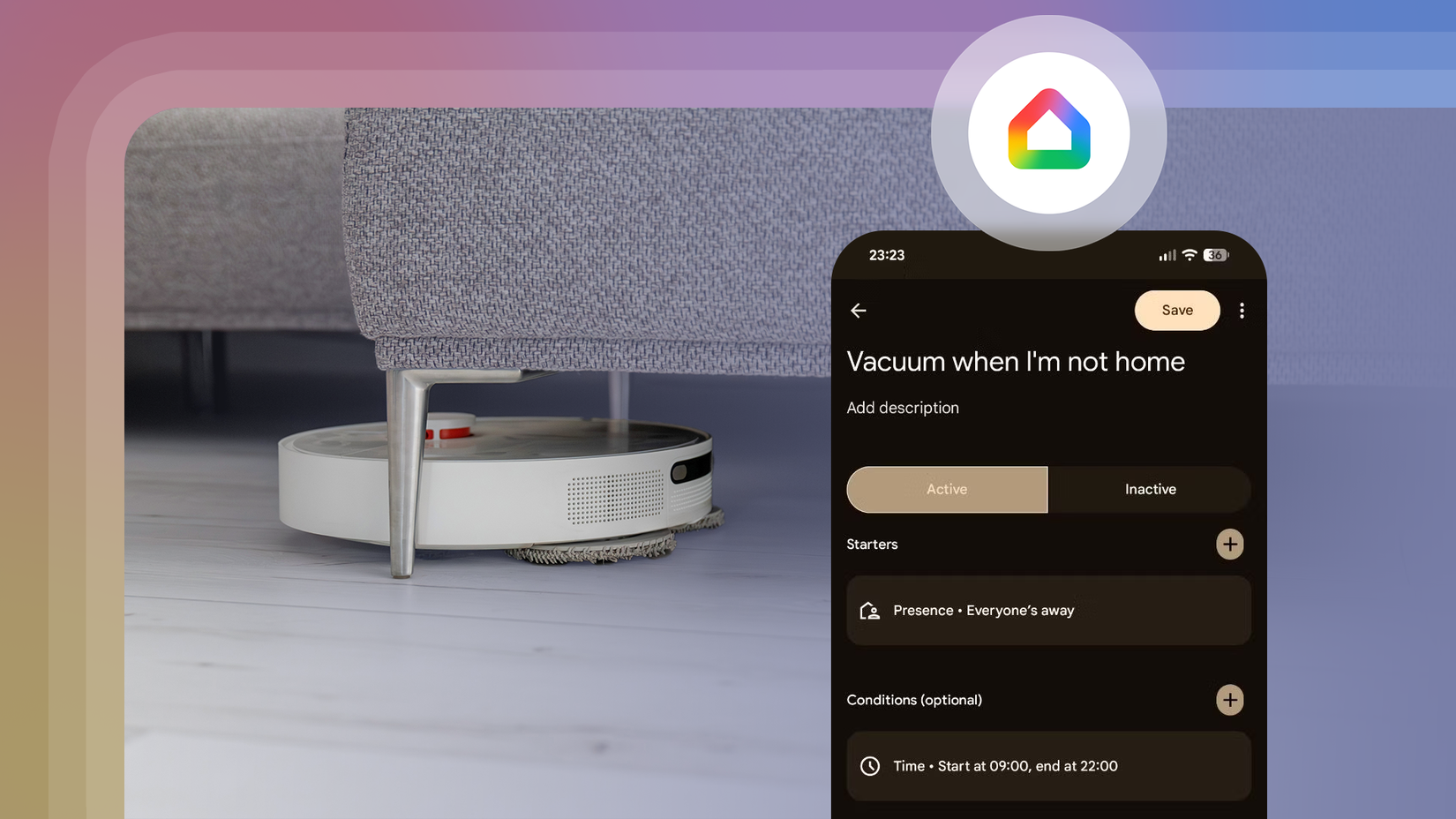
The v4.20 update added suggested automations to the Automations tab. You'll see them at the top if you haven't built any automations, or below your scheduled ones if you have.
These ready-made templates cover things like home security, morning routines, and energy savings. You can edit one before you save it.
If you pay for Google Home Premium, Gemini's Help Me Create goes further and builds an automation from a plain request like "Save energy while I'm away."
For example, you can drop the temperature when your bedtime routine runs or when your smart locks engage.
Fifteen minutes now is better than a nasty bill in January
Google says Nest thermostats cut heating bills by an average of 12%, based on utility bills from before and after installation.
The Department of Energy says turning your thermostat back 7 to 10 degrees for eight hours a day can save up to 10% a year on heating and cooling.
Those numbers, however, only show up if the settings are right. After that, let the do its job.