Adobe has added a Long Exposure mode to Project Indigo, its free experimental camera app for iPhone. It lets phone photographers turn moving water into mist, car headlights into glowing trails and flashlights into drawings in the air.
Phone cameras have small sensors, so image quality drops quickly as exposures get longer, Adobe researchers Florian Kainz and Marc Levoy wrote in a blog post on Wednesday. On iPhones, a single exposure can last one second at most. Longer captures, including the iPhone Camera app’s own Night mode, combine several shorter frames. Indigo’s new mode does the same, merging many frames into one virtual long exposure.
Indigo launched in 2025 with a simple long exposure option inside its Night mode. It is now a separate mode, called Long, next to Photo and Night. The viewfinder shows a live preview as the exposure builds up.
Two styles
Users choose how many frames to capture. Setting it to infinite allows more than 1,000 frames, and the user stops the capture by hand. Indigo then merges them in one of two styles.
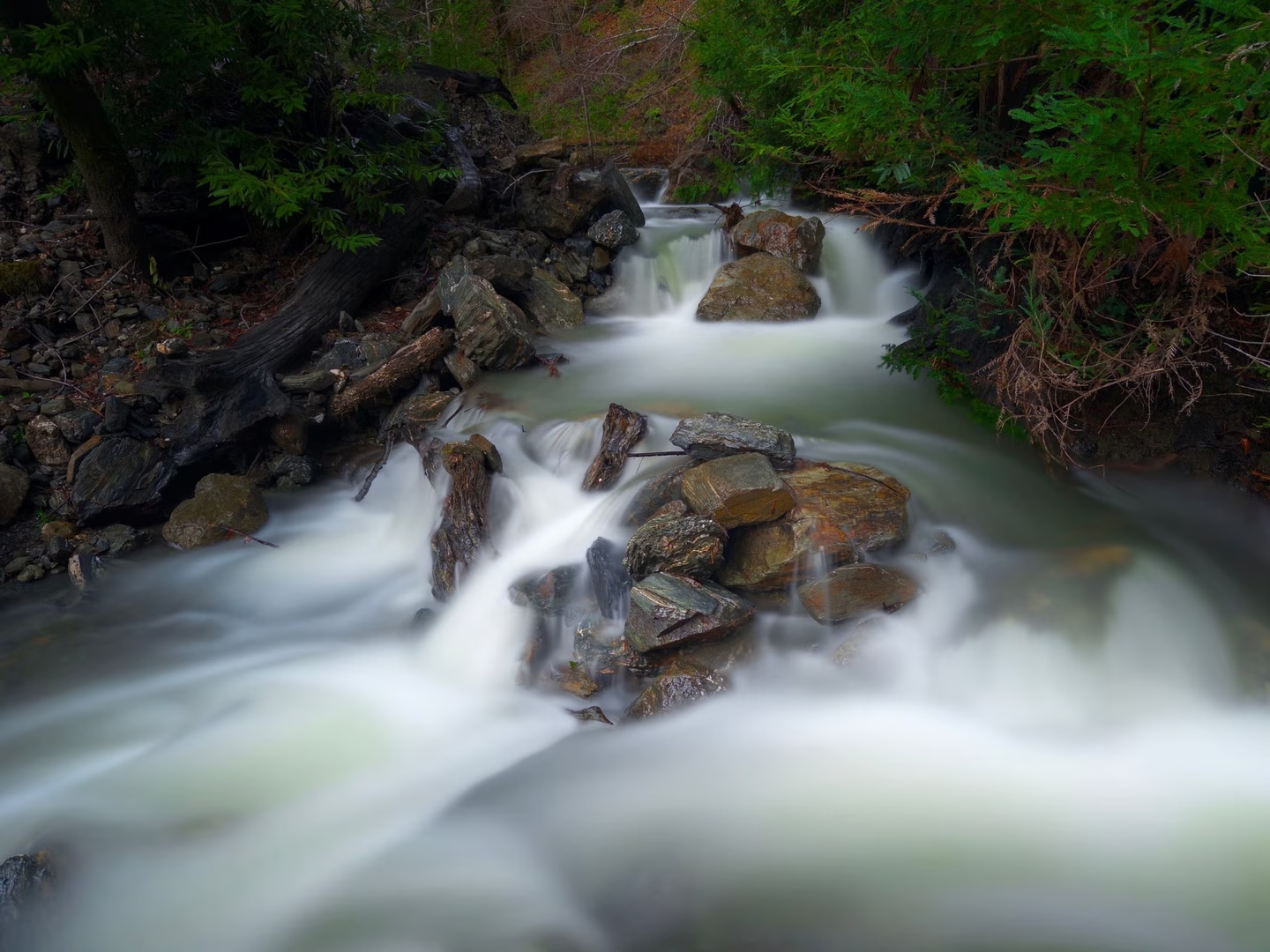
Average takes the mean of every frame. Adobe says it suits waterfalls, waves and fast clouds, and can remove people or traffic from a busy scene.
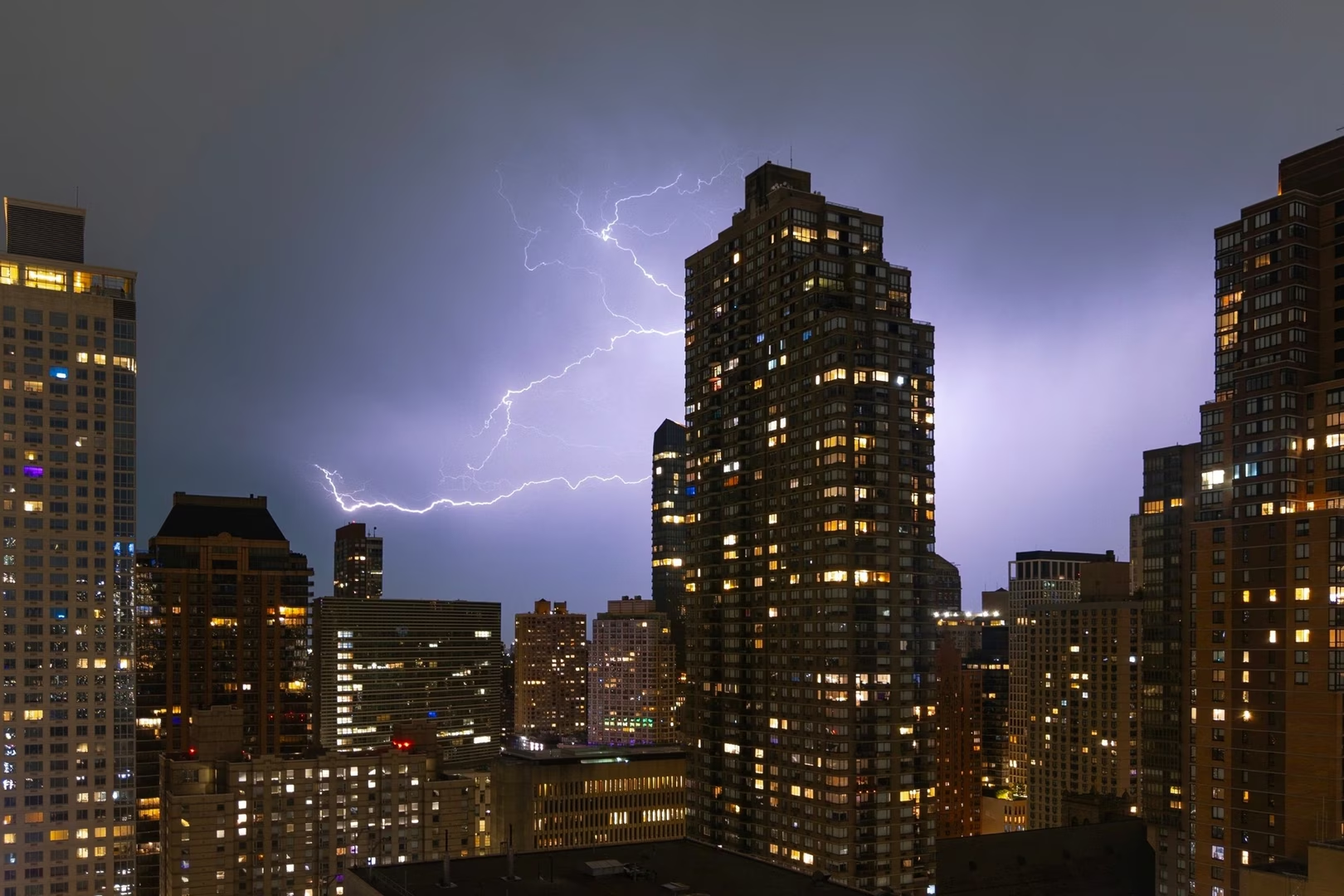
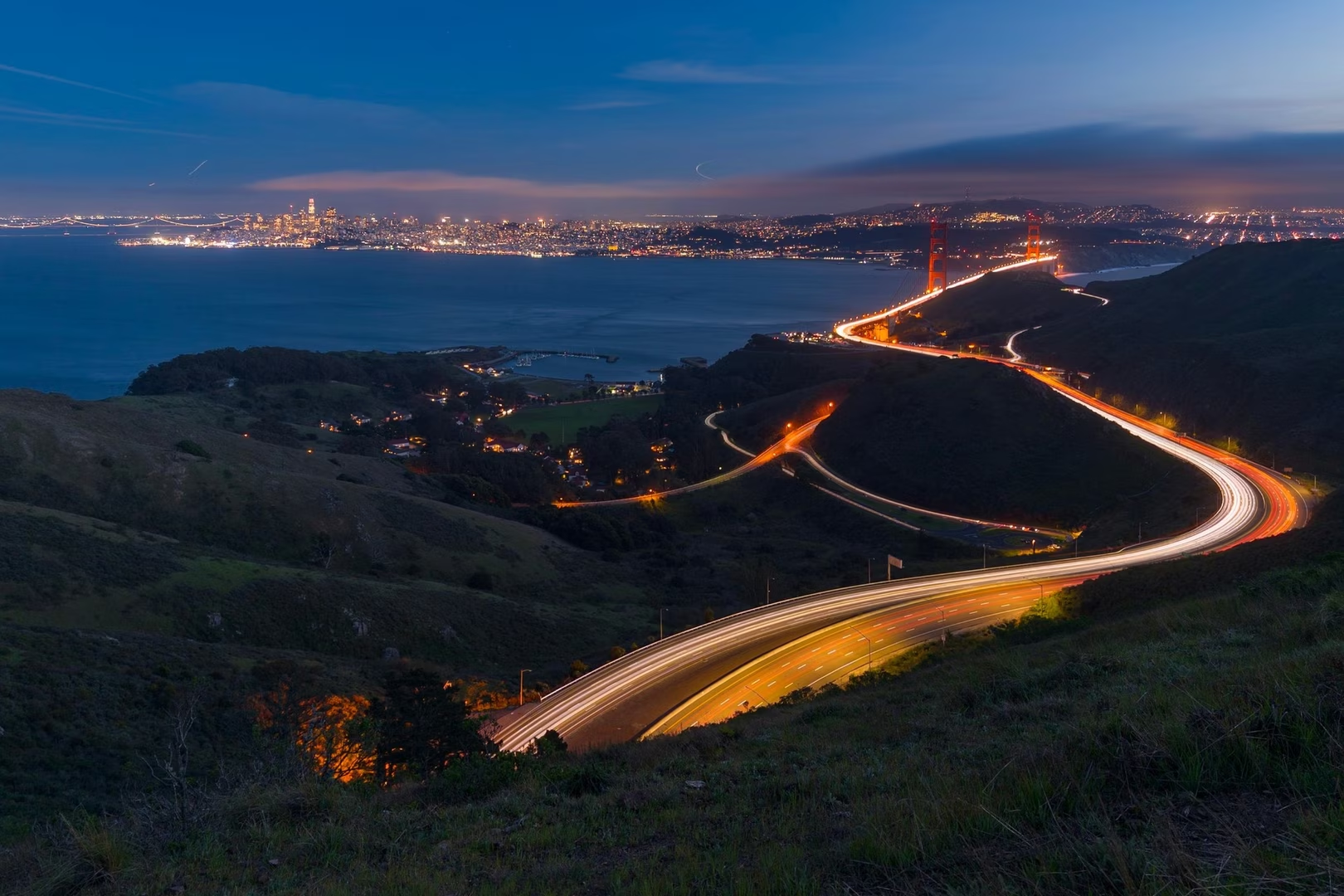
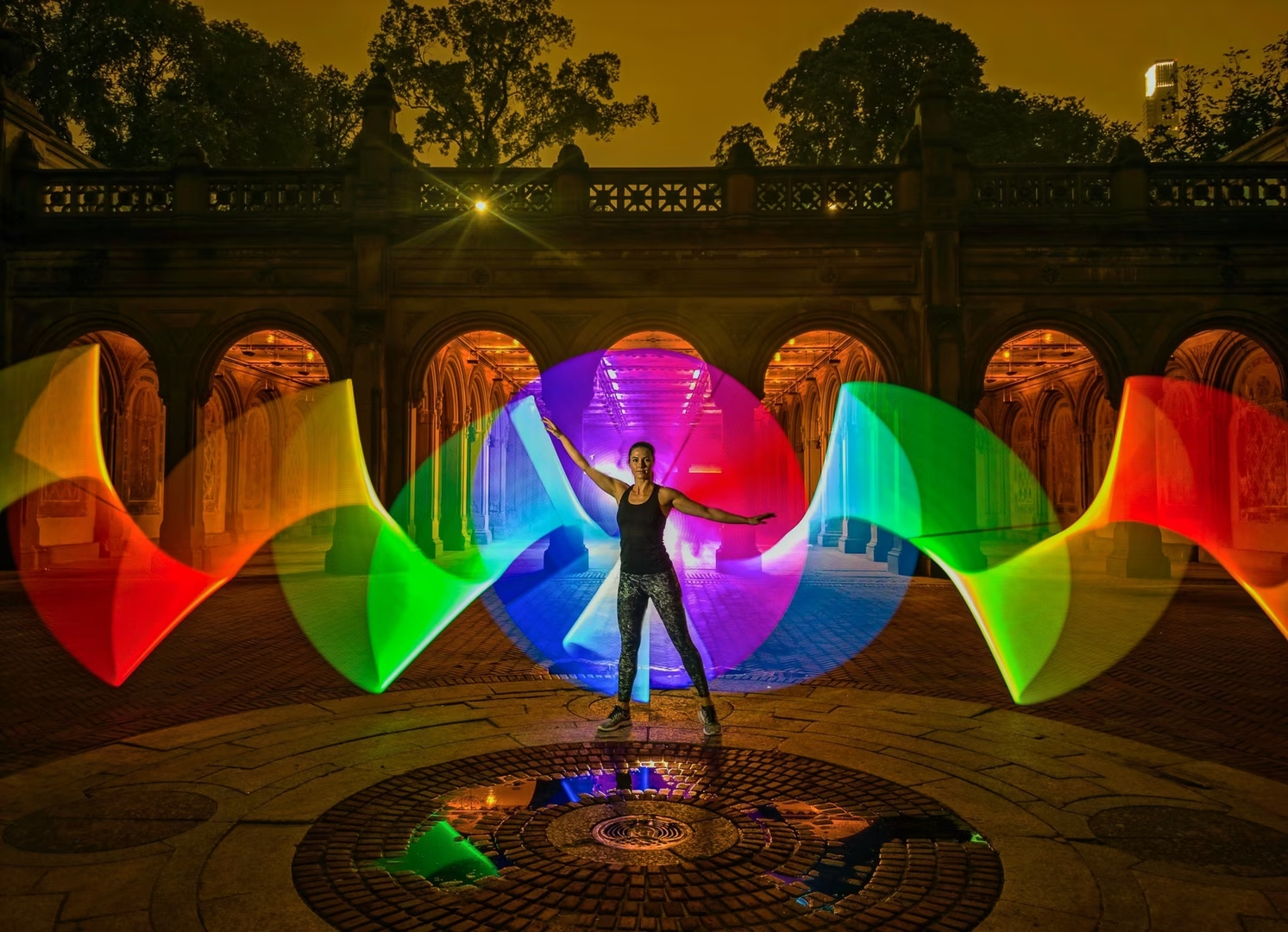
Blend mixes that average with the brightest value each pixel reached, so short bursts of light do not fade as the frame count grows. Adobe says it suits car light trails, fireworks, lightning and light painting.
Unlike Indigo’s Photo and Night modes, Long Exposure does not align the frames before merging them. The phone has to stay completely still, ideally on a tripod.
“Long Exposure mode is not intended for quick snapshots. It works best for pictures taken with deliberate intent,” Kainz and Levoy wrote.
Pro Controls and the iPhone 18 Pro
Indigo captures at most 30 frames per second. For light trails, the researchers advise a shutter speed slower than 1/30 s, or the trails show gaps.
On the iPhone 18 Pro and Pro Max, Indigo can use the main camera’s variable aperture. Moving from the default f/1.8 to f/2.8 or f/4.0 cuts the light 2.4 or 4.9 times. For some shots, that removes the need for a neutral density filter, they wrote.
The blog includes light paintings made with the new mode by professional photographer Susan Magnano. It also has tips for shooting fireworks, steel wool and lightning.
What comes next
The mode was built by Mohammad Haque and Yuting Yang with Adobe’s Nextcam team. The researchers said they are considering long exposures without a tripod, exposure bracketing and photos of the Milky Way on moonless nights.
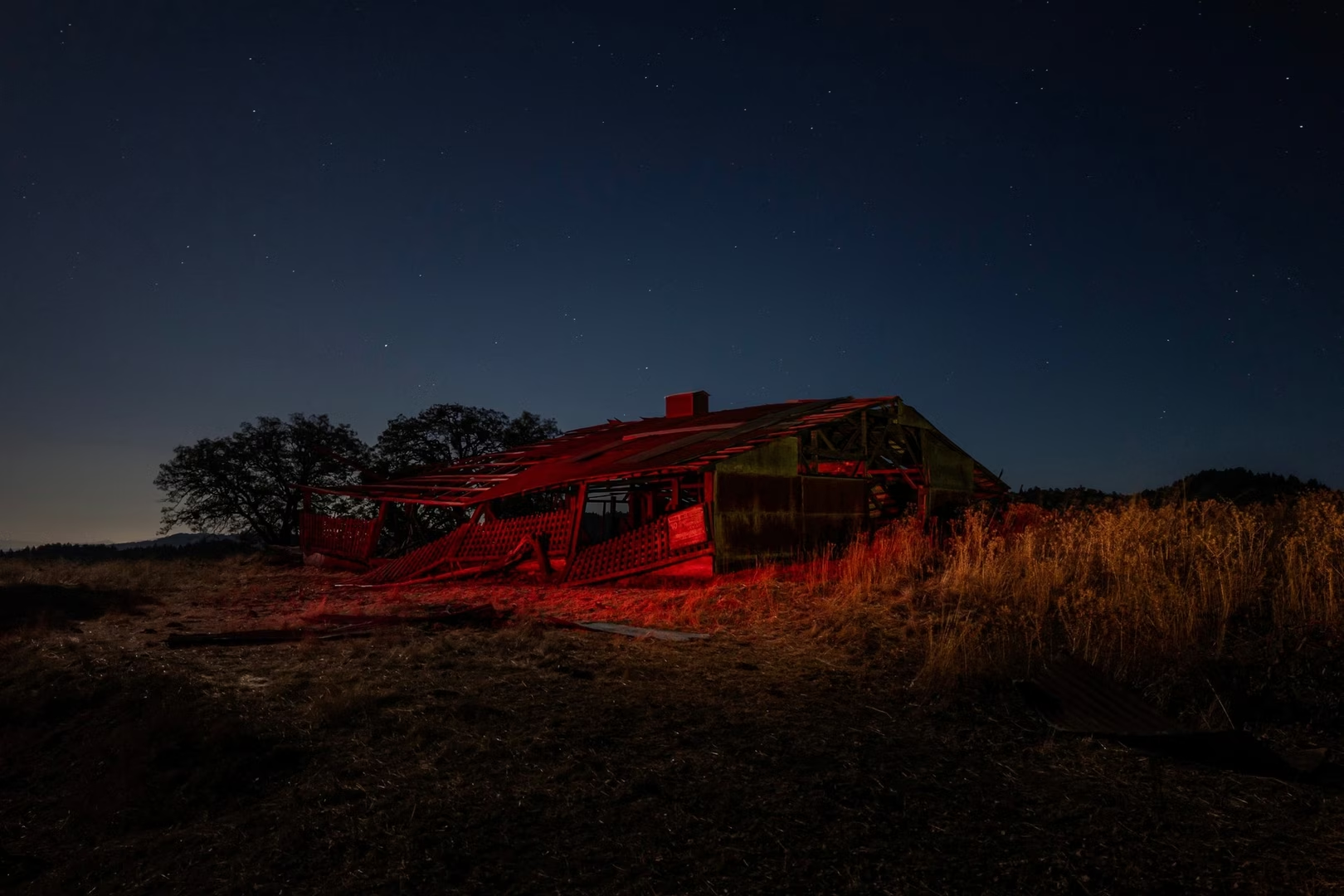
Indigo is free in the App Store. It runs on the iPhone 12 and 13 Pro models and every iPhone from the 14 series on, with iOS 18.5 or later. Adobe recommends an iPhone 15 Pro or newer. Users can also open it from Lightroom Mobile through its Tech Preview setting. Adobe’s previous Indigo update added an AI playground for editing photos. Levoy led camera work on Google’s Pixel phones before joining Adobe.
Trying it
As a photographer, I installed Indigo out of curiosity and spent an evening with it on my iPhone 16 Pro Max, handheld, without a tripod. That is exactly what Adobe warns against. On its community forum, the Indigo team says handheld capture is not yet supported in Long Exposure. My handheld attempts at light streaks proved the point: both styles need a phone that does not move at all, and some trial and error.
Still, I came away impressed, in a slightly strange way. On a dedicated camera, effects like these take a slow shutter, careful metering and often an ND filter. Indigo builds them from stacked frames and shows the picture forming in the viewfinder, much as Live Composite does on OM System cameras, formerly Olympus, and Live View Composite on some Panasonic Lumix models. Few cameras do that. This one fits in a pocket.
The rest of the app is built for people who shoot manually. The viewfinder carries a live histogram, zebra stripes for clipped highlights, a level and a grid. Pro opens focus, shutter speed, ISO, exposure compensation and white balance, plus a frame count in Night mode. Files save as JPEG, raw DNG or both.
Zoom steps marked SR use multi-frame super-resolution. On my phone, 10x is twice the 5x telephoto, and a 10x shot of a framed print in dim lamplight came out sharp. Super-resolution is off in Long Exposure, so Adobe advises staying on the 0.5x, 1x and telephoto lenses there.
The phone warmed up a little, no more than when filming in Cinematic mode or scrolling through reels. Adobe says Indigo does a lot of heavy lifting and may need a few seconds to process each photo.
Not for beginners
Indigo’s Photo mode works like any camera app. Long Exposure is a different matter. It asks you to think in shutter speeds, ISO and, for bright scenes, ND filters. Adobe itself calls the mode less automatic than what phone photographers are used to, and says its Pro Controls may intimidate beginners, though a reset to auto undoes any mistake.
Someone who has never thought about shutter speed will find it frustrating. For a photographer, it is rather interesting to have tools like these on a phone, in a free app anyone with a recent iPhone can try.