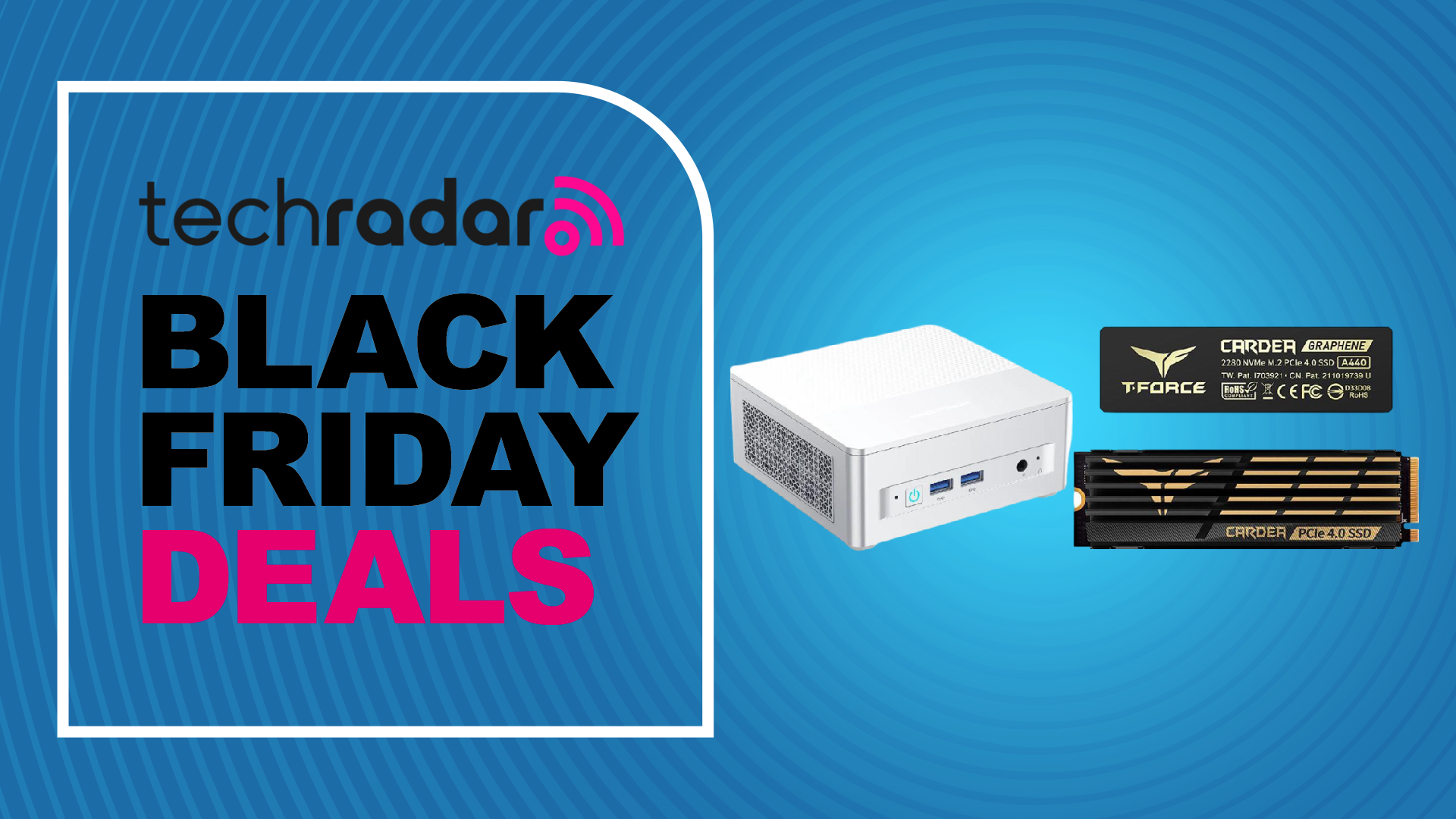
The Black Friday/Cyber Monday deals season throws up some interesting bundles if you’re in the right place at the right time - and this MINISFORUM deal is a particularly good example.
Newegg is offering the X1 Lite-255 barebone mini PC alongside a 1TB PCIe 4.0 SSD for $385.99 rather than $522.98 – and the maths makes this one especially interesting.
The PC itself normally costs $299.99, so you’re effectively only paying $86 more for the 1TB Team Group T-FORCE CARDEA A440 SSD when that kind of storage normally costs upwards of $120.
Be quick, though, because Newegg says this deal expires today!
Today’s best MINISFORUM X1 Lite-255 deal
Why we recommend the MINISFORUM X1 Lite-255
The X1 Lite-255 is no budget throwaway system. It packs AMD’s Ryzen 7 255 processor, an eight-core, 16-thread Zen 4 chip that can boost to 4.9GHz and zip through everyday multitasking, productivity, and creative applications.
The Ryzen 7 CPU comes with an integrated Radeon 780M graphics chip that can handle less-demanding games - think Fortnite, Minecraft, League of Legends, and at 1080p and modest refresh rates.
You also get USB4, OCuLink support for an external graphics card, Wi-Fi 6E, and 2.5Gb Ethernet.
The included Team Group SSD is a PCIe 4.0 drive capable of sequential read speeds up to 7,000MB/s and 5,500MB/s write speeds. That’s particularly attractive when the cheapest 1TB PCIe 3.0 drive we’ve found costs more than $120 - it should keep your apps, browsers, and games feeling snappy.
Remember, though, that the MINISFORUM system is a barebone design. If you don’t have memory sticks lying around, you’ll need to budget for them, and you may have to buy a copy of Windows too.
At $385.99, this bundle saves $136.99 when compared to buying the two components separately at their listed prices. The effective $86 SSD cost is the real attraction here, particularly given the drive’s performance when compared to slower PCIe 3.0 hardware.
Should you buy it?
You want a capable mini PC with fast storage. If you’ve already got memory and an operating system lying around, even better.
You’d rather not mess around with memory and Windows installations.
Mike has worked as a technology journalist for more than a decade and has written for most of the UK’s big technology titles alongside numerous global outlets. He loves PCs, laptops and any new hardware, and covers everything from the latest business trends to high-end gaming gear.