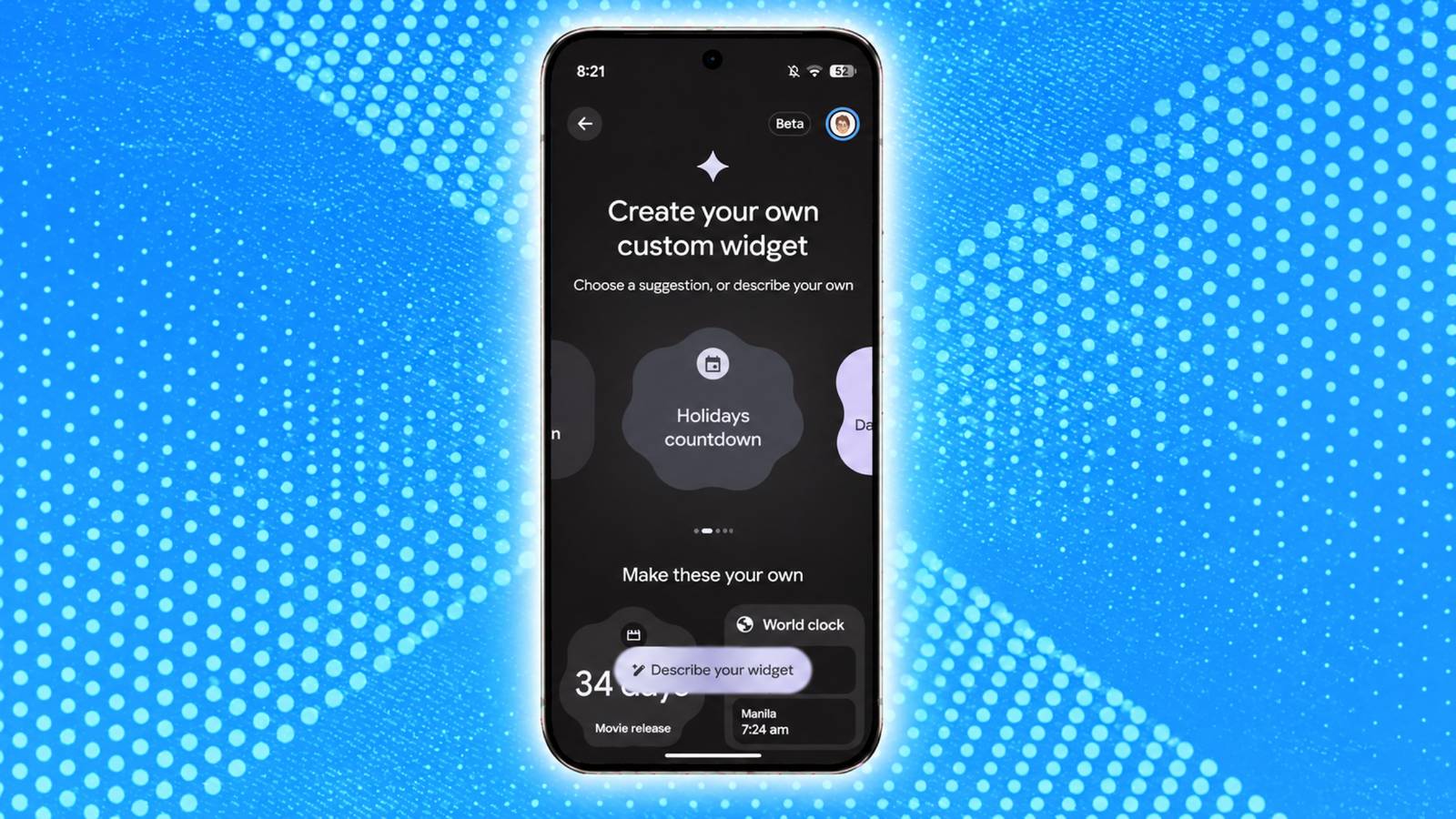
Alongside , Google has also made Create My Widget available for Pixel phones with the November Pixel Drop. If you haven't received the feature on your Google Pixel phone yet, here's how you can manually enable it and start using it.
The November Pixel Drop was a pretty big one. Google introduced 10 new icon styles for Pixel phones, alongside improvements to Pixel VIPs, expanded Rambler support for the Pixel 10 series, Calculator upgrades, and more. However, one of the most anticipated additions to the November update remains the Create My Widget feature.
Several users have reported that despite Google releasing the update more than a week ago, they still haven't received the feature on their phones. Thankfully, a new Reddit post by Android guru Mishaal Rahman has detailed how you can manually enable Create My Widget on your Google Pixel phone.
As Rahman explains in his post, Create My Widget is a Gemini Intelligence feature, which means it remains exclusive to the Pixel 10 and Pixel 11 series for now, excluding the Pixel 10a.
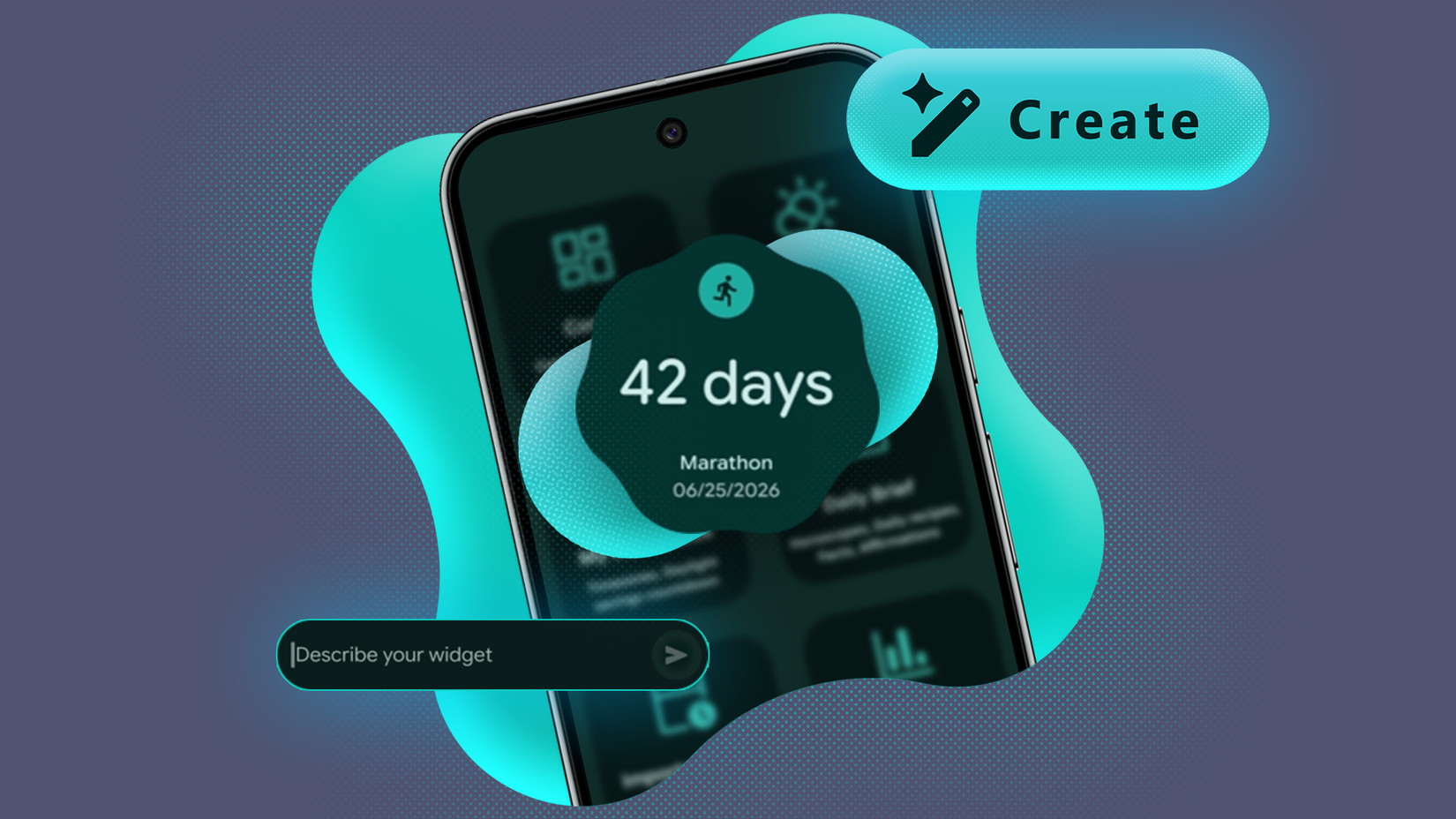
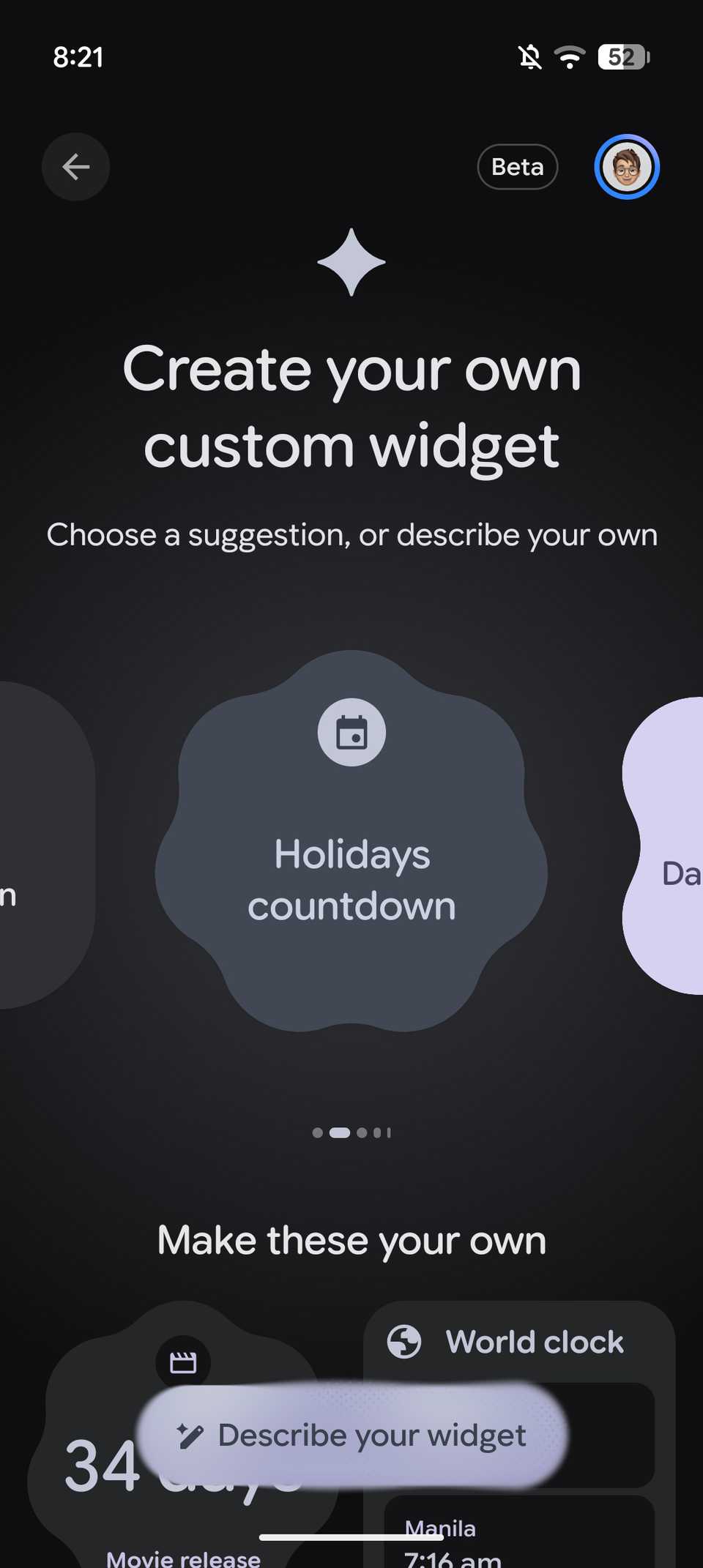
The feature lets you create personalized home screen widgets using natural language prompts. For example, you can create a widget that tracks your favorite team's next game, shows a countdown to an upcoming event, or even displays your weekly spending based on information from Gmail. You can pretty much create whatever widget you want using this feature.
Here's how to get Create My Widget on your Pixel
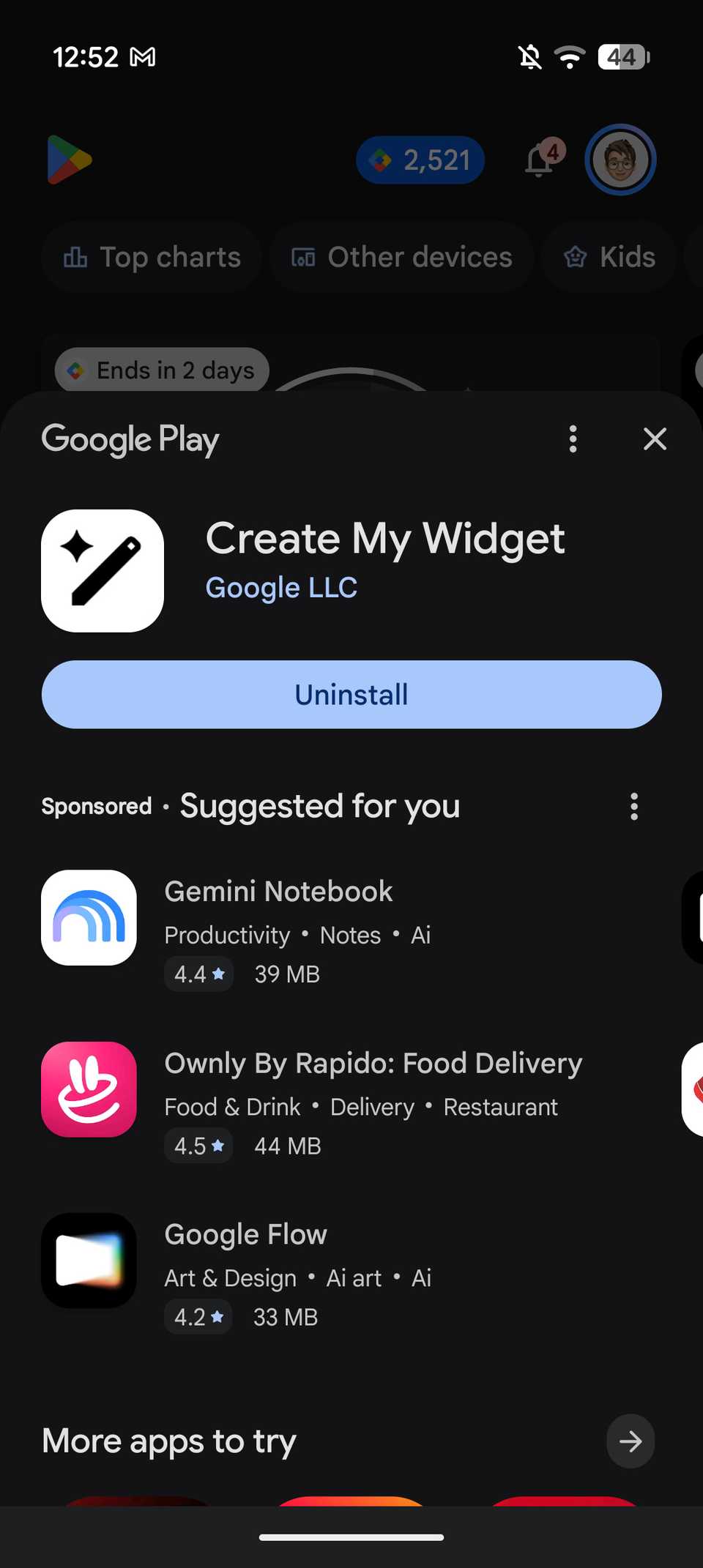
Now, if you don't want to wait for the feature to arrive on your phone, there's a way to enable it manually. According to Rahman, you'll need to open the Create My Widget listing on the Google Play Store and enroll in the beta program.
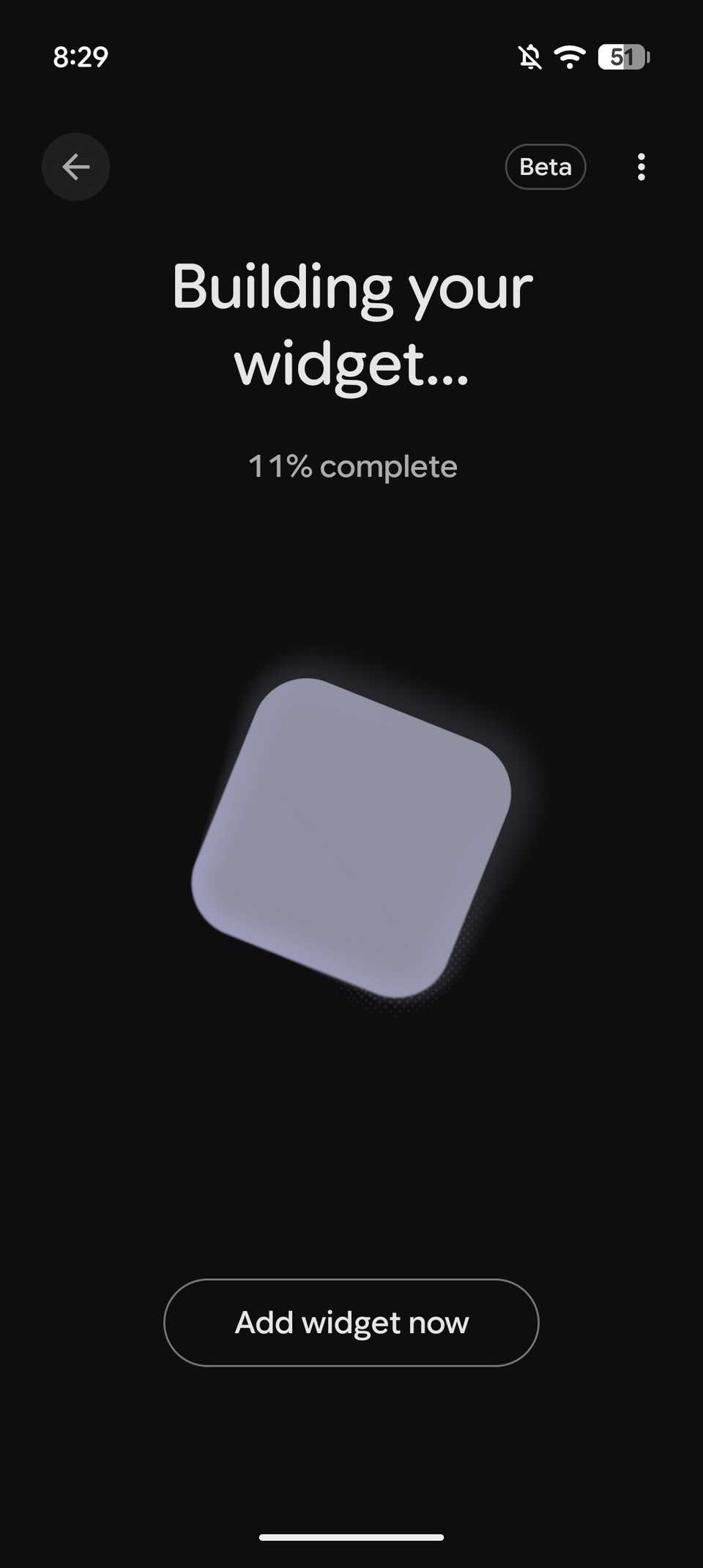
The feature is currently available to beta users, so once you've joined the beta program, you should receive an update for the app. After installing the update, you'll see a new option to create a custom widget when you open the widgets section from your Pixel's home screen.
It's worth noting that Create My Widget is currently available only to English-speaking users aged 18 and above in Australia, Canada, India, the UK, and the US. Users in other regions, including parts of Europe and Asia, won't be able to access the feature for now.
It's also worth noting that Gemini's Connected Apps integration isn't available for Create My Widget users in the UK just yet. That said, if you've been wanting to try Create My Widget but haven't received it on your Pixel phone, this is an easy way to get started without waiting for the wider rollout.