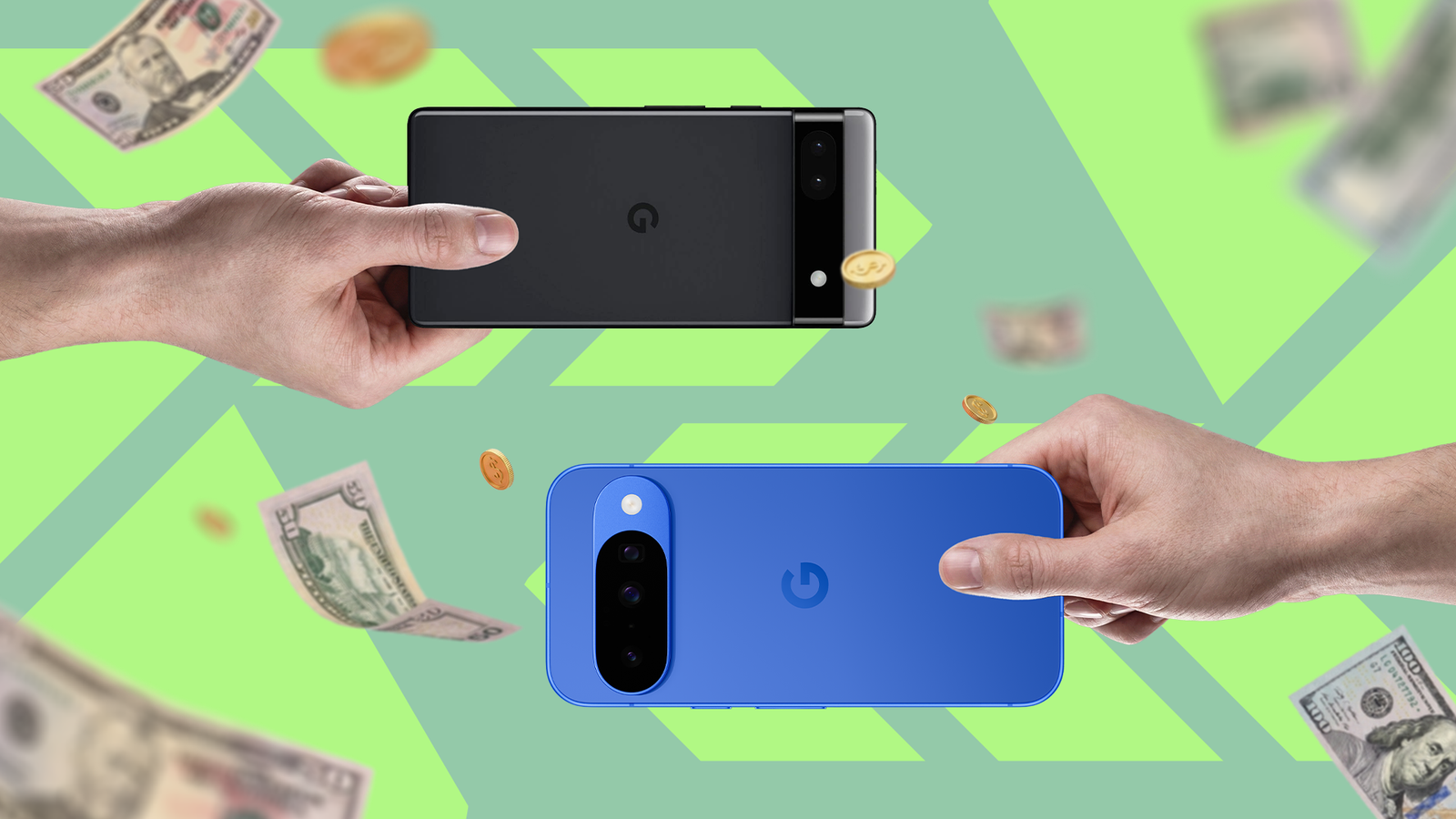
Every holiday season, carrier ads start to sound like charity drives. This year, the big three US carriers are practically giving flagship phones away, as long as you're willing to stay for 36 months.
But nobody hands out a thousand-dollar credit on the honor system.
So I run the same defensive checklist every time, and so far it has made sure the number I was promised is the number I got.
Back up first, then cut the cords
So a wipe doesn't untangle everything
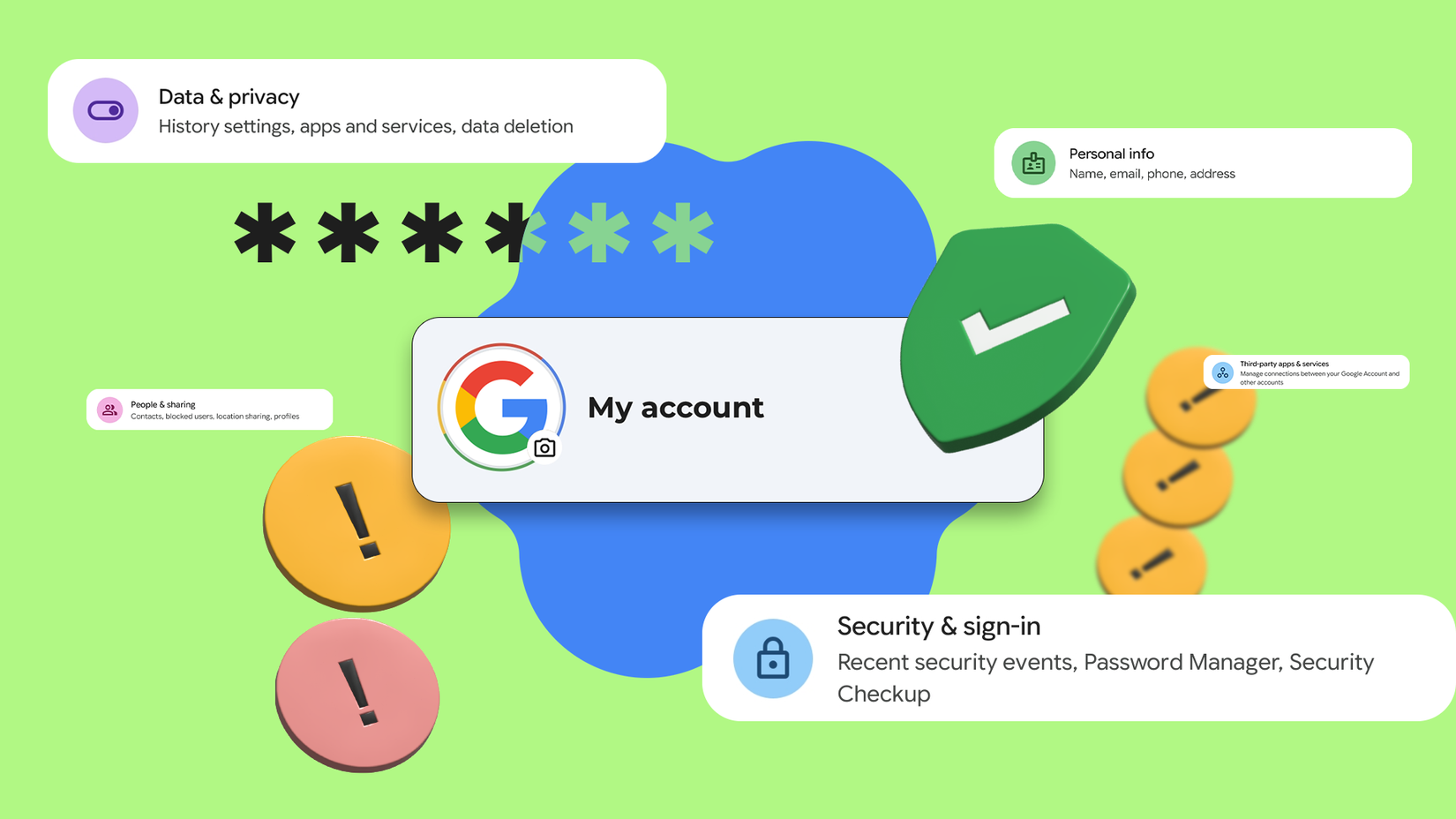
Before you wipe anything, run one last sync to Google One or Samsung Cloud. Then open the backup screen in Settings and make sure it shows a recent timestamp.
Once everything is saved, remove your payment cards from Google Wallet or Samsung Wallet by hand.
A wipe usually kills the payment tokens anyway, but taking them off yourself avoids backend conflicts when you add the same cards to the new phone.
While you're at it, sign out of your banking apps, since some of them tie your account to one specific device and expect you to verify the new one.
Remove your Google account or the phone stays locked
Factory Reset Protection doesn't know you're the owner

Android has an anti-theft feature called .
If a thief wipes your phone using the hardware buttons, FRP keeps it stuck at setup until someone enters your Google account details or the old screen lock.
Warehouse inspectors don't have either (and no, they won't email you for them).
Google Store's trade-in help page warns that a phone arriving with its activation lock still on can lose value, and its terms say a trade-in that doesn't qualify usually isn't sent back.
So remove your Google account from the phone before you wipe it by opening Settings > Passwords, passkeys & accounts on a Pixel.
On a Galaxy, go to Settings > Accounts and backup > Manage accounts. hen pick your main Google account and tap .
Then repeat it for every other Google account on the phone. With the accounts gone, FRP has nothing to lock onto.
Galaxy owners have a second lock to switch off
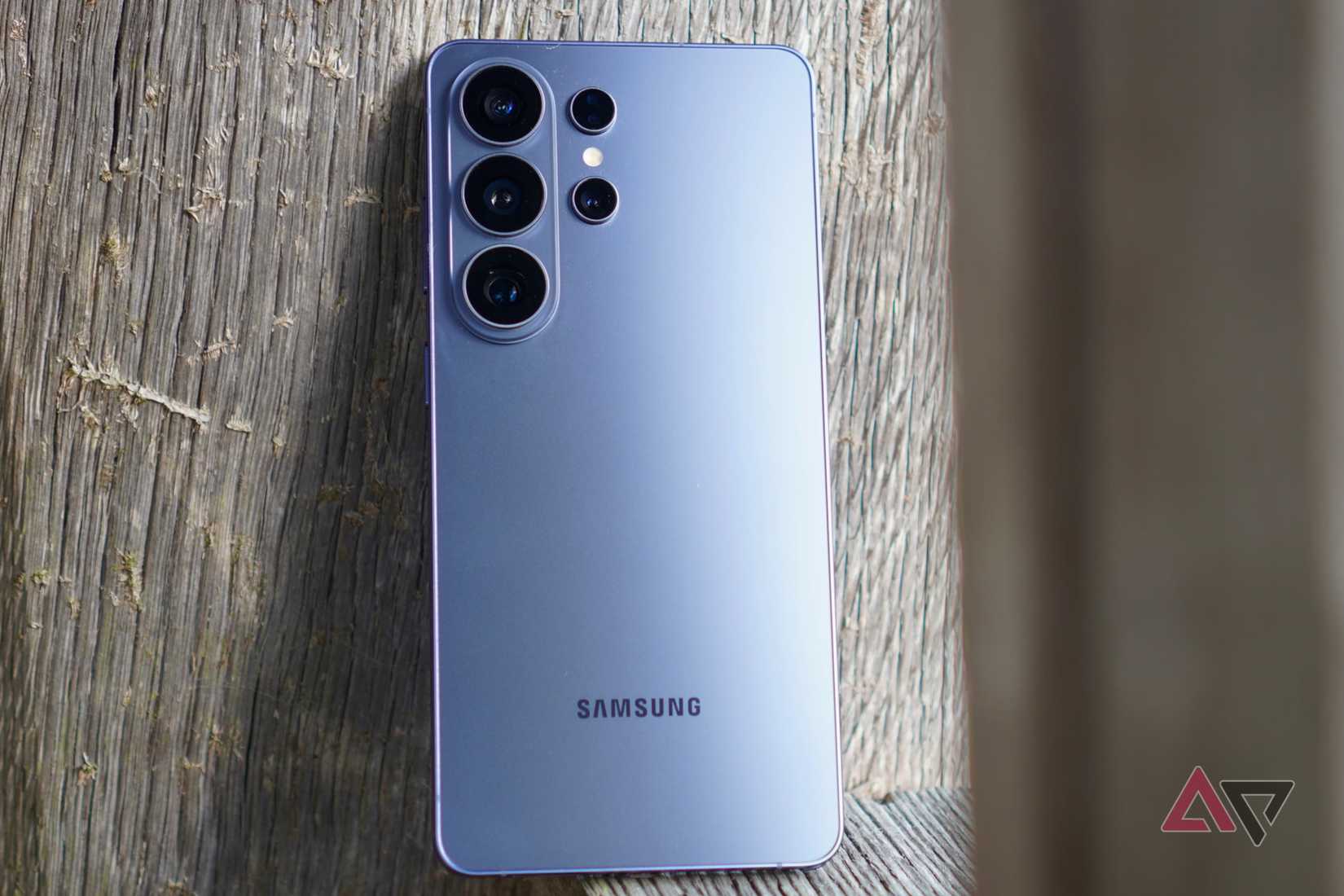
Samsung phones run their own anti-theft software on top of Google's. Samsung's Trade-In Program terms require every anti-theft lock to be deactivated before you ship.
Turn off in the Galaxy settings. Then sign out of the Samsung account completely.
Move your number before you touch the old SIM
eSIM transfer is built in now

Your number has to make the jump to the new phone before you wipe the old one.
If you erase a phone with an active eSIM you haven't transferred, you're in for an annoying call to your carrier to re-authenticate the line.
Set the two phones side by side on Wi-Fi and pick the eSIM transfer option on the new one.
Apple and Google also added a cross-platform transfer flow for iOS 26 and Android 16 this year, so moving your number from an old iPhone to a new Pixel is easier than before.
That only covers carrier lines. Travel eSIMs usually can't move over and have to be bought again.
Last, grab a SIM tool and pop the tray. A dead nano-SIM is easy to forget about, and so is a microSD card on the older phones that still support one.
Reset from Settings, never from the buttons
The menu route won't trip a lock
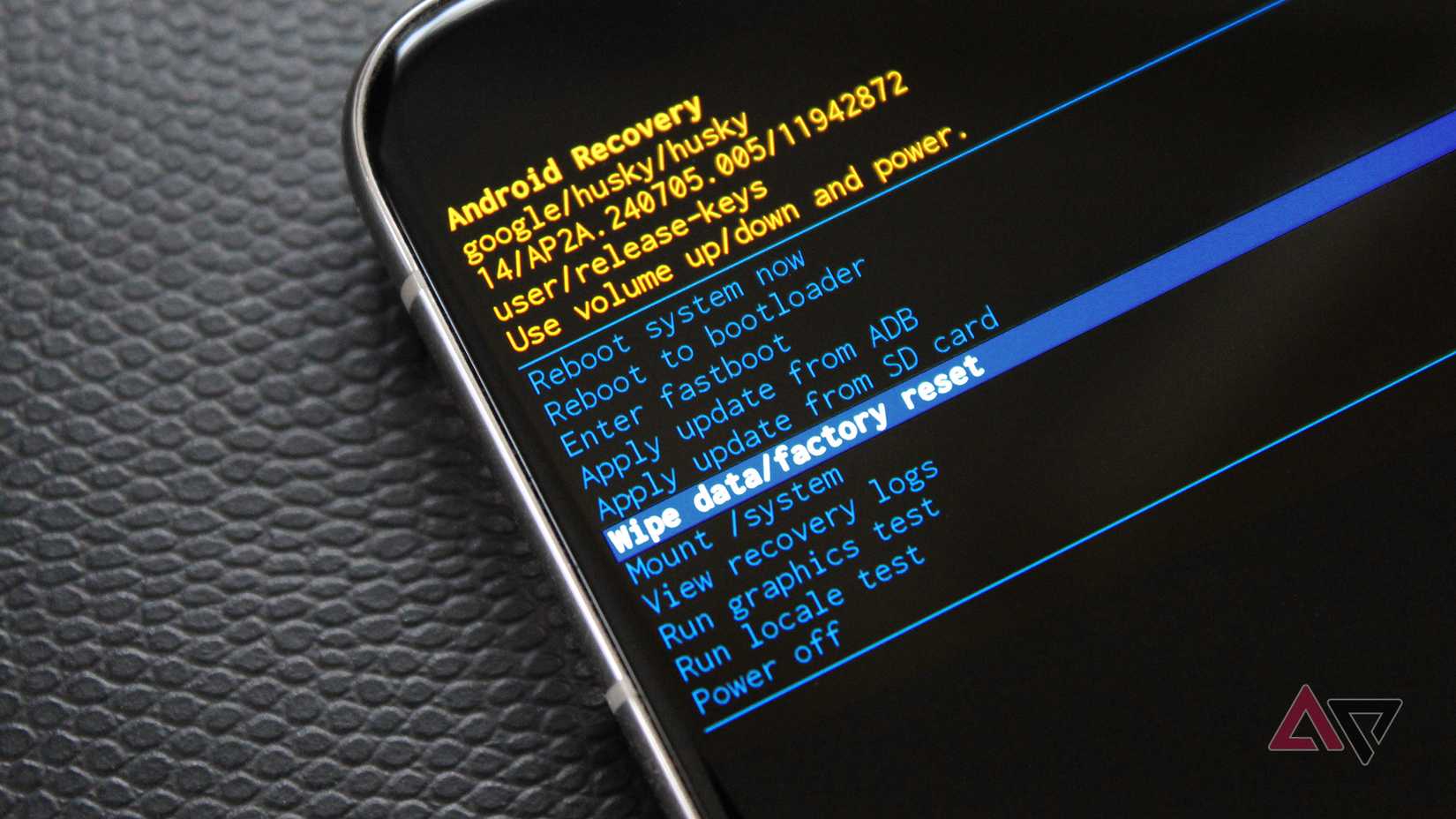
Never boot into Recovery Mode with the volume and power buttons for this. A hardware-level wipe can trigger lingering security locks.
Do it from the software menus instead.
On a Pixel, that's Settings > System > Reset options > Erase all data. On a Galaxy, the reset option is under General management.
Google's trade-in terms ask you to factory reset and unlock the phone and remove it from anything that would stop it from being activated. So let it finish wiping and reboot.
If it comes up on a fresh setup screen with no prompt for a PIN or an old Google password, congratulations, it’s done.
Film it before the box closes
This one is optional, and some people would call it overkill. Before the phone goes in the shipping box, I always shoot a continuous, well-lit video with .
I pan across the glass to show there are no cracks, then put the display against a white background so any dead pixels or black spots would be evident. That timestamped footage is my insurance policy.
If a carrier or manufacturer tries to get back a $1,000 credit by claiming the phone showed up shattered or locked, I can prove what condition it was in when I handed it to the courier.
You can't control what happens in the back of a delivery truck or on a grading line so make sure your side of the story holds up.