The Corsair Sabre V3 Pro Ultralight Wireless lives up to its name, delivering high-end gaming performance and great battery life in a phenomenally lightweight chassis. It also packs Corsair's new PureVector tech, which promises to improve your in-game accuracy by monitoring your inputs and adjusting directional sensitivity to compensate for poor aim. However, in my testing, I found the software to be a bit lacking, and the mouse itself is very expensive for the limited feature set it offers.
Reasons to buy
Reasons to avoid
Why you can trust TechRadar We spend hours testing every product or service we review, so you can be sure you're buying the best. Find out more about how we test.
Corsair Sabre V3 Pro Ultralight Wireless review: Two-minute review
The Corsair Sabre V3 Pro Ultralight Wireless largely does what it says on the box: it's wireless, it's incredibly lightweight, it's marketed towards pro-level and aspiring esports gamers, and it's the third iteration of Corsair's Sabre gaming mouse.
But does it deserve a place among the best gaming mice? Honestly, I'm not too sure. On paper, it's quite impressive: with a total weight of just 37g, it's easily one of the lightest gaming mice I've ever used, and with a high-end Corsair Marksman X sensor and up to 140 hours of battery life, the specs speak for themselves.
In real-world use, it feels good; the extremely low weight, 8K polling rate wireless receiver, and snappy, reactive performance all work together to create a gaming mouse that should never be a barrier to your in-game skill.
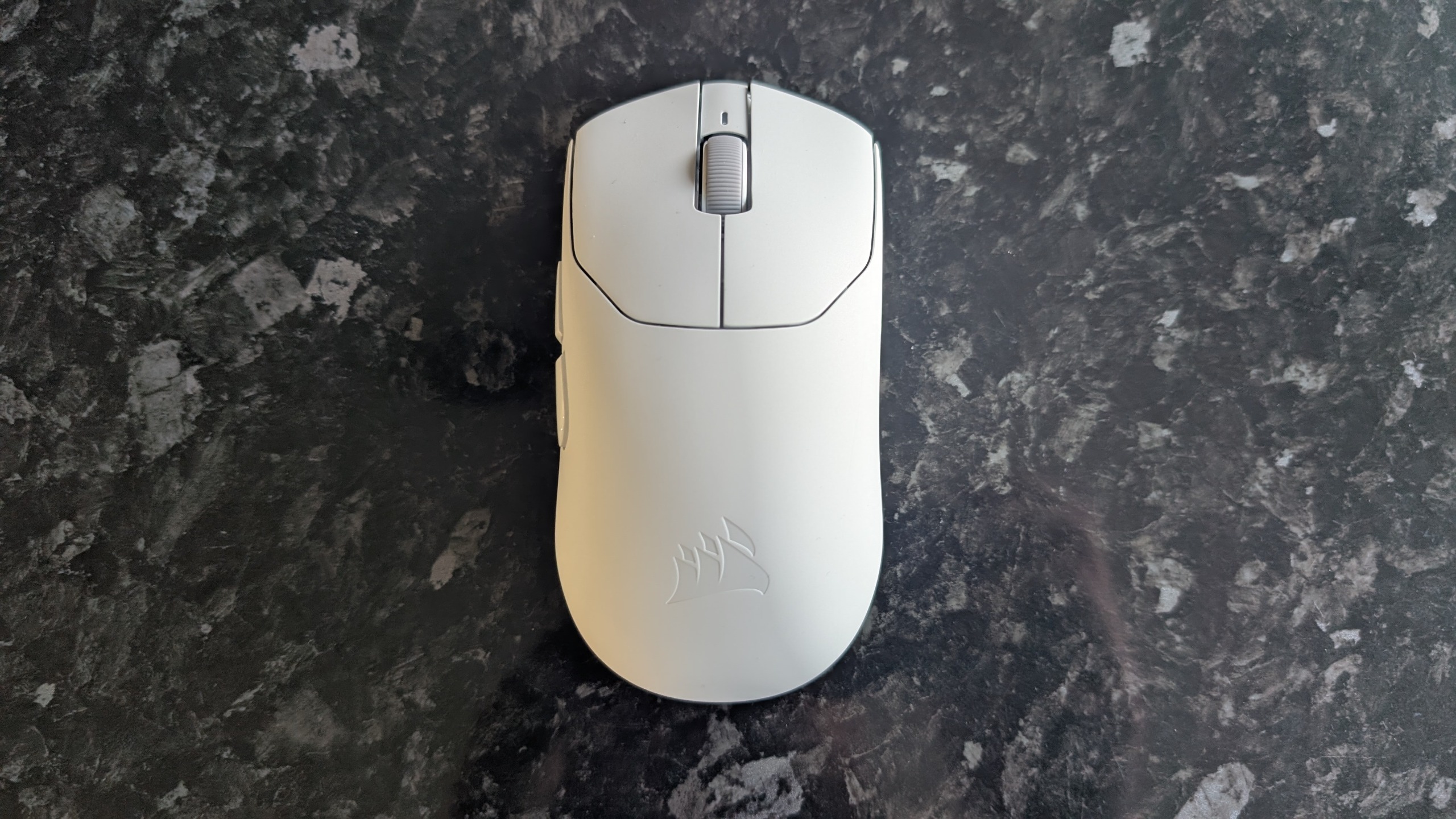
However, there are a few too many niggling issues sticking to this mouse for my liking, and these have ultimately forced me to drag down my score a bit – despite my initial enjoyment when I first started testing this third-generation Sabre.
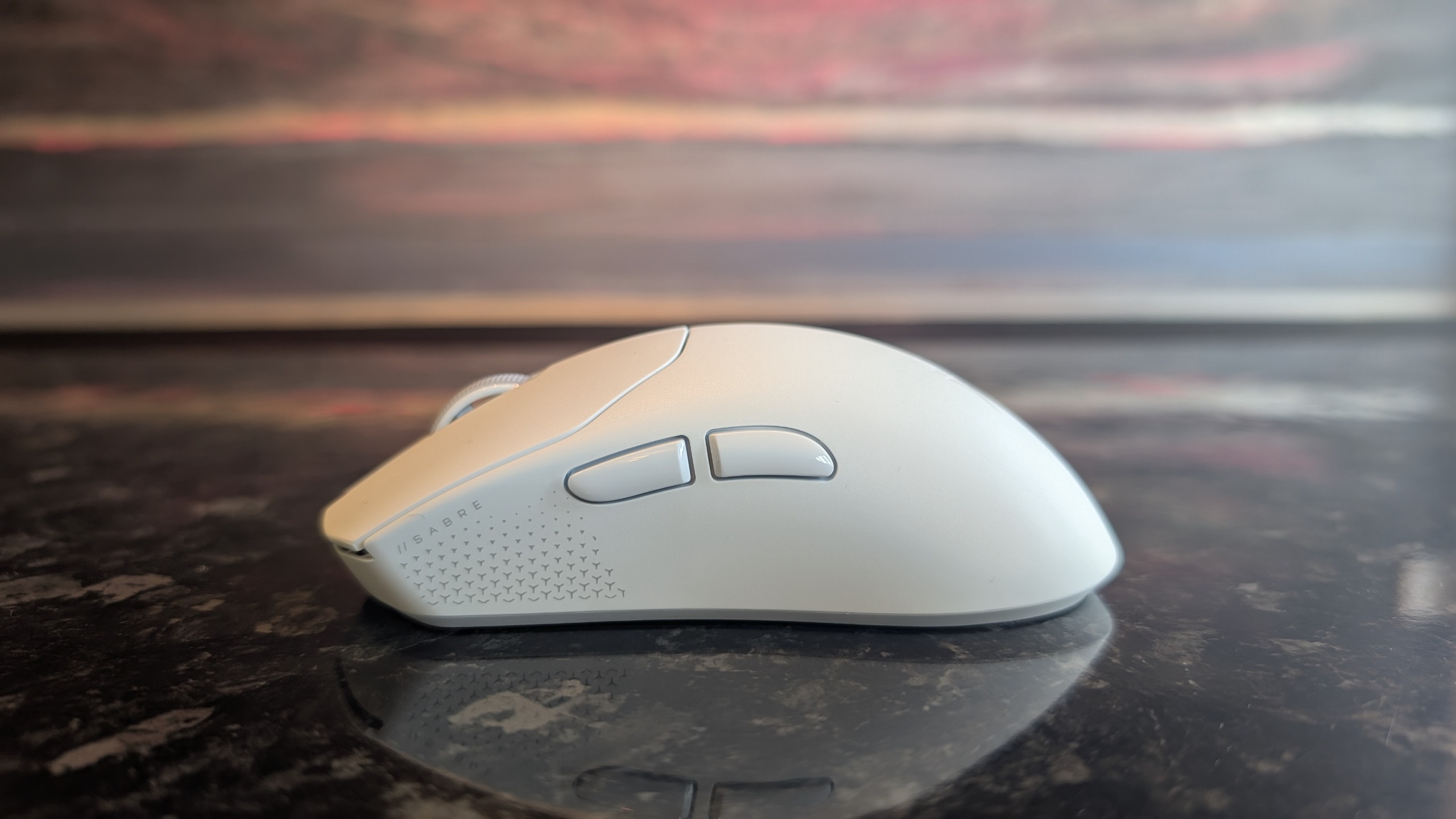
For starters, it's too expensive. As you might expect from the ultralight design, this isn't exactly a feature-rich mouse; you get four buttons, a scroll wheel, and that's basically it. No RGB lighting, no sniper button, no Bluetooth, no fancy haptic trigger system (as seen on my beloved Logitech G Pro X2 Superstrike).
Now, that's not inherently a huge problem. In this era of feature bloat and over-designed hardware, I'm not against a product that aims to keep things simple. What I am against is charging a whopping $179.99 / £159.99 / AU$289.99 for it.
That's too much money, Corsair! It's one of the most expensive mice you offer, and it does the stuff! Heck, if you want to spring for the (less lightweight) carbon fiber or magnesium alloy skeleton models, it'll cost even more. The price alone makes it very difficult to justify this as a purchase over any other gaming mouse.
Of course, Corsair has an explanation for this mouse's steep asking price. The Sabre V3 Pro is the first mouse to come packed with the brand's new PureVector software, which makes the incredibly bold claim that it'll actually make you better at gaming.
How does it work? Well, Corsair has collaborated with developer Statespace, best known for its hugely popular aim training tool , to produce a smart algorithm from over four billion data points from users. It promises to improve your aiming by up to 81 milliseconds (or 33% faster, though I have no idea how they landed on that percentage) by reading your performance and adjusting the Sabre's directional sensitivity to compensate for over- or under-aiming.
It's clever tech, and unsurprisingly Corsair has several soundbite-worthy quotes from pro esports players on their website, all espousing how wonderful PureVector is and how much it improved their aim. In my experience, though... I wasn't too impressed.
I should say at this point that I'm a decidedly middling FPS player. I topped out at Diamond rank in competitive back in the day, and these days I'm pleased to escape from Cryo Archive with my skin intact in . I'm certainly decent, but I'm nowhere near the esports pros. I absolutely suck at , for example.
For a regular player like me, I can't say that PureVector made much of a difference. Setting it up is easy enough; you just fire up the calibration tool in (the software itself is free) and go through four stages of aim training while the algorithm maps your performance. It then gives you a breakdown of the findings – it found that I tend to undershoot my targets by about 20% when aiming to the left, which was interesting – and then calibrates itself to compensate for your aim-related failings.
The calibration process produces a preset that sets sensitivity across eight primary directions, so my PureVector configuration included slightly elevated sensitivity for left, up-left, and down-left movements. The preset is saved directly to the mouse firmware itself, meaning that it'll be ready to use with any PC and doesn't require that you run any software in the background.
In fact, I'll take a quick aside here to say that beyond the initial calibration process, the Sabre V3 Pro doesn't demand that you download or run any software to use it. The recent introduction of the Corsair Web Hub has rendered the old iCue software largely unnecessary, letting you tweak your mouse settings from the comfort of your browser. It's great.
Anyway, back to PureVector. Did it actually improve my performance? Honestly, I don't think so. Sure, my performance in was a little better post-calibration, but in actual real-world gaming scenarios, I struggled to notice a difference even when I repeatedly switched PureVector on and off between matches.
I tested it across multiple games: The Finals, Marathon, Apex Legends, and (the latter of which I do admittedly suck at). I wasn't getting more crisp corner-peek headshots in , nor was I ranking higher on the postgame leaderboard in The Finals.
I think the problem stems from the fact that PureVector, at least in its current form, simply isn't doing enough. It measures your ability to shoot brightly-colored orbs while standing perfectly still in - but that's not what aim is really like in most shooters. In , I'm frequently aiming while running, jumping, or sliding; I need to account for bullet drop; I'm using a range of different guns that require subtly different recoil management. Oh, and my targets are usually moving unpredictably while shooting back at me. It's a wholly different experience compared to using a generic aim trainer, and I'm just not convinced that PureVector takes that into account.
Alright: enough about fancy aim-boosting tech. Let's talk about the physical mouse itself. Here, the newest Sabre is once again a mixed bag.
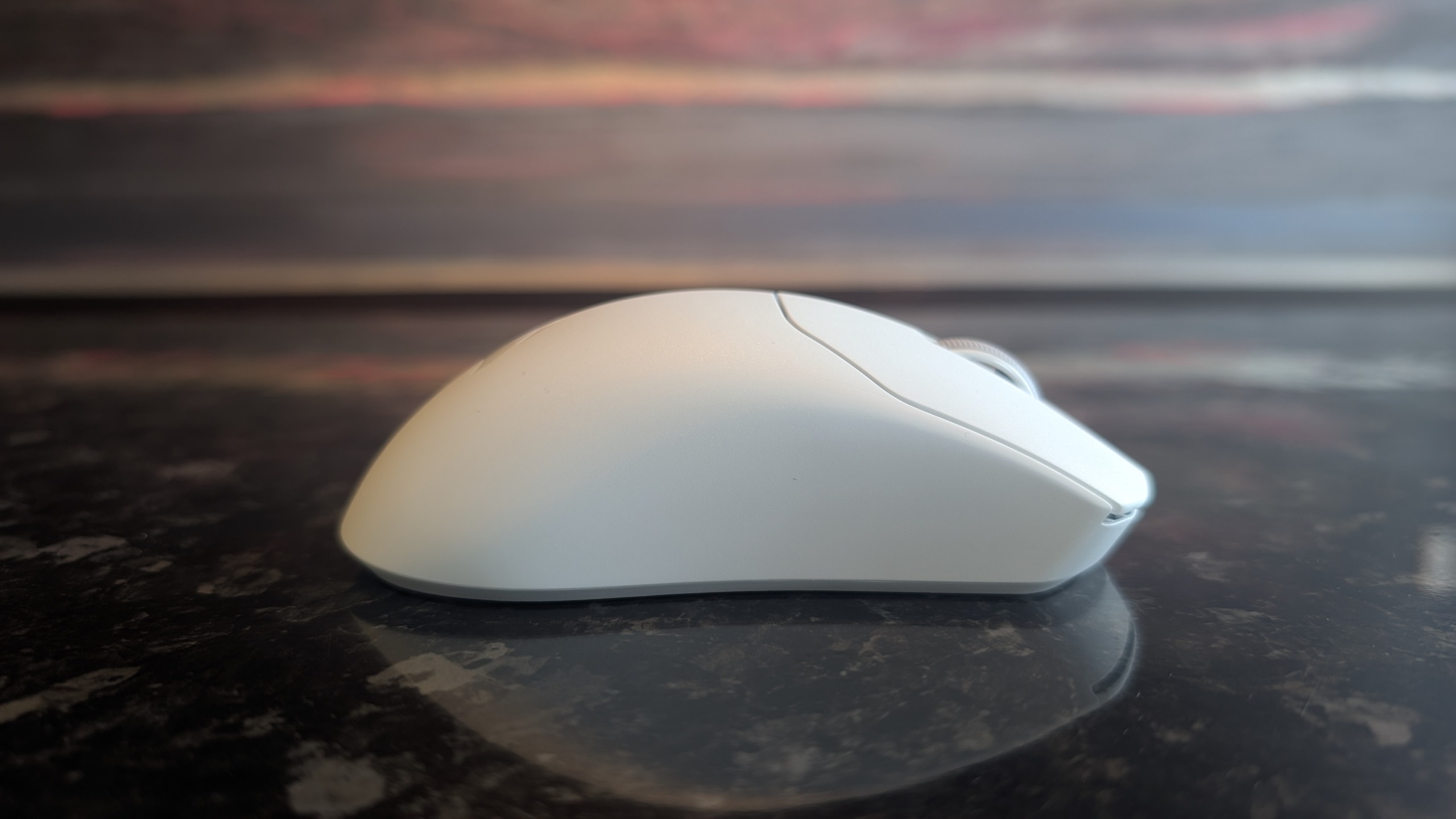
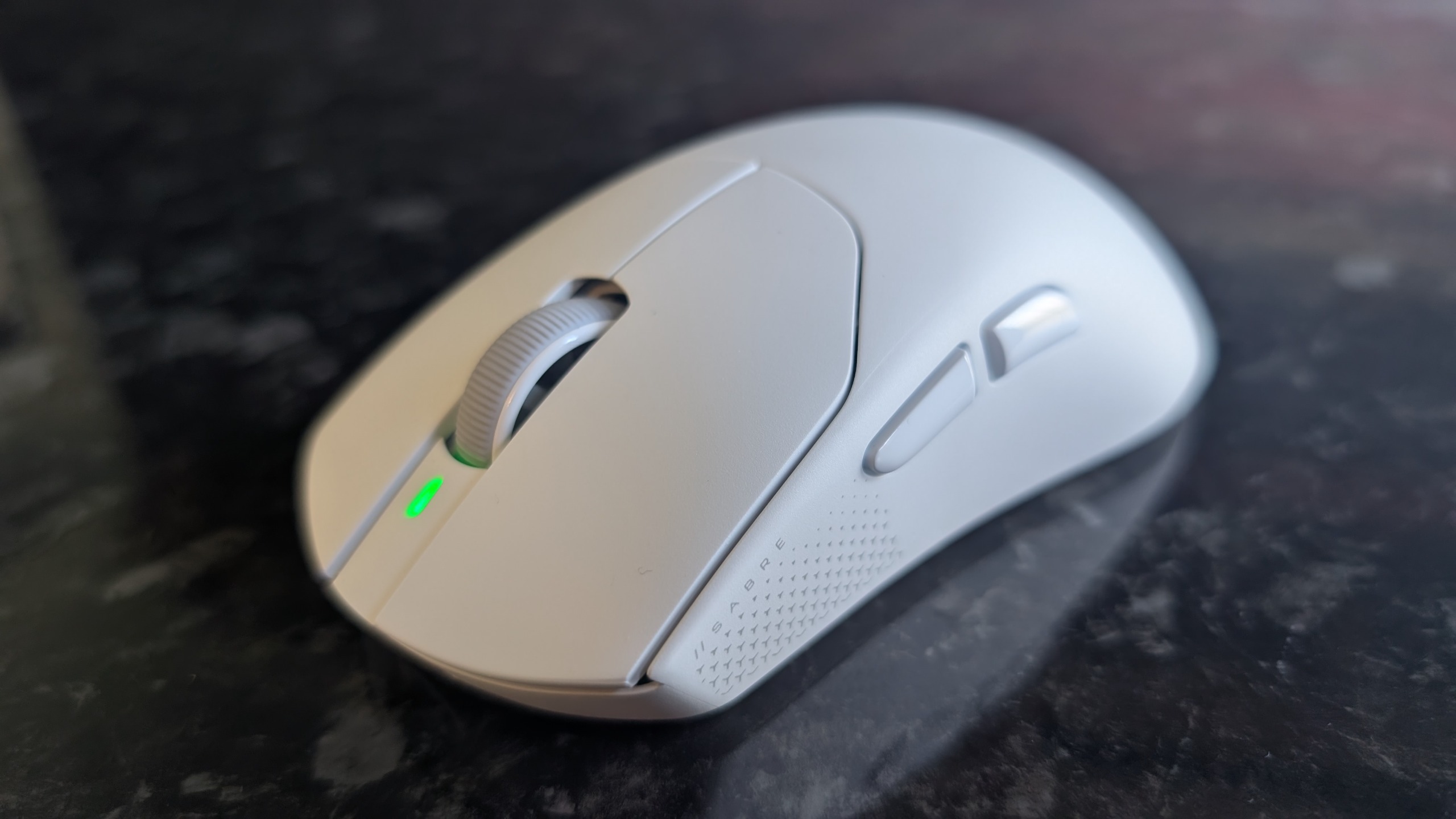
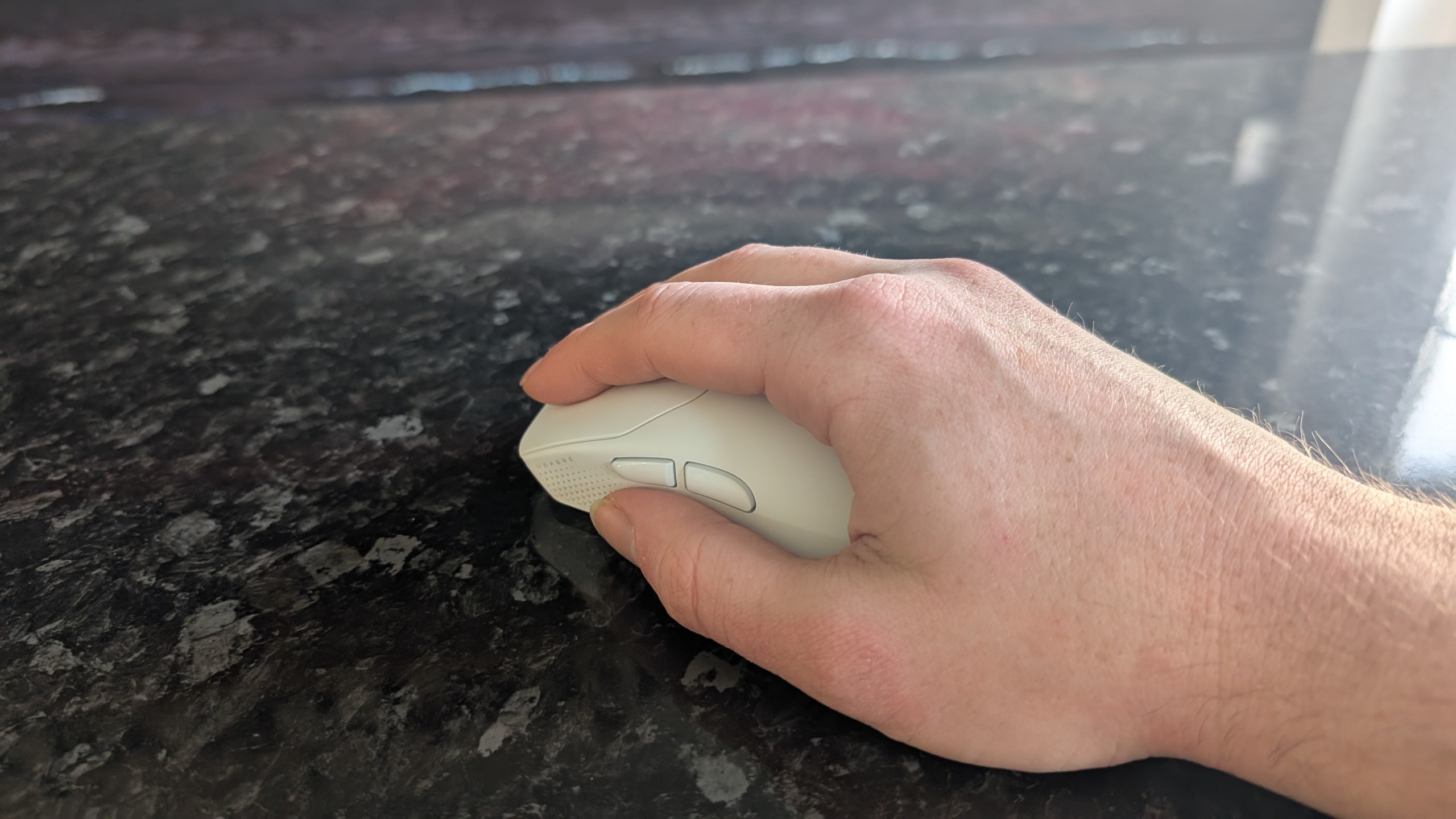
It's reasonably comfortable in the hand, and suitable for all grip types (though palm-grippers with particularly large hands might prefer the Asymmetric Ergo model, as opposed to my symmetrical review unit). The extremely low weight is great for fast flicks when aiming and helps reduce wrist strain during extended gaming sessions too.
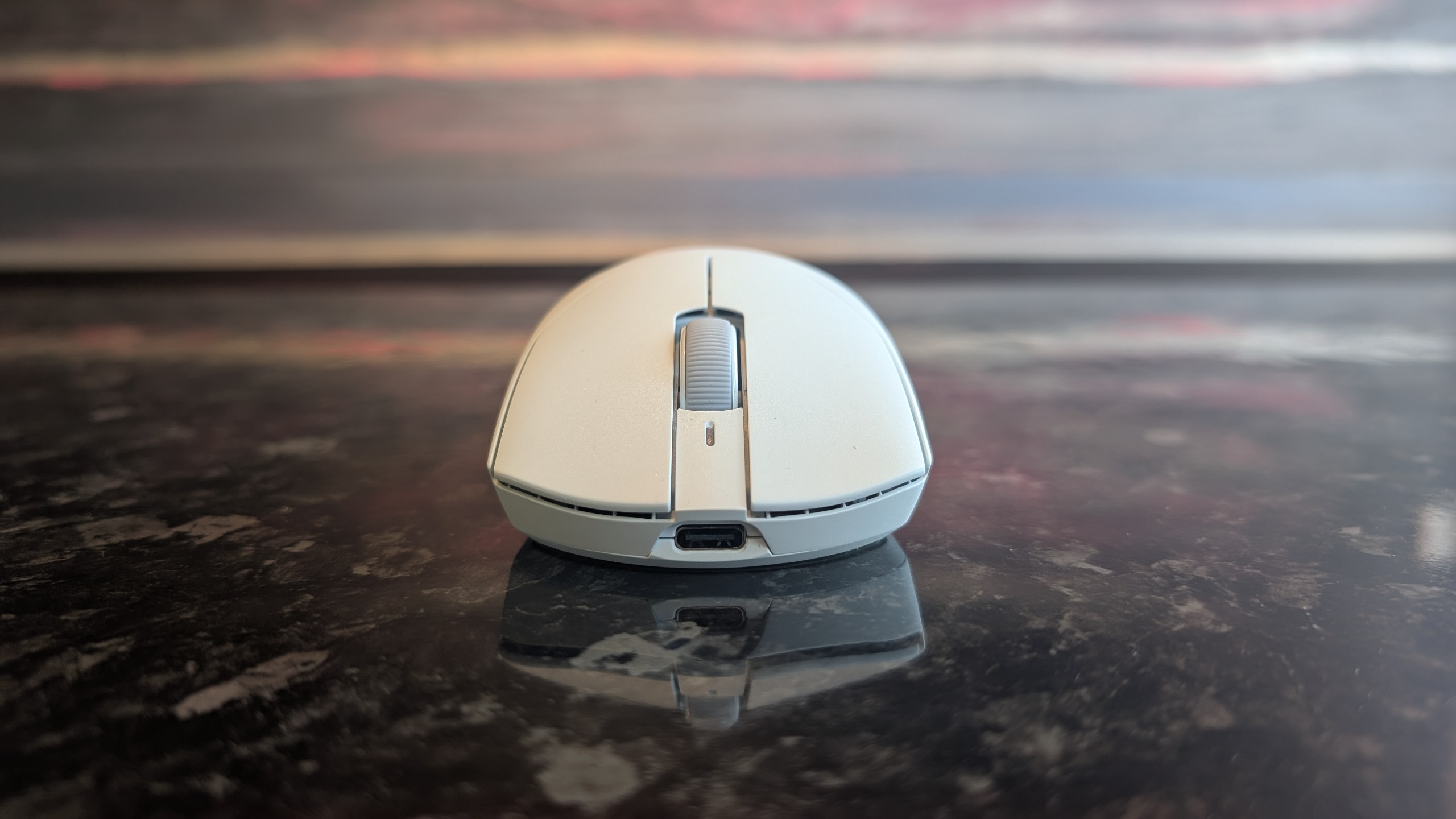
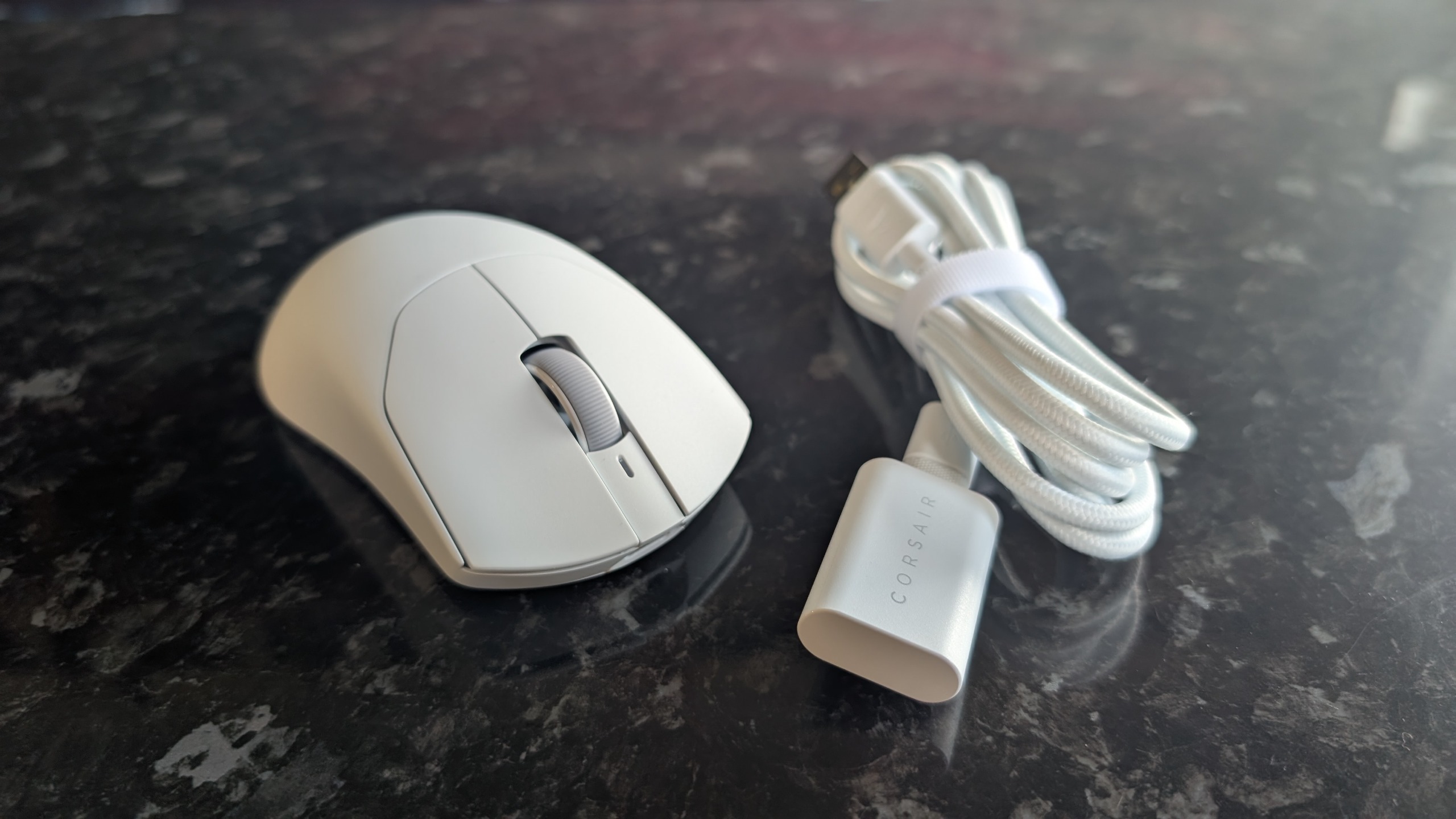
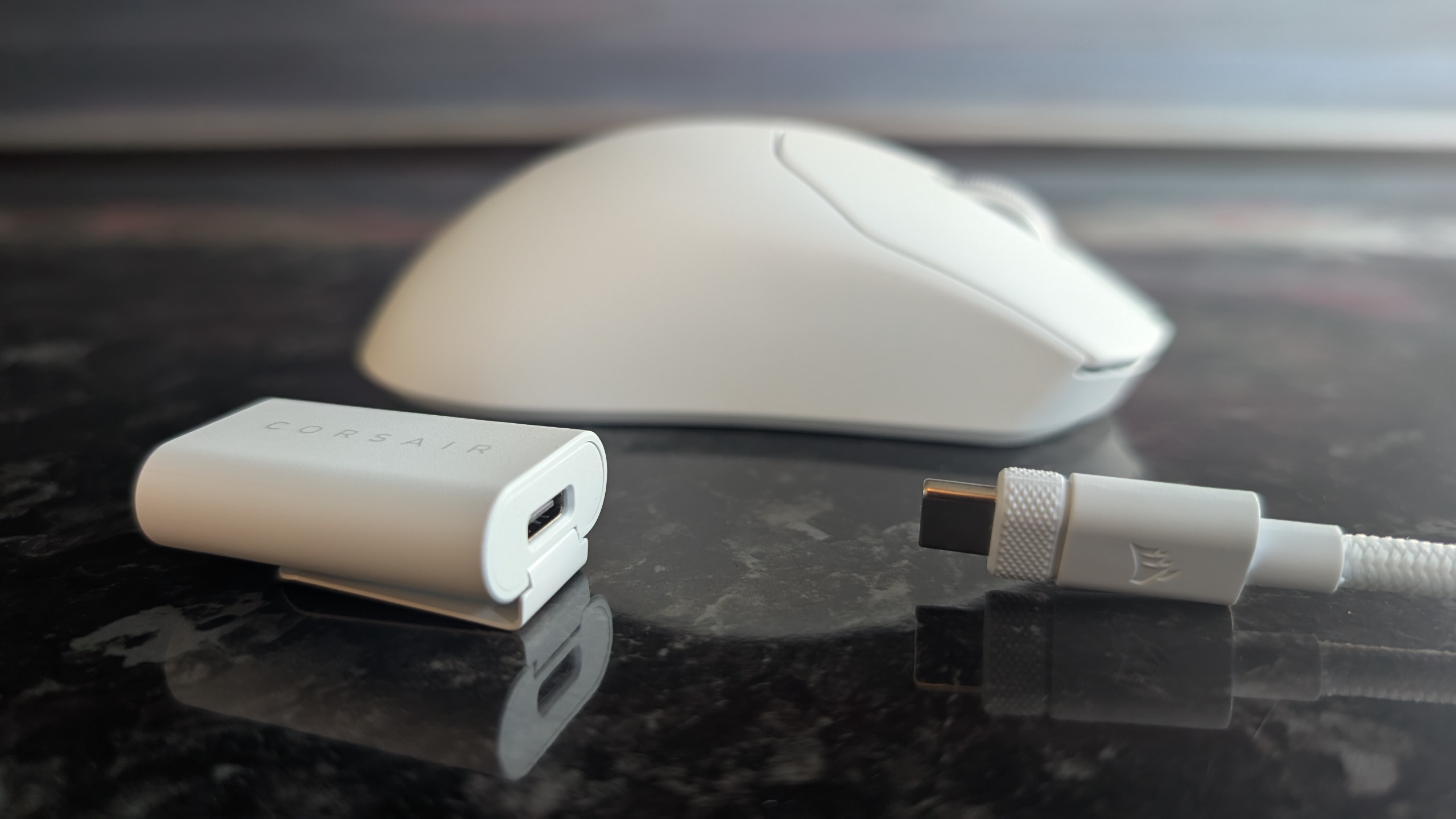
Bundled in the box is a good-quality braided USB-A to USB-C cable and wireless receiver, which I found was responsive even when it wasn't immediately in front of the mouse. The receiver has a clip that lets you attach it to the edge of your mouse mat, and of course the cable can be used to charge the mouse (and use it in wired mode).
Under the hood, the two main buttons have optical switches, which are rated for more clicks and provide less input latency than traditional mechanical buttons. I found the actuation point a little high, but that's a personal gripe that probably won't bother most users. Click feedback is firm and tactile, which is good. The scroll wheel also feels quite robust, though the lack of a free-scroll option is yet another concession to keep the weight as low as possible.
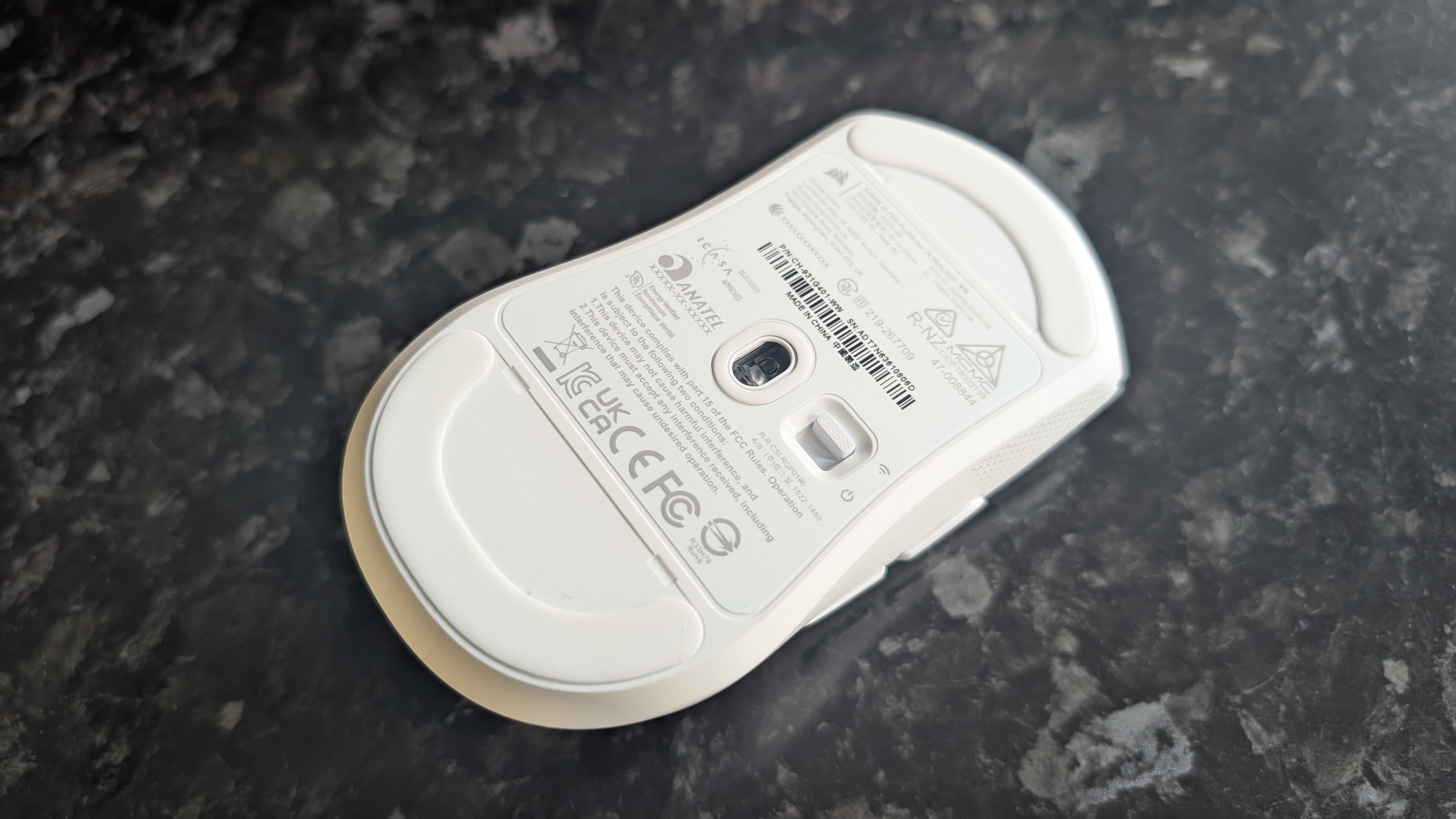
The thumb buttons, however, feel a bit flimsy, and I couldn't shake the feeling that the entire mouse just isn't all that durable. The skates are also glued on, and I noticed that on my review model the front skate was slightly off-center. I wouldn't call the build quality , and I suspect that it's ultimately the price to pay for such a lightweight design, but I really have to question how long the Sabre V3 Pro would actually last under regular daily use.
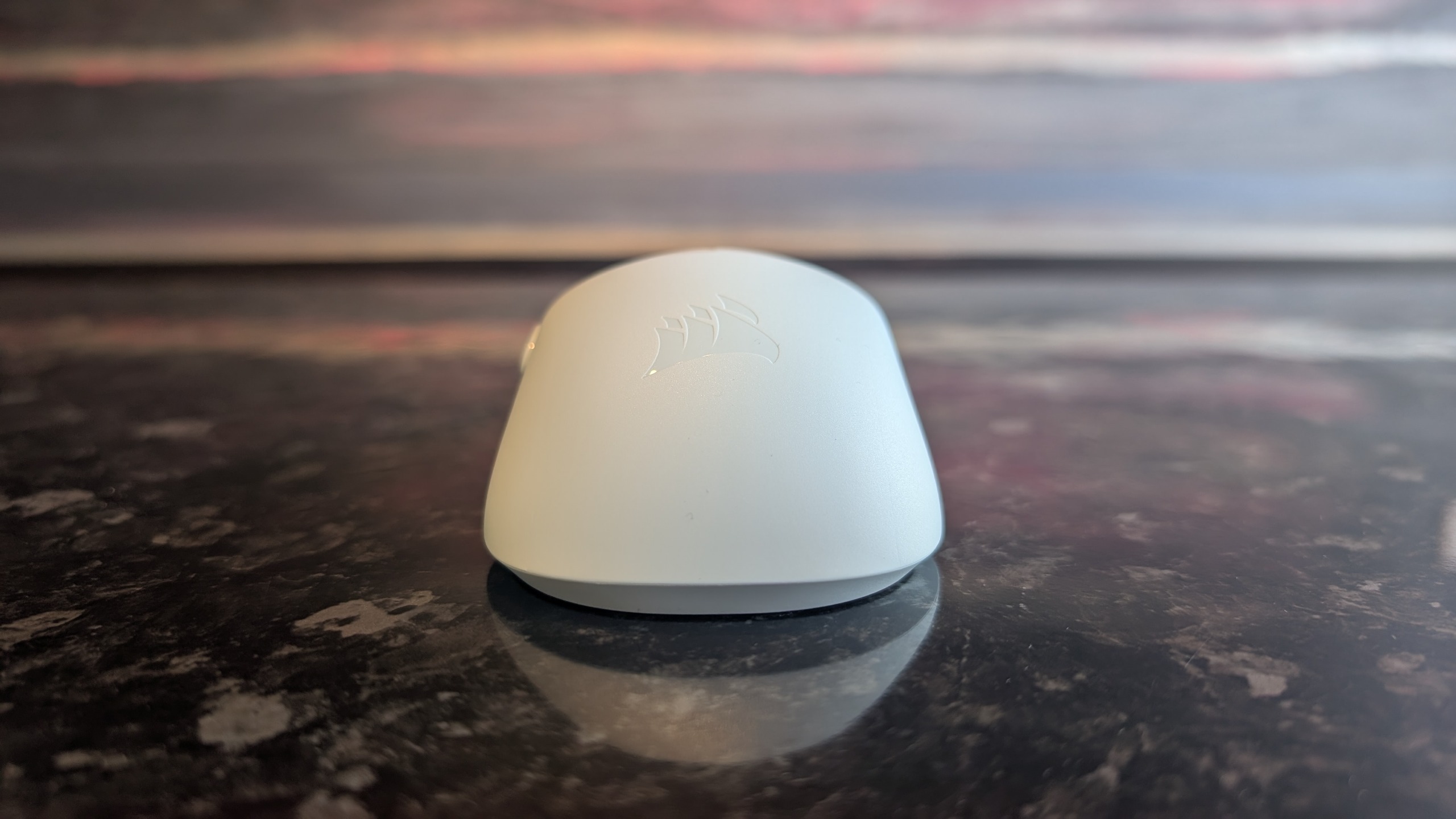
There are absolutely no aesthetic frills to speak of, either. The usual RGB lighting is completely absent here, just one single power LED in front of the scroll wheel. Although there is some printed patterning on the left side of the mouse, it isn't actually textured like it is on many other Corsair mice, which feels like a missed opportunity, as it could've provided a bit of extra grip to the matte plastic casing without compromising on weight.
The good news is that despite it being so lightweight, Corsair didn't skimp on the Sabre V3 Pro's battery. It has an advertised battery life of 140 hours in the standard 1K polling rate mode, or 25 hours in 8K mode (though as I've said before in mouse reviews, 8K polling is a bit of a gimmick that most gamers simply don't need).
In my testing, I found that the battery life was indeed fantastic. I used it for more than a week without needing to charge it once, and at least three hours of that testing was using the 8K polling mode.
In short, the Corsair Sabre V3 Pro Ultralight Wireless is a good mouse, and if what you want is specifically the most lightweight, no-frills gaming mouse available, I might even call it a great mouse. But the high asking price and underwhelming PureVector software make it difficult to recommend wholeheartedly.
Corsair Sabre V3 Pro Ultralight Wireless review: Price & availability
- $179.99 / £159.99 / AU$289.99
- Available now worldwide
- Expensive for what it offers
The Sabre V3 Pro Ultralight Wireless has seen a hefty price increase over the previous V2 model, now costing an eye-watering $179.99 / £159.99 / AU$289.99. It's available directly from Corsair in the US and UK, while shoppers in some regions (including Australia) will have to go through third-party vendors.
The new price makes the Sabre V3 Pro one of the single most expensive mice that Corsair offers, and that's without factoring in the alternate magnesium alloy or carbon fiber chassis options, which are more expensive. At this price point, I'm inclined to say that there are better options elsewhere (and you can see my top recommendations further down this page). That being said, for users seeking the lightest mouse, this could be one to watch during sale events like Black Friday.
Corsair Sabre V3 Pro Ultralight Wireless review: Specs
|
Wireless via dongle |
|
|
Battery life |
Up to 140 hours |
|
Polling rate |
1K / 8K |
|
Maximum sensitivity (DPI) |
42,000 |
|
Programmable buttons |
5 |
|
12.0 x 6.5 x 4.1 cm |
|
|
37g |
Should I buy the Corsair Sabre V3 Pro Ultralight Wireless?
|
High-end pricing for an honestly pretty basic gaming mouse with one fancy software feature that doesn't really do that much for the average PC gamer. |
2 / 5 |
|
|
Comfortable and reasonably sized, usable by all grip types. Impressively light package weight, though this does make the chassis feel less durable than I'd like. |
4 / 5 |
|
|
Setup is quick and easy, battery life is great, and the 42K DPI sensor is accurate and responsive. |
4.5 / 5 |
|
|
Final score |
3.5 / 5 |
Buy it if…
Don't buy it if…
Corsair Sabre V3 Pro Ultralight Wireless review: Also consider
How I tested the Corsair Sabre V3 Pro Ultralight Wireless
- Tested for nine days total
- Used for both work and gaming
- 8+ years of experience reviewing tech hardware
As usual for peripheral reviews, I swapped out my regular mouse (the Logitech G Pro X2 Superstrike) for the Corsair Sabre V3 Pro Ultralight Wireless and used it for a little over a week. During this time, I naturally used it for plenty of gaming, as well as my typical daily work and some personal projects.
I tested the Sabre V3 Pro in a range of games, including Warframe, Marathon, The Finals, Apex Legends, and Soulframe. I found it comfortable for lengthier gaming sessions, using my usual palm grip type.
I've been testing, evaluating, and reviewing all kinds of PC hardware for more than eight years, starting off at Maximum PC magazine before making the leap to digital journalism and joining the TechRadar team in 2021. I put all my knowledge and experience into every one of my reviews, so you can rest assured you're getting a comprehensive and bias-free product analysis.
Christian is TechRadar’s UK-based Computing Editor. He came to us from Maximum PC magazine, where he fell in love with computer hardware and building PCs. He was a regular fixture amongst our freelance review team before making the jump to TechRadar, and can usually be found drooling over the latest high-end graphics card or gaming laptop before looking at his bank account balance and crying.
Christian is a keen campaigner for LGBTQ+ rights and the owner of a charming rescue dog named Lucy, having adopted her after he beat cancer in 2021. She keeps him fit and healthy through a combination of face-licking and long walks, and only occasionally barks at him to demand treats when he’s trying to work from home.