If you've finally decided to sell your old Xbox, then you might want to back up your old saves. More importantly, to protect your privacy/delete credit cards you might have stored on the console, you must factory reset your system before selling it.
Provided your Xbox One is connected to the interwebs, backing up saves is an idiot-proof process before the big step of a factory reset. Your console automatically backs up game saves every time you sign into your console. To secure old saves for the last time before selling your Xbox One, make sure it's online and sign into your usual account. Then it's a case of briefly opening any game you want to keep data from, let your console's "Syncing data" message finish, save and quit out of the game, and you're good to go. If you then decide to buy an Xbox Series X or S, you can download this data from the cloud.
Now it's time to factory reset your Xbox One. Navigate to Profile & system > Settings > System > Console info > Reset console. (which deletes all apps, games and local saves). Your Xbox One will be wiped clean.
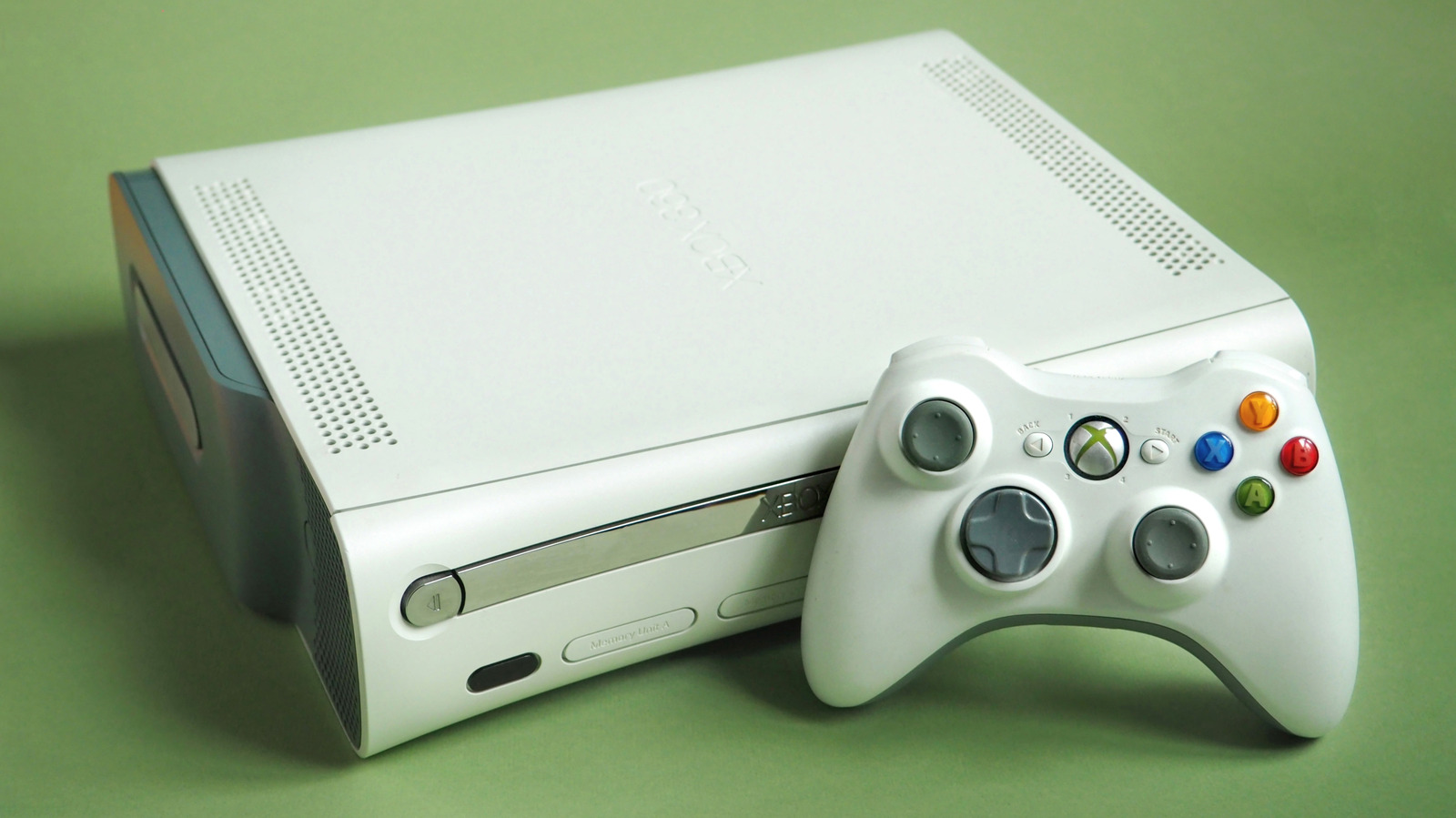
If you're keen on keeping old Xbox 360 saves, plug an empty USB drive into the console, then go to Settings > System > Storage > and choose . The 360 will format the drive in its proprietary FAT32 system, at which you can go back to Storage > Hard Drive > Games and Apps. From here, simply select the games whose data you want to preserve, then click Copy > USB Storage Device.
To factory reset your Xbox 360, head to Settings > System > Storage, select your hard drive, press Y for , then select . If the console asks you for the serial number at this point, you can find it from System > Console Settings > System Info and note it down. Once your 360 has been formatted, it's ready to sell.
You should also unlink either the Xbox 360 or Xbox One that you're selling from your Microsoft account. To do this, head to the Microsoft Devices site and log in, then select the little monitor-shaped tab. Next, choose the console you want to remove and simply press Remove this device.
With all of these steps complete, your old Xbox is now good to move on to its next owner.