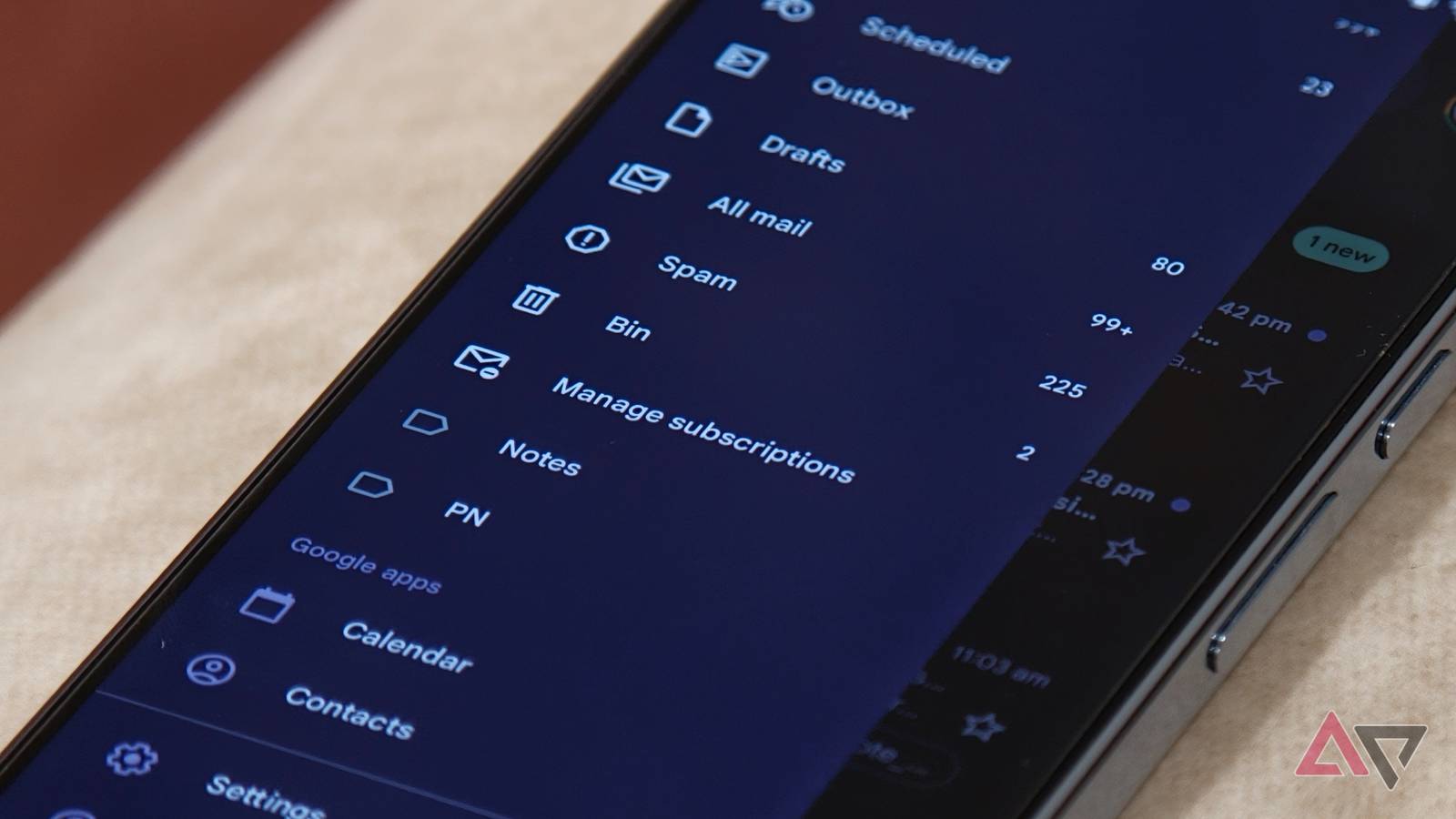
Starting in January 2027, Gmail will no longer be able to get emails from other providers via POP on the web or send emails from third-party addresses.
It's a change for anyone who uses Gmail's web inbox to keep track of more than one email account in a single place. I don't want to lose that ease of use, so I've moved the job to other .
I have Mozilla Thunderbird and Microsoft Outlook set up on my phone so I can send messages, manage my email accounts, and see what emails are coming in from all accounts, all in one place.
Gmail is dropping POP access and third-party sending in 2027
I'm losing some of the features that made Gmail my central inbox
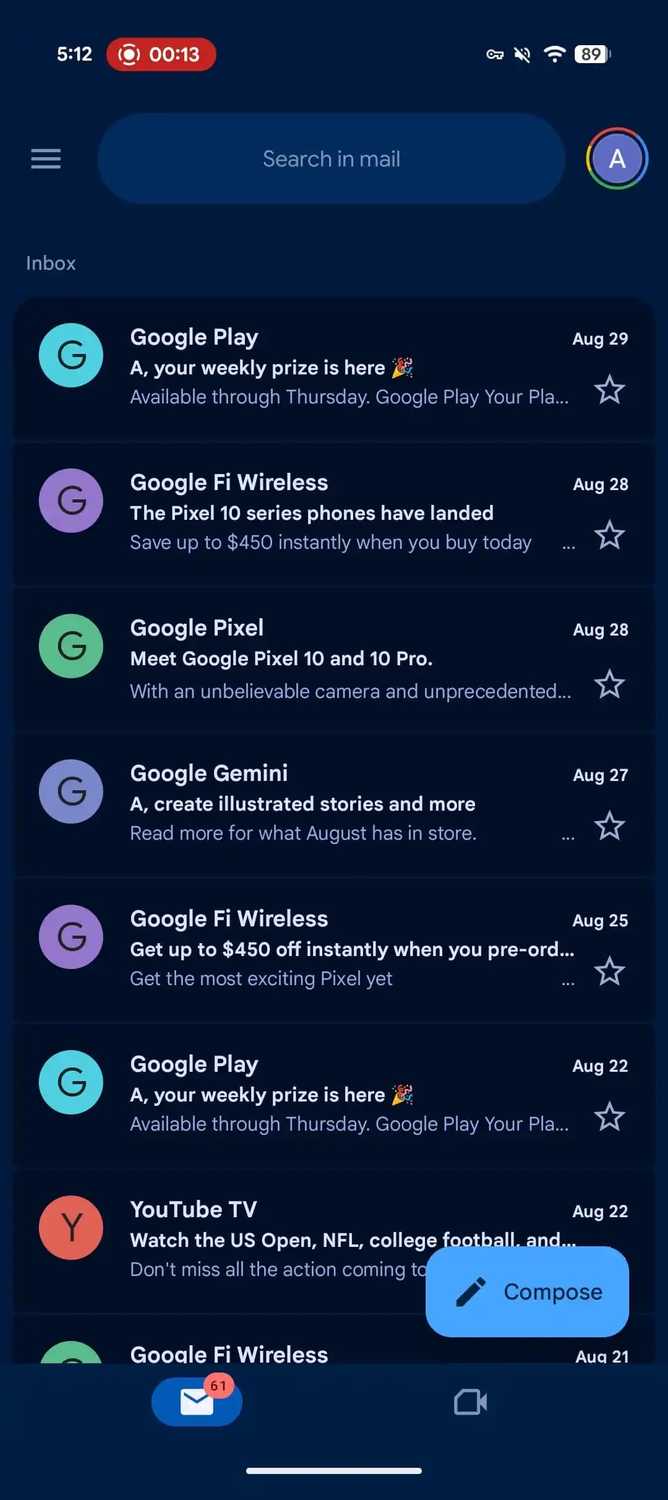
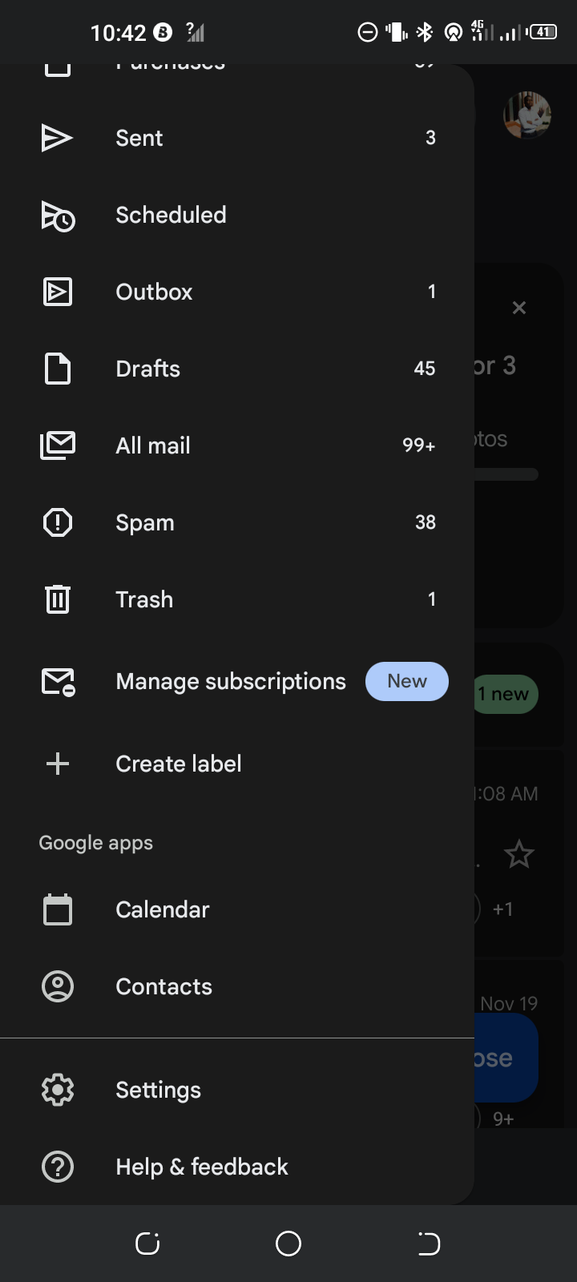
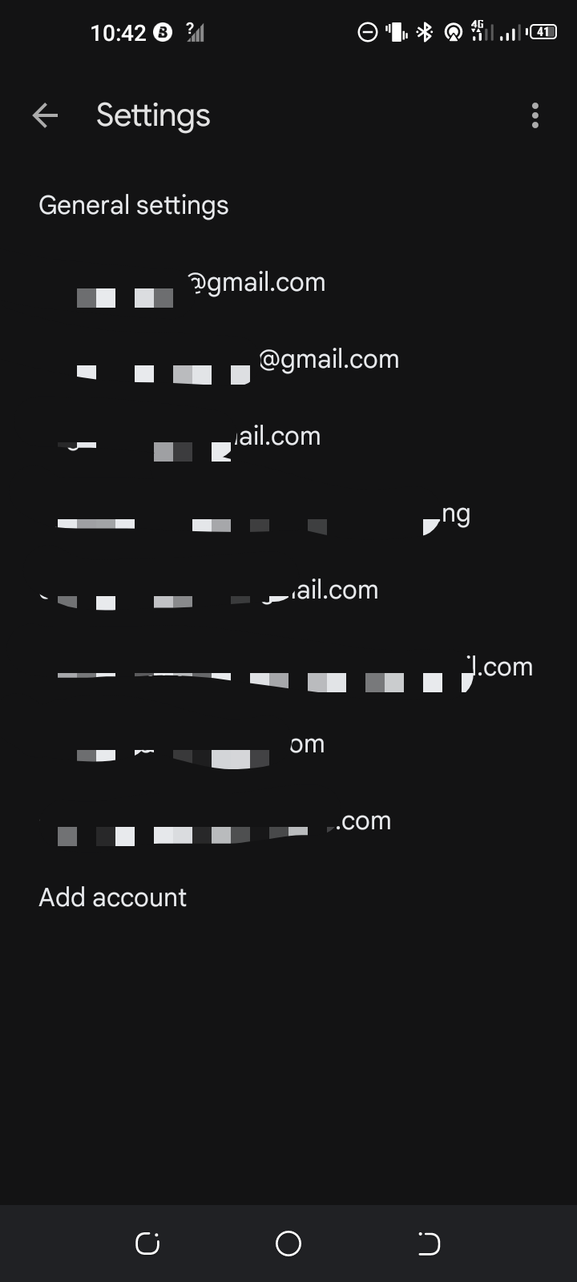
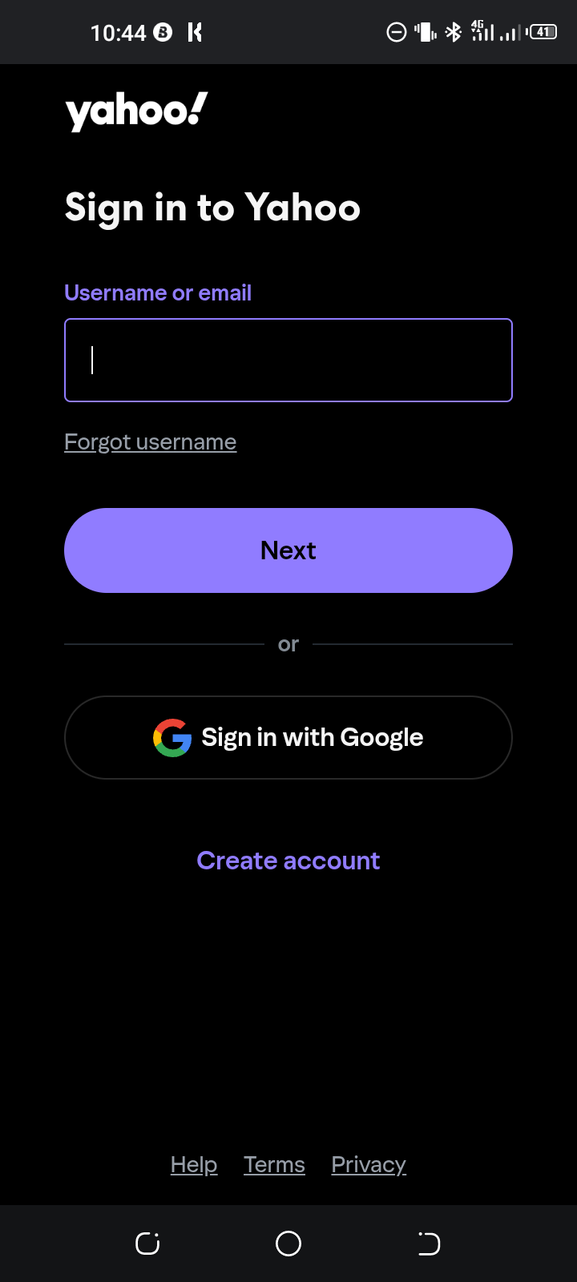
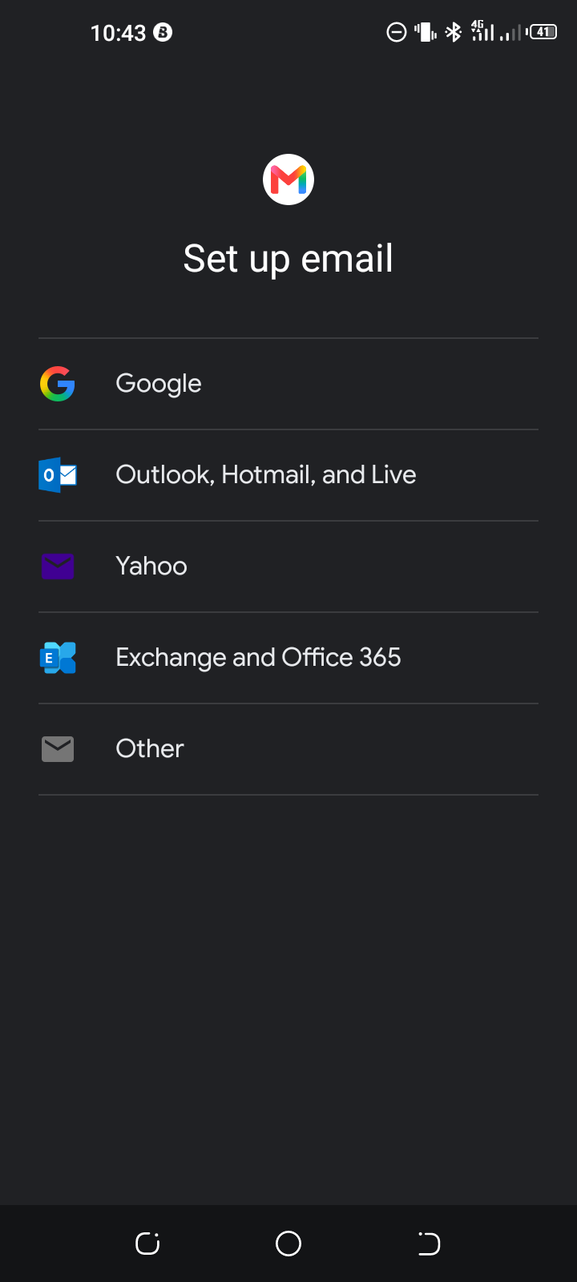
Gmail has been the place to handle multiple email addresses without having to open multiple apps. I could get emails from other providers in my Gmail inbox and reply from those addresses.
Google is taking away some of the tools that let you do this. Gmail's POP (Post Office Protocol) access to other accounts will be turned off on the web in January 2027. Gmail will no longer retrieve emails from other email providers into its web inbox, or enable users to send messages from third-party addresses.
It'll also stop supporting the "Send as" feature for third-party accounts, which allows people to send email through Yahoo, Outlook.com, or a custom-domain mailbox using their main Gmail account.
Gmailify is going away as well. Currently, it adds some Gmail features to third-party accounts that support them, such as spam protection and better inbox organization.
Android users have one more key difference. Google says third-party accounts will continue to work with the Gmail mobile app.
But you won't be able to send from a different address using Gmail's "Send as" option on the web or your phone. Gmail-to-Gmail aliases and the Google Workspace "Send as" option will function normally.
I want to manage all my email addresses in one app, so I installed Thunderbird and Outlook.
I set up Thunderbird to keep all my email accounts in one place
I can receive messages, switch sending addresses, and track new emails in one app
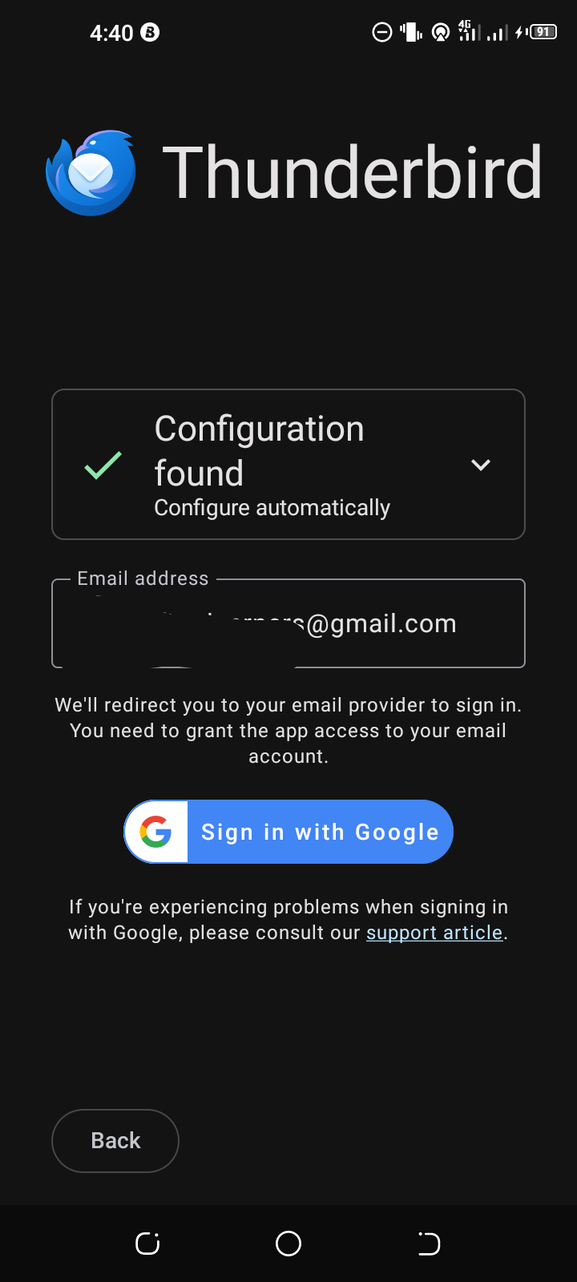
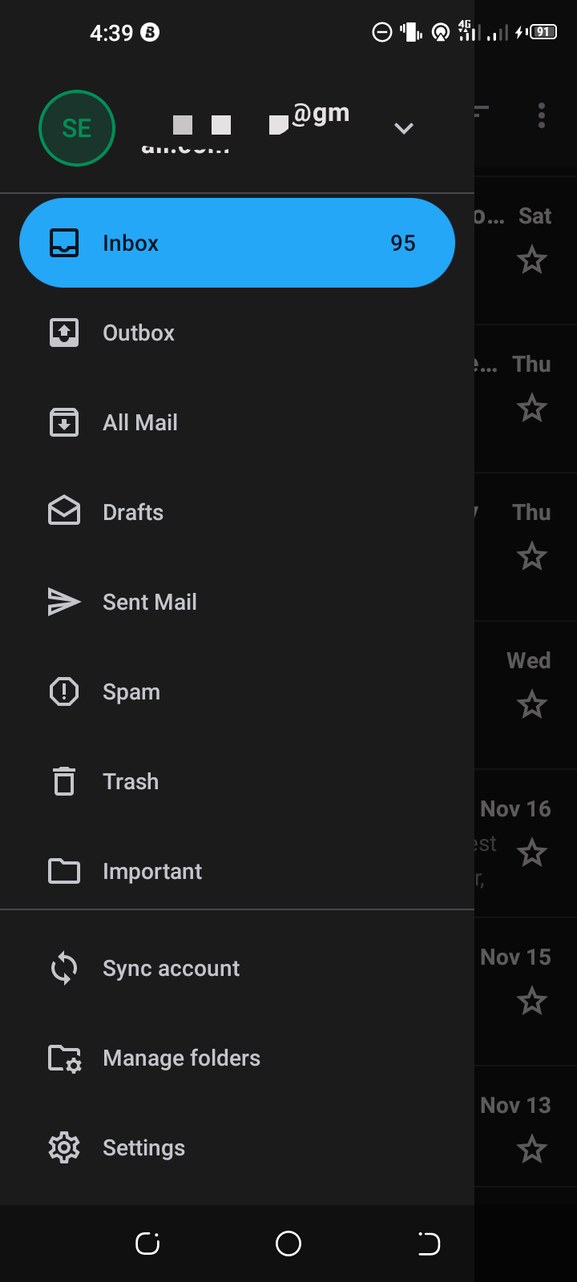
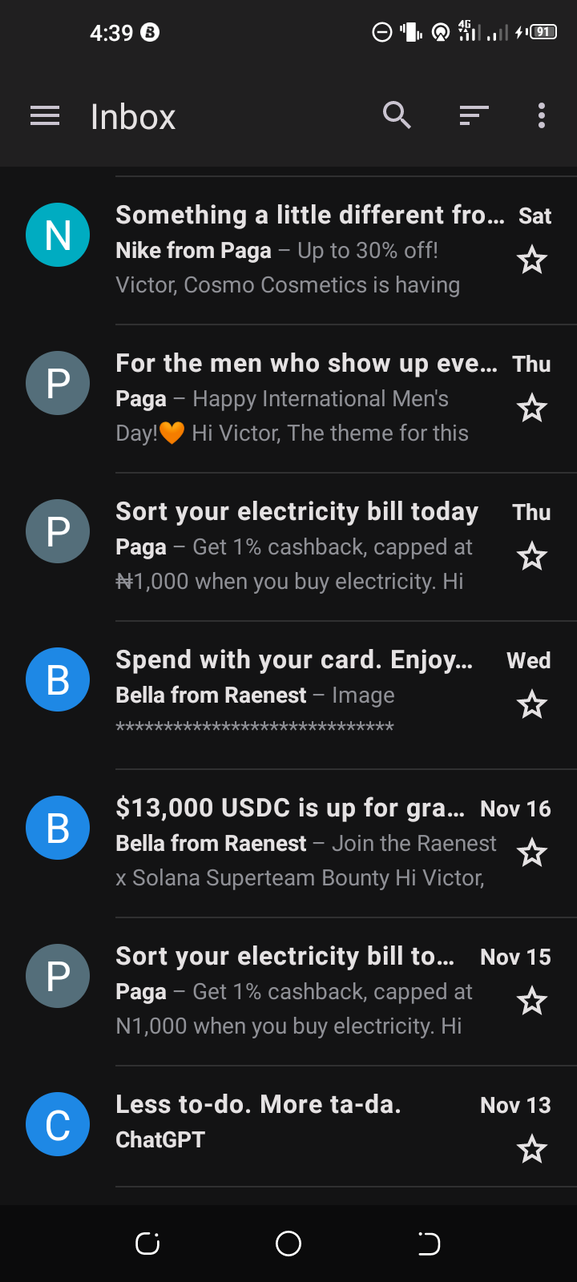
First, I set up my email accounts with Thunderbird for Android. It's an open source (and free) email app that supports a lot of email providers, including Gmail and others that use standard email protocols.
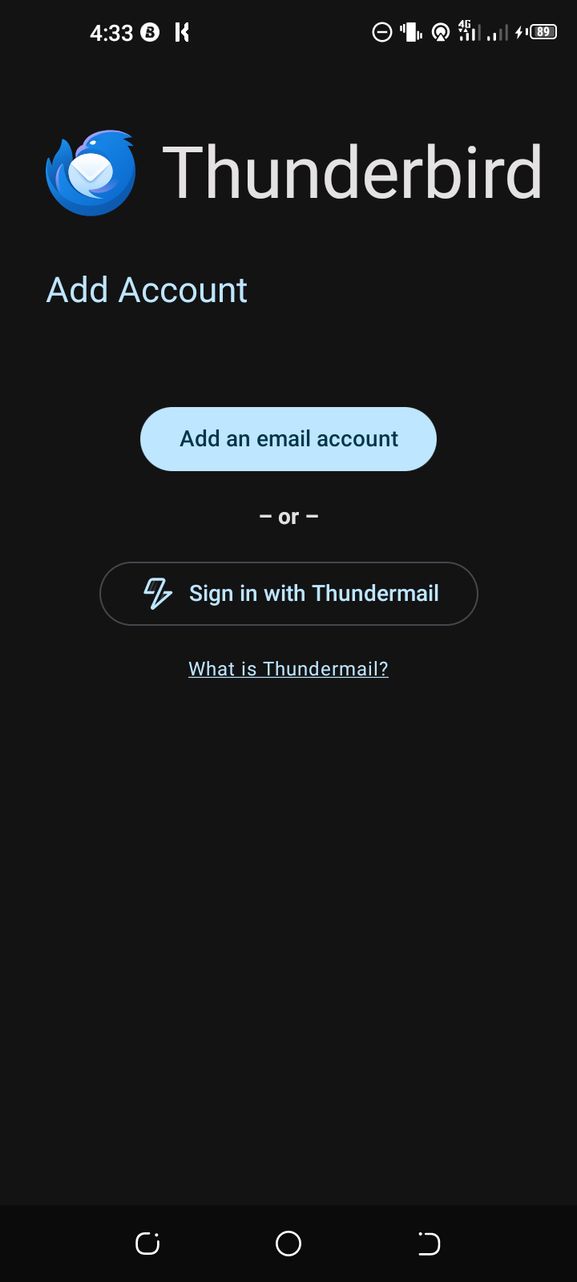
I selected the option in Thunderbird to add an email address and completed the initial account setup. I loved how stress-free it was; all I had to do was select Add an email account and then tap on Sign in with Google. After getting my first address configured, I repeated the same steps for each of my remaining addresses.
By adding my accounts, I got another place to get messages and respond to them. I didn't have to create new email addresses or switch my old mailboxes to another provider. I could link the accounts I already have and use Thunderbird to access them.
I'm happy with the Unified Inbox. I don't have to check each account to see if there is a new message. I can see all their emails in one go.
Thunderbird also allows me to send out emails from email addresses associated with it. Each account has a default sending identity, but I can add more identities using the account's Manage identities settings.
When I write a message, I can tap the From address and choose which identity I want to use.
Also, I want to know when new messages come in without having to open the app all the time. Thunderbird for Android can push email to compatible IMAP folders.
In the account menu, I can choose an account, go to Manage folders, and switch on push and notifications for the folders I want to watch. I can also change how notifications work in the application's settings.
I added Outlook as another backup for my email accounts
It lets me manage several inboxes without depending on Thunderbird alone
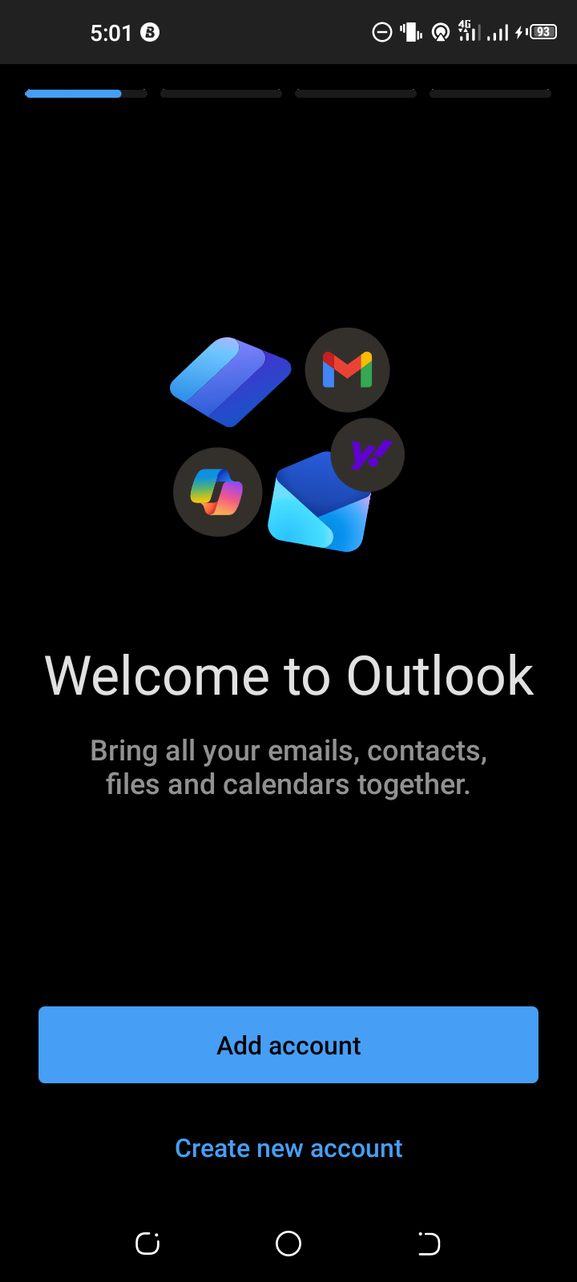
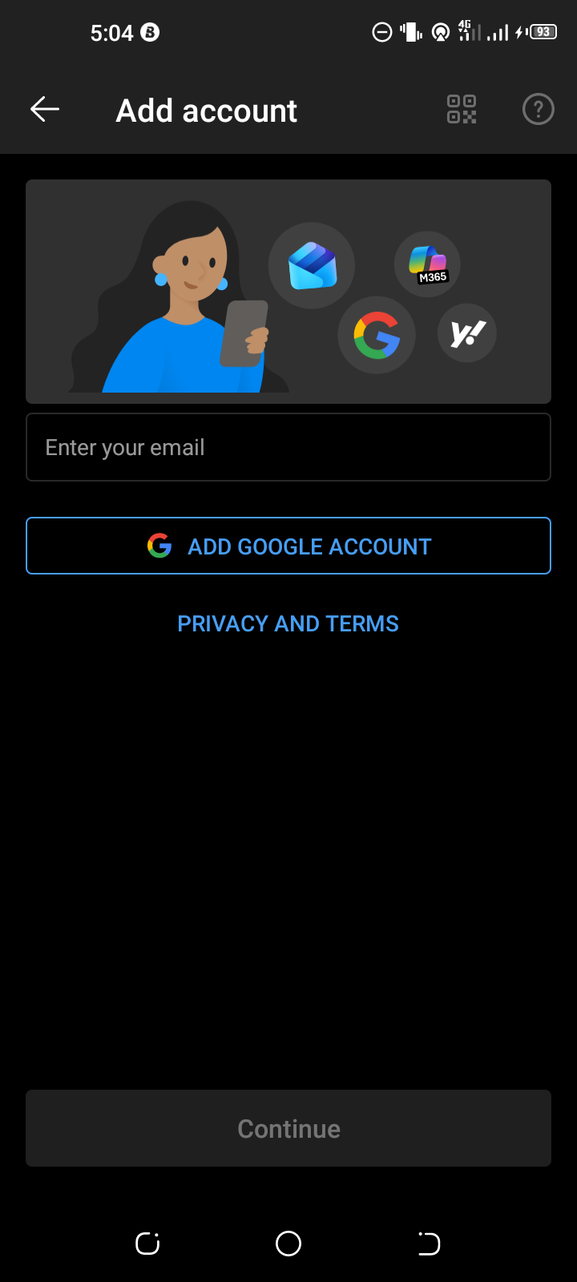
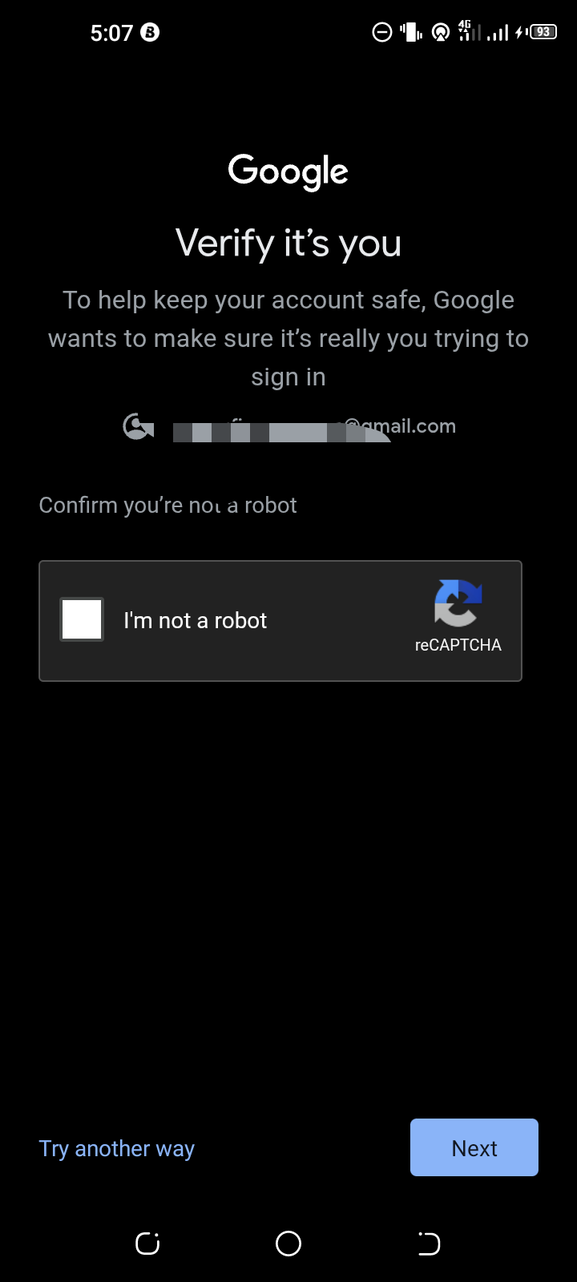
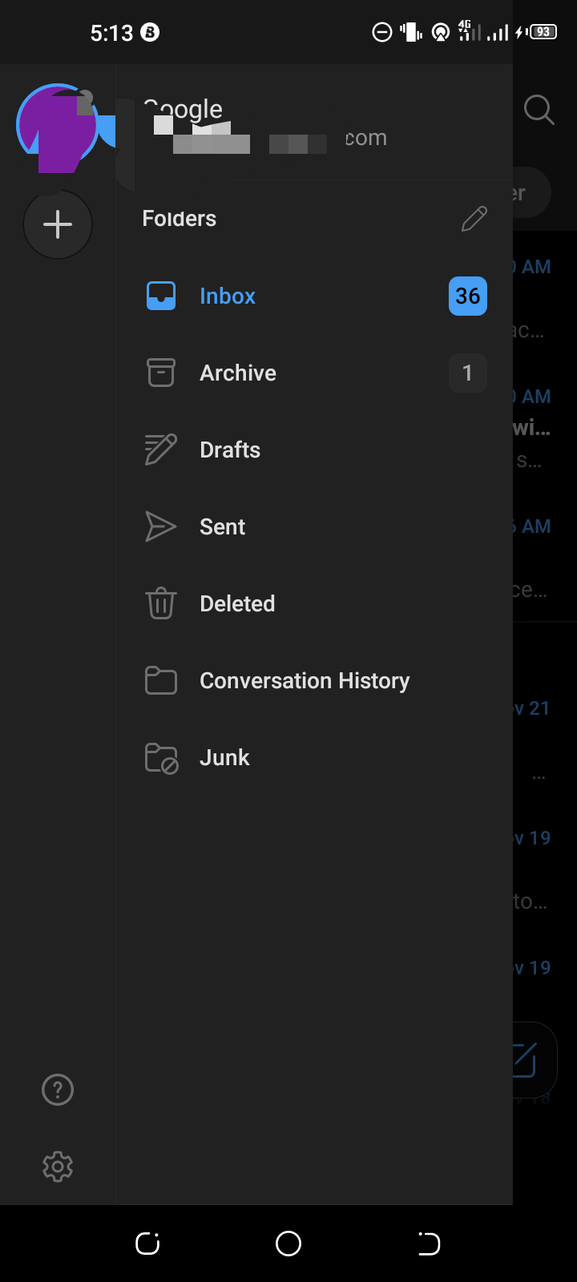
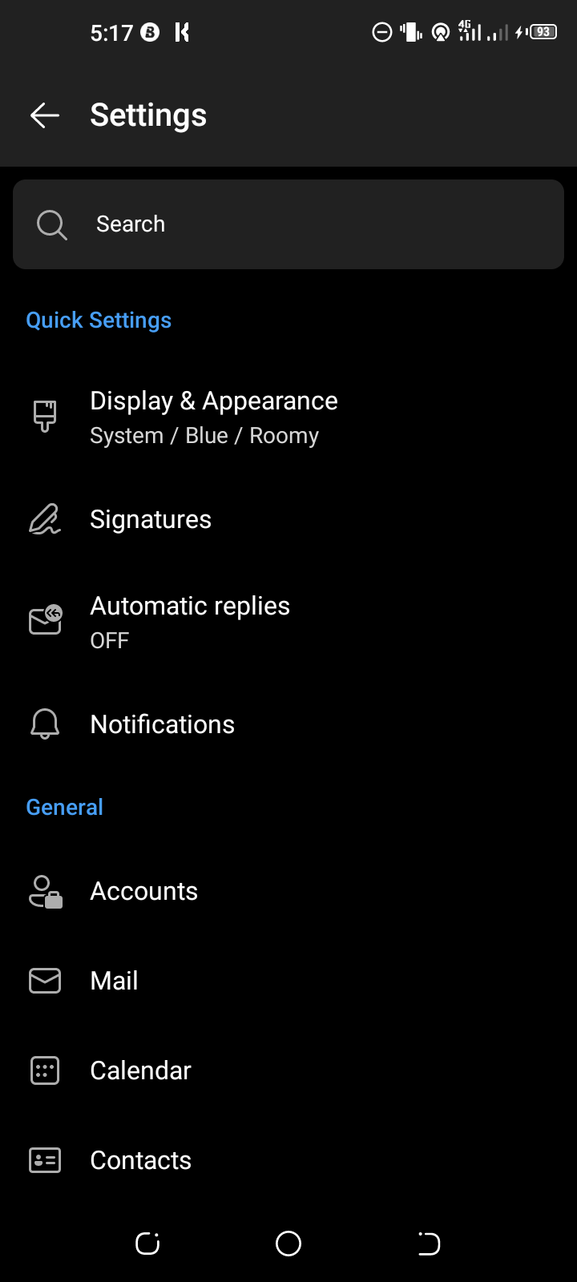
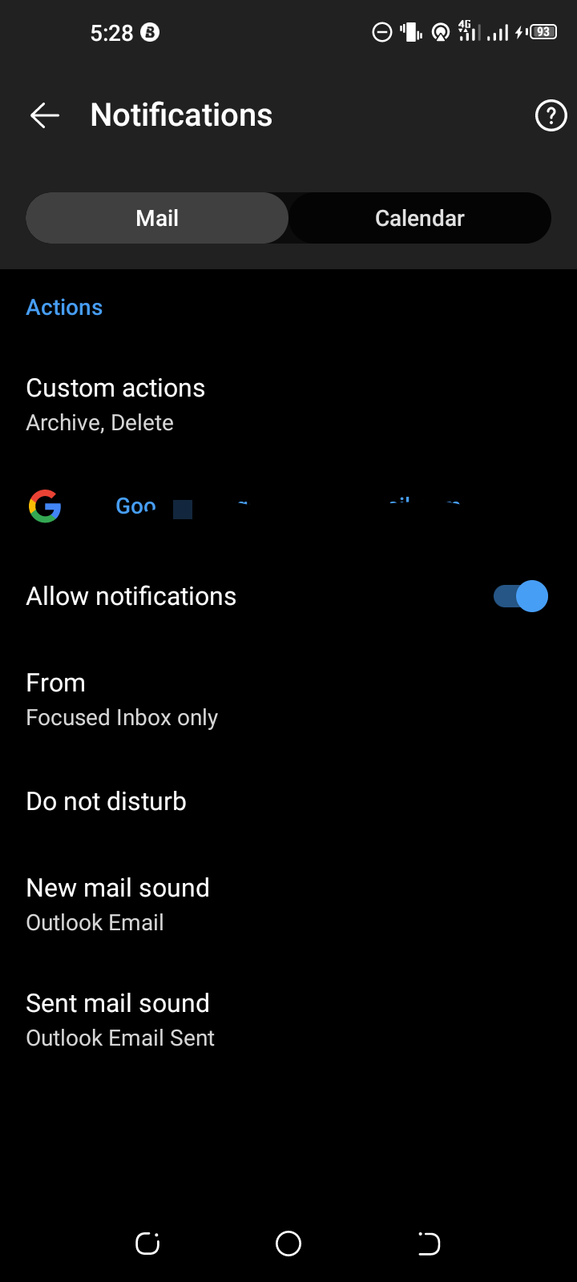
I also installed Microsoft Outlook for Android so Thunderbird wouldn't be the only app I could use. Outlook can connect to lots of email accounts, such as Gmail, Yahoo, iCloud, and other email accounts that use IMAP.
Adding an account is easy. I selected Add account, tapped on , and then followed the onscreen instructions to complete the setup.
After I added my accounts, I was able to see all messages from the same app. I can also switch to a different account whenever I want to read its messages on its own. Outlook also allows me to send emails from email addresses associated with it.
When I create a new message, I can select which account the message is sent from in the From field. This is important because I don't have to open another app every time I want to reply to a message from another address.
When I reply to or forward an email in Outlook, it usually uses the account that received the original message. I can check the From field before I send it.
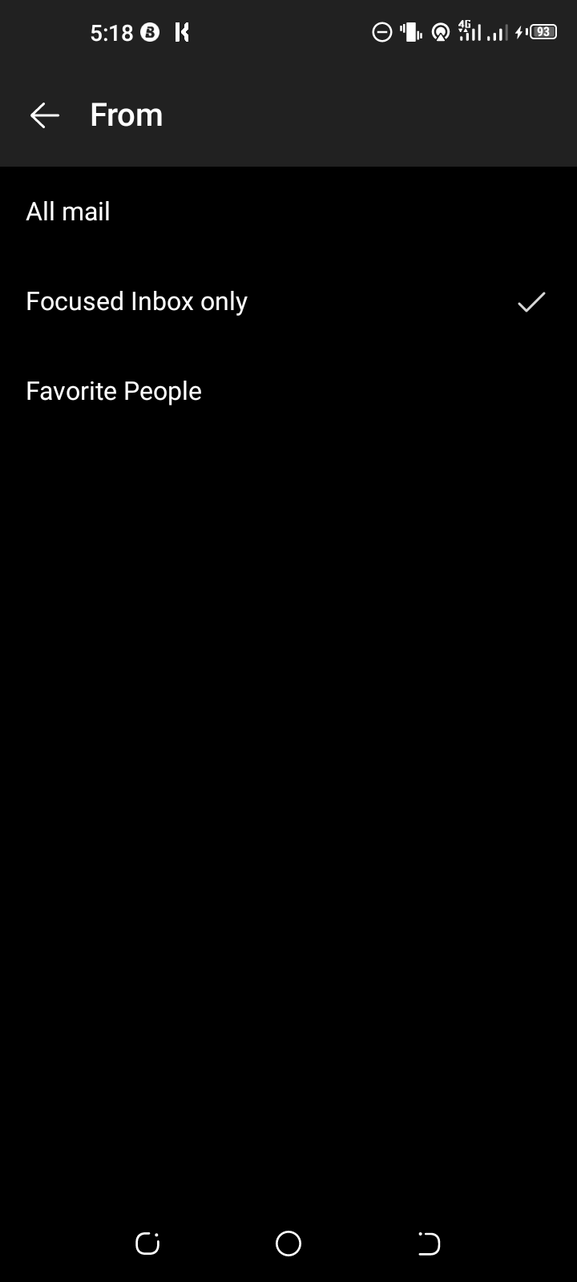
I can also decide how Outlook will alert me when new email messages arrive. I can go into and change these settings. The app allows me to change how notifications work for each email account.
I'm ready for Gmail's 2027 changes with Thunderbird and Outlook
Google's January 2027 changes will have a massive impact on how I .
I want to keep the convenience of having multiple addresses handled in one spot, so I have Thunderbird and Outlook on my Android phone to do just that.
Also, having both apps available gives me more options. Either way, I can access my linked accounts, respond to incoming messages, and send emails from the correct address. I can still use Gmail with my Google account for the features that don't change.
Thunderbird and Outlook are not meant to be interchangeable. I can trust both of them, and having both set up means I don't have to use Gmail's web inbox to manage all of my email addresses.