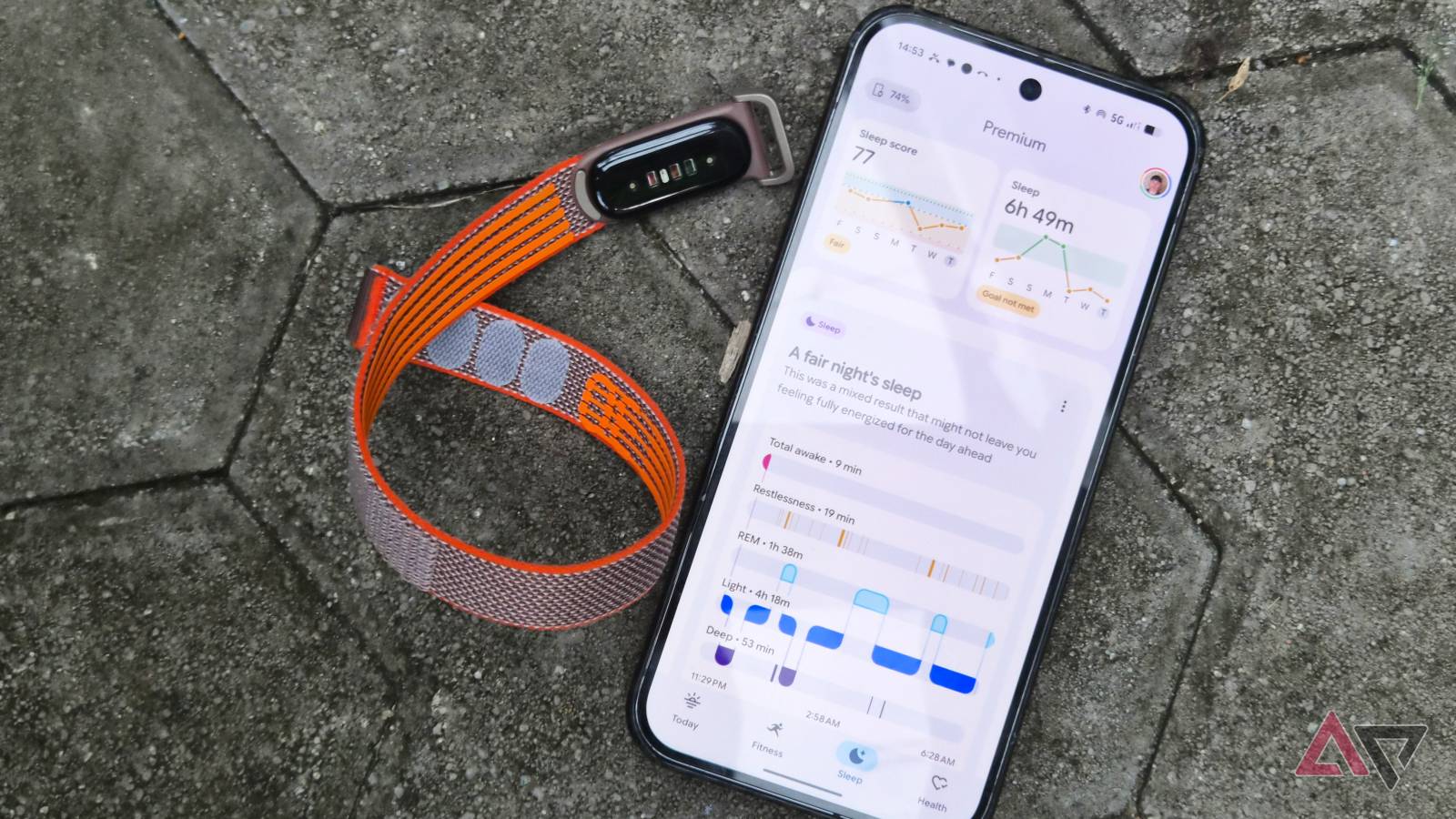
Google gave the Fitbit Air and new tracking capabilities with a recent firmware update, expanding automatic workout detection to more sports and exercises.
However, automatically detected workouts still happen in the background without nudging users. It’s impossible to tell whether your device has started tracking a workout without finishing your session first, especially on the .
Google has addressed that quirk in the latest Google Health app update (version 5.13) with a new visual cue for detected workouts, which will also benefit Pixel Watch users.
You’ll get a nudge when your Fitbit starts tracking a workout
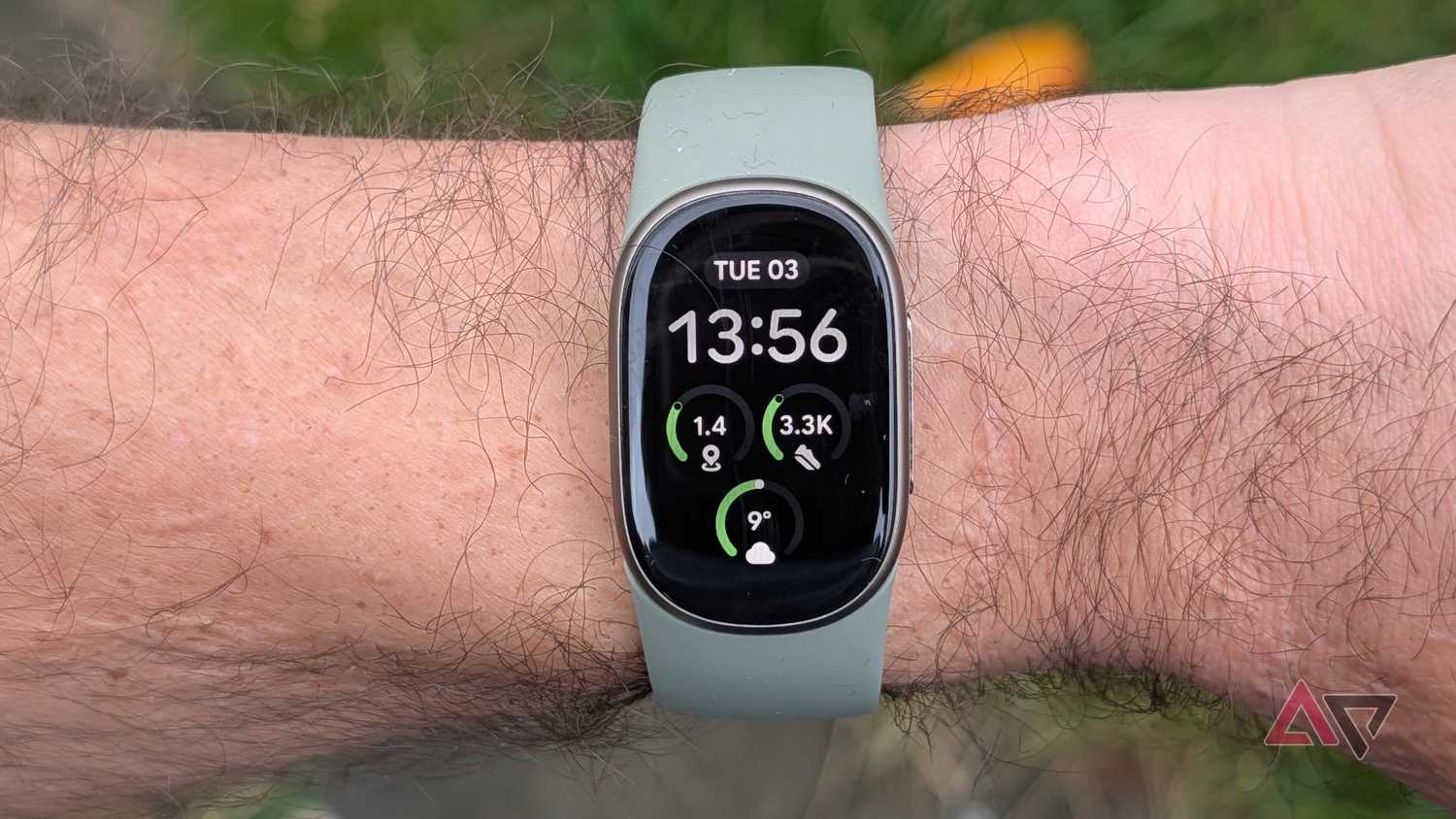
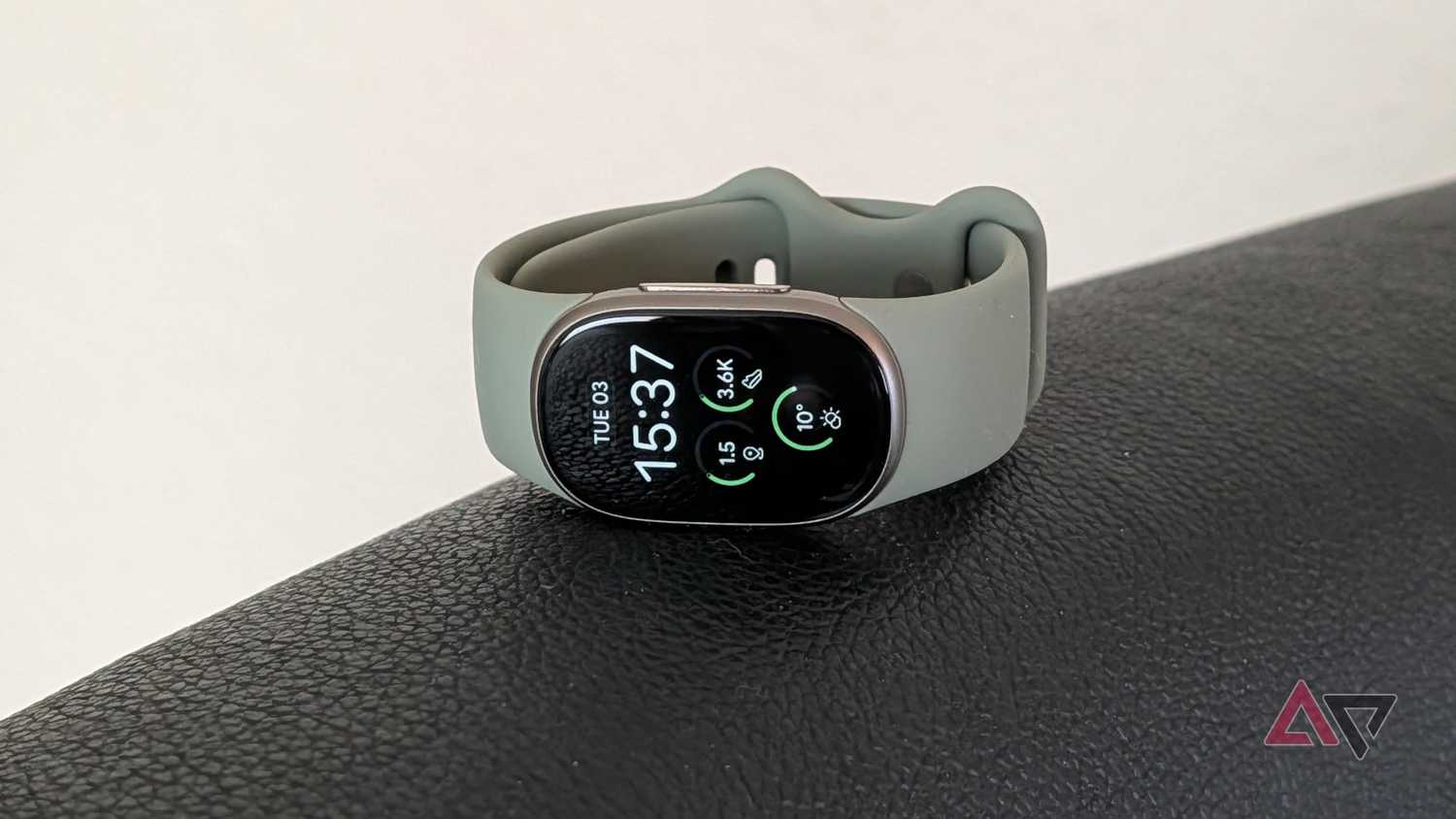
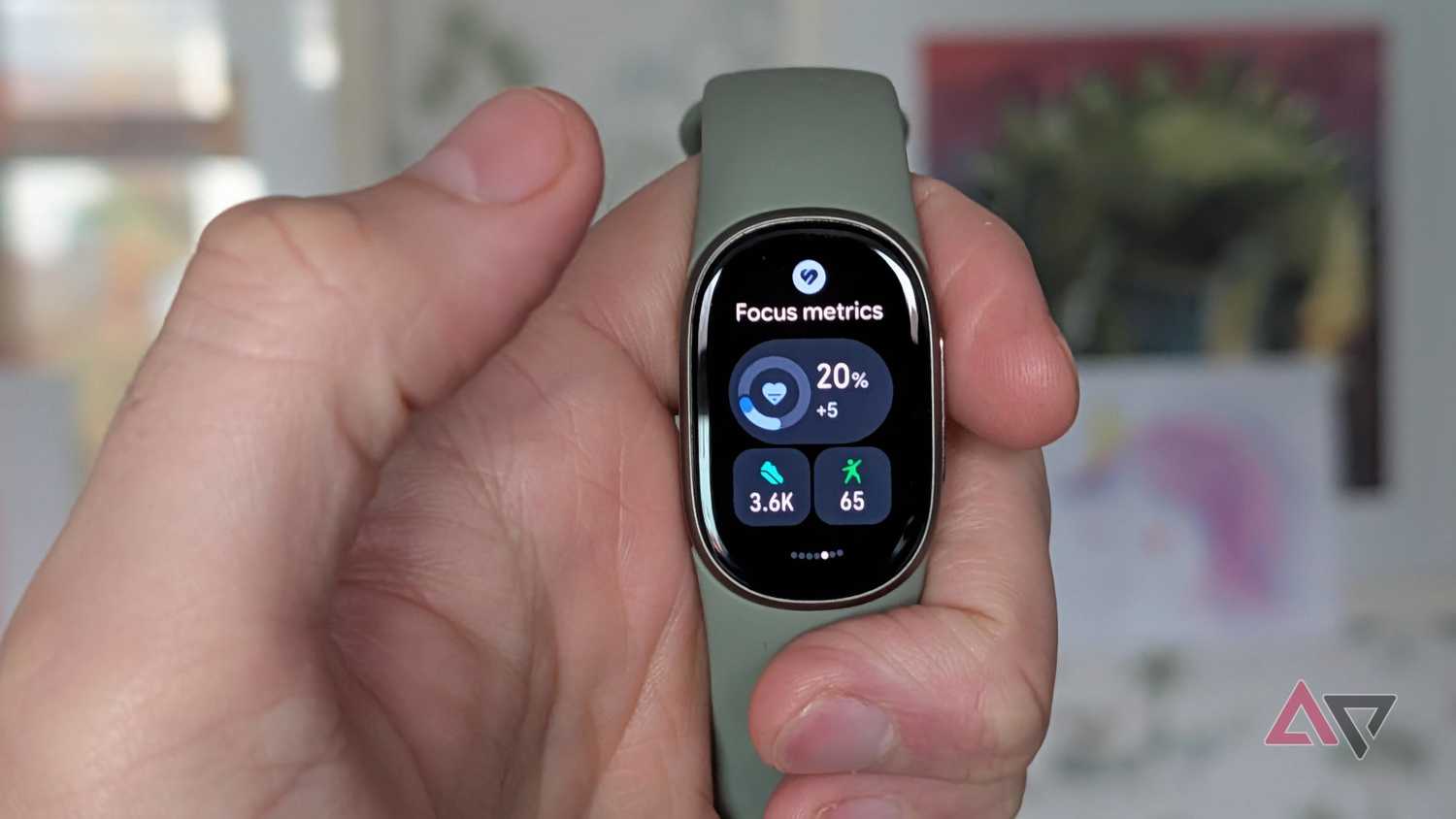
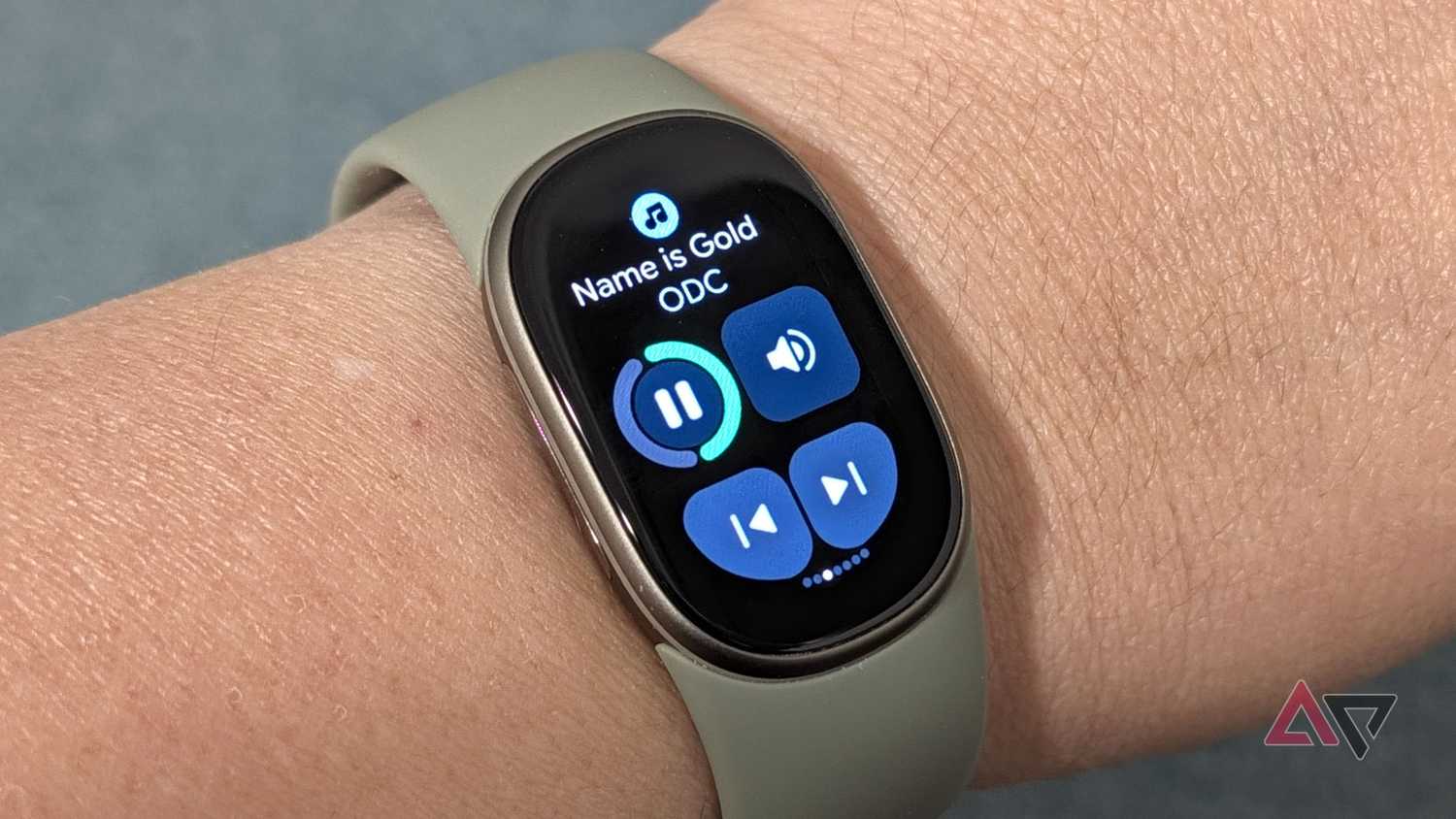
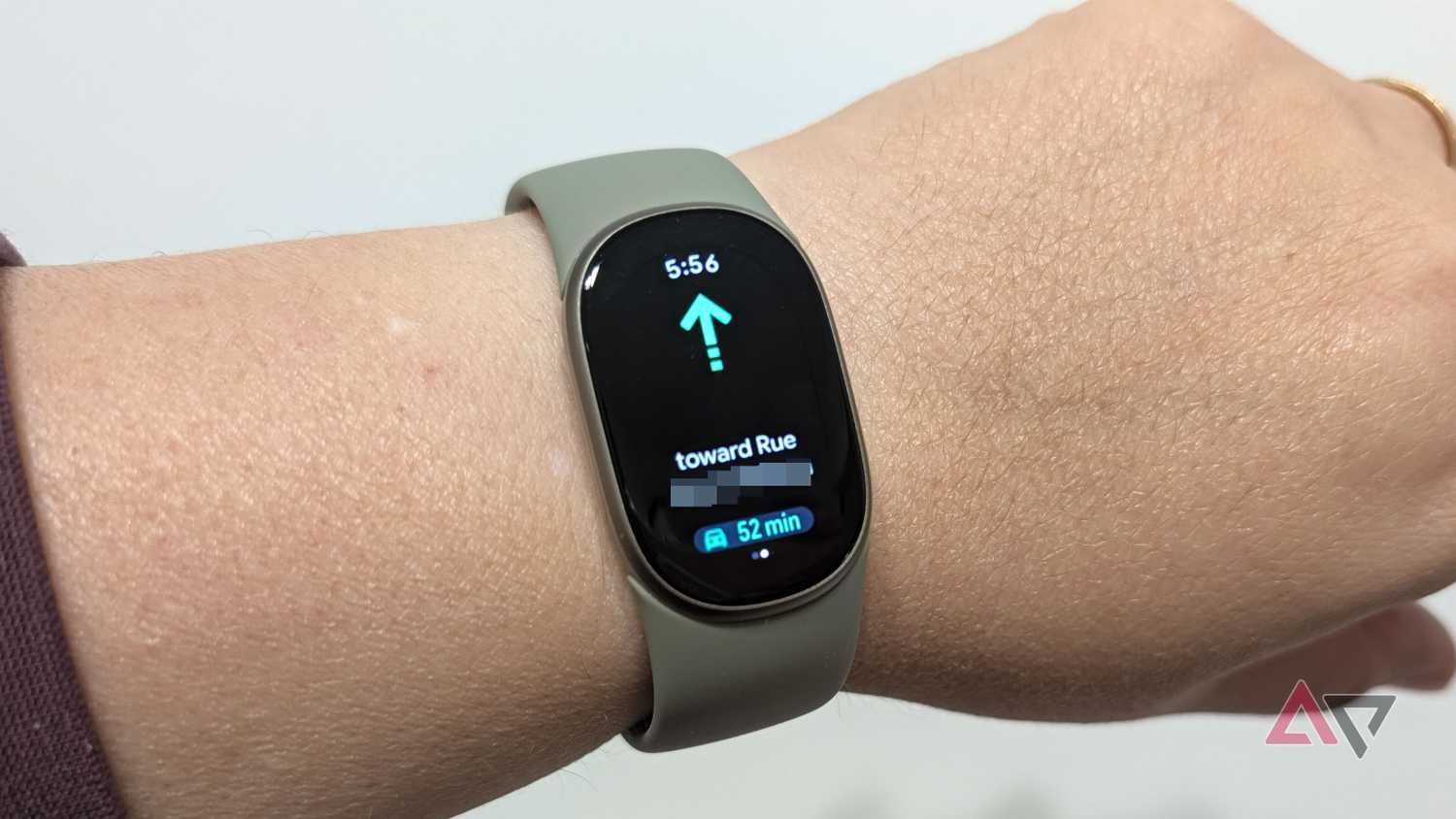
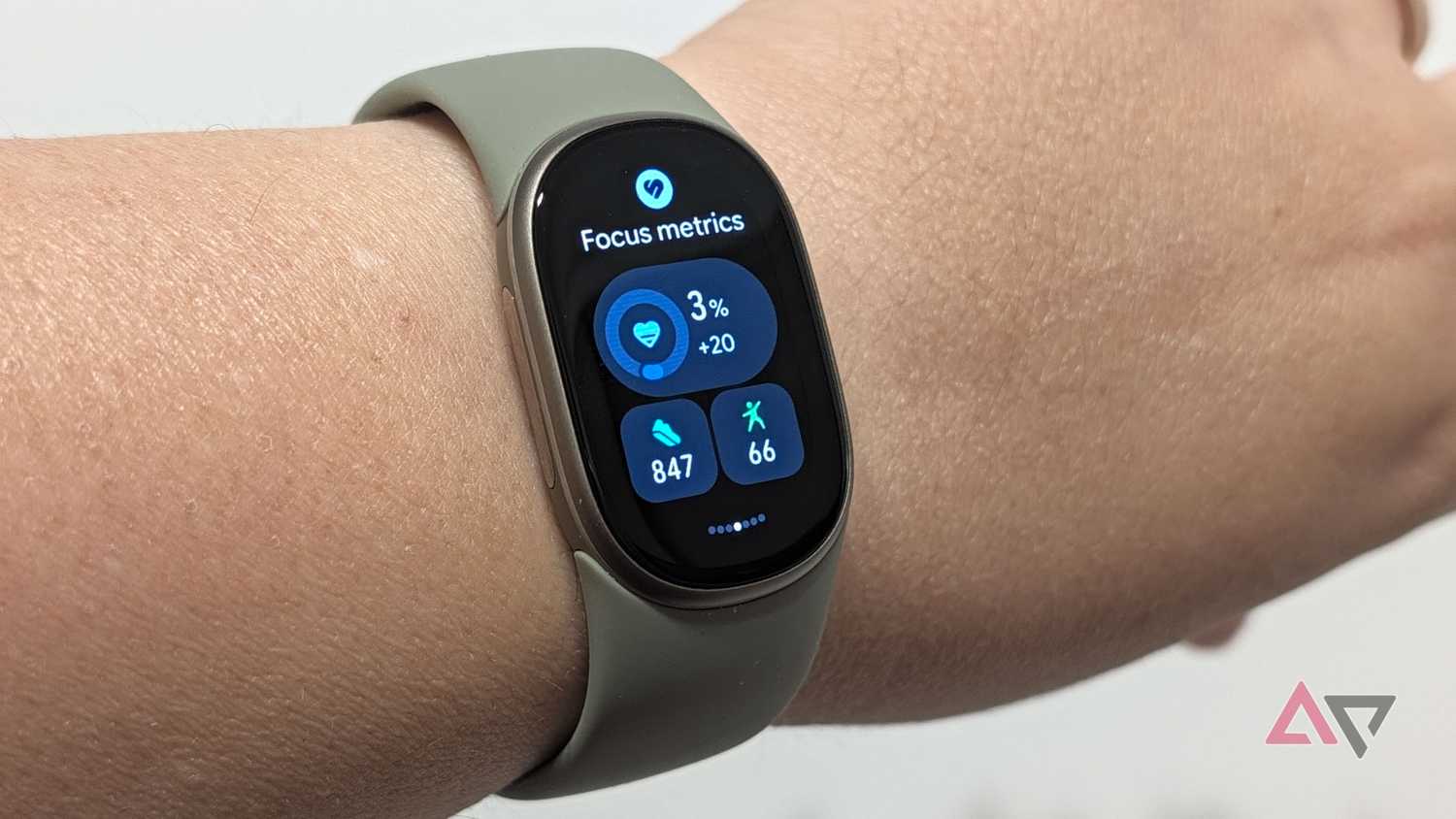
The app update has rolled out to users alongside a changelog shared by Google, as spotted by 9to5Google.
Accordingly, the Health app now presents an "Analyzing your activity" card when automatic workout detection is running. This card is accessible from the Today tab, the app's main dashboard.
Google adds that the new activity card appears once you launch the app during a workout after at least 15 minutes of activity. The card also shows up right after you finish exercising.
"Powered by advanced activity detection, this card appears if you open the app during an active workout (at least 15 minutes in) or shortly after finishing, letting you know your session is being processed."
Notably, the card serves only as a reminder of an active workout, so it won’t display real-time vitals or metrics. However, you can generate workout insights once the exercise is finished or by tapping "Get summary."
Even if you don’t open the card to generate a summary, Google says detected workouts will still be logged in your app.
Why this upgrade matters most for the Fitbit Air
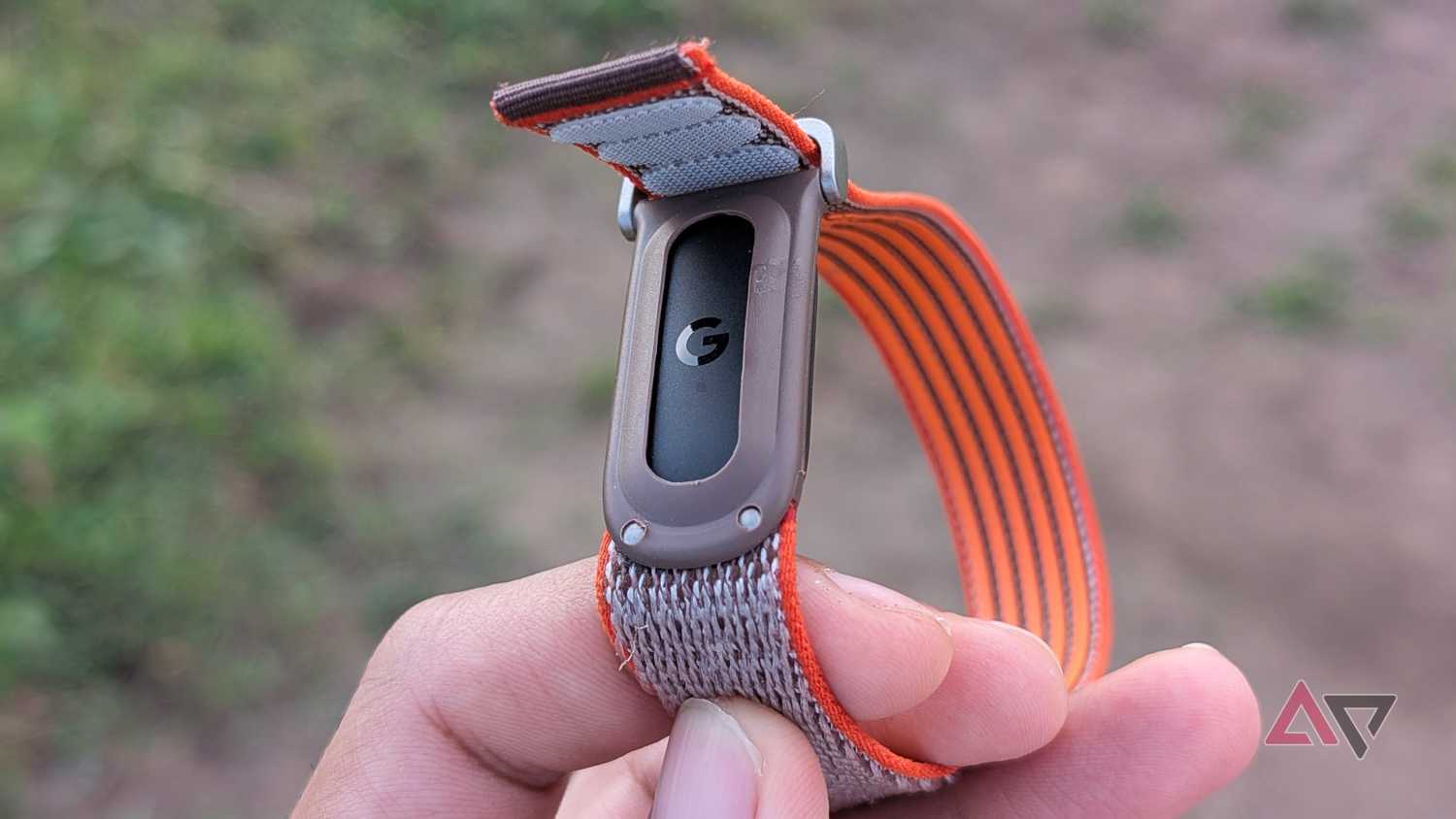


The new activity card is particularly useful for the Fitbit Air since it doesn't support on-device workout initiation or alerts. It relies completely on the Health app for control and customization, including starting and ending an exercise.
The new card simplifies automatic tracking by letting you check its status even before the activity ends. More importantly, simply knowing that the tracker has detected a workout is a very helpful cue.
This chokehold has frustrated many users, including me. Having a simple nudge in the app to confirm that the Fitbit Air has detected my walking or running routine is a welcome upgrade.
The new live activity card supports the Pixel Watch 3, Watch 4, and , as well as the Fitbit Air and Fitbit Edge.
Before version 5.13, Google introduced several other , including manual blood pressure logging and support for syncing with Apple Health and Health Connect.