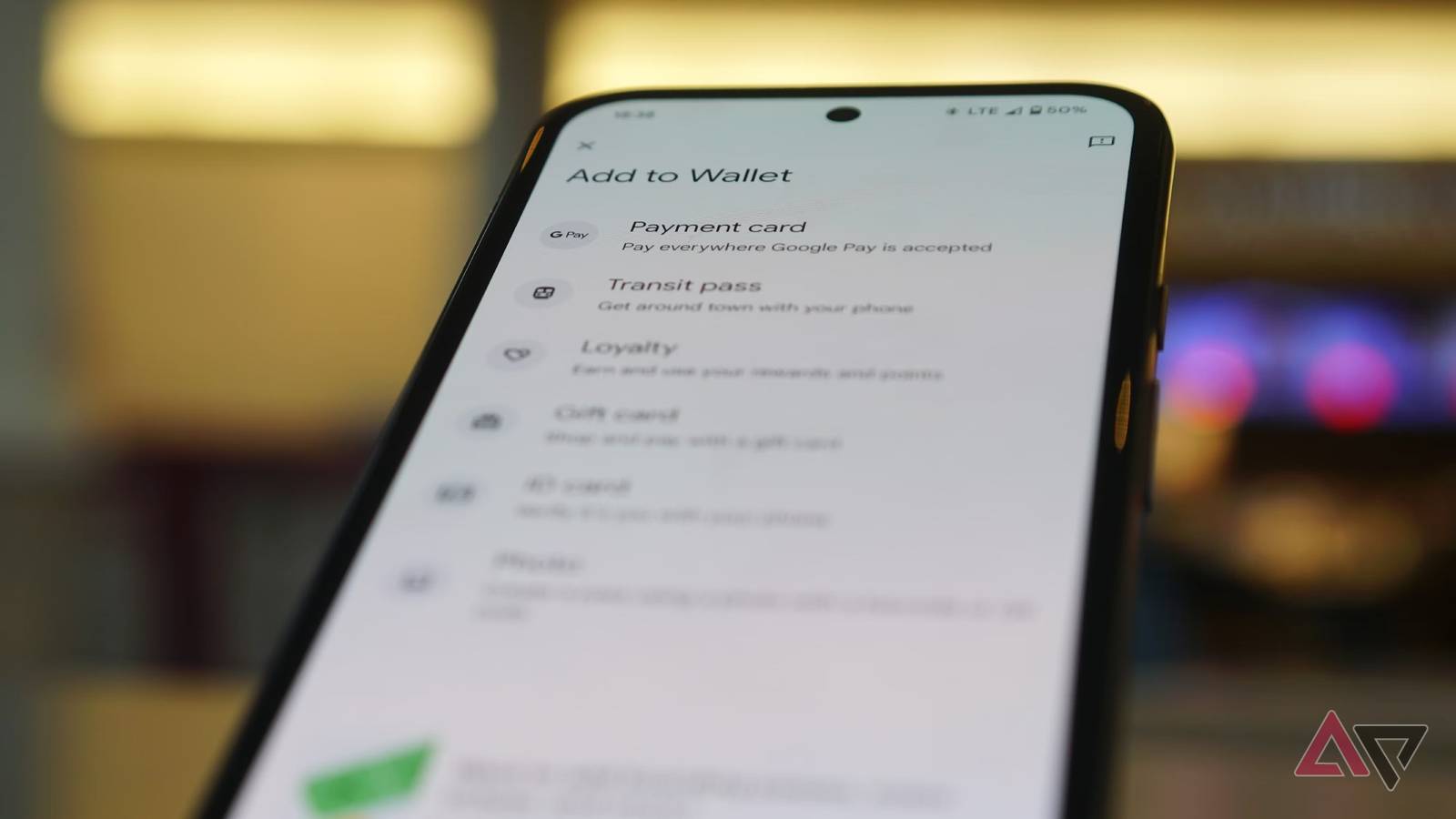
From payment cards to transport passes to ID cards, Google Wallet can store a lot. It's a remarkable place to , but until recently it hasn't been able to store the item that nobody wants to store in their wallets but ends up with anyway.
I'm talking about receipts. Crumpled, dirty, and illegible, they plague our wallets with their unnecessary relevance.
Fortunately, Google has saved us from these scrunched-up annoyances by letting us not only store receipts, but also track them in Google Wallet.
How adding a receipt to Google Wallet works
It's as simple as it could be
The app doesn't have a dedicated "Add receipt to Google Wallet" button. Instead, it identifies the receipt and draws the relevant information.
- Open .
- Tap .
- Center the receipt in the viewfinder.
- Wait for Google Wallet to capture the photo
- Confirm the scan by tapping .
- to confirm the receipt.
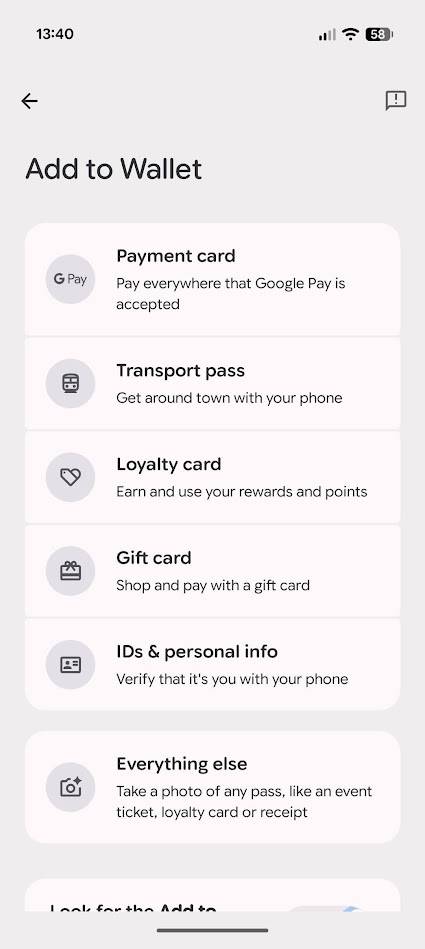
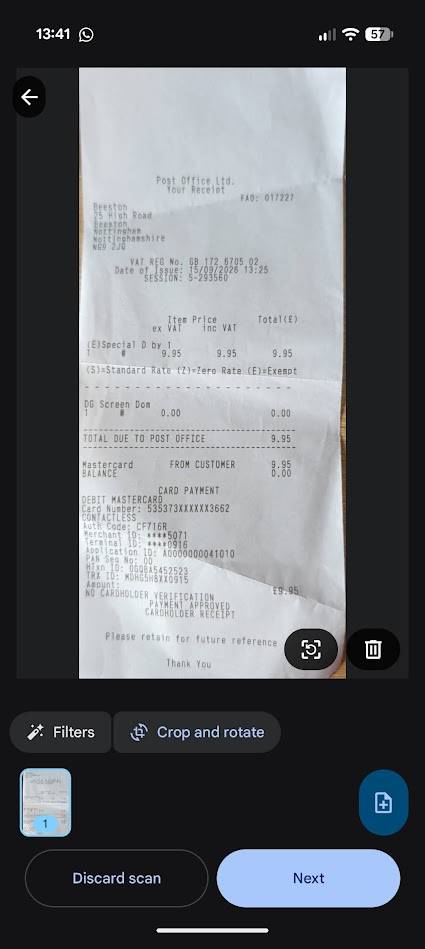
The process is automatic, so you can't edit the information after scanning. Complicated receipts with lots of codes and numbers can confuse it, but in my testing, it got the vendor and payment amounts correct every time.
In one case, I tried scanning a Post Office receipt twice. While it correctly identified the vendor and the transaction value, it identified a different code as the order number after each scan.
I don't blame the app for getting it wrong; I don't have a clue what these codes mean. However, it's worth double-checking that the app pulls the correct data if you need to record information like this.
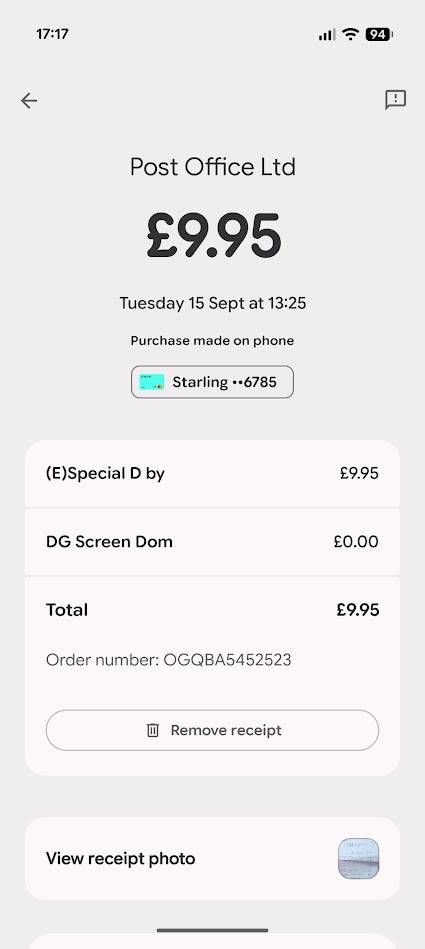
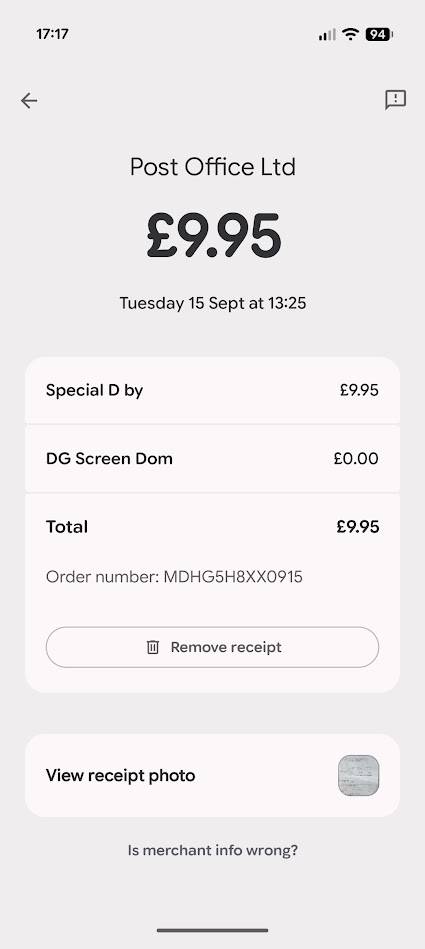
Google Wallet saves a photo of the receipt with each scan, so you can reference the full receipt there.
When added, you can find the receipt by heading to the tab, found by tapping the button.
Google Wallet tracks digital receipts sent to a Gmail address. All email receipts are scanned and sorted into Wallet for later reference, along with a link to the original email.
The only way to separate these from in-person transactions is to search for "receipts" in the app. It groups digital and physical receipts, so you have a total record of all your transactions.
Google Wallet is one of Google's best apps
Packed full of genuinely useful features
The one thing that Google does wrong with Google Wallet is not informing users of .
If I relied on Google's apps to tell me about new features, I never would have noticed I could scan receipts into Google Wallet.
Google has taken a significant step to solve this problem by adding an in-app message center to Google Wallet, but in my app it only shows me a tip for paying contactless, something I've been doing for years.
Google Wallet can store boarding passes, event tickets, transit passes, loyalty cards, gift cards, hotel keys, corporate badges, student IDs, driver's licenses, passports, health insurance cards, vaccination records, and more.
It can replace transit apps, gym apps, shopping apps, and, in a limited way, banking apps.
It's a remarkable app that can store huge amounts of useful information, so if you're only using it for bank cards, give it another look.
I need to store more physical documents in Google Wallet
I don't want to lose them in Google Drive
As soon as I scan a receipt in Google Wallet, I can safely throw the receipt away. All the information is stored on my phone, so why do I need it cluttering up my wallet?
I carry plenty of other miscellaneous documents that I would love to store in Google Wallet. Yes, I can scan them to my phone, but I want them in the same place I keep them in reality, in my wallet.
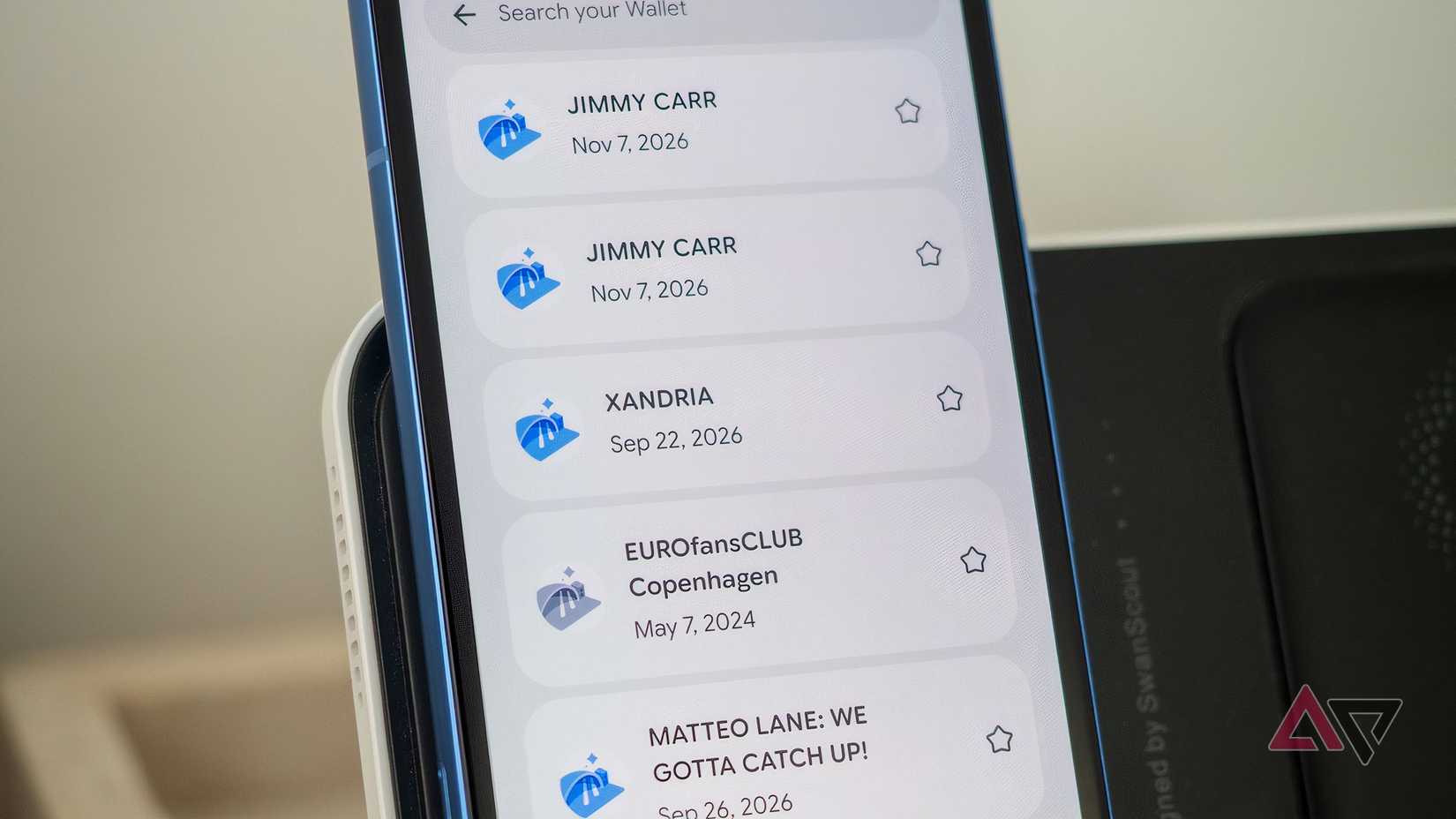
If I try to scan any other document, Google Wallet tries to force it into one of the existing categories. This means relevant information doesn't get copied over, and I can't search for it easily.
Google Wallet needs custom categories where I can save documents that don't fit into the existing categories. As it stands, if I try to store them, they get lost in the noise.
Physical receipt tracking is an excellent feature for Google Wallet
While I think Google Wallet could improve its organization features (why do I have to search for "receipts"?), it's an excellent repository for my various documents.
Adding support for miscellaneous physical documents like receipts helps reduce physical clutter while keeping things on hand.