The saving situation
There seems to be some confusion over how saving works in , so if you haven't started playing yet, it's probably worth getting a grip on what to expect.
uses a mix of sporadic auto saves (ie, don't just rely on them), and manual saving. It'll auto save after every mission, or when you have some kind of big encounter in the open world (including if you get Wasted, or get arrested).
But that's it. Otherwise, you need to manually save, and you only have 15 slots, so you won't be able to just constantly branch out into a new save slot so you can go back to any point.
Oh, and most importantly, you can't save during missions. It seems that Rockstar wants you to have a fully immersive experience. It should support the console's Rest mode, saving where you are as long as no one else turns it on to play on their accounts, so that's your best bet if you need to take a break during a big scripted mission.
Surprise attack
I'm not really sure how many cars to expect will have cats in, but it'll certainly an extra thrill to a tense getaway…
An early loot tip
This video gives a recommendation on a early impressive haul you'll want to pick up — including a collectible card that's worth loads a pawn shop. Something to keep in mind if you haven't started playing yet…
Games on film
Unsurprisingly, given the graphical fidelity, it looks like people are really enjoying the game's Photo Mode.
Be careful what you press on piers
An innocent bird-watching day may rapidly turn into an altercation.
Avoiding arrest
You perhaps don't to shoot your way out of every single encounter with the police. This video shows that stashing your guns away can diffuse the situation, if you want to go in more a simulation direction when you're playing.
Of course, none of that matters if the plane is simply too stubborn to explode…
Explosive opinions
It seems like people are torn over plane explosions. One poster is shocked at the size of them, one is disappointed in the realism. Personally, I think they look a little too fireworky, but I doubt I'll care if I'm in the middle of doing the coolest stuff I've ever done in game.
Paint the town beige
You know, I wasn't expecting to see a wall painting simulation outside of, like, WarioWare. I guess if you find games as boring as watching paint dry, then this won't change your mind…
Now that's what I call doggy paddle
Videos with silly stuff are starting to appear, and this is easily one of my favorites. The good stuff lands about 18 seconds in.
Crash course
Someone did a comparison of a car crash in with a similar crash in . I gotta say, I'm not against the zaniness of the physics! Sometimes you just want to exit the car really fast.
Let us know if you're seeing the framerate dips
If you've been playing, are you experiencing the framerate dips? Let us know below!
Avoid the dead zones
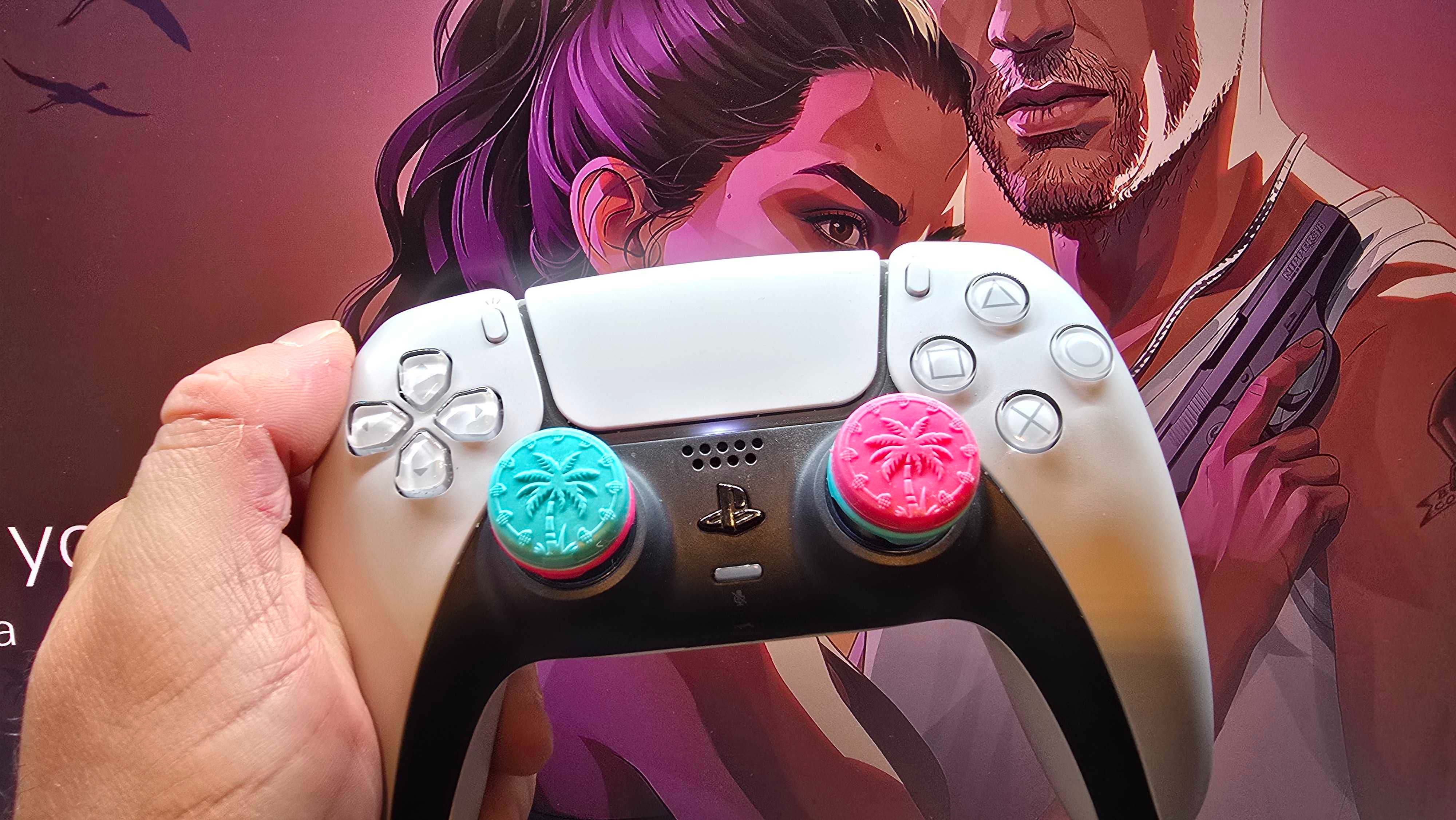
One of the comments on the last tip says there's a much more pressing option to change if you want the game to feel more responsive: change the dead zones in the controller settings.
Games tend to ignore the first little bit of motion you apply to the thumbsticks, because if they didn't, you'd get loads of annoying twitching when your thumbs move a little, and small mistakes while you correct your movement. This is the dead zone, and the larger the dead zone is, the more motion is ignored.
Some people are saying the dead zone is too big by default in GTA 6, so you have to move the sticks a lot before the game responds, so it sluggish. You can change it, though, so maybe it's worth giving it try!
This isn't the same as the framerate dropping, but could be mistaken for it: one Reddit user says they stopped some choppiness by changing a few settings on their PS5. (Though I should note that if you turn off HDCP, you won't be able to use your PS5 for streaming or Blu-rays.)
The performance question has even divided the PC community. Some are saying they're glad PC players will be getting a later more optimized version (they hope…), but others are pushing back and saying that it's not really a big concern given how revolutionary the world is.
Framerate frustrations?
Speaking of motion, there is generally a bit of negative feedback early on to the game around the framerate dips. We knew Rockstar Games was aiming for 30fps even on PS5 Pro, but it looks like the game is regularly dipping below that on the base PS5 when there's action on-screen. And the action is the juice here, right?
To blur, or not to blur
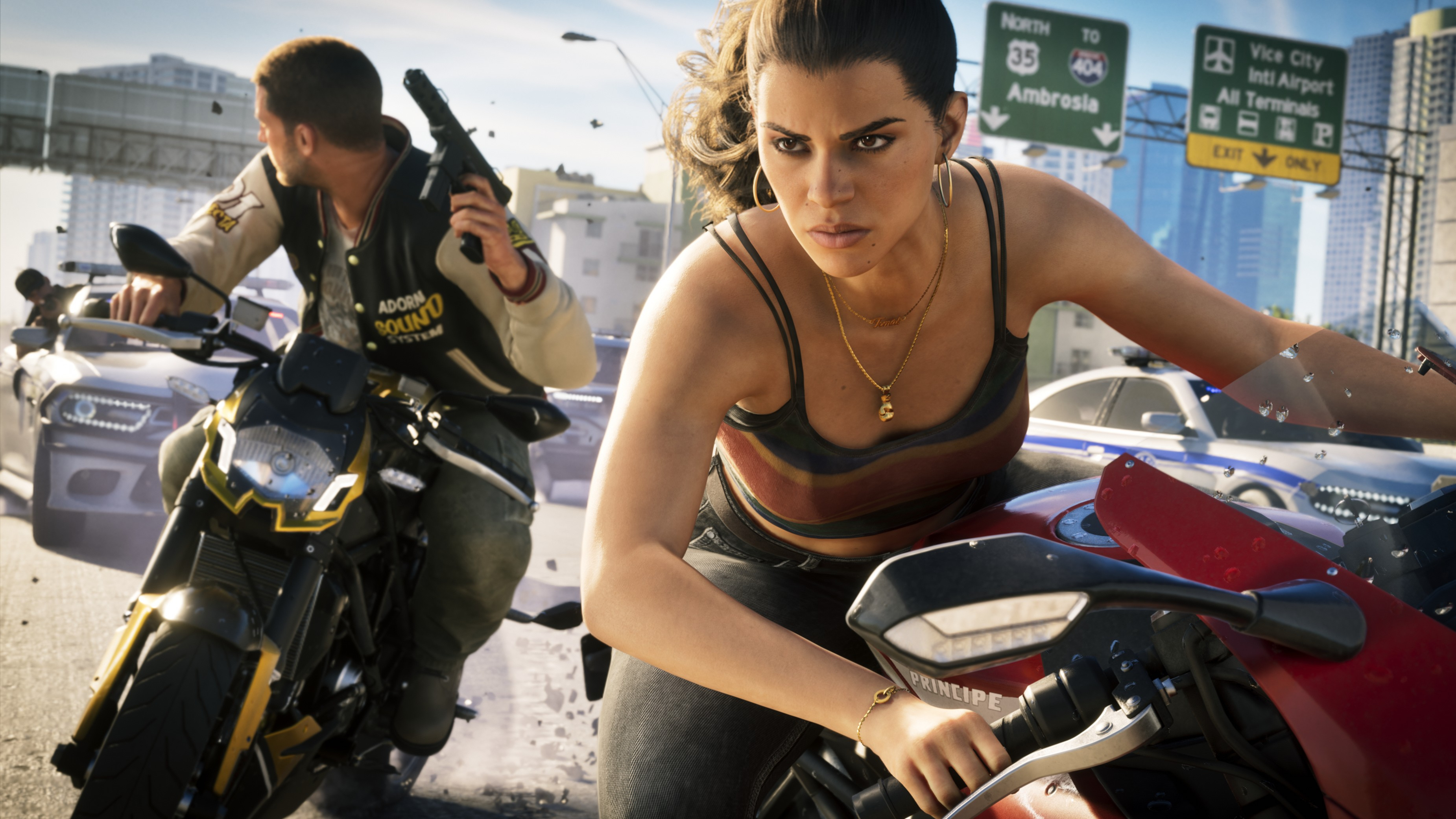
The first big tip: disable motion blur! Or… maybe not? This seems like it's going to be a debate early on. Quite a few people are recommending disabling motion blur to really be able to see the beauty of the game — but others are saying that keeping it on is essential on OLED TVs (which have pixels that refresh in a different way to LCD screens).
Hello folks! Welcome to the first day of a post-GTA 6 world. People have had hours overnight to play the game and start to find its many quirks and secrets — but not all of us. I sit here in an office, far away from my PS5, so this blog is for people in the same situation who want to see all the cool things people have been doing.