It’s 7:40 on Black Friday morning. You’re third in line at a big-box store with a soundbar under your arm. The cashier asks if you have a rewards account. You do, somewhere.
You check your email, then the store’s app, then a browser tab. You’re sure there was a coupon in one of them. All the while, the guy behind you lets out a sigh the whole line can hear. I want to help you skip all of that this Black Friday.
If you own a Galaxy phone, this year's black friday prep will pay off in more ways than one. Samsung added something that changes how you should shop in retail stores.
Wallet Perks needs a Rakuten account and a separate Cash Card
Do the sign-ups at home

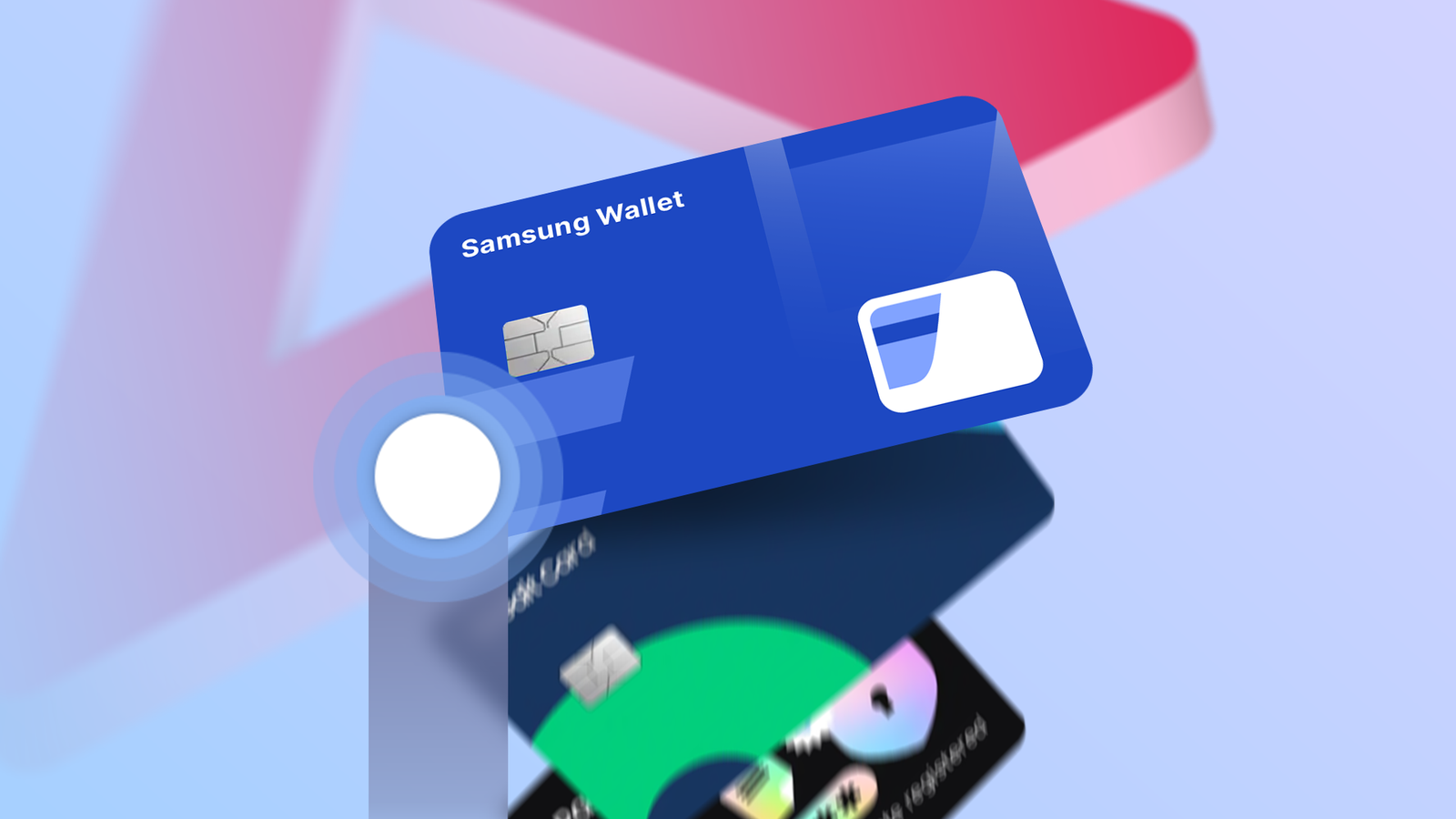
Perks is Samsung's new cashback feature, built through a partnership with Rakuten. Once it's set up, Samsung Wallet shows you cashback offers from participating stores, including ones near you.
To sign up, open Samsung Wallet and follow the prompts to join Perks. You'll be asked to link a Rakuten account. You can either sign in with one you already have or create a new one.
Your Rakuten email doesn't have to match your Samsung account email, but make sure you enter the right one, because your one-time verification code goes there.
Your cashback starts in your Rakuten balance, and Samsung Cash is how you get it out, so you'll need to sign up for that too.
The requirement bar is higher here. You need a supported Galaxy phone and a Samsung account, and you have to be a U.S. resident who is at least 18.
You'll also go through identity verification, and depending on your account, Samsung may ask for your Social Security number, a government-issued ID, or both.
New Rakuten members can get an on top of the retailer's regular rate during their first seven days. Your bonus caps out at on qualifying purchases.
To earn cashback in stores, you also need to link an eligible payment card in the Nearby offers section of Wallet. Then activate each in-store offer before you buy, and pay with the card you linked.
That's worth doing at home. Browse the for the stores on your Black Friday list. Activate the ones you want, so you won't be scrolling through Wallet at the register.
Circle to Search tells you what the shelf item costs elsewhere
It's a fast lookup
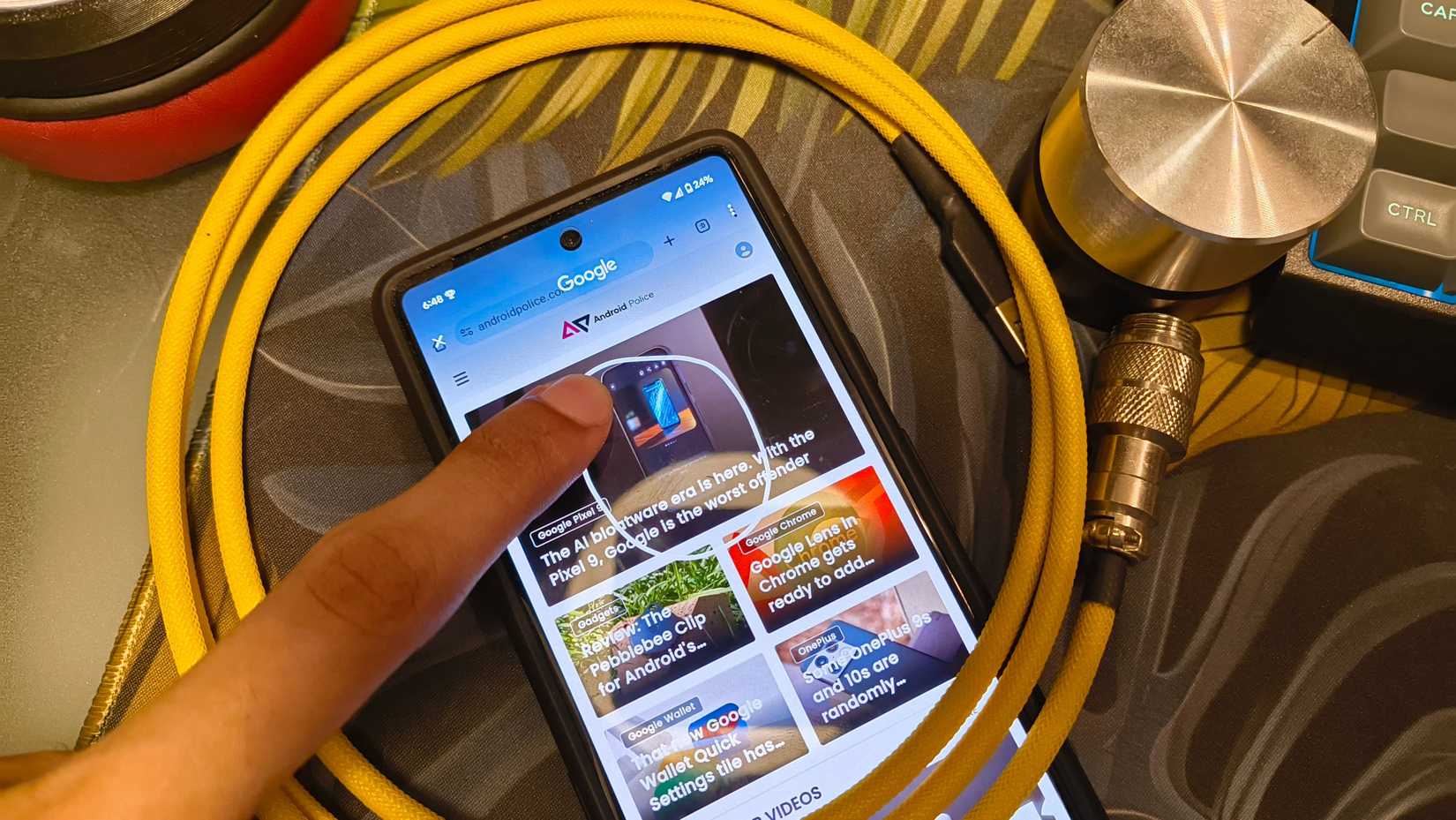
Before leaving, go to Settings > Display > Navigation bar and confirm Circle to Search is on. It should be active by default on supported phones, but it takes five seconds to check.
This is one of my favorite Circle to search tricks. When you're in the aisle, open Camera and point it at the product or its box. Then circle it.
It's a quick and simple way to put a name to the model on the shelf and see what it goes for online.
If Circle to Search turns up a lower price somewhere else, don’t get discouraged. Use it as evidence for a price match, because there’s a good chance the store will honor it.
Gemini Live can talk you through a box full of jargon
Point the camera and ask
Gadgets and their packaging can be confusing. Every brand words the specs a little differently. Gemini Live can pick up the slack here.
On supported Galaxy phones, hold the Side button, tap Live, then tap the video or camera control and start talking.
Ask short, specific questions, like "Which box lists Wi-Fi 7?" or "Does either package include a mesh node?" The answers can help you decide.
If you'd rather not talk out loud in the aisle, snap a photo of the boxes and ask Gemini to compare them in writing.
Loyalty cards should be in your Samsung Wallet before you leave
Swipe up, scan, done

It’s easy to miss out on member pricing when you’re trying to find a barcode through old emails. A few minutes adding your loyalty cards at home fixes that.
In Samsung Wallet, open All, tap , choose how you want to add the card, and scan the barcode or QR code with the camera.
If you don't have the physical card handy, Samsung also lets you import a card or type in your membership details.
At the register, pick the card, and hold it out for scanning before you pay.
My phone does the prep, and I enjoy the shopping
The best part of all this prep shows up weeks later, when you’ve forgotten all about it, and a notification tells you .
You move the balance to your Samsung Cash Card, buy something small you didn’t have to budget for, then realize the most useful Black Friday move you made was the 15 minutes you spent on the couch the week before.
Are you shopping in stores this Black Friday, or is it all online for you this year? I want to know which camp is bigger.