
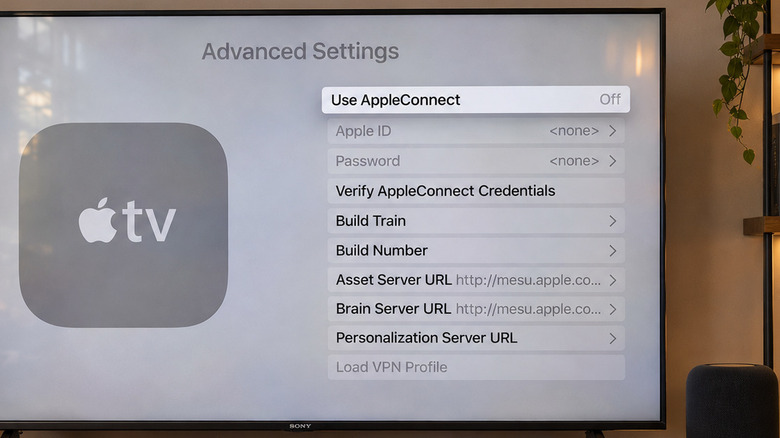
Here's how it goes:
- Once you're inside , scroll down until you find and select it.
- From there, open the option and just hover over without actually opening it.
- With that option highlighted, quickly press the button (marked with the ▶/Ⅱ symbol) four times.
- Right after that, you should be able to see or , so select the new entry if the menu doesn't open automatically for you.

Honestly, there's not much here for the casual viewer to see or even use. Changing a configuration that you don't know much about could cause a problem that didn't exist five minutes ago.