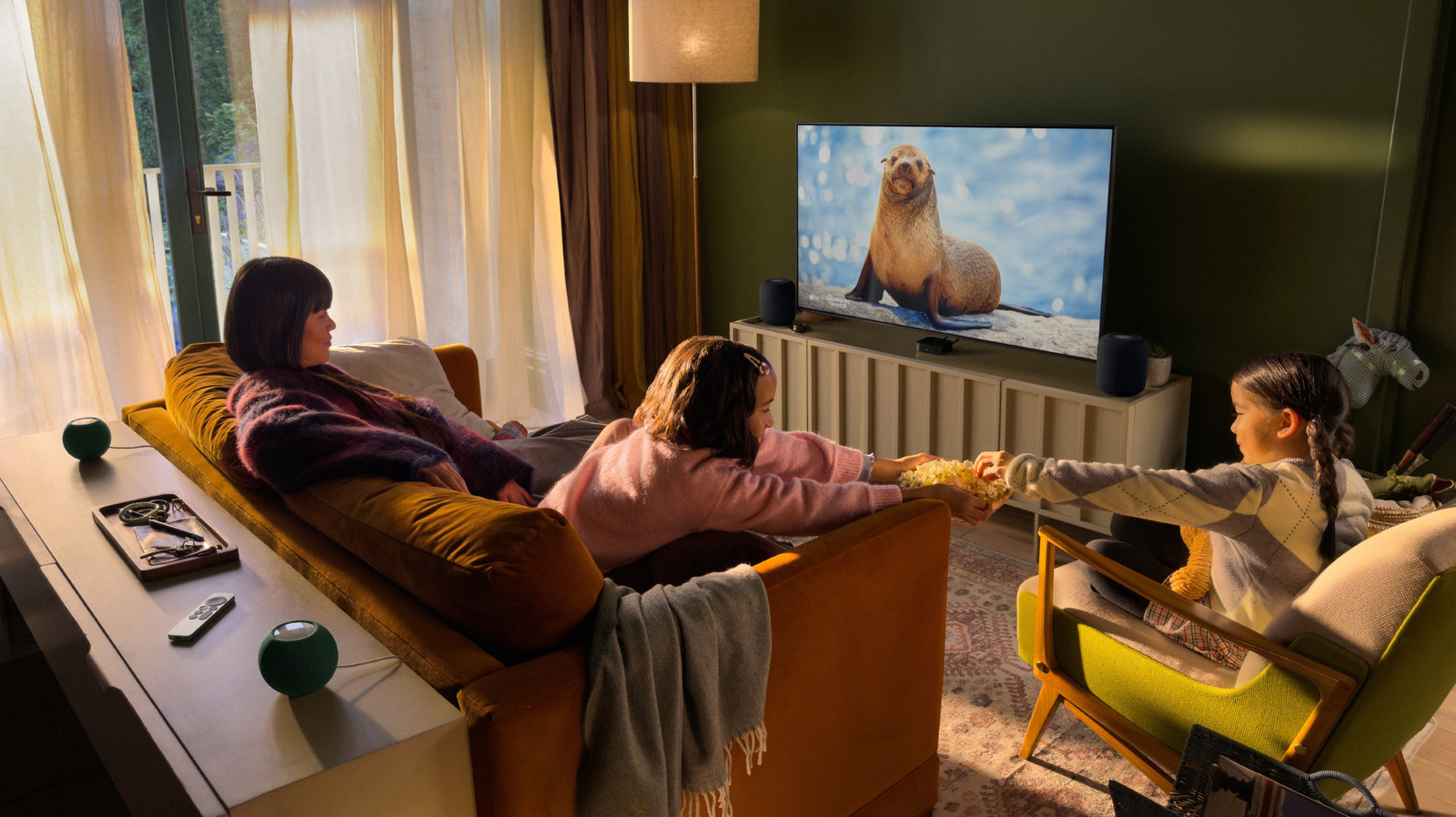
Surround yourself with Apple’s premium home theater experience — for a price.
The new Apple TV 4K (4th generation) has been generating buzz ever since it was announced at the Cupertino company's Welcome Home Event in October 2026. One of the most noteworthy changes is to its surround sound capabilities, in which users can create an immersive cinematic experience in their own living room. Unfortunately, while many of the 4th generation's new features will be available for previous models, including its enhanced Siri AI system, Apple's venture into surround sound is not backwards compatible.
First things first: How to prepare your devices
You can change the room of an existing HomePod in the Home app on your iPhone or iPad. Simply open the Home application and hold your finger down on the HomePod whose location you would like to change. Next, select the button with the gear symbol. Press the Room tab and select the room of your home theater. You can also add a new room in this page by tapping . Once you have added all your devices to the same room, you are ready to set up surround sound.