The game only offers a first-person perspective in very limited circumstances.
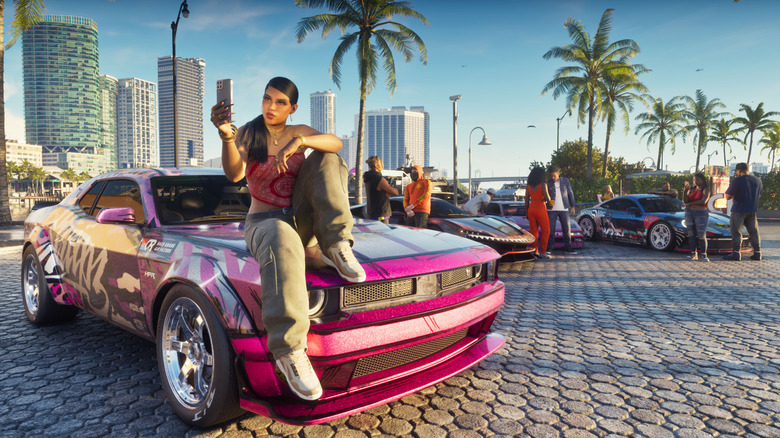
gives players lots of ways to customize the experience, from the clothes the protagonists wear to granular user interface controls. Being able to shift your perspective of the action is part of that. Rockstar has long offered GTA players the ability to reposition the camera, and you can do that this time around as well.
In the camera tab of the settings menu, you can adjust the height of the camera while you're on foot, as well as the horizontal and vertical follow speeds. You have similar options for land and water vehicles, along with specific follow speeds based on whether you're the driver or a passenger. When it comes to aircraft, you can adjust the follow speed and determine whether the camera follows your plane when you do a barrel roll.
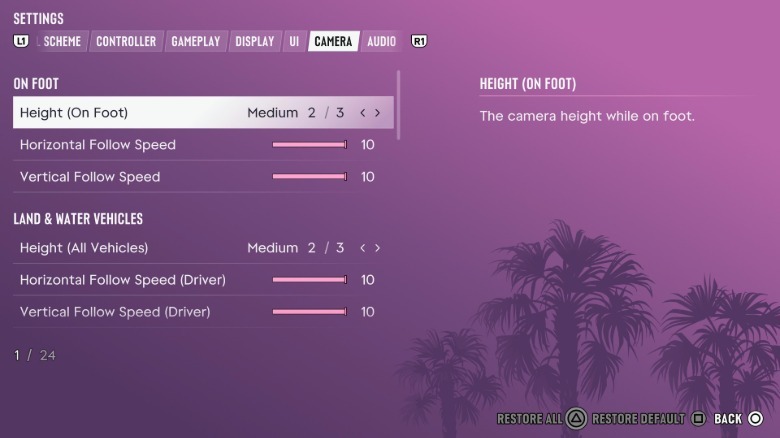
When you're out there exploring the map in a land or water vehicle, you can change the height of the camera on the fly. To switch between the three options, hold the down button on the D-pad, pick the height you want and confirm. You'll also be able to switch to the cinematic camera mode here. This makes things like high-speed chases look cool, but you might find it harder to steer your vehicle.
In addition, there are some very limited ways in which you can switch to a first-person perspective. While you're on foot, you can hold the left trigger on your controller and click the right thumbstick. This lets you take a closer look at your surroundings.
Going back to the camera section of the settings menu, you can enable a first-person perspective when your character is looking at their phone. If you look at your phone while you're driving (in , never in real life), you'll see your device and the road from a first-person view as well. Perhaps Rockstar will add a proper first-person mode to down the line, as it did with the previous game.