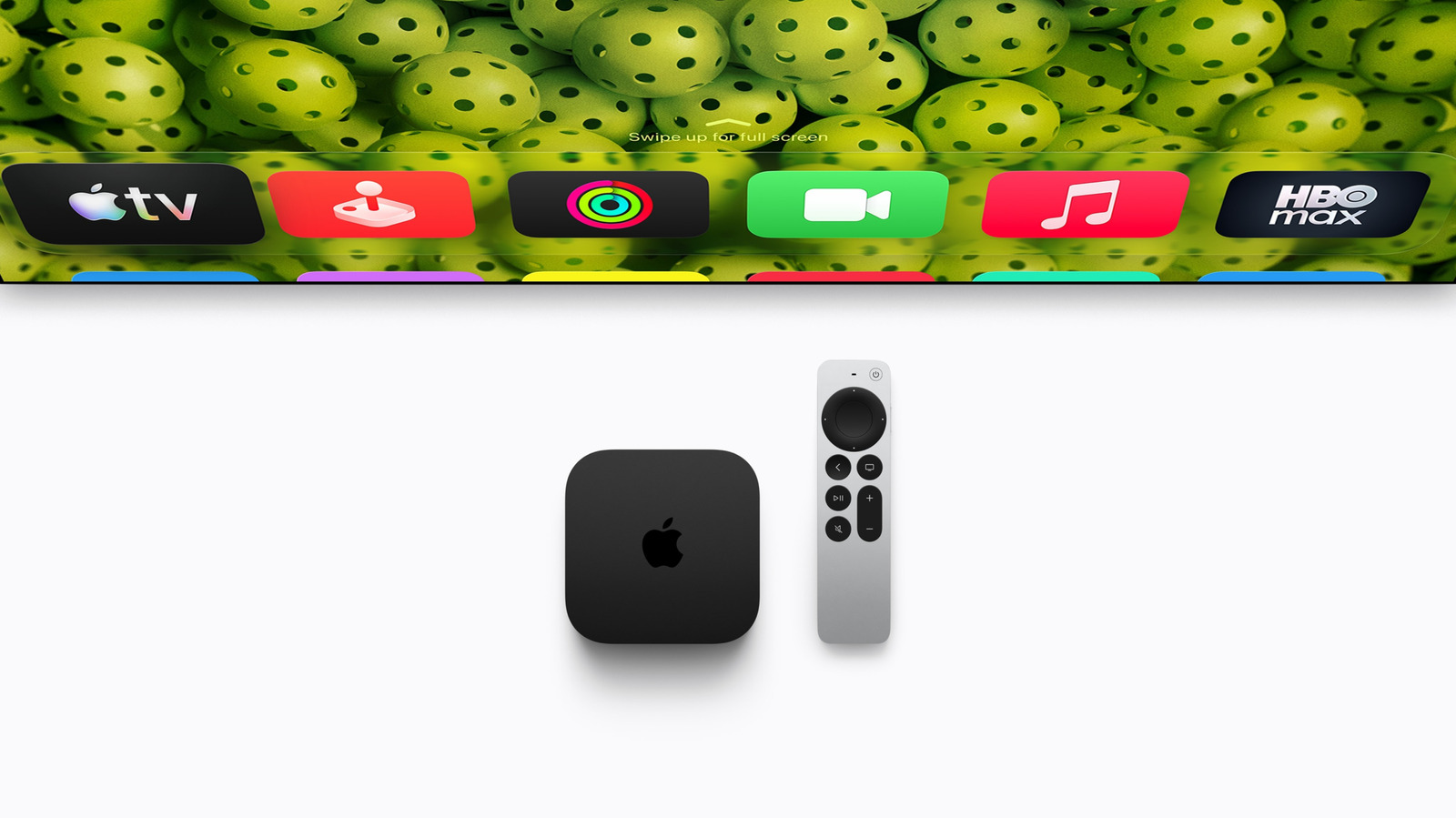
few quick steps can help you find your remote before it disappears into the couch cushions.
The biggest selling point of the new remote is its precise Find My feature, which lets viewers pinpoint where the little silver aluminum remote is hiding. Depending on your iPhone model, Precision Finding can point you directly to your lost remote, even if your spouse accidentally leaves it in the bathroom. Like your phone or headphones, the remote can play a sound to help you track it down.
To use the Find My app on your phone, open the app, then tap > the > . If you have trouble finding the remote via the app, move through the room and point your phone in different directions to help establish a connection with your lost remote.
As a reminder, the Precision Finding feature is only available on iPhone Air, iPhone Duo or iPhone 17 or later. Earlier iPhones will simply show your remote is either "near," "far" or "here," depending on proximity. Once found, simply tap the .