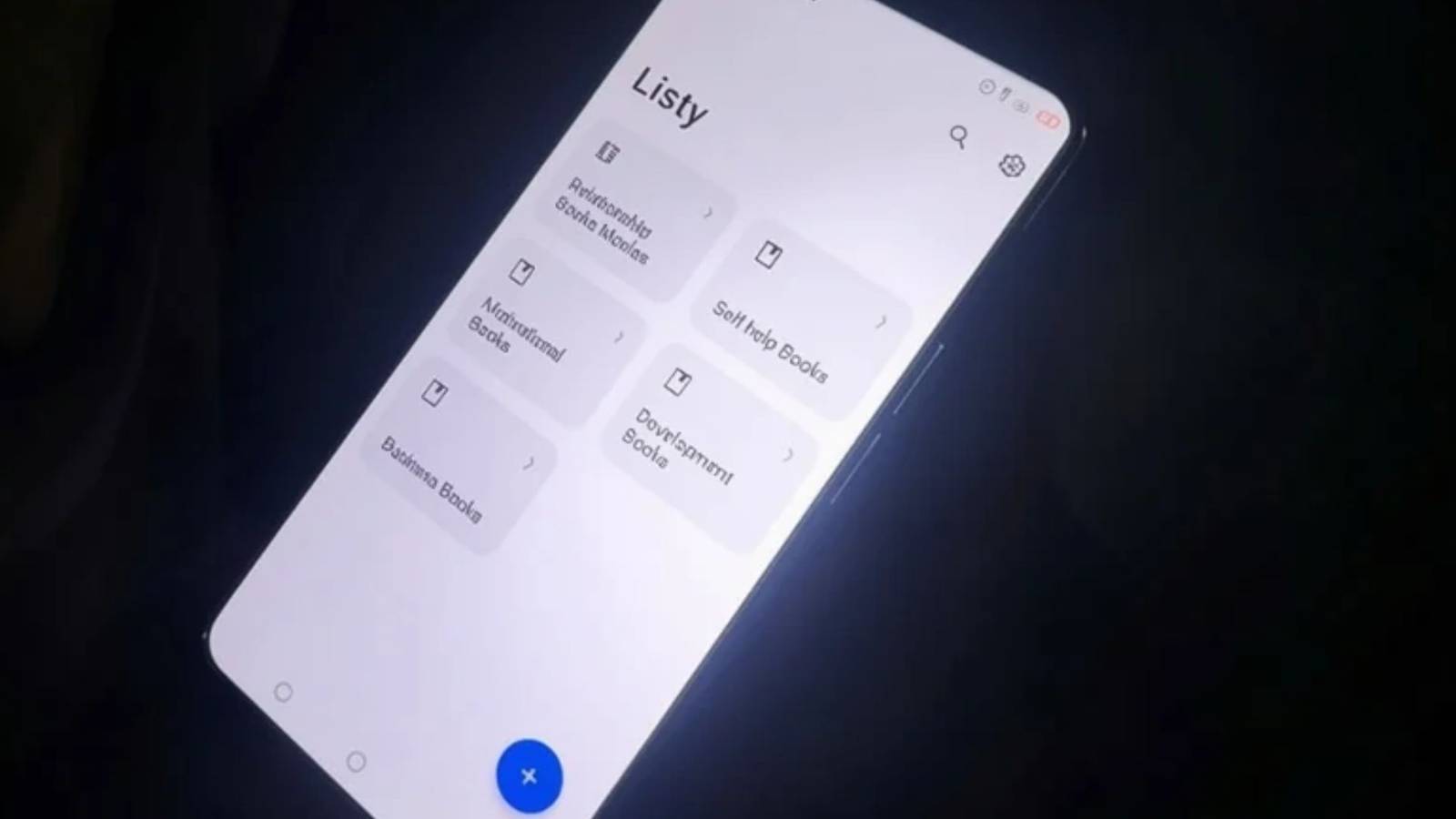
I enjoy logging books that I read, and I want one place to log what I have read and what I plan to read, without social features. I want to add reading recommendations, log read books, and as a whole without switching lists.
Goodreads is great, but I am not interested in its social media aspects. It feels like a review platform now, and tracking what my friends read is not something I want. I need to order my own reading collection.
I found Listy, which has what I need at the moment. Not only is Listy a book tracker, but it's a list-tracking application in general for everything I would like to track. Goodreads has a lot of content I do not need.
Goodreads offers more than I need from a book tracker
I wanted more control over my reading lists without the social features
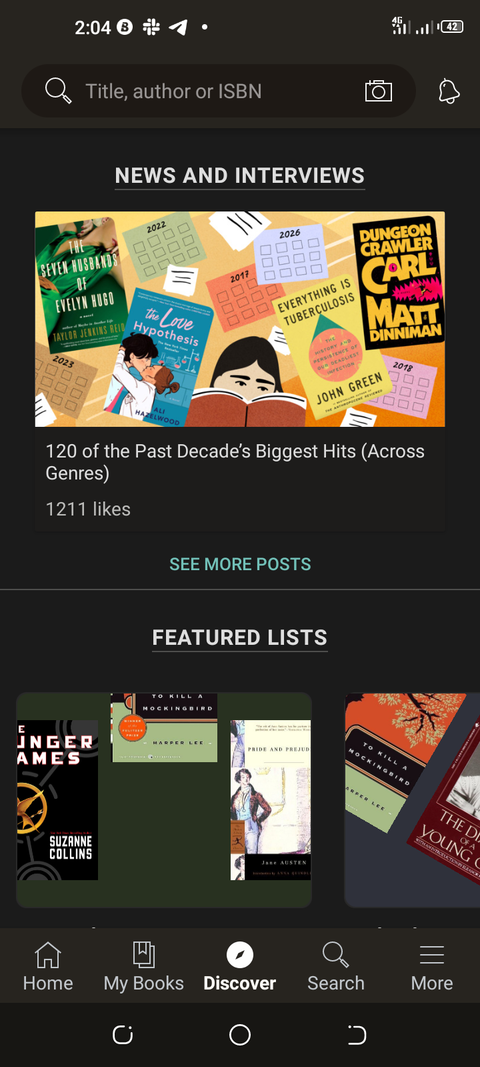
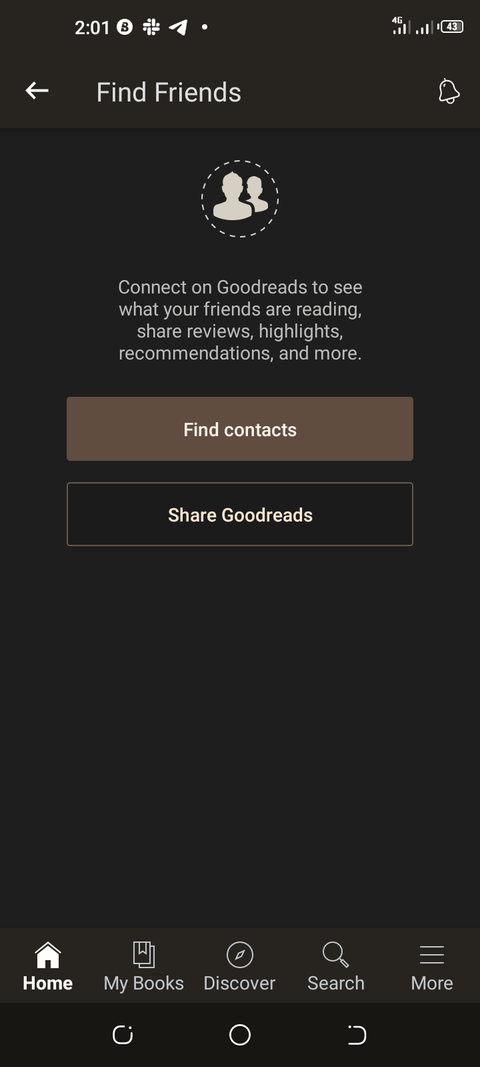
There are many reasons Goodreads is so popular. I can organize my books, rate and review them, discover books, and keep track of what my friends are reading.
Goodreads even offers challenges to get readers to set goals, and it provides suggestions to help readers find their next book to read.
All I need is something that I can organize, edit, and filter easily. I need a tool where I can categorize and filter collections — an app that lets me easily find a specific book by title and by author.
Listy was exactly what I was looking for. It has a heavy emphasis on reading lists that can be individually managed rather than being shared as a community.
I can create custom reading lists, group them into folders, and add notes
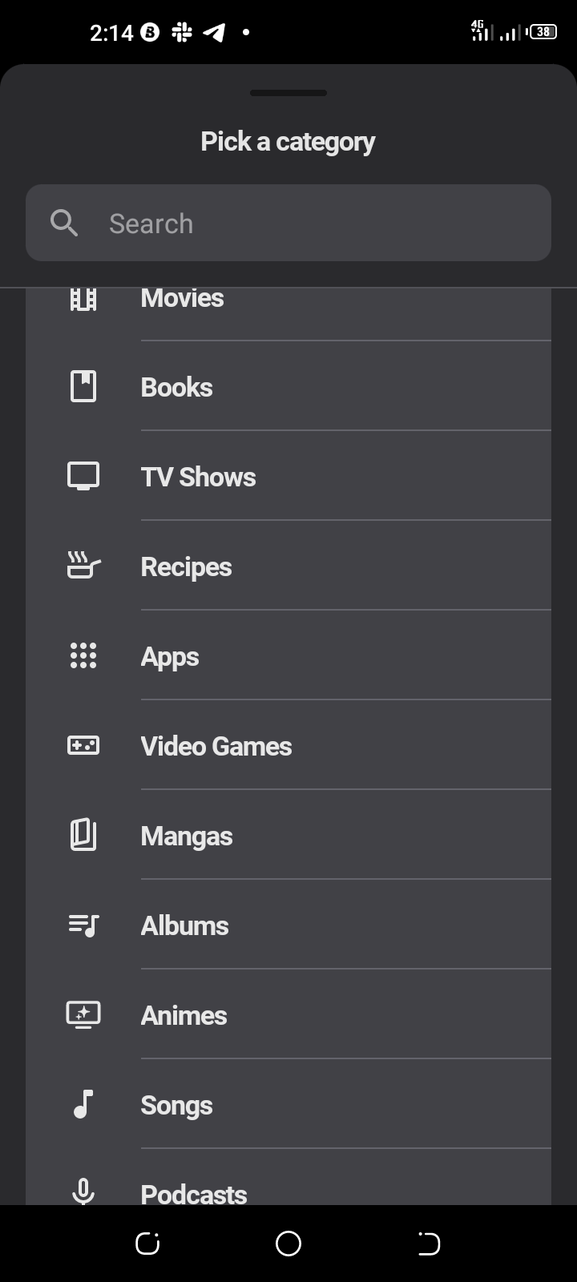
The first thing that needs to be said about Listy is that it's not exclusively for books. I can use it to track my movies, podcasts, and even my gaming habits.
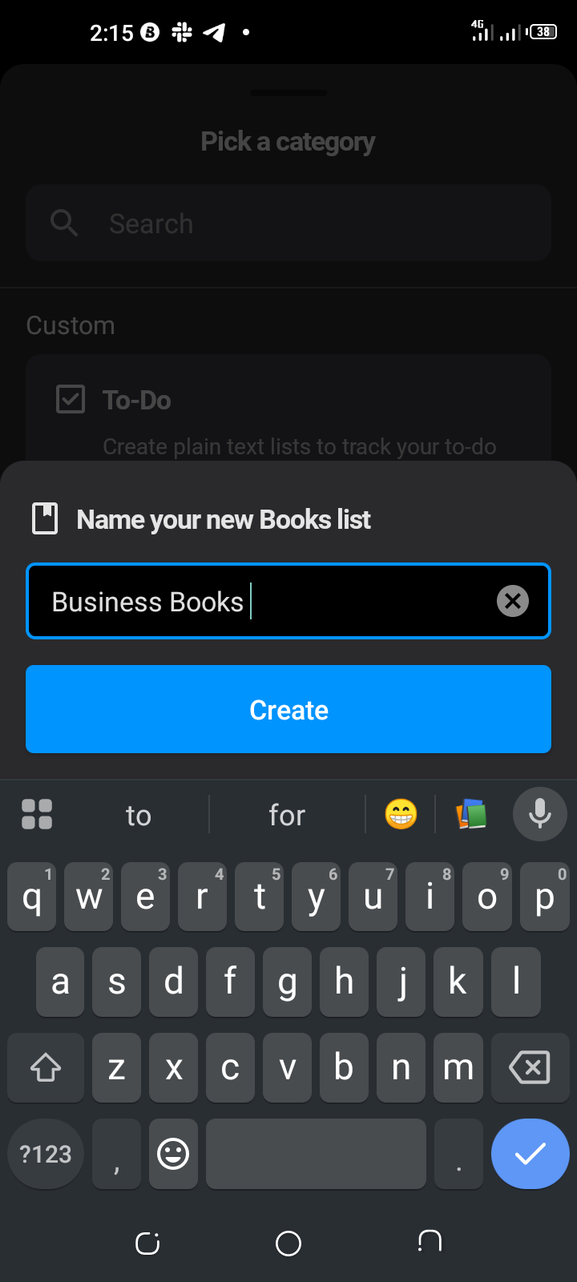
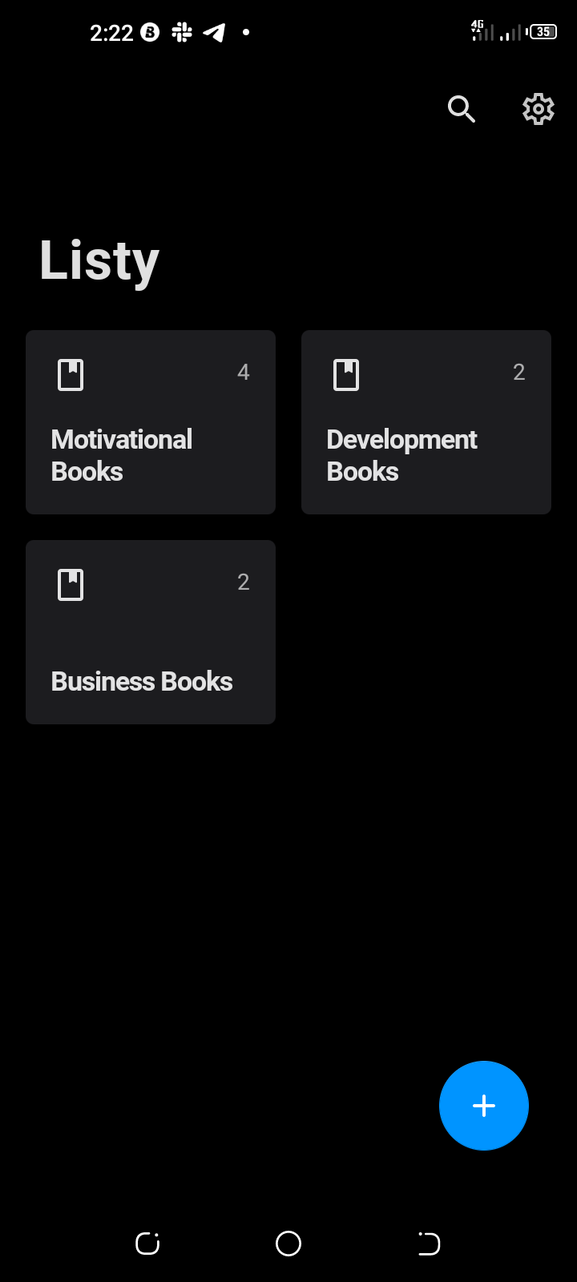
I am able to design different lists for different . A few examples would be "Books I want to read," "Books I've read," or "Business Books." I do not have to stick to just one reading list, as that lowers my productivity.
Furthermore, I have the ability to organize lists in a folder-like manner. This is helpful when I start creating larger collections of reading lists, because I can keep them organized in the way I would like.
List names and icons can also be customized. This makes them easily recognizable as what they are.
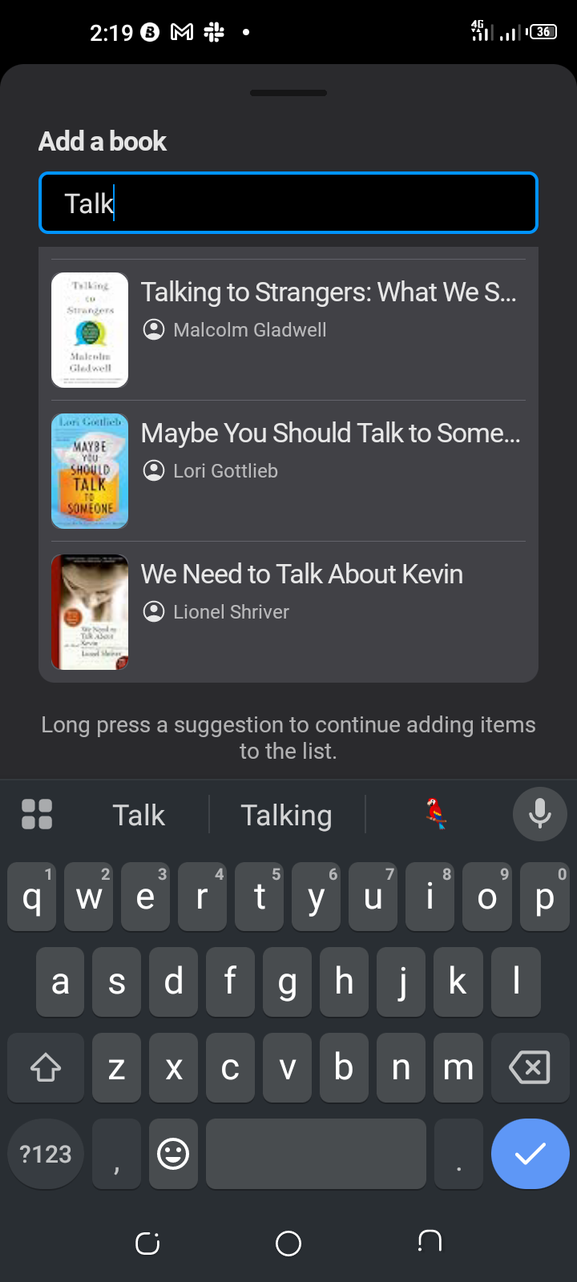
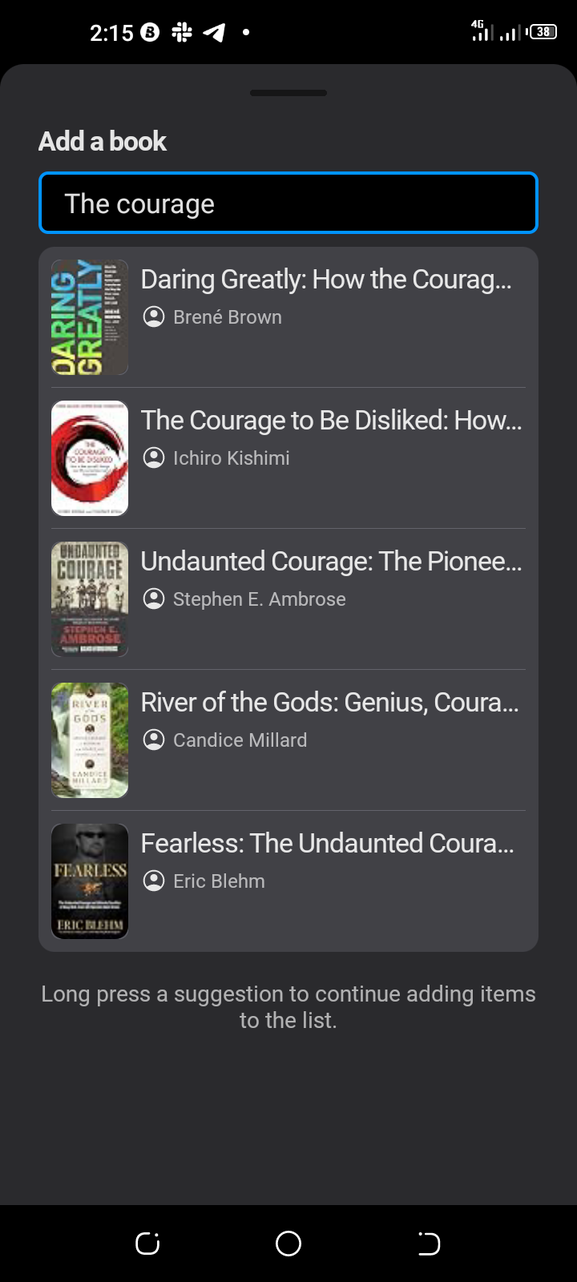
It is also simple to add a book. After searching for the title and selecting the correct entry, I add it to a list. Listy offers information about the entries, which helps me stay away from hoarding empty titles.
Additionally, I can put comments on each list. These comments can act as reminders about why I added a book to my list. They are minor additions, but they give me the ability to annotate lists and add more meaning beyond titles.
I can keep my unread books separate from completed ones
Reading lists are something most readers want. They help organize all the books we've read or are hoping to read. There are many features for Listy reading lists. First, I can separate completed books from my reading lists.
I don't want to see a bunch of completed books when I want to see what I haven't read. With Listy, I can sort my reading list by either read or unread status.
I can also sort my reading lists by , , , or (read or unread). I can sort my lists manually, too.
Finding a book title I've already added to a list is quick and easy. As I add more books to my lists, I know searching will become increasingly important.
The free version gives you the basic list-organizing experience, and the paid plan adds tools to help you manage and personalize your collections.
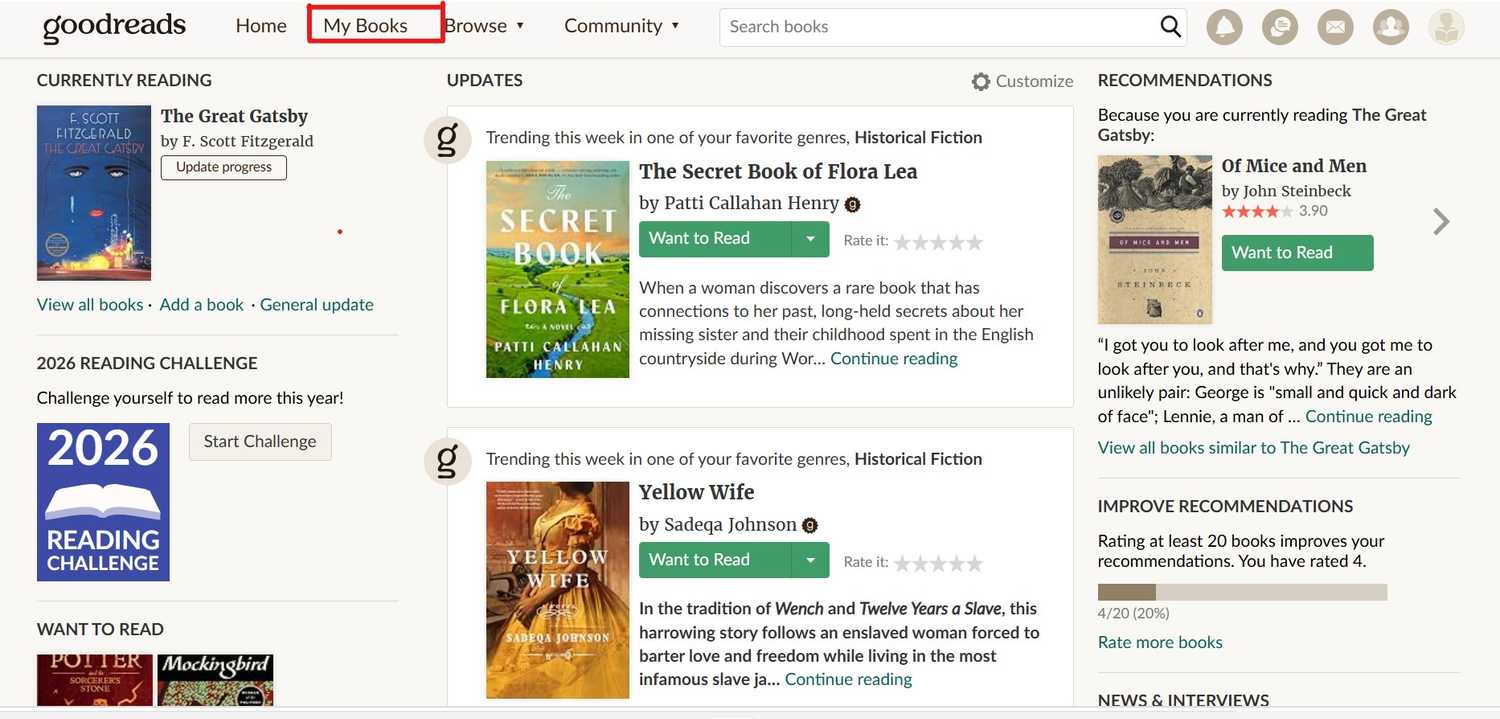
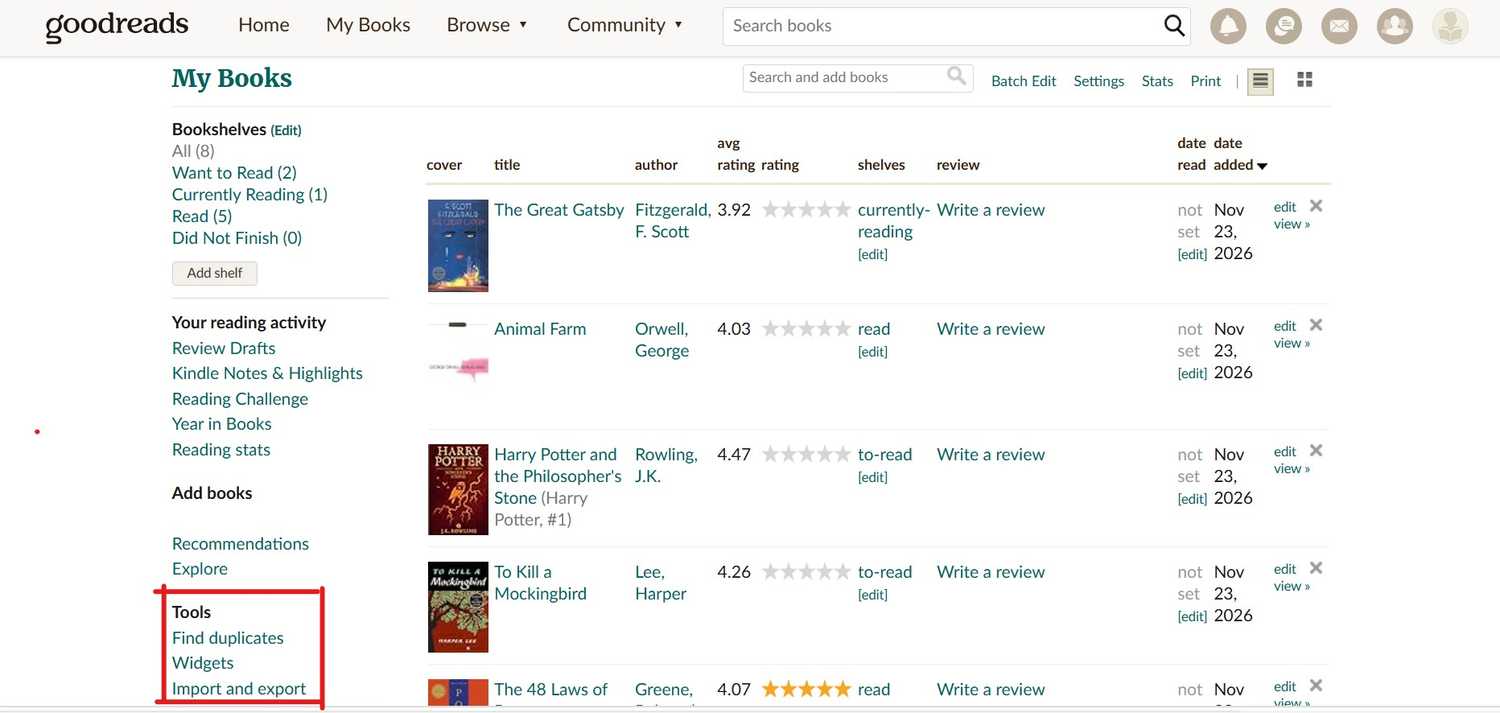
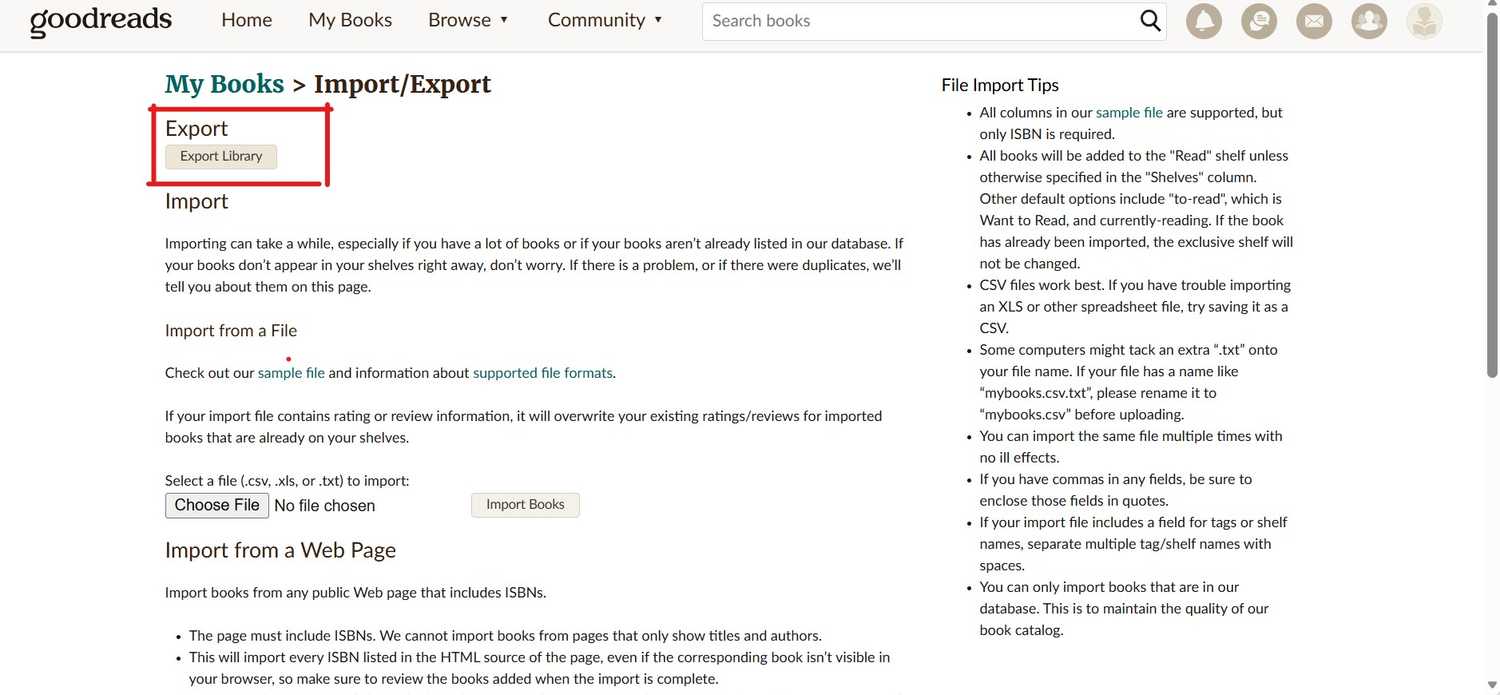
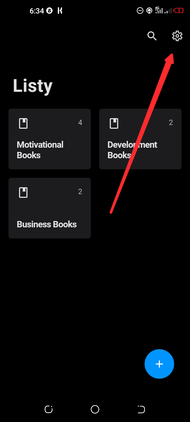
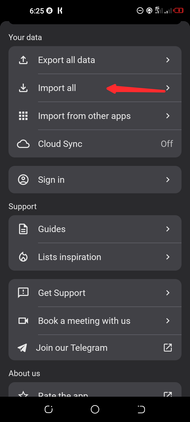
Listy+ has features like notes, content locks, custom icons, and filters. These are nice additions, especially if I'm going to build a big collection and want more ways to manage it.You can choose a monthly, yearly, or lifetime plan. You'll pay different prices depending on your region. I can also import my Goodreads library rather than starting from scratch.I don't want to have to look up every book again to add it to a new app manually when switching. Listy can import your Goodreads data from a CSV file. You'd have to export your library from Goodreads and then import that file into Listy.To move your collection, visit Goodreads (using a desktop browser or the desktop site on your phone) and log in. Navigate to , then tap on .When the process finishes, tap the link to save the Goodreads library export CSV. Then open Listy on your phone, go to , tap Import all, and choose the saved CSV file. Your books and reading shelves will now appear in the app.I can't directly export my library from the Goodreads Android app. I need to use the desktop site to get the CSV file first.
I'm sticking with Listy for my reading lists and more
With Listy, I have greater flexibility in organizing and storing lists of my other interests. I really appreciate simplicity.
What I want from a book-tracking application is the ability to easily manage my read list and my want-to-read list.
With Listy, I can create as many lists and folders as I want. This keeps everything tidy and allows me to create categories.
Listy is also useful for and podcasts. Listy gives me exactly what I want for now: a simple way to organize my books and keep track of other interests.