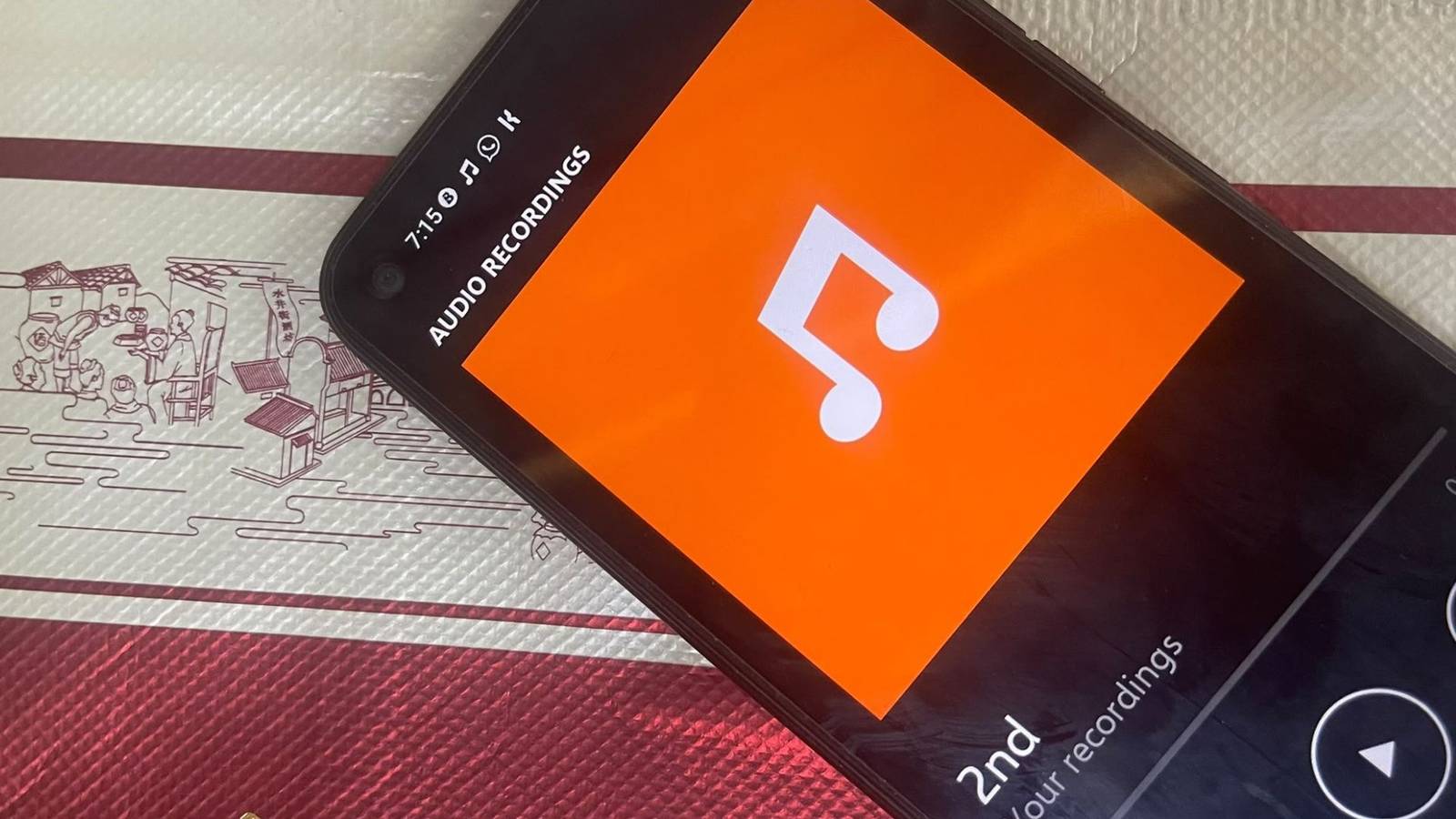
I have saved music files on my phone, and they are in different formats. So I want an app that can play different audio formats so that when I want to play an audio file, I don't need to first check what type it is.
I was interested in Metro Music because it accepts all the audio formats that I have on my phone. It also includes tools to help me .
That's why I decided to give Metro Music a try. It's an Android app that supports several audio formats and even comes with some useful music playback tools.
I don't need music recommendations when I already know what I want to listen to
I can search for songs by artist, album, or playlist
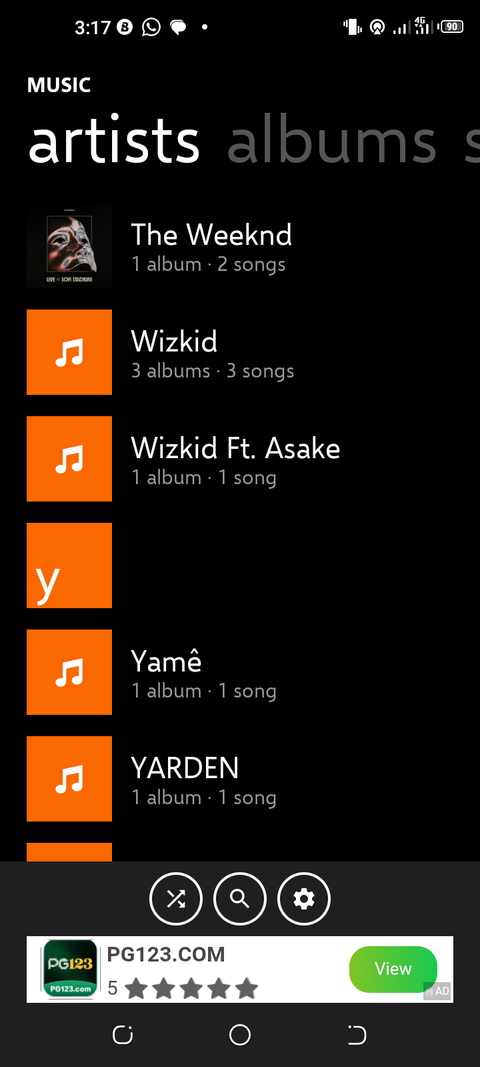
I don't always like how some music apps are so focused on online content and recommendations. I open my music player because I want to listen to something, not to see another list of songs that might be good for me.
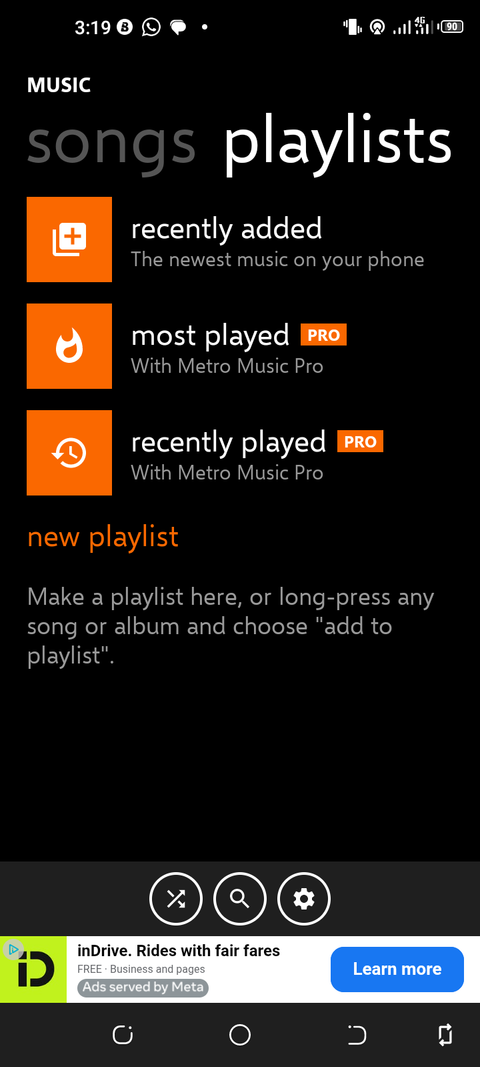
The Metro Music library is divided into playlists, albums, artists, and songs. I don't need a streaming feed telling me what to listen to; I can skip around these places and find what I want.
And there's a section, too. That makes it easy for me to find the files I added to my phone after downloading new music without having to look through my entire collection.
A music player doesn't have to do everything; sometimes all I need is to find the track and hit play.
This works great for me as I grow my music library. I might remember the artist's name but not the album, or I might remember the name of the song but not where it is in my library.
I don't want to convert my audio files just to play them
Metro Music supports many popular audio formats
There are other formats as good as MP3. My library has several different types of music files. I would not like to have to convert them all first. Metro Music supports WAV, MP3, M4A, FLAC, OGG, and Opus files.
I get to play music gaplessly. This is useful for albums and live recordings where one track goes straight into the next. You don't have to hear a little break between songs.
Another feature I like is that the playback can be controlled from outside the app. Metro Music works with Bluetooth and headset buttons and also with the notification and on Android. So I don't have to go back to the app every time I want to pause or skip a song.
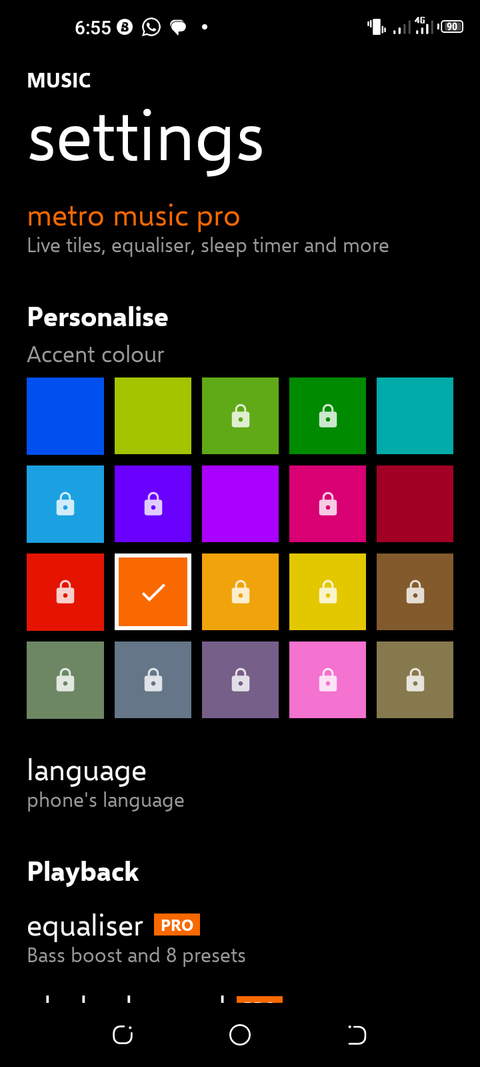
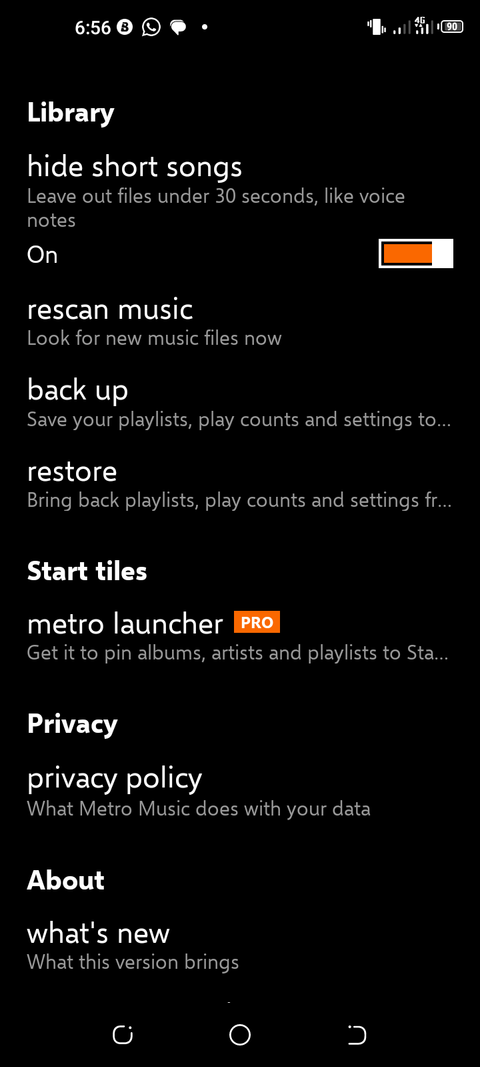
I even get to choose my accent color on the display and set the app to hide tracks that are less than 30 seconds long. This helps filter out voice notes or recordings from my playlist.
Playlists and the "Up Next" queue make listening easier to manage
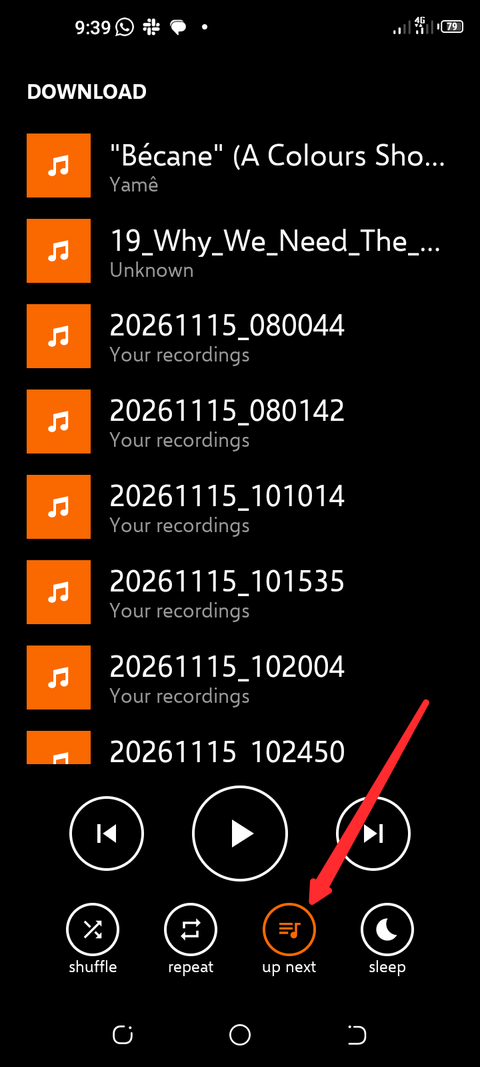
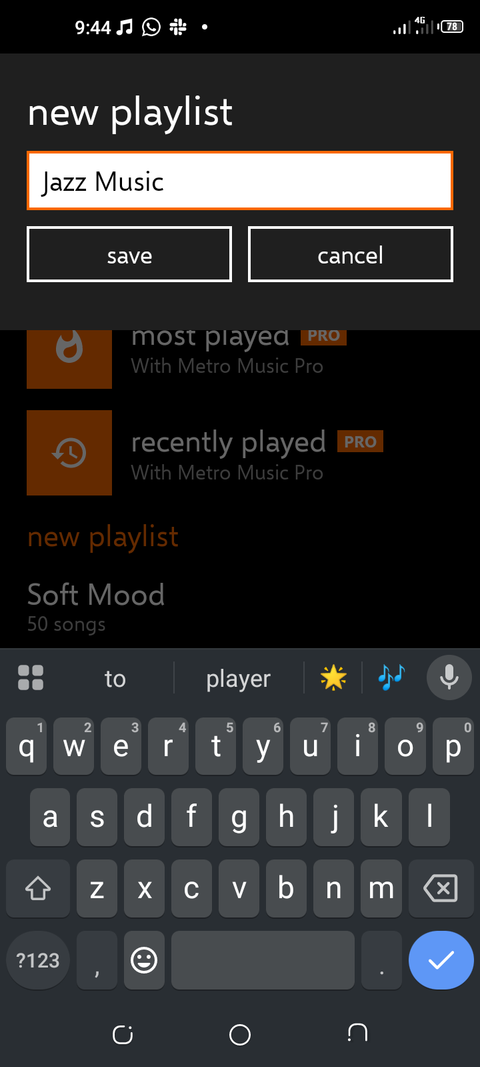
A music player can do more than just locate a song. Sometimes I want to make a playlist for a certain mood or make a list of songs I want to hear next.
Metro Music lets me create my own playlists, adding songs, albums, or artists to them. I like the feature, as it lets me pick a different next song if I want.
A few of the extras cost money. Metro Music Pro has an equalizer, bass boost, playback speed controls, skip silence, and a sleep timer. It is a one-time fee, though.
I would have liked to see more of these tools in the free version. However, you do not need to pay for Pro to use the main library and playback features.
Metro Music keeps my music local, but it isn't completely offline
Metro Music works with the audio on your phone. Your music files, playlists, and play counts will remain on your device, and you do not need a streaming account to play your collection.
The free version includes ads, and these services may collect information about your device and how you use the app.
An app that plays music stored on your phone can still use the internet for advertising and analytics. The paid version (Metro Music Pro) has no ads and contains extra features.
Metro Music is a good option for those who don't want to stream music
If, like me, you want an app to open all the audio and music files on your phone, Metro Music would come in handy. It supports many popular audio formats and has all the standard library and playlist tools in one place.
I also like that Metro Music Pro has extra controls for playback, like an equalizer, bass boost, playback speed, and skip silence. These options give me more control over how my music plays and sounds than most .
Metro Music is ideal for listeners who want a simple offline music player that is customizable.