I fell in love with when it was first announced. The browser offered a refreshingly new take on browsing with its significantly better tab organization and the ability to make finding the right context amid my dozens of browser tabs much easier, leaving the rather cluttered Google Chrome behind. Unfortunately, the writing has been on the wall for a while now, and the developer behind Arc is pulling the plug on it next month.
I'm not quite ready to go back to just yet, so I've been looking up alternatives that can fill the Arc-shaped hole in my heart. While there's no single replacement for the experience, after trying Firefox, Brave, and Vivaldi, I've found three browsers that can tackle some of what made Arc Browser so special to me.
Tab Groups keep my daily browsing organized

Anytime I set up a phone, Firefox is one of the first apps I install. It's not because of some revolutionary interface offered by it. Instead, Firefox gives me a bit more control over my browsing experience that isn't tied right back to Google's overwhelmingly deep profile on me.
The biggest advantage of using Firefox is its wide on Android. Intrusive advertising is part and parcel of the modern browsing experience, and so are tracking scripts and extensions. So, one of the first extensions I install in Firefox on my phone is uBlock Origin. This single browser extension handles the task of ensuring that I don't have to put up with advertisers taking over my screen or watch websites load a dozen scripts before I can view the actual content. I'm not opposed to advertising. It's what runs the internet economy, but there are just too many bad actors out there.
As part of my daily news reading and research, I invariably end up on some websites that take advertising a notch further than it needs to go. uBlock Origin makes short work of that.
Firefox has a few other useful bits up its sleeve as well. Tab Groups are what I use to keep related pages together as part of a browsing session. Firefox previously offered Collections on Android as a separate, locally stored way to group pages, but Mozilla is migrating Collections into Tab Groups in its upcoming release. Because I'm already on the nightly version, I've switched over to using Tab Groups instead, and there's no real functional difference.
For my use case, I use for persistent pages and tabs that I want synced across my devices, and Tab Groups for pages I only need in the moment. Think shopping websites or text and video instructions for a project I'm working on. They don't need to clutter up my bookmarks.
Finally, there's Reader View. This feature is pretty common across browsers these days, but because many browsers are built on the same Chromium core as Google Chrome, they tend to run into the same rendering issues. Firefox gives me a fallback and is, arguably, my preferred way to read on the go.
Brave and Vivaldi fill the gaps Arc left
Secure browsing and extensive tab management are what I need
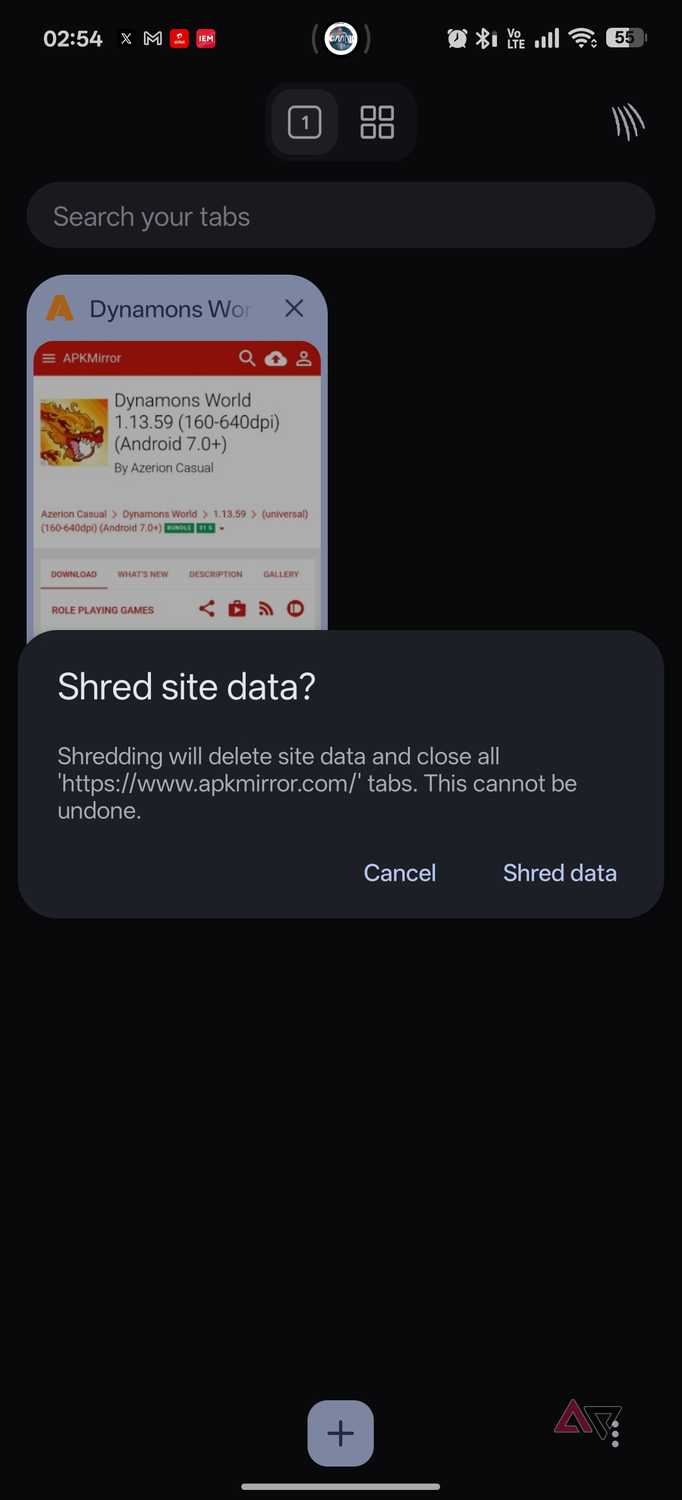
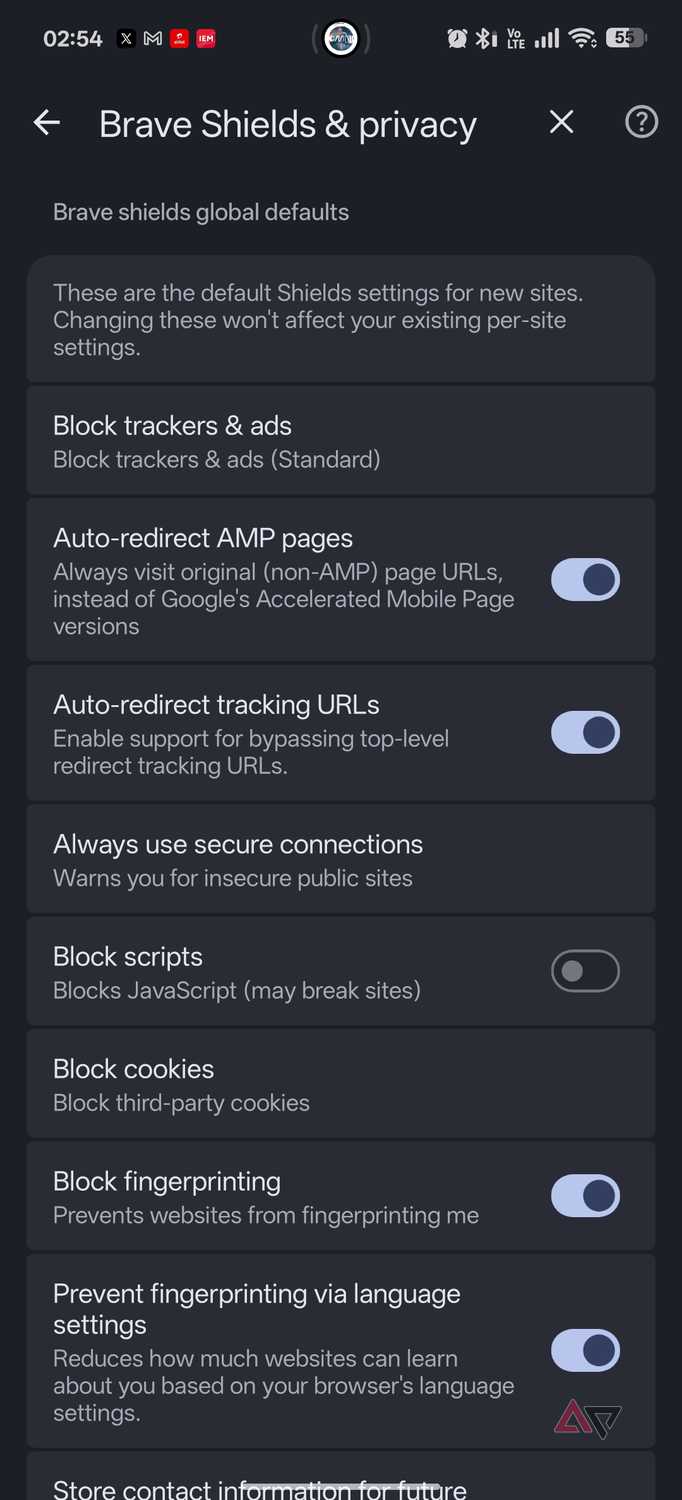
As I mentioned, no single browser has been able to replace the Arc experience for me. Brave and Vivaldi are two other browsers that I use multiple times a day, and they solve very different problems for me. Brave Browser is focused on security, and it's my go-to anytime I'm opening an unknown link, sketchy or not. Brave Shields is a big reason why.
is a built-in protection system that strips out trackers and fingerprinting from any website you visit. It blocks ads and trackers, forces HTTPS connections, and basically gives me all the tools I need to lock down the website. As a journalist, I get sent plenty of emails and WhatsApp pitches daily. I might not reply to all, but I do try to skim through anything of interest. Most times, these get opened in Brave.
But for all its security, Brave doesn't really move the needle as far as tab management and organization go. It's one of the features I miss sorely from Arc.
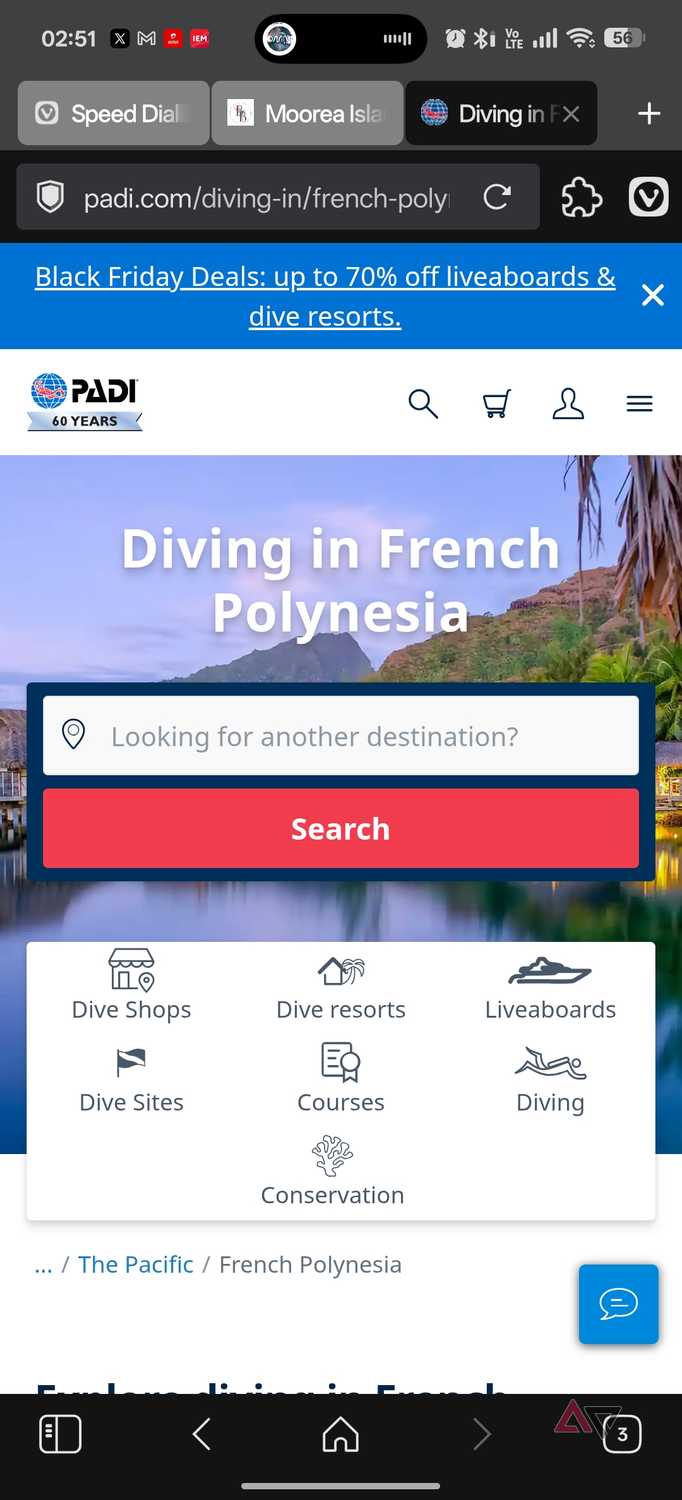
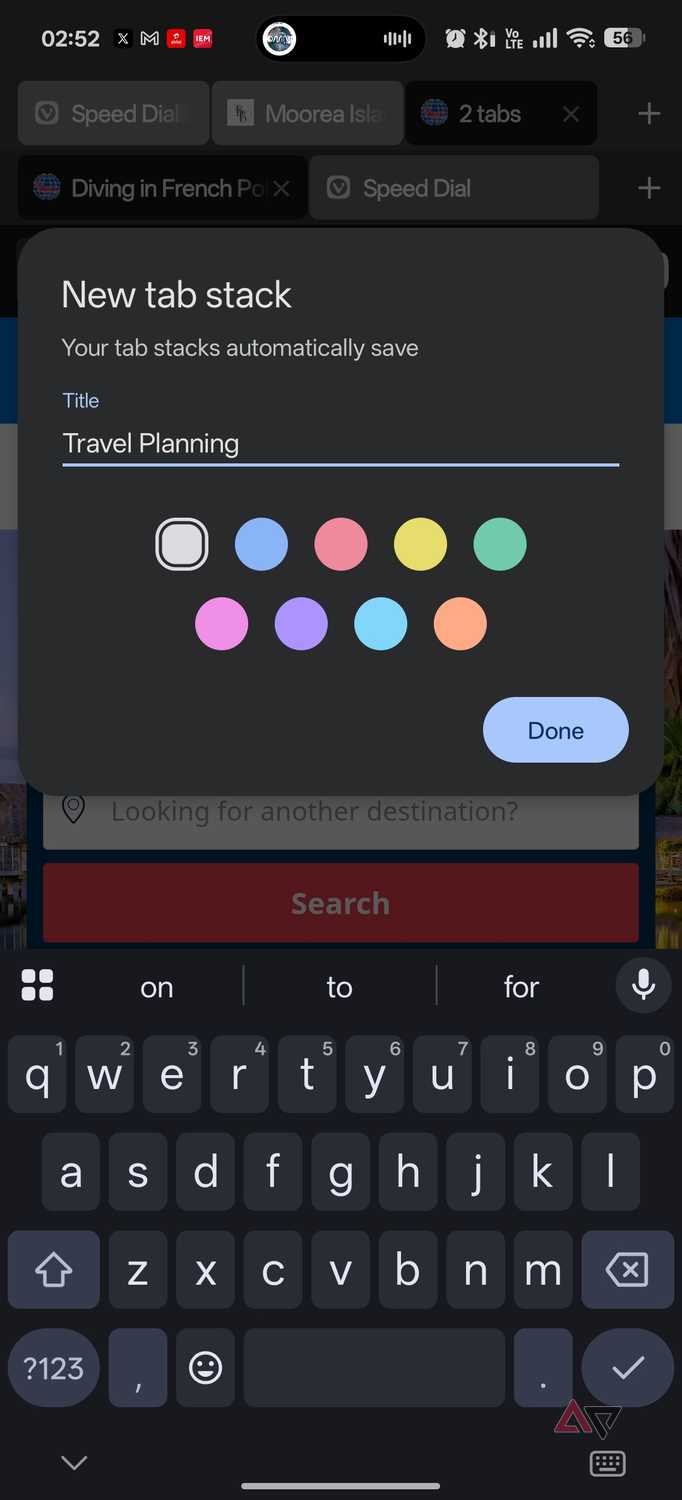
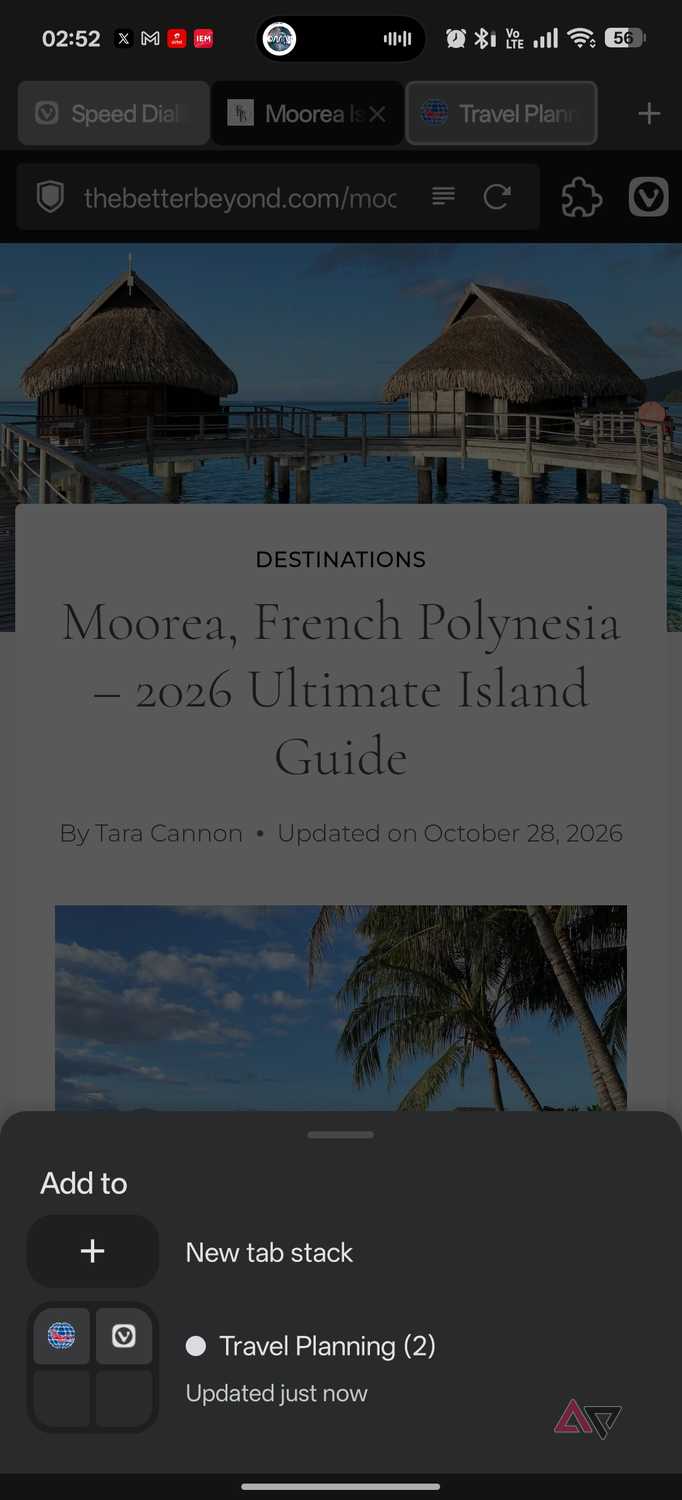
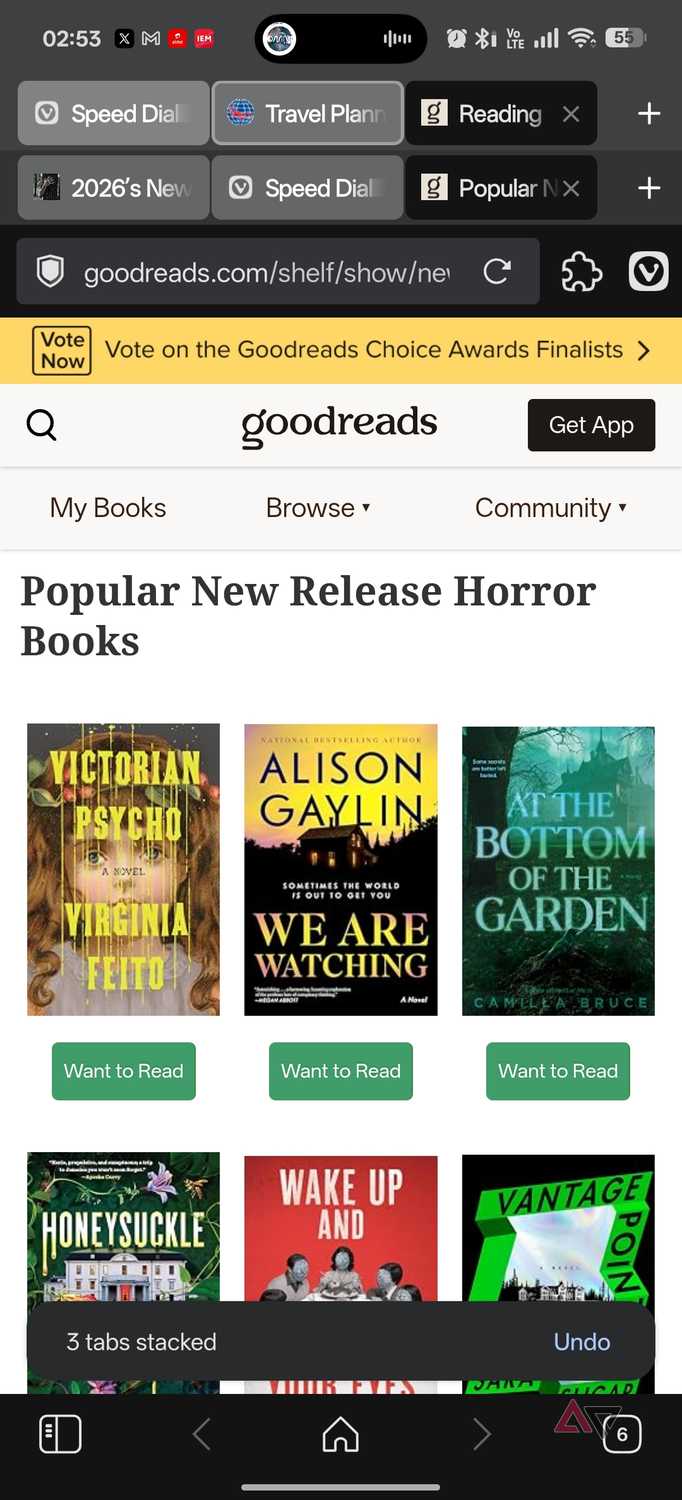
And that's where steps in. The biggest draw for me is its desktop-style tab management. Vivaldi gives you a dedicated tab bar and two levels of tab stacks. This is very useful for grouping similar tabs together. Vivaldi is my go-to for personal browsing, and I use it for things like grouping travel research together. It's got plenty of other features, too, like Speed Dials similar to what Opera offers. But for me, the most important is the customization.
I also like the built-in note-taker. While I've largely switched over to the floating Notes widget introduced with the latest Pixel Drop, I've previously found the Notes functionality nifty for jotting down interesting cafes to visit or brands to shop while doing my personal browsing.
It's worth keeping in mind that, compared with Firefox and Brave, Vivaldi has a bit of a learning curve. But after you've figured it out, it's one of the most powerful browsers around.
I've replaced Arc with three separate browsers, and none of them is Chrome
A lot of what I want to do could be done by a single browser to varying degrees. But ever since I switched from Arc, I've deliberately opted to spread my workload across multiple . It lets me enjoy the unique benefits of each browser without getting too attached to any of them.
By and large, though, Firefox is my go-to for work research, Brave for opening links under the strictest settings, and Vivaldi for personal browsing, and I can see myself sticking to this setup in the long run. Is it a bit cumbersome? Sure. But I'll take it as long as I don't have to go back to Chrome.

Firefox on Android is a browser app that prioritizes privacy while giving you deep control through extensions and tracking protection.