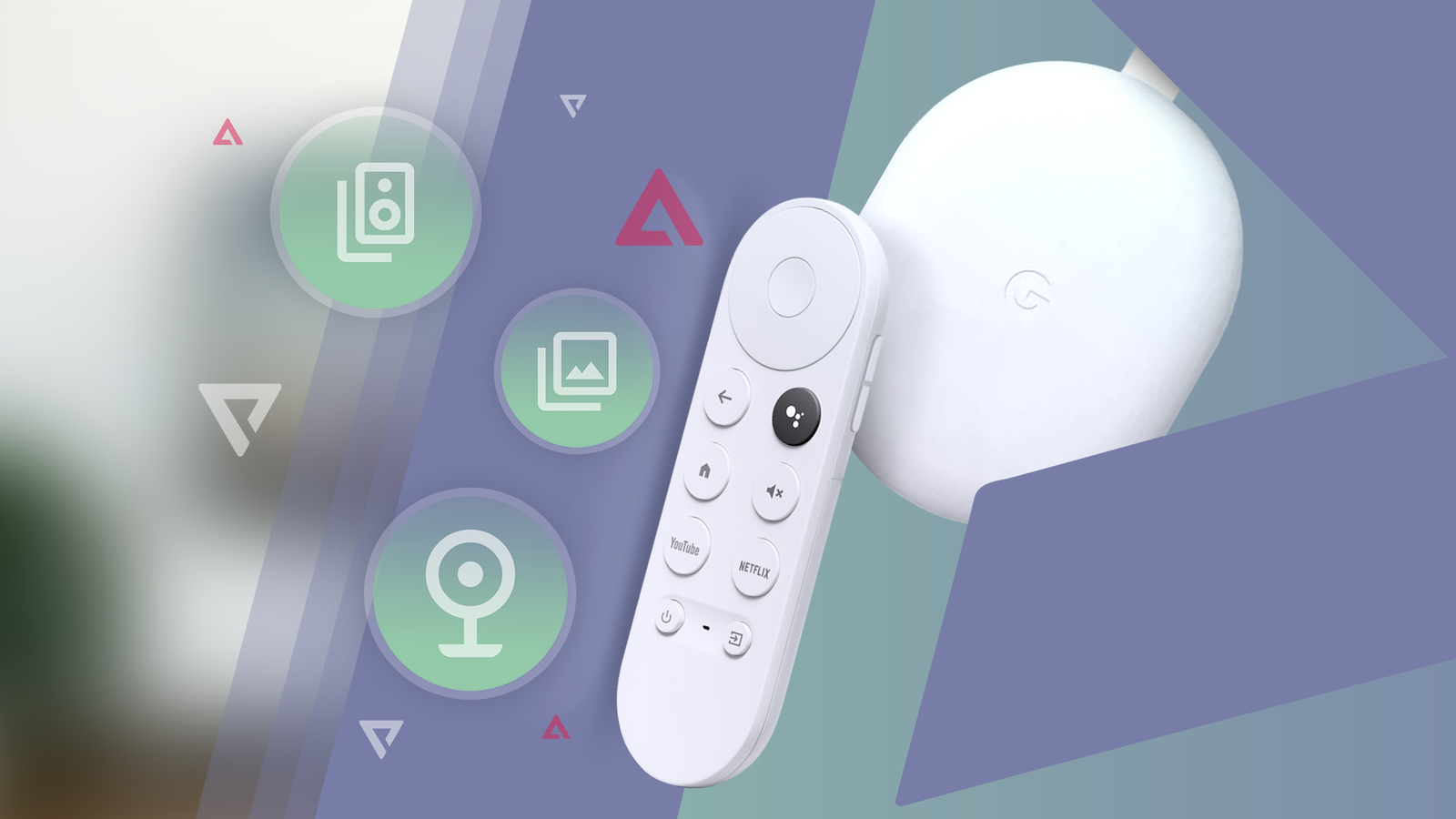
A simple way to upgrade an old TV has always been to plug in a streaming device like a Chromecast or a Fire TV Stick.
But there comes a point where these devices start to show their age, and that's what happened to me.
My old Chromecast had slowed down noticeably. It took ages to boot, and even after it finally did, apps took forever to load, switching screens felt sluggish, and the experience felt dated.
Still, my Chromecast is far from useless. It's still perfectly functional, and I've found a few clever ways to repurpose it and breathe new life into it.
Here are four ways I use my old Chromecast instead of letting it collect dust.
Take your Chromecast with you while traveling
Plug it into hotel TVs to stream your content just like at home
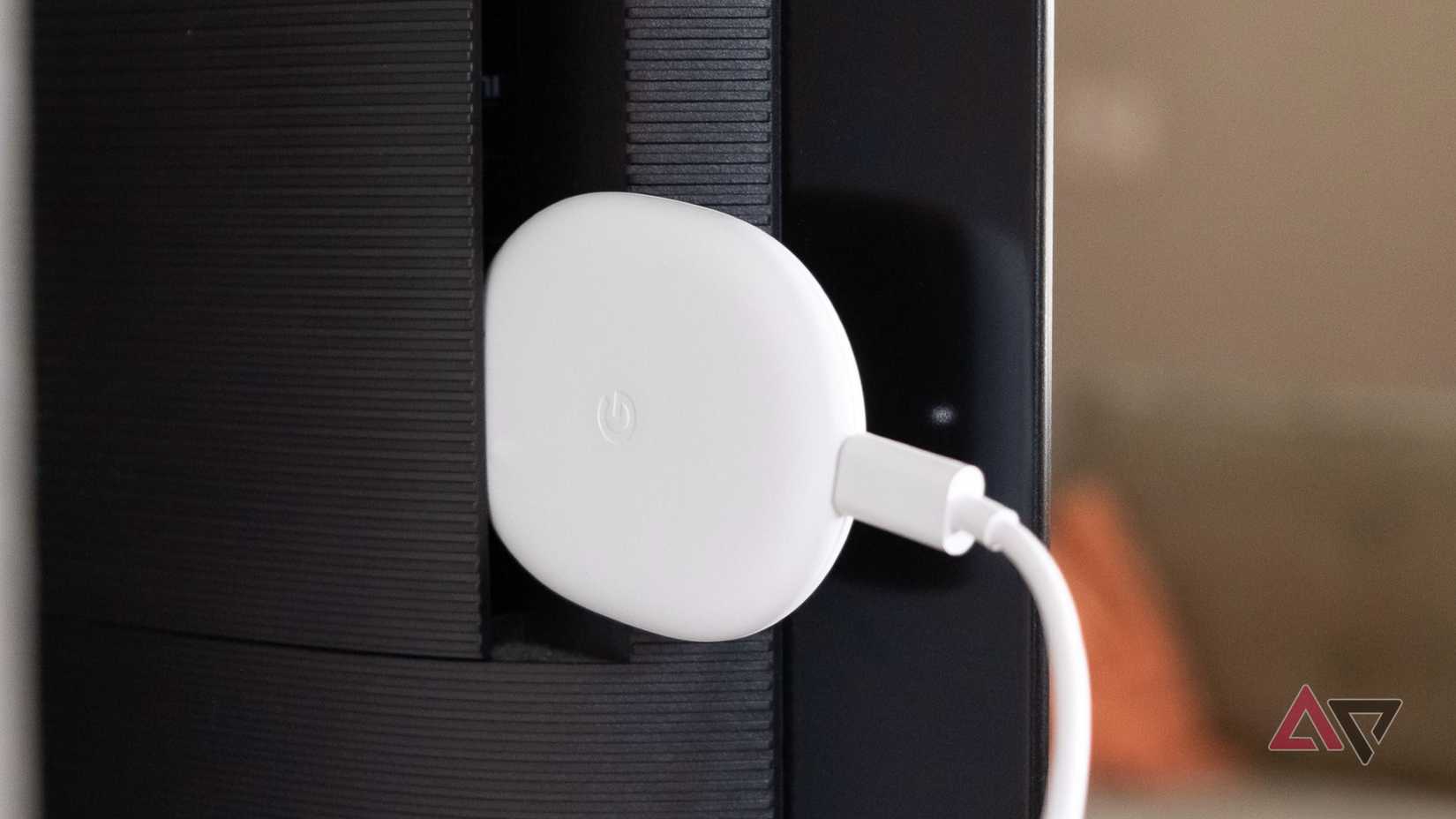
Your Chromecast might be slow at home, but you'll end up loving it all over again when you travel. That's exactly what happens to me every time.
Most hotel TVs only give you access to a handful of news channels or basic music channels, and that feels limiting. The TV in the room usually isn't used to its full potential, and that's where an old Chromecast comes in handy again.
I now carry my old Chromecast with me when I travel. I plug it into the hotel room TV and instantly get access to all my streaming apps and casting features, just like I'm at home.
Sure, you'll need to use your phone's Wi-Fi hotspot for it to work (and if you have a spare phone for this, that's even better), but I've been traveling like this for the past couple of months, and it's been a great experience.
Chromecast hardware is discontinued and replaced by the Google TV Streamer (4K), and 1st-generation Chromecast models no longer receive software or security updates.
Turn your Chromecast into a digital photo frame
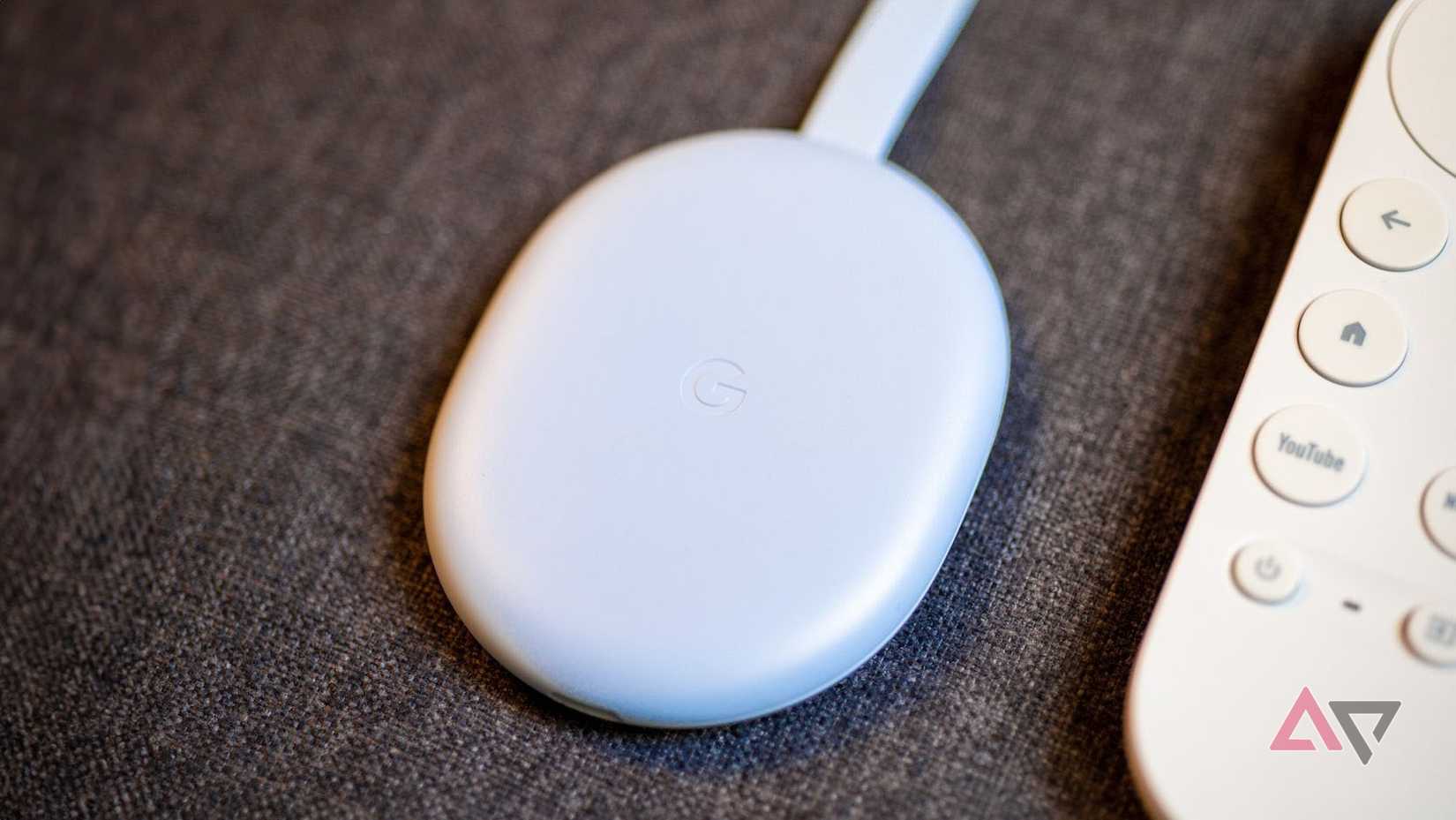
Another great way to keep using your old Chromecast is to stop pushing it with heavy tasks like streaming TV shows and movies, and use it purely as a casting device.
When you take that pressure off, it works surprisingly well.
One way I use my old Chromecast at home is to stream photos and videos from my phone during family get-togethers.
I don't use it every day, but when the moment calls for it, it's genuinely useful.
To cast photos or videos, open the Google Photos app on your phone, tap a photo or video, tap > , and select the Chromecast on the same Wi-Fi network.
You can also keep it plugged in as a digital screensaver for your living room. Loop YouTube videos like wildlife videography or a fireplace during gatherings or parties, and it adds a nice vibe with little effort.
Use Chromecast with a soundbar for Wi-Fi audio streaming
Stream music wirelessly without relying on Bluetooth connections
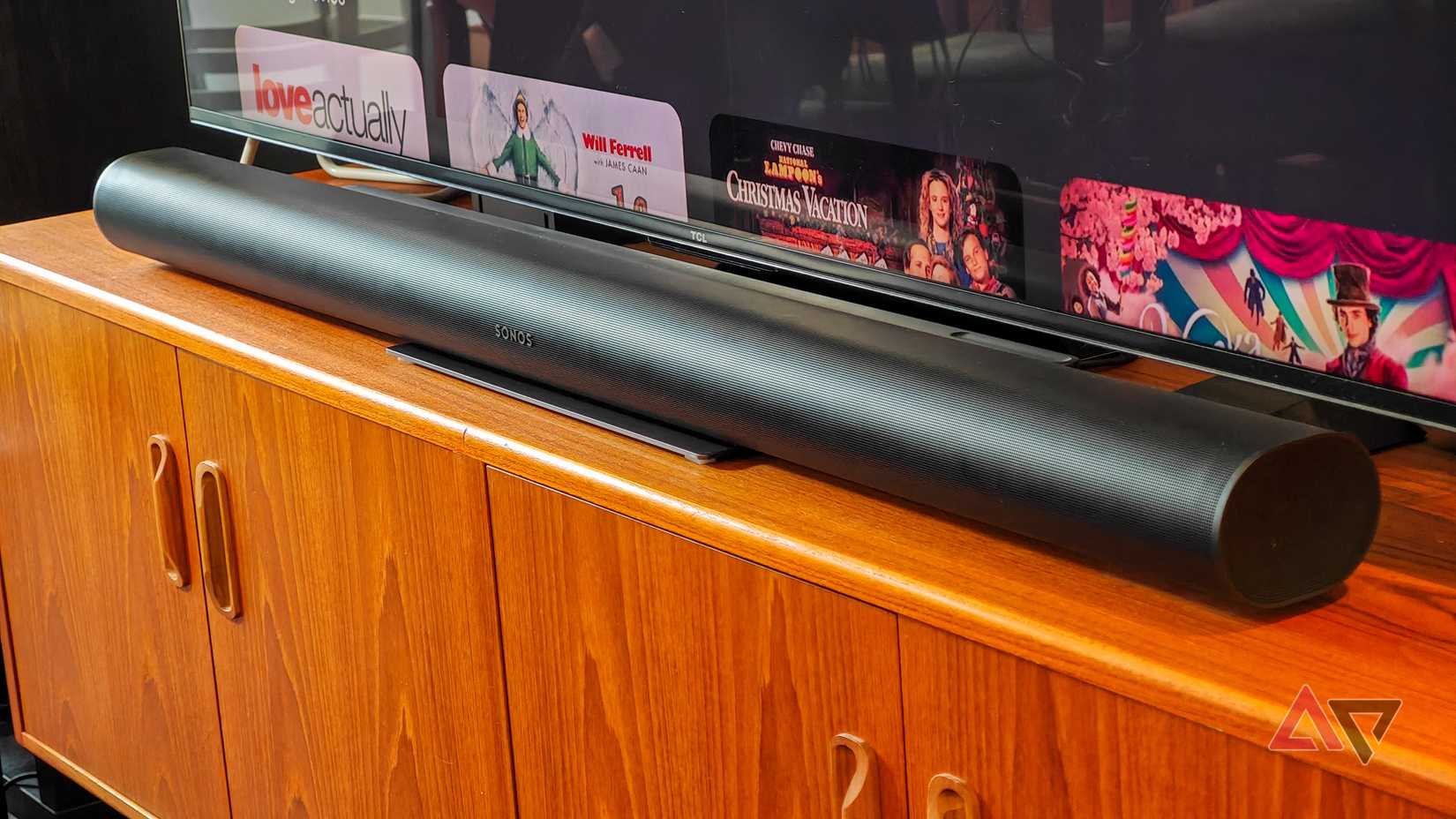
If you have a soundbar connected to your TV, it likely has a built-in HDMI port. You can use that HDMI port to stream audio to your soundbar even when the TV isn't being used.
This setup requires a soundbar with a dedicated (pass-through) port; plugging a Chromecast into an HDMI ARC/eARC-only port will not work.
Think about it: your soundbar already sounds great, and it usually sits there doing nothing when the TV is off.
The good part is that you don't need the TV involved. Plug your Chromecast into the soundbar, power it on, and start casting like you normally would.
Convert your Chromecast into a retro gaming console
Play classic games easily using emulators and a simple setup
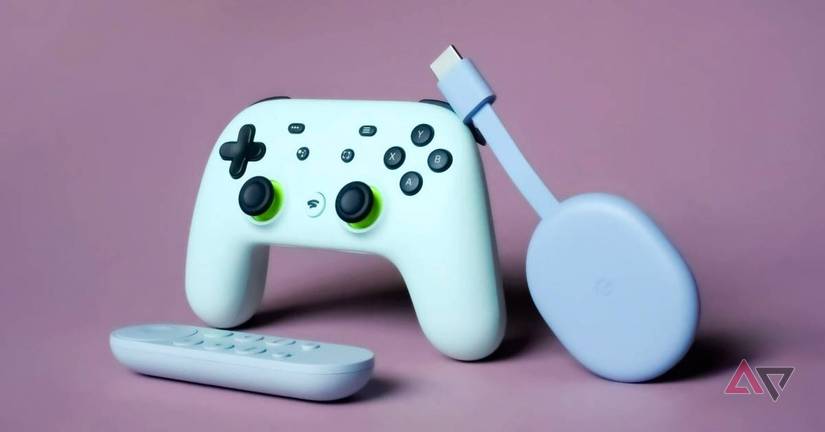
This one's a bit unconventional, but you can repurpose your old Chromecast into a retro gaming machine. This only works with Chromecast with Google TV, not the older Chromecast models.
It works by sideloading apps onto your Chromecast.
Since Chromecast with Google TV runs Android under the hood, you can install emulators like RetroArch and PPSSPP and play classic games on it.
Still, you'll need to jump through a few hoops, like transferring ROM files to your Chromecast, but our sister site, XDA-Developers, has a solid guide that walks you through the process.
If you have an old Stadia controller lying around, you can pair it with your Chromecast for a great, complete retro gaming setup.
A Stadia Controller only pairs wirelessly via Bluetooth with Chromecast with Google TV if its firmware was previously converted to Bluetooth mode.
Google's official tool has been retired, so un-updated controllers require third-party WebHID tools or a wired USB-C connection.
Your old Chromecast still has plenty of life left
If you have a Chromecast lying around, it's still very much worth using.
If you feel like it's not quite done yet, give it one more shot by tweaking a few settings and speeding things up a bit. You might be surprised by how usable it still is.