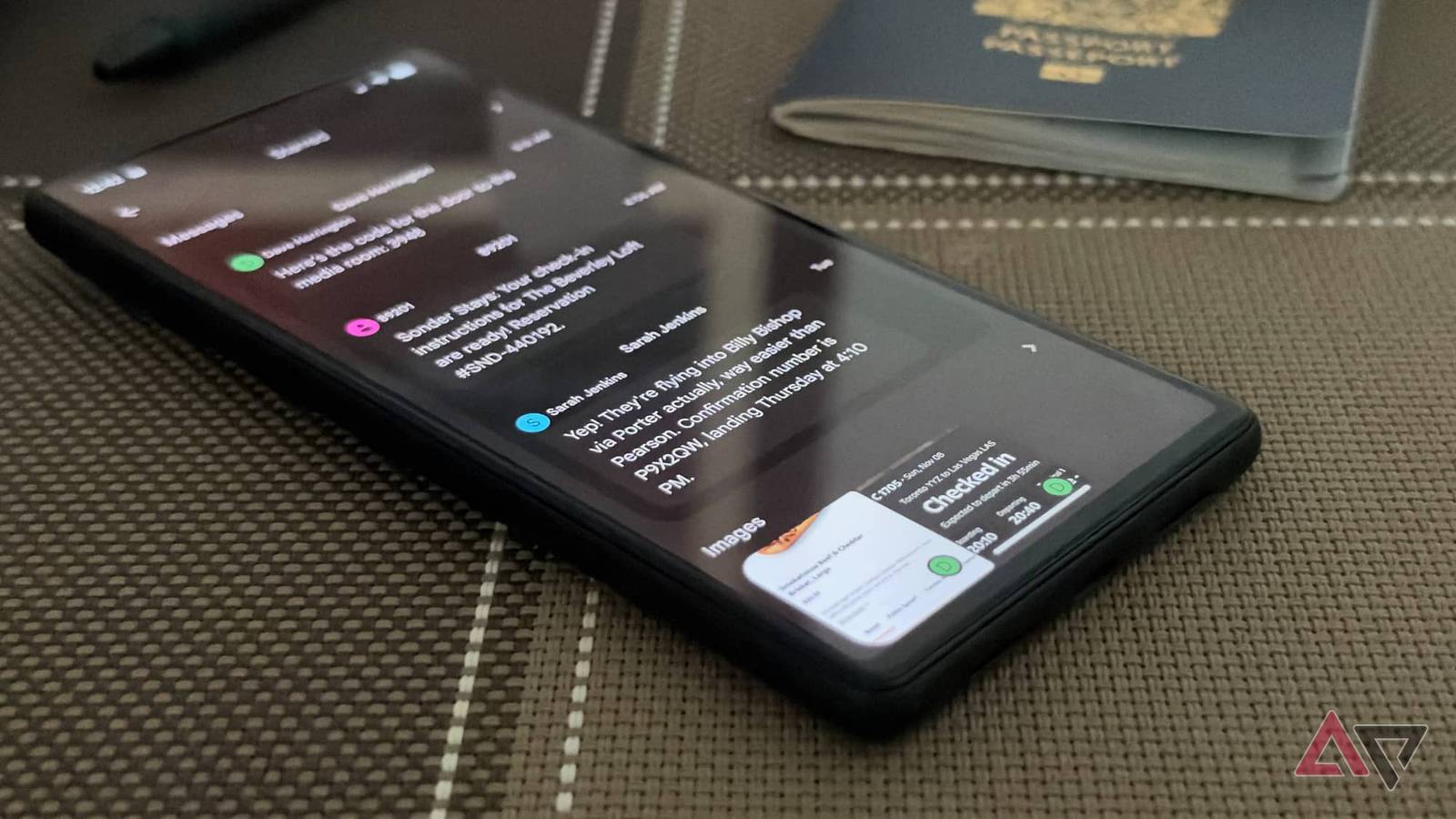
Keeping life organized can be challenging at the best of times. In an ideal world, I'd copy and paste every confirmation and tracking number I receive into .
But when life gets busy, it's easy to trust Google Messages to keep track of all that stuff for me. It does, but key details can also get lost in the shuffle of everyday conversation.
For instance, a friend who is flying in for a visit sends me their flight details and ETA as soon as they book the trip. Then we keep chatting.
By the time I'm supposed to pick them up at the airport, those details have scrolled back far enough to become a risk for carpal tunnel syndrome.
Search seems like an obvious alternative to scrolling, but that's where Google Messages starts to show its rough edges. Go looking for those details while you're rushing out the door, and you'd better be ready for an exercise in frustration.
Struggling with limited results
Search only lets you find one thing at a time
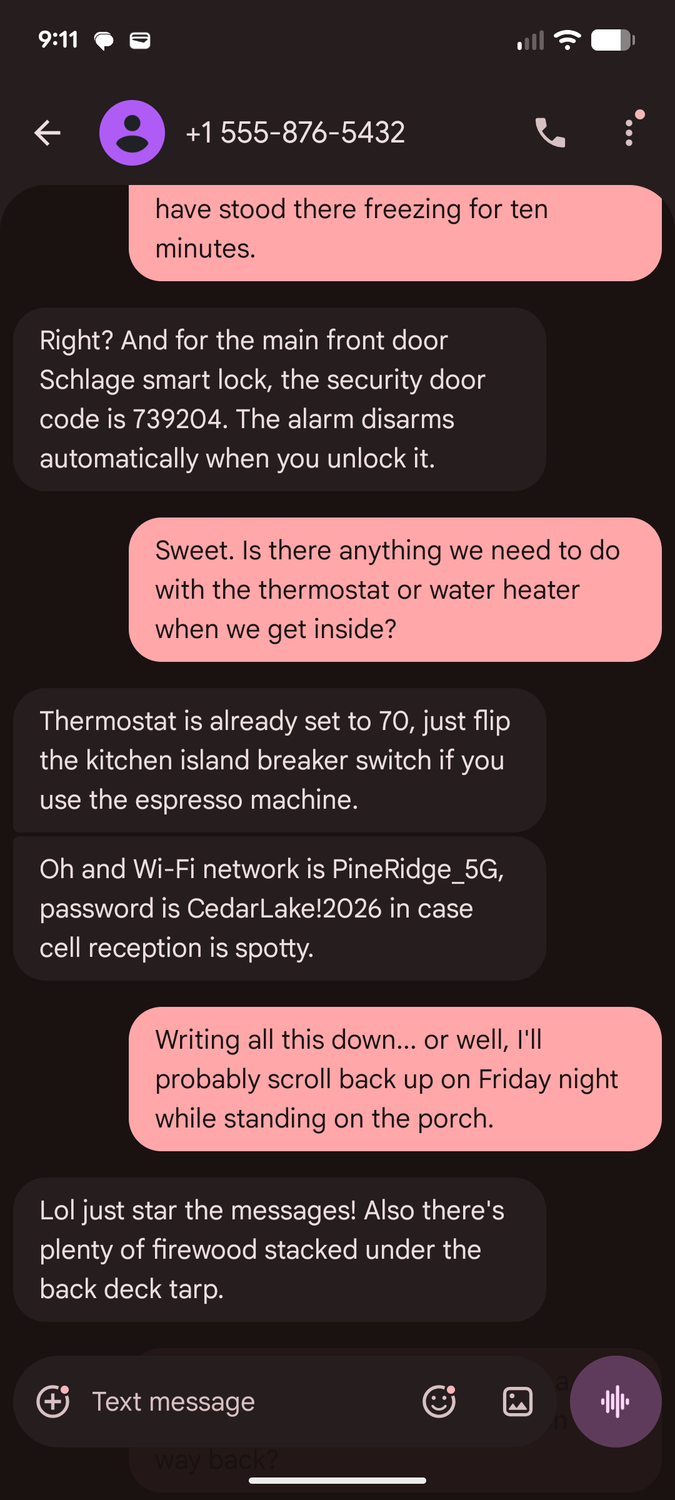
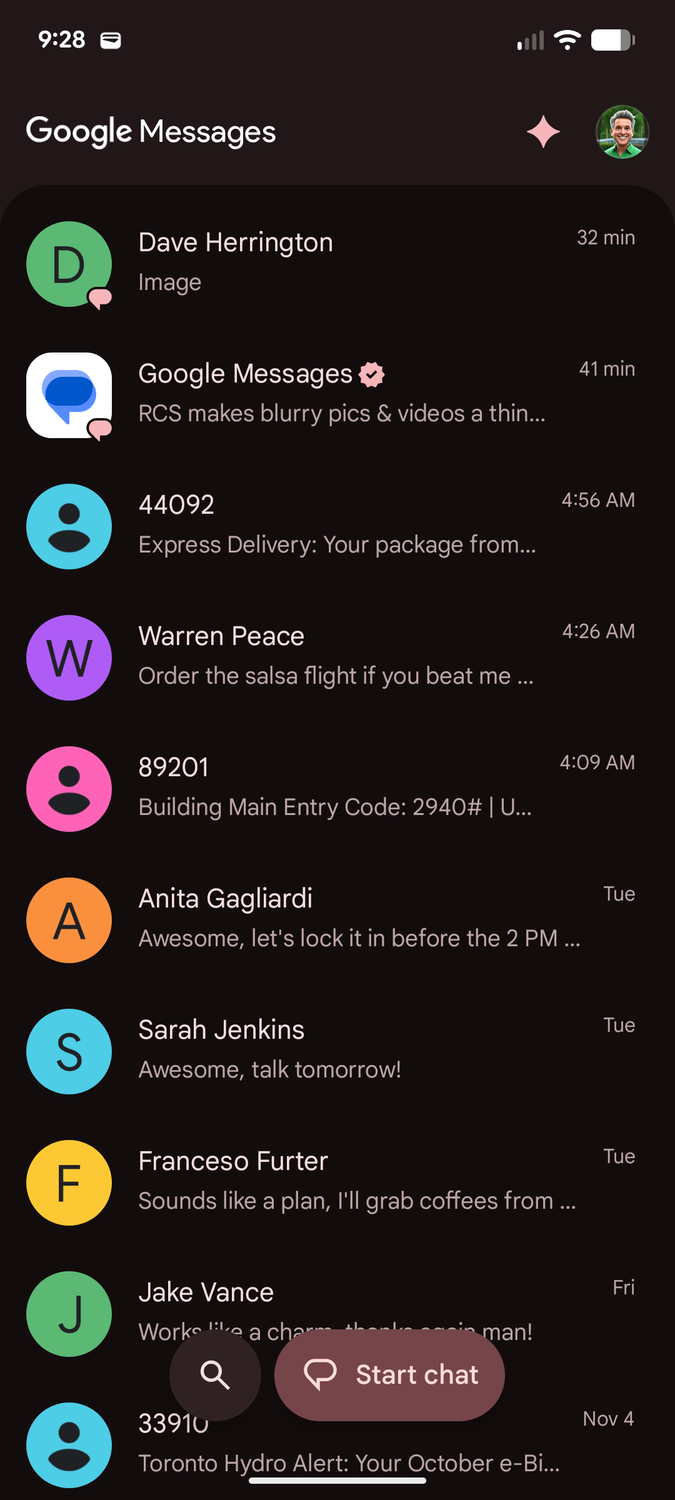
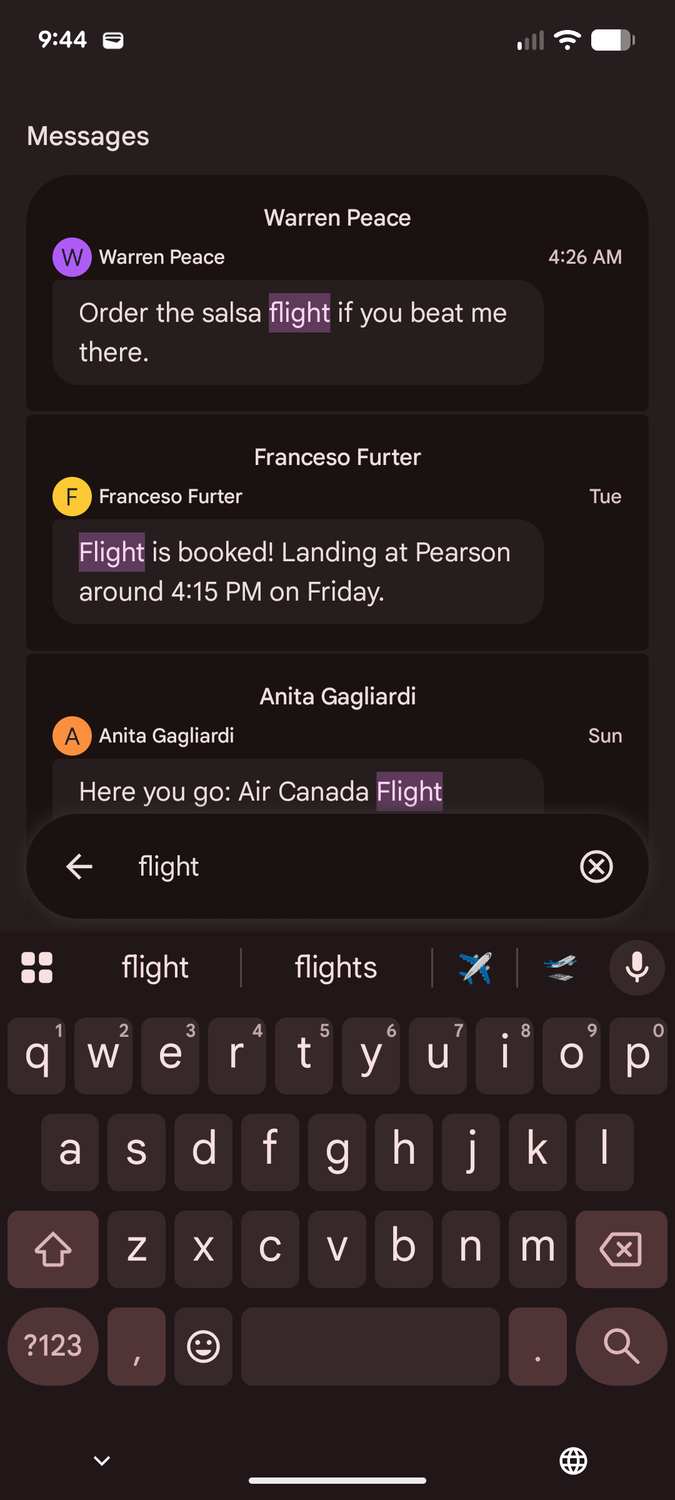
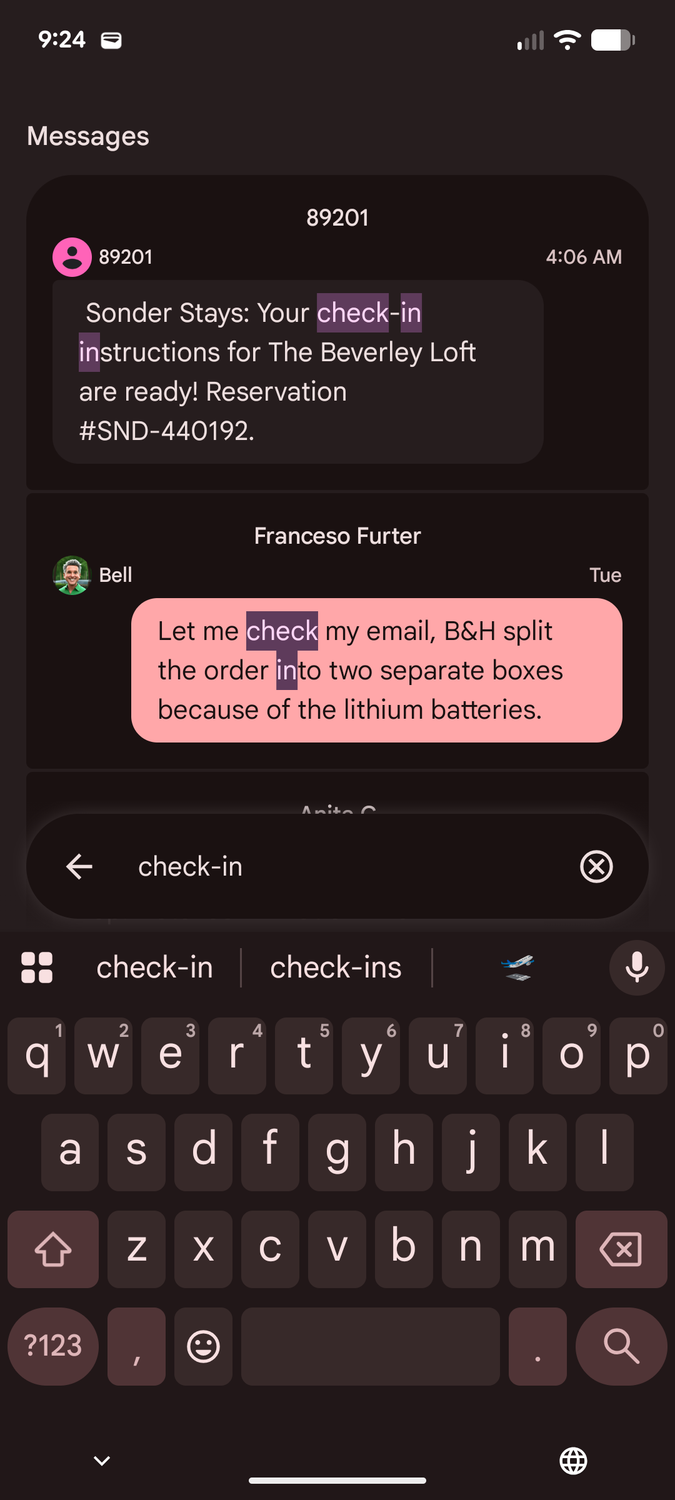
Searching in Google Messages is good for finding tracking codes from automated SMS senders like FedEx, but it's not so great at ferreting information out of human chat threads.
Until recently, Messages only surfaced the most recent result from each conversation. If my friend used the word "flight" later on in the chat, or sent me other confirmation messages, like an Airbnb door code, those would come up instead of what I'm actually looking for.
Google fixed this in , which began rolling out in late September with a redesigned search. You'll now see multiple matches in each conversation. That's a nice bonus, but it has limitations.
Google Messages still operates on a simple keyword search. If you're looking for more than one piece of information, such as a flight number sent last month and a door code sent yesterday, you'll need to do two separate searches.
Worse, searching for generic words like "flight" and "code" will leave you wading through irrelevant results.
Pulling everything together with stars
Turn Google Messages into a travel dashboard
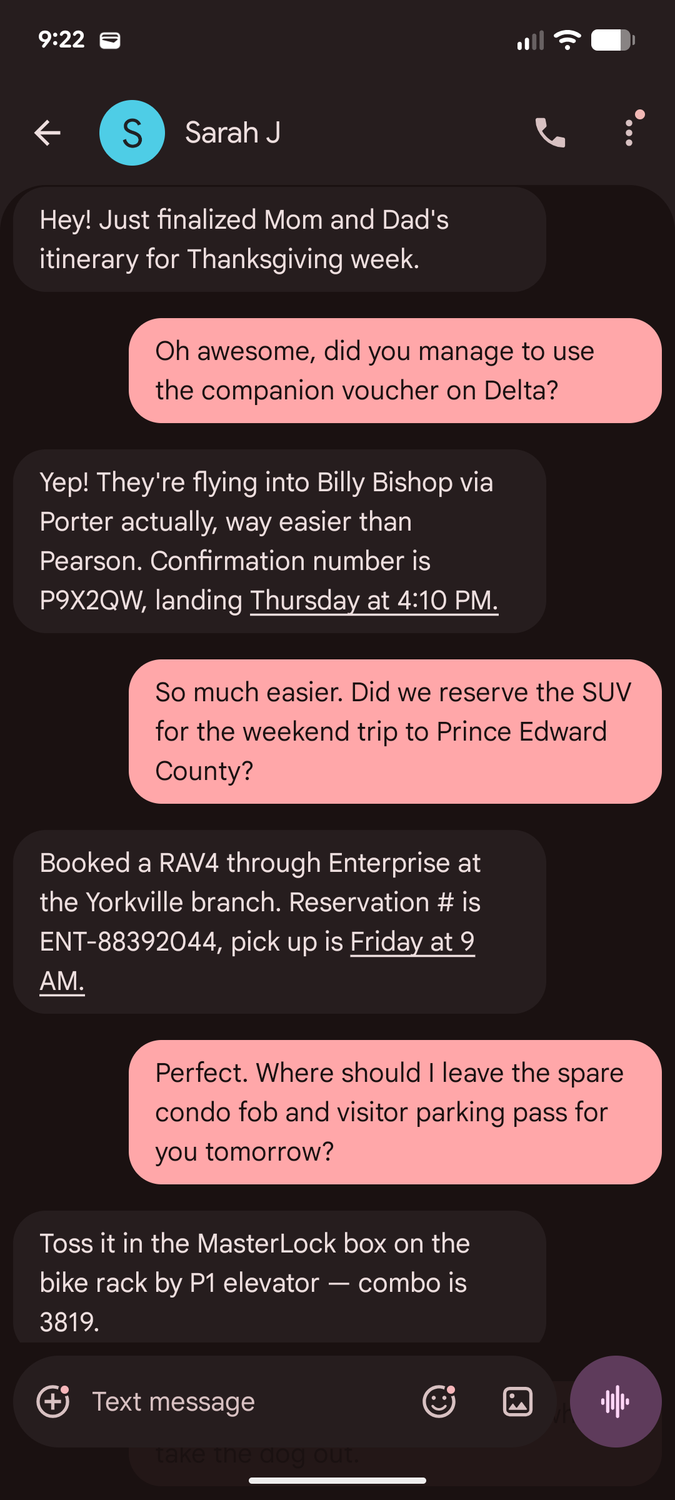
Thankfully, Google Messages has a secret superpower: the ability to star individual messages in chat threads.
This lets you pull together every important message in one place, and best of all, starring a message is almost effortless.
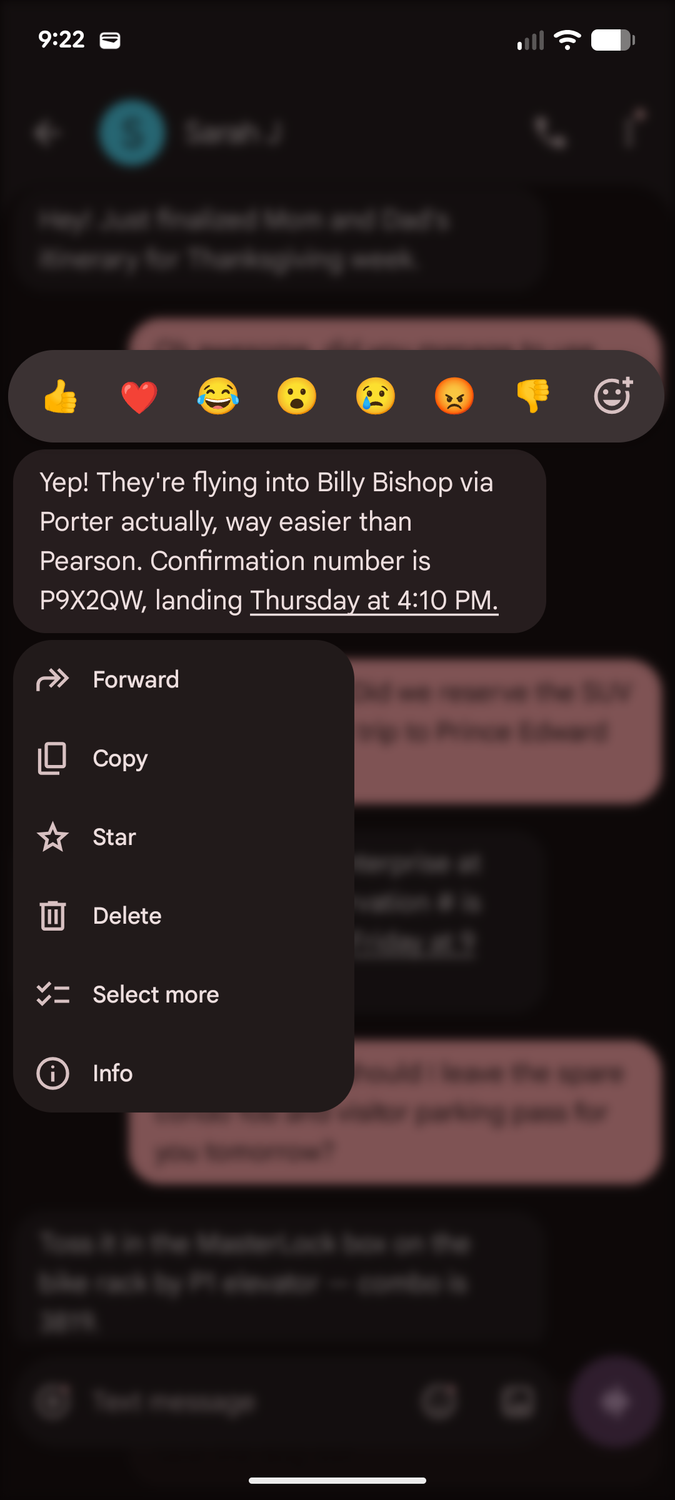
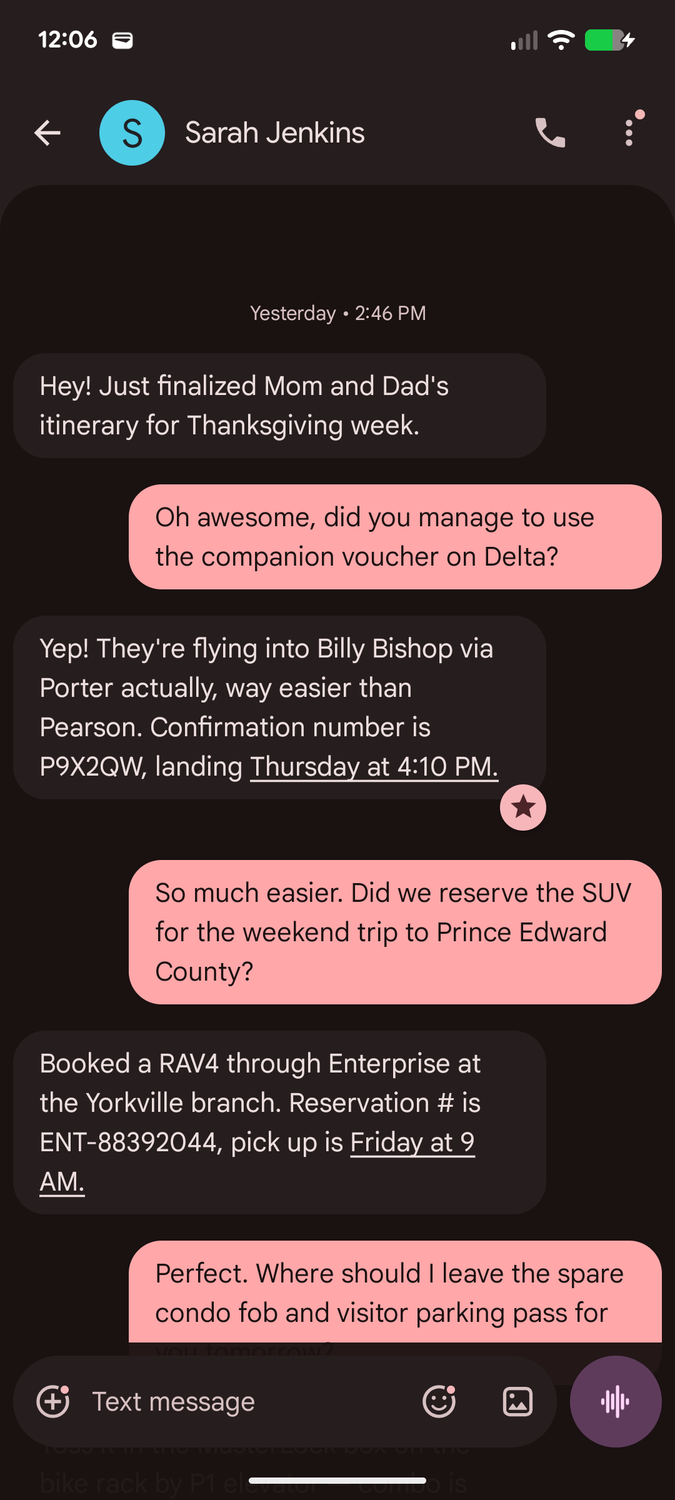
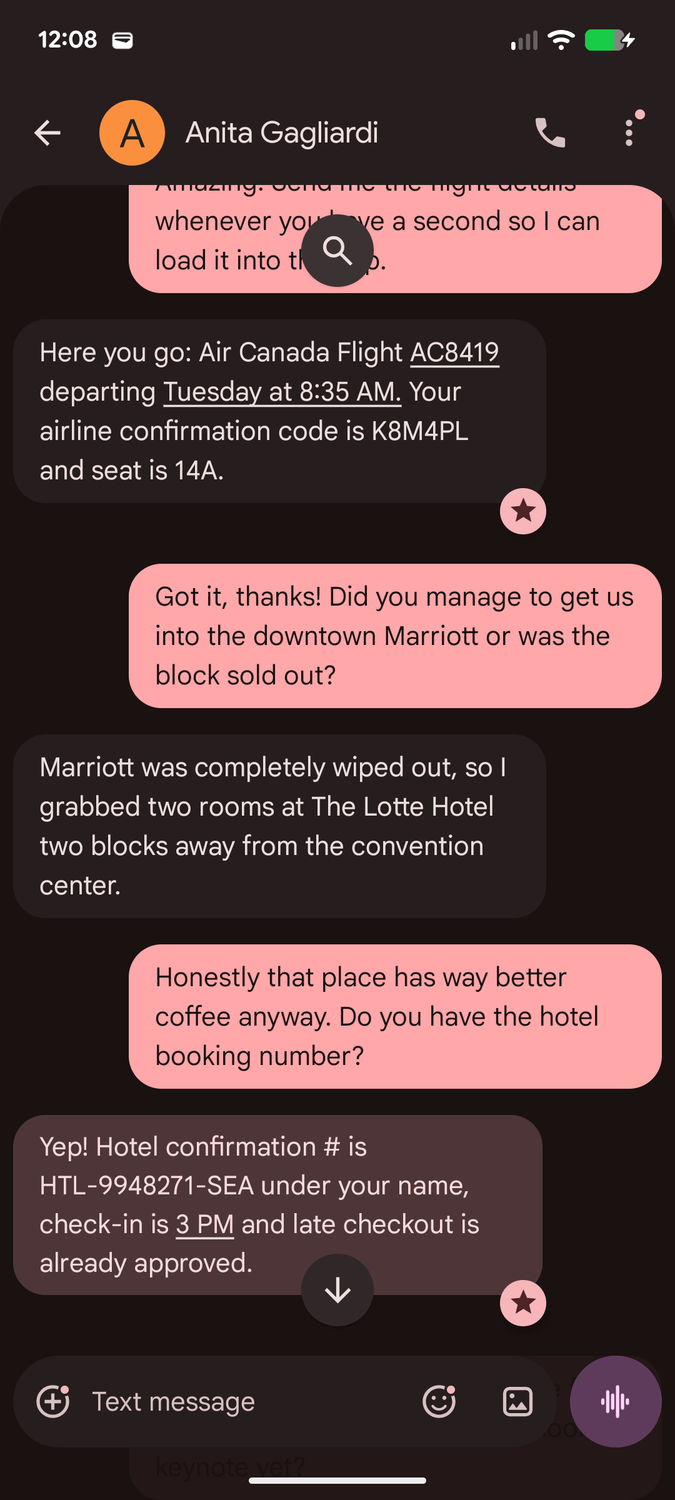
To add a star to a message, long-press on it and choose from the menu that appears. A star icon appears in the lower-right corner to separate it from any reactions.
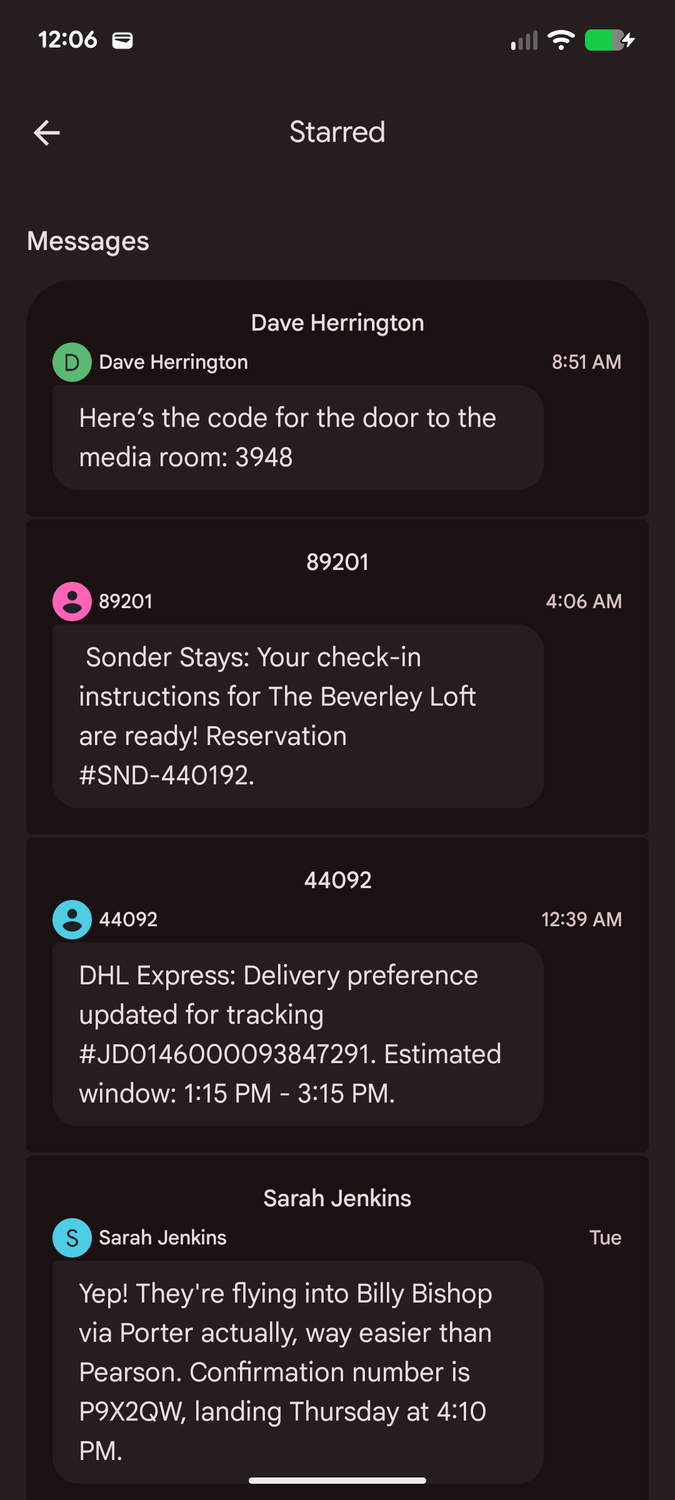
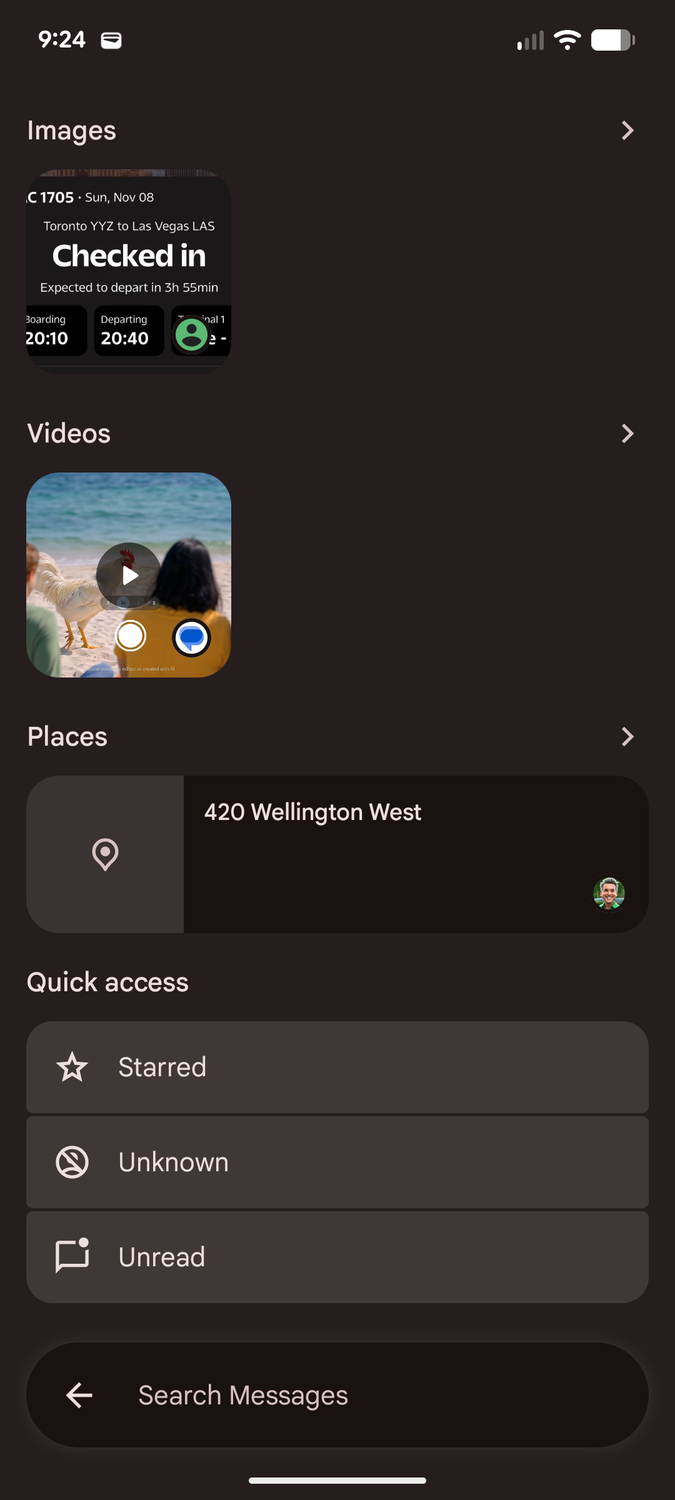
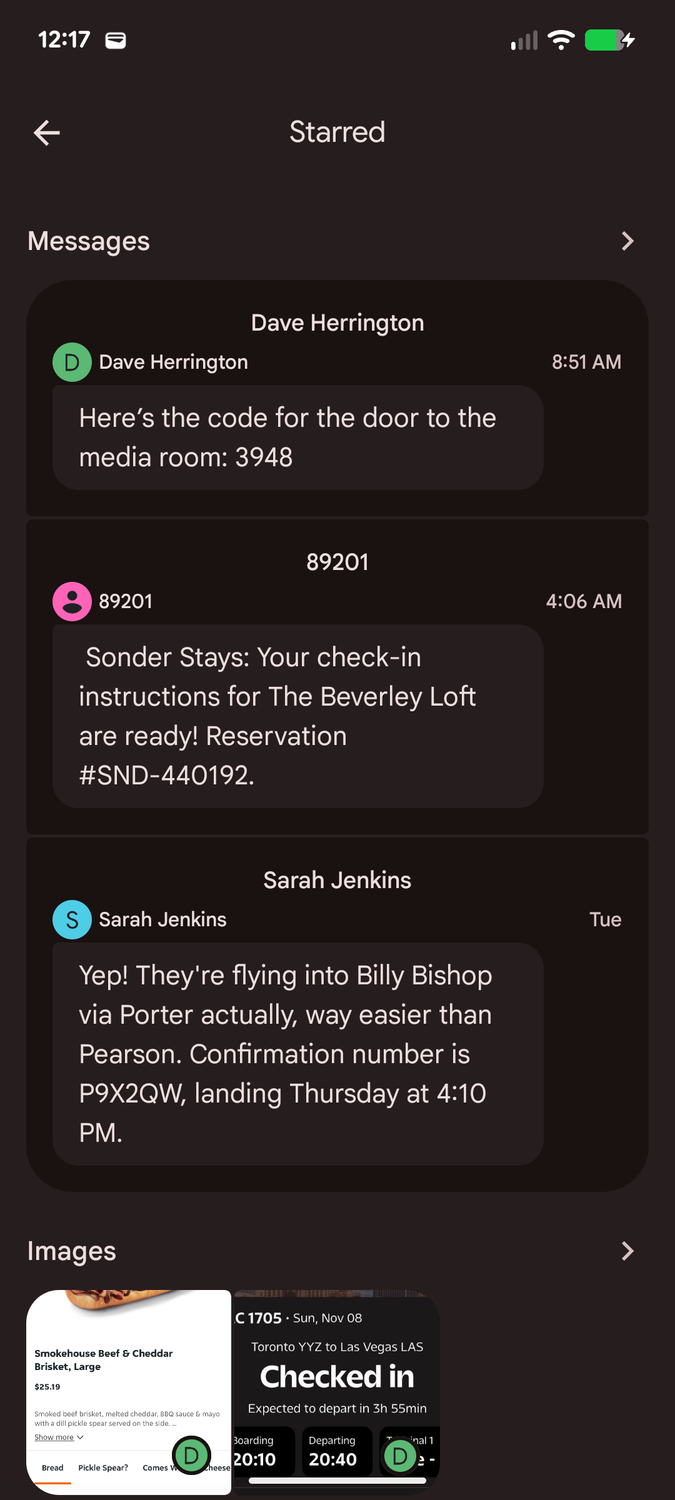
After you have a few starred messages, you can pull them all together by opening the search panel and tapping . You may need to clear the keyboard or scroll down, since this appears near the bottom.
This view shows all of your starred messages, across multiple conversations, with the newest at the top. If you've starred images, they're shown in a separate section at the bottom.
These are not grouped by thread. It's chronological, so multiple starred messages from the same person may be interspersed throughout.
You can also tap any message from the Starred view if you want additional context. This takes you to that message in the appropriate conversation thread, and gives the bubble a quick highlight to help reorient you.
Maintaining a clean feed
Keep your starred messages strictly temporary
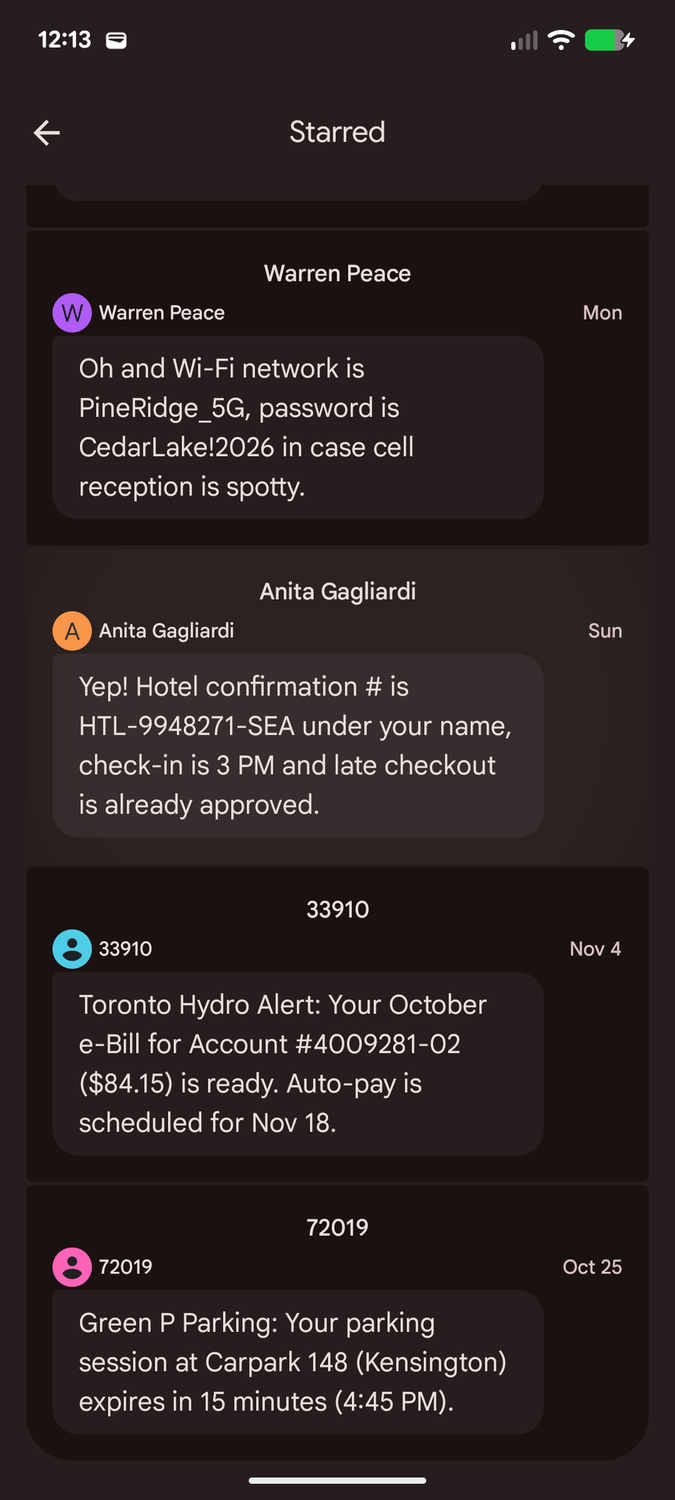
You also can't search for starred messages. The Starred view doesn't offer direct search, and Google Messages isn't advanced enough to provide search operators like Gmail's "is:starred."
That's why it's important to only leave messages starred for as long as you need them. Otherwise, this view can become more cluttered than useful.
The good news is that unstarring messages is even easier: tap the star in the lower-right corner of the message bubble, and it disappears. You can also use from the long-press menu, but that feels like extra work.
I find this is less effort than going through Google Keep to clean confirmation and tracking numbers. My mental inertia means that if I put that stuff in Keep, it's likely to live there longer than it should. Probably forever.
That also means I need to avoid the temptation to star messages for sentimental reasons. I put those in Google Keep; otherwise, they'll get in the way of the data I actually need when I'm in a hurry.
Why stars still beat search and AI
I've found that starring beats searching even when I'm only looking for what should be a simple keyword, as I can't always count on people to use searchable words.
For example, it's tough to search for an unknown four-digit number or a screenshot of a boarding pass when there's no accompanying contextual text. But I can star those and know they'll show up when I need them.
Plus, since I can jump from the Starred view to the exact spot in the conversation, I'm only a tap away from finding other details that might be in subsequent messages, such as an arrival gate.
That means I don't need to star every adjacent message — a "keystone" message that can anchor the rest.
Even though Google promises that Gemini will eventually be able to answer these questions for me, Gemini will be the first to tell me that it's an AI and can make mistakes. By contrast, the fault will not be in my stars. If I fail to star something, that's on me.