
When I'm not writing or playing games, I often read fantasy books that transport me into a fictional magical world.
I've even used Gemini to recap books when I pick up a new entry in a series or return after a long break.
I wanted to share these fantasy stories with my child, and the perfect way was to create a storybook in Gemini.
How and why I created a storybook in Gemini inspired by a fantasy book
Anybody can create a storybook on the fly
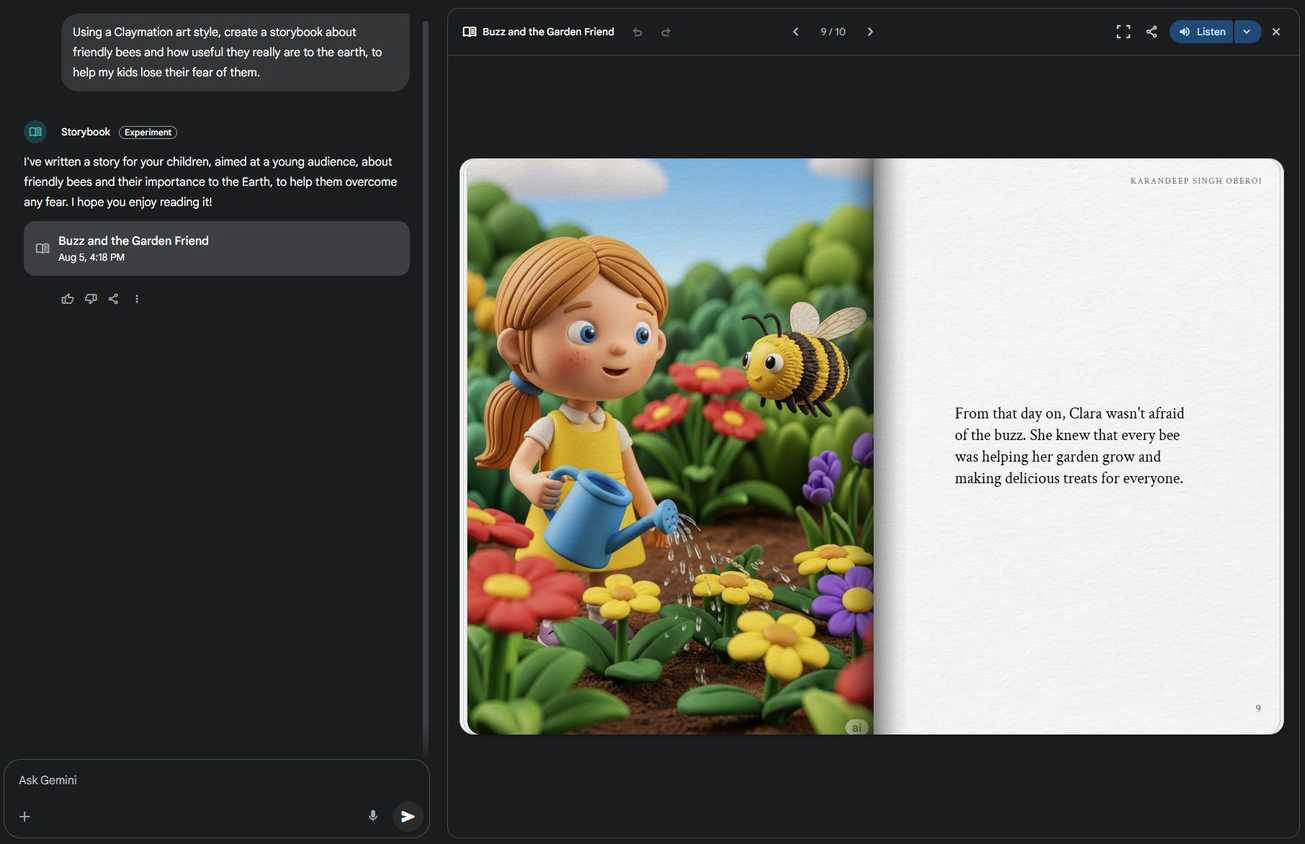
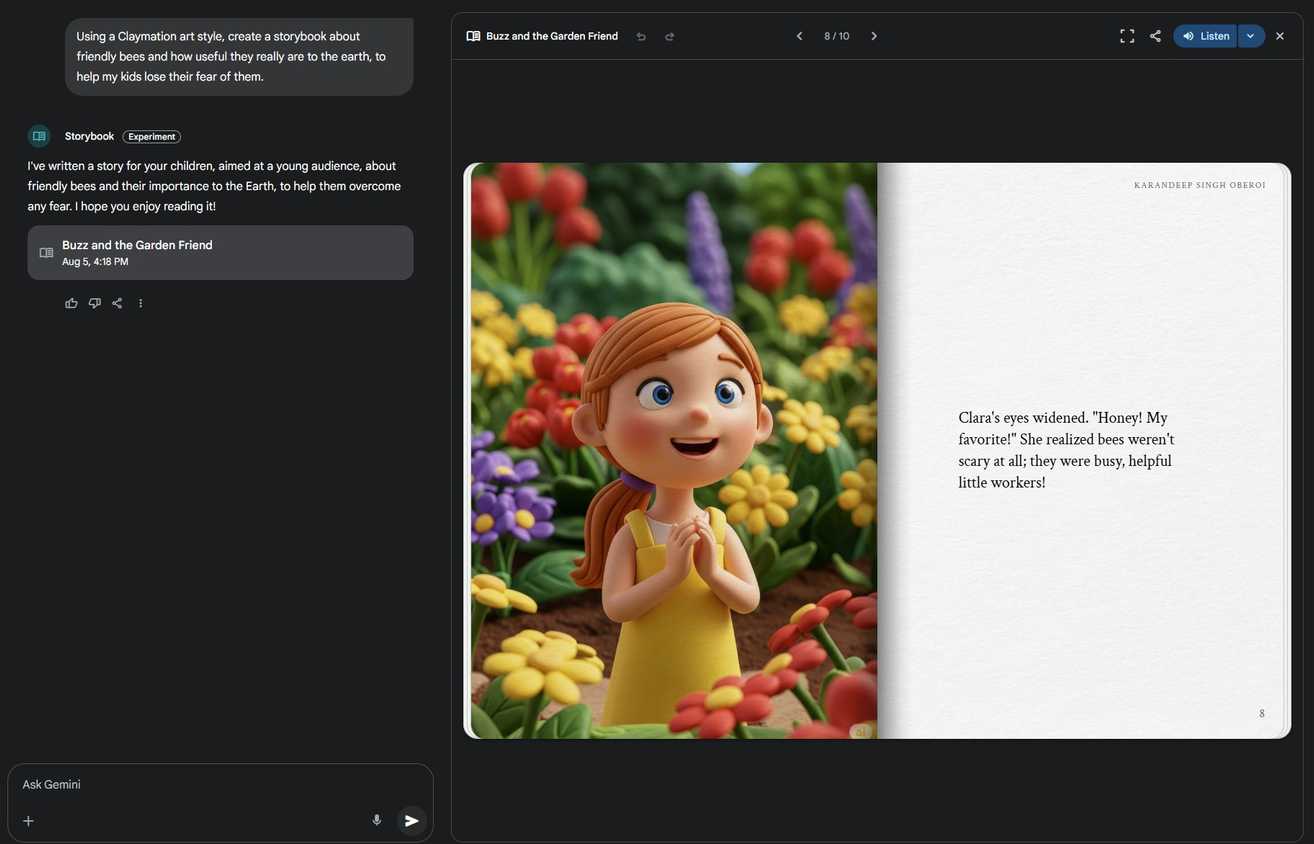
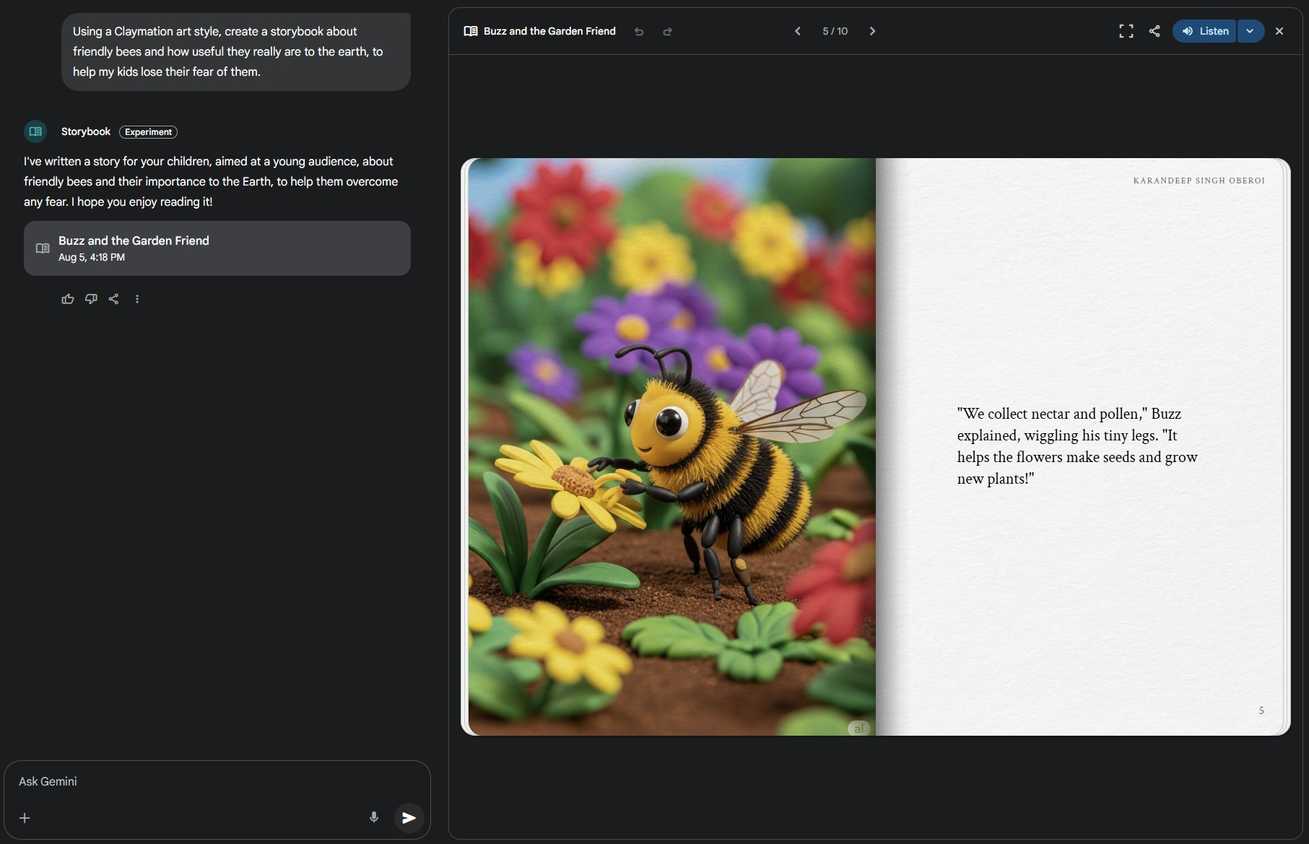
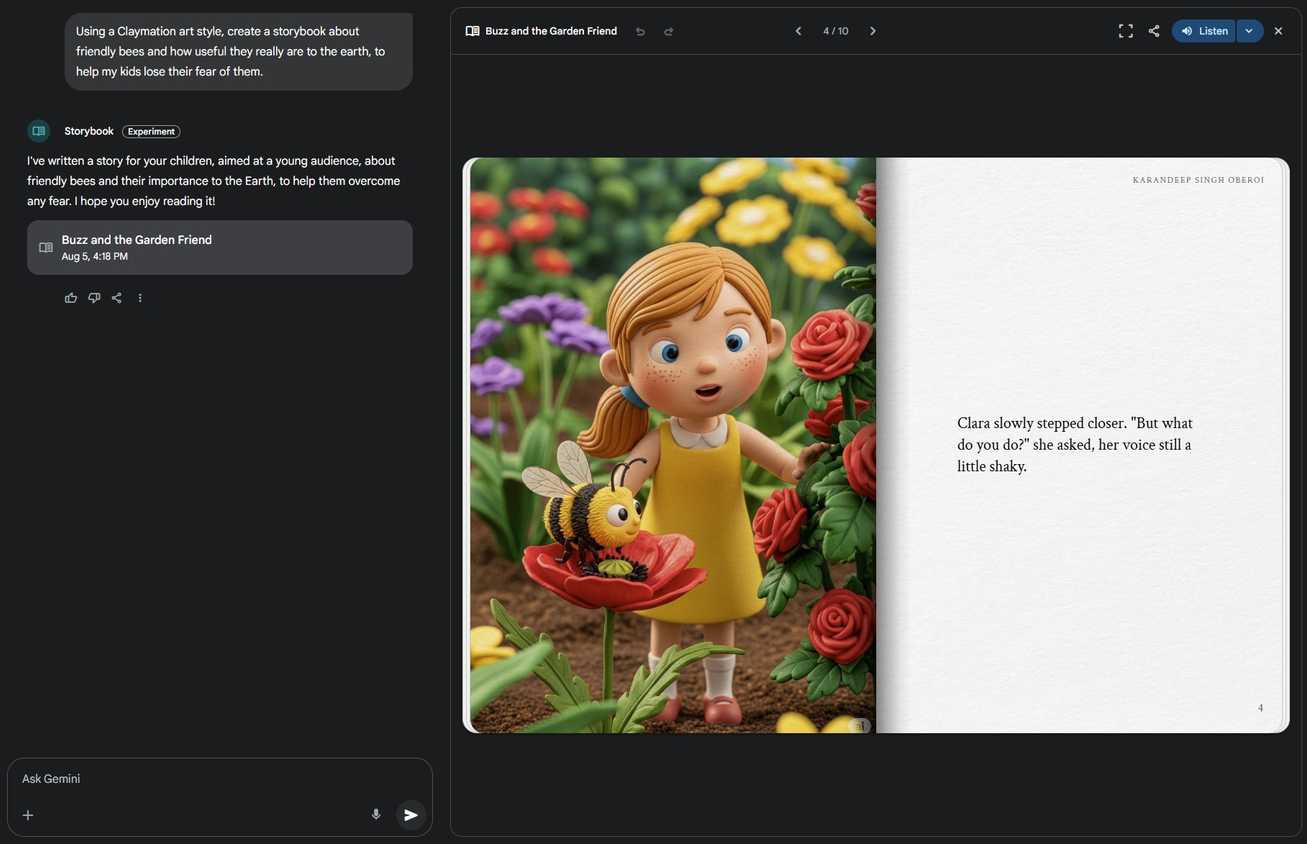
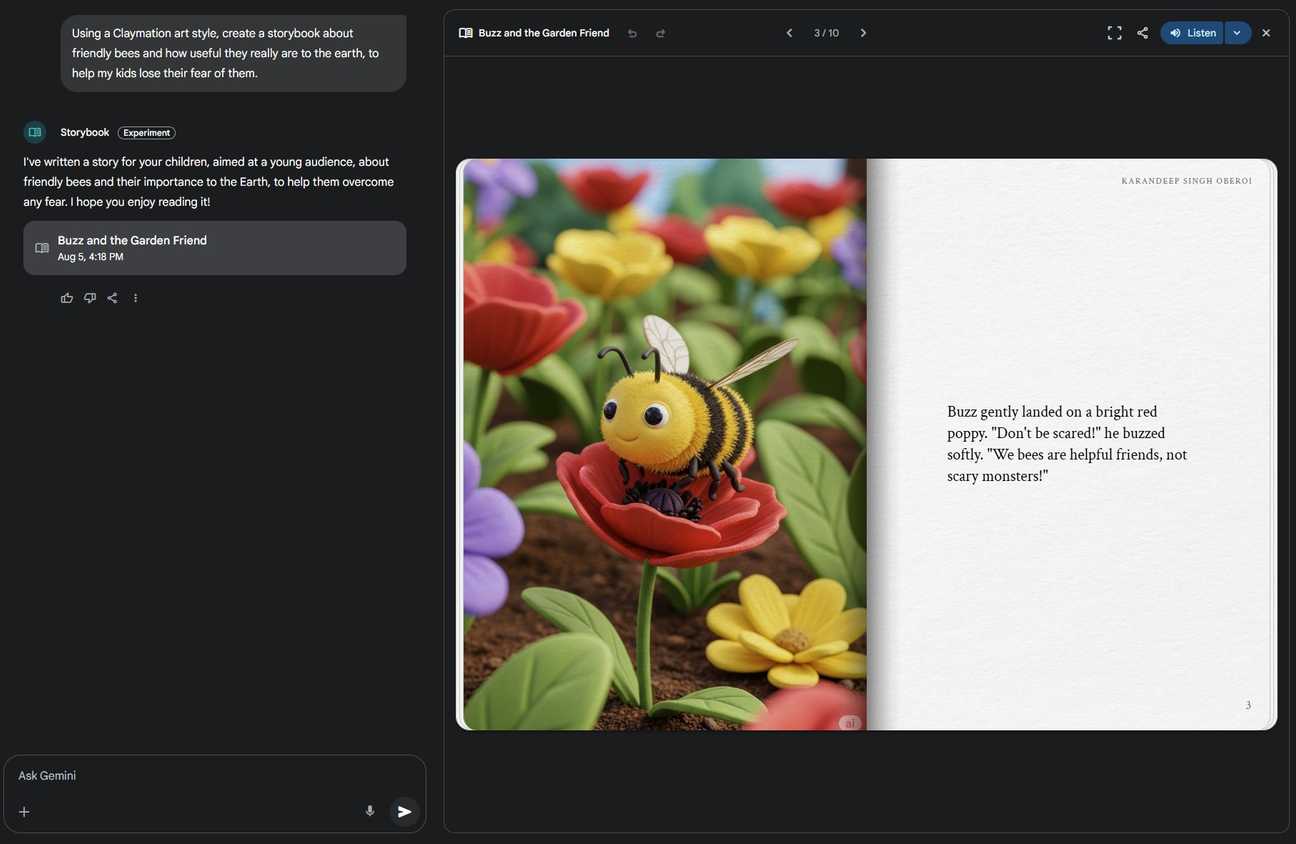
Keeping a child entertained, especially if you want to keep them away from screens, can be difficult. One tried-and-tested way is to tell stories from storybooks that keep them engaged.
But there is only so much space to store physical books, and many of them are similar. That's when I got the idea of converting The Lord of the Rings into a child-friendly format .
It's my favorite fantasy series, and I wanted to share it with my son. But since there is no official children's adaptation of the book, I thought of creating my own.
I had heard about Gemini experimenting with a storybook feature where it can create a storybook from a simple prompt.
A friend of mine does this often with their child, so I thought I'd give it a try. What I love about the feature is that Gemini rewrites or creates a story inspired by your favorite books as a kid-friendly version.
It leaves out all the violence, keeps chapters short, and uses simple language that's perfect for children.
How to use Gemini to create storybooks for children
Saves time, money, and storage space
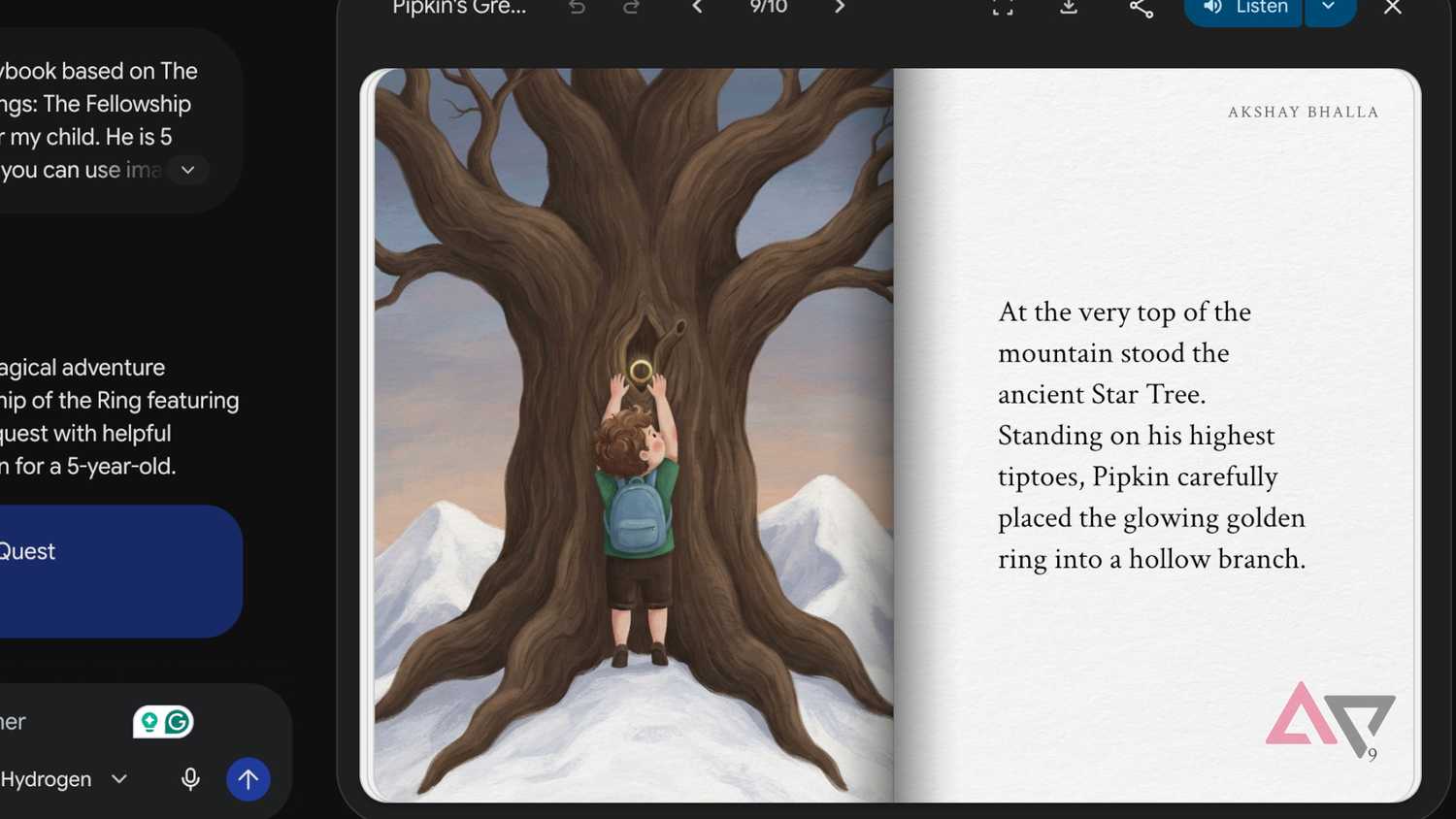
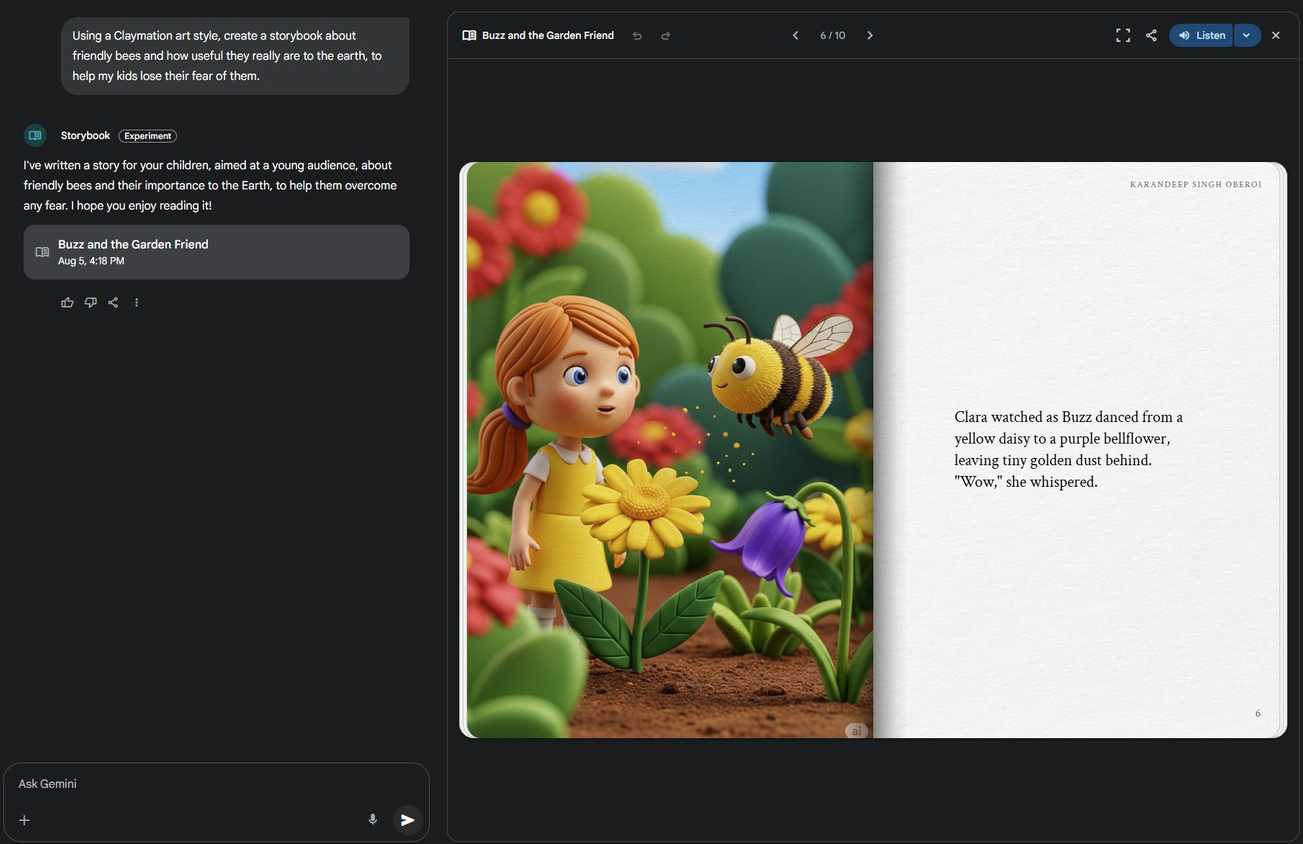
To create a storybook in Gemini, you can use either the web app or the Android app on your phone; it works differently than the default chat option.
To get started, open Gemini on the web or the app and follow the steps below:
- Click in the left sidebar.
- Click (web) or tap (Android App).
- You should see the option front and center, but if you don't, select .
- Select the option and enter your prompt.
You will see some templates you can use, but if you have a unique story idea, describe it in the text box with details such as plot, setting, target age, and characters.
You can even add personal photos or files, but in my case, I asked Gemini to generate them.
is still experimental and can produce varying results. Provide as much detail as possible to get reliable results.
Since I used The Lord of the Rings as inspiration, I didn't add any details other than the target age. Here's the prompt I used:
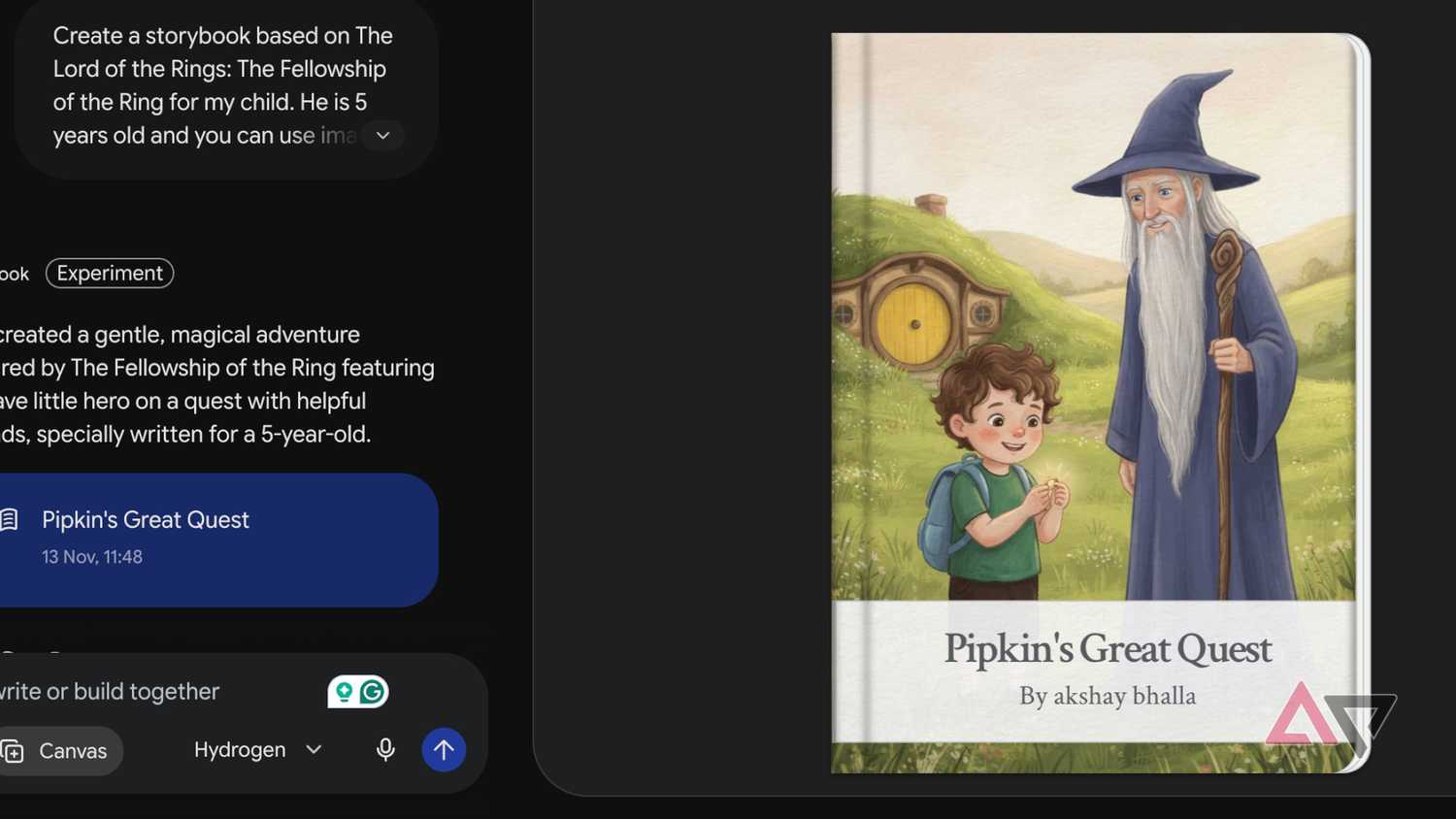
Create a storybook based on The Lord of the Rings: The Fellowship of the Ring for my child. He is 5 years old, and you can include images.
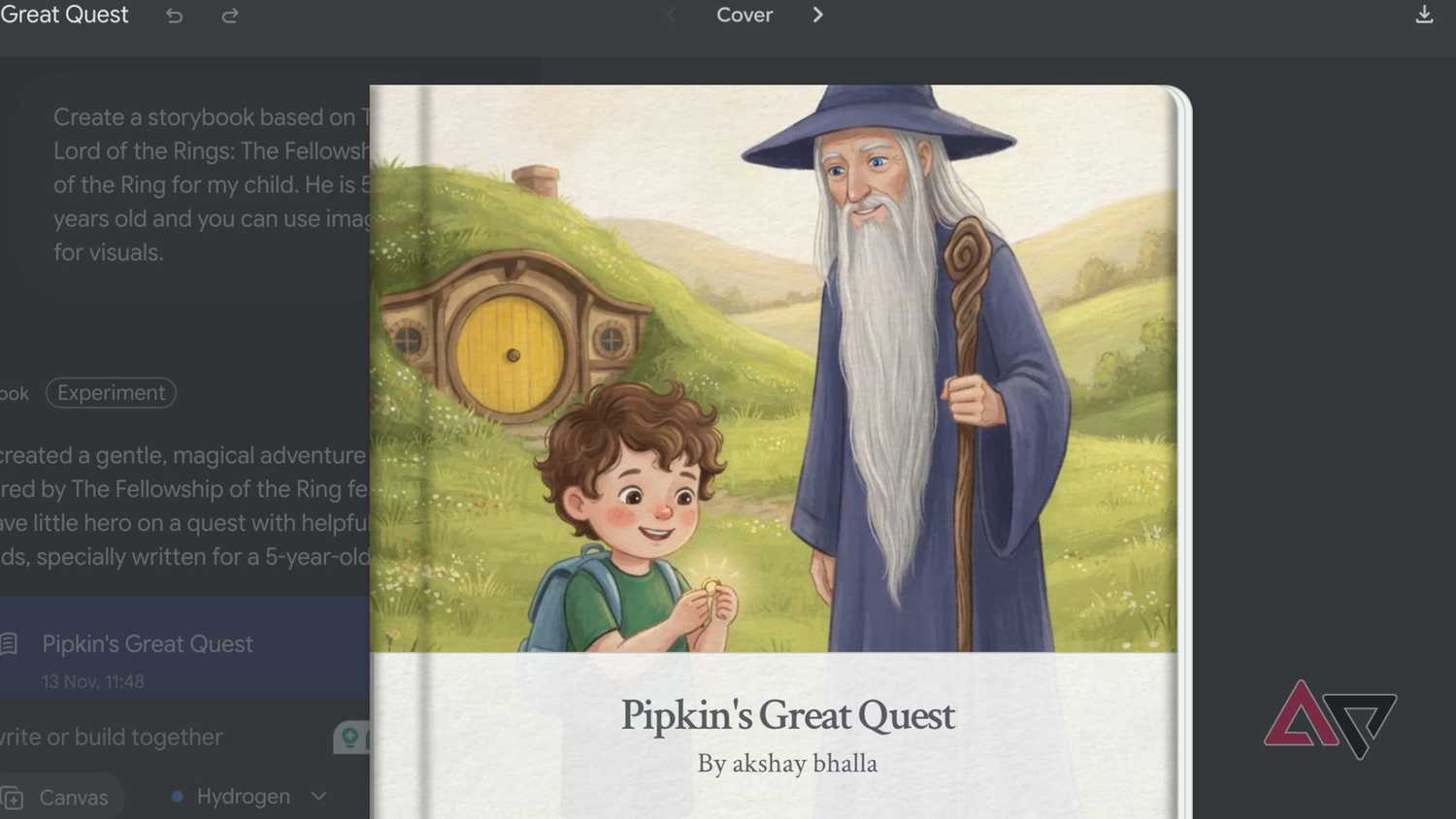
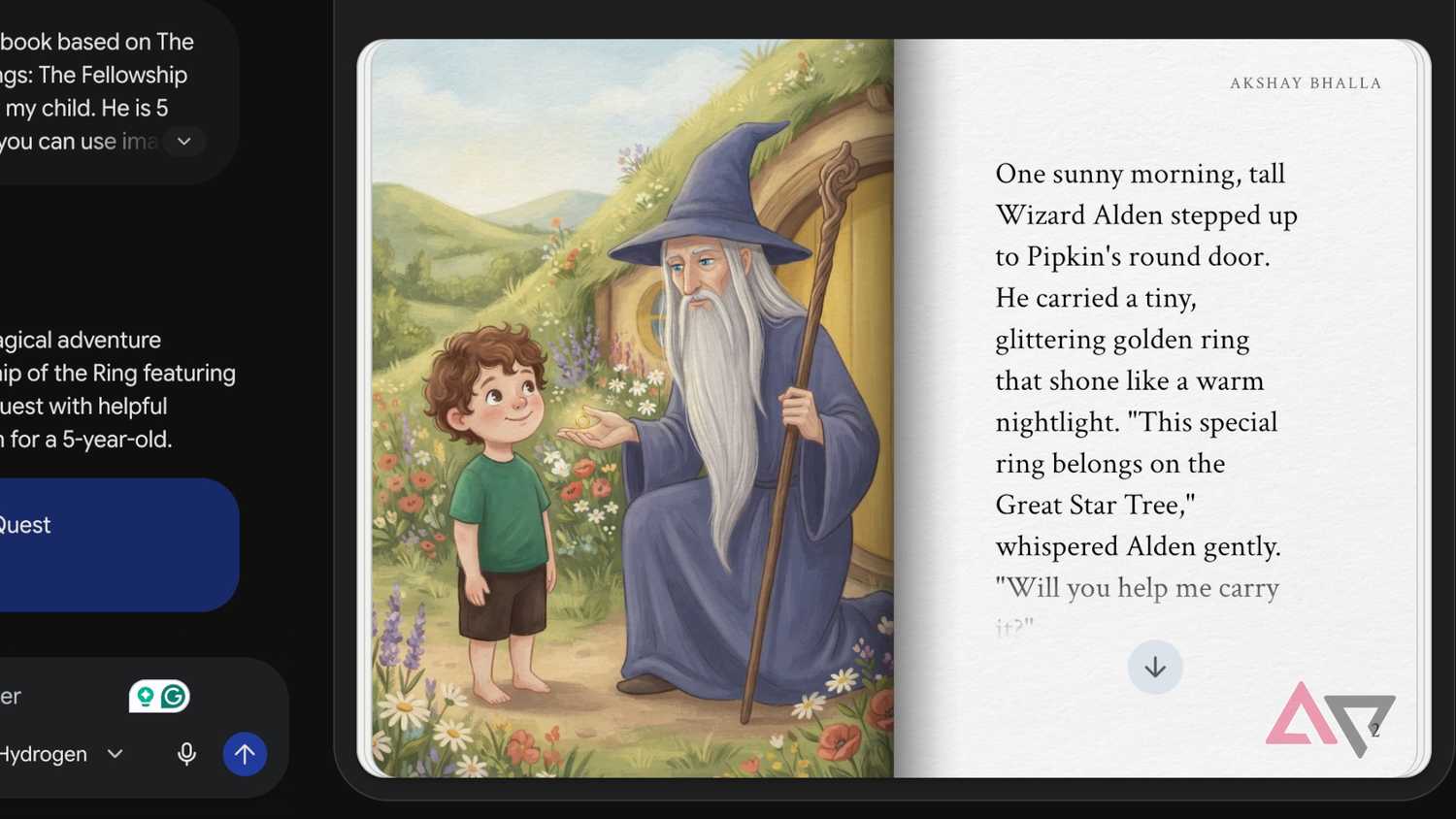
Gemini crafted a 10-page illustrated storybook with artwork, a proper cover, and a read-aloud/listen option that told the story in an entertaining tone.
I could even download the storybook as a PDF and print it like a proper children's book. Gemini created a story similar to The Lord of the Rings, but since it's copyrighted material, it didn't use the same characters or settings.
But Gemini created something very close to the original story. The Wizard looked exactly like Gandalf, and a character called "Pipkin" was the center of the story, like Frodo in the source material.
How my child reacted to the story
The real-world result of my LOTR-inspired storybook was quite shocking. It genuinely kept my child engaged because the story was crisp, image-rich, and easy to follow.
I created a storybook based on The Fellowship of the Ring, and my child already wants to know what happens in the next book.
Not only did my child feel engaged, but Gemini also helped me share my love of a classic story in a child-friendly way.
I especially love the read-aloud feature; I connected my phone to a Bluetooth speaker and experienced the story with my child.
Since I downloaded the book as a PDF and printed it, I could easily point out scenes and encourage reading while the audio played in the background.
What are the limitations to generating storybooks with Gemini?
That said, keep these limitations in mind when generating your own storybook. Provide as many details as possible for to create an engaging storybook.
I also recommend locking the style guide as soon as you find a prompt that works for you. One thing I do is read aloud the generated storybook to check its rhythm and whether it is easy to follow.
I also don't recommend treating it as a replacement for the original book or other children's books.
It's a quick tool for busy days when you've run out of options. I still use actual storybooks since their storytelling is superior.
But on days when you cannot get a new storybook from the store and need something quick, Gemini's storybook feature is reliable enough to fall back on.
Gemini's storybook feature is quite underrated
Gemini has some nifty features, and I've used plenty of them to make my life easier. I've used it to automate my daily life, , and create a database.
But after using the storybook feature, I've found a new project to work on every weekend — creating engaging stories for my child.
I recommend trying the feature to create some basic stories and see your child's reaction. Just don't forget to use the read-aloud feature, though.