I don't enjoy searching for apps on the Play Store. Instead, I tend to use third-party tools to find new apps. However, when I do browse the Play Store, I always ignore the star rating.
An app's star rating on the Play Store is the most unhelpful metric for judging whether an app is worth installing or not. Unless it's one star or lower, it does not help me decide whether an app is good. Instead, I use these methods to find out whether I should install an app.
Amazon Photos: A case study in bad star ratings
A 4.7-star rating means nothing on the Play Store
The Amazon Photos app currently has a 4.7-star rating on the Play Store. Pretty impressive, right? It certainly beats Google Photos' 4.2-star rating, suggesting that the Amazon Photos app is a better choice.
But having recently compared the two, I can say that Amazon Photos is the weaker app. It doesn't have half the features that Google Photos offers, and I'm not talking about AI bloat.
Instead, I'm talking about vital features like locked folders and cleanup tools. I'm talking about advanced editing tools and automatic curation tools.
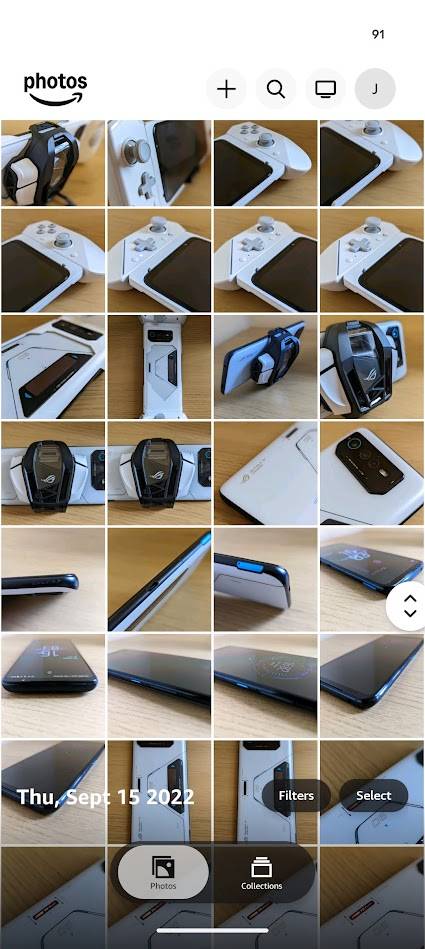
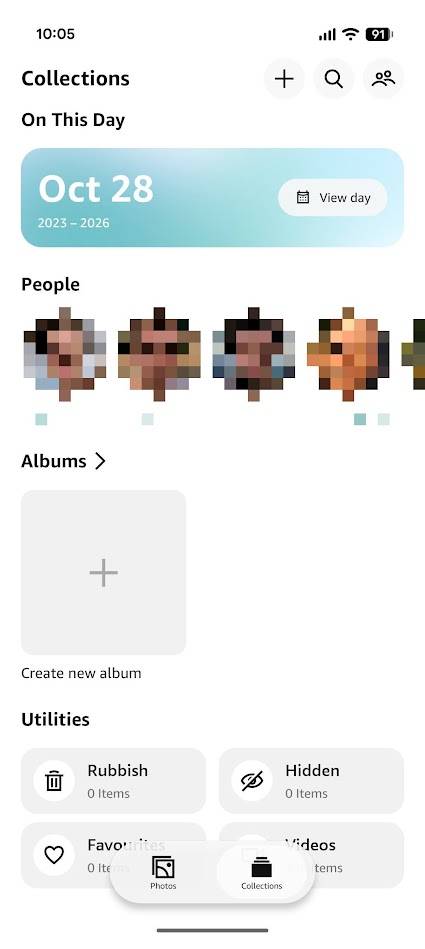
Amazon Photos does only one thing better than Google Photos. That's unlimited photo (not video) storage for Prime members. It's why I use the app as a backup for all my photos alongside Google Photos.
But overall, I would consider Google Photos the better app. It's got more features and works more reliably.
The problem is nuance. Amazon Photos' unlimited photo backup feature is amazing, but if you don't have a Prime membership, it's pointless. Indeed, I would in retrospect rate Amazon Photos two stars for non-Prime users and four stars for Prime users.
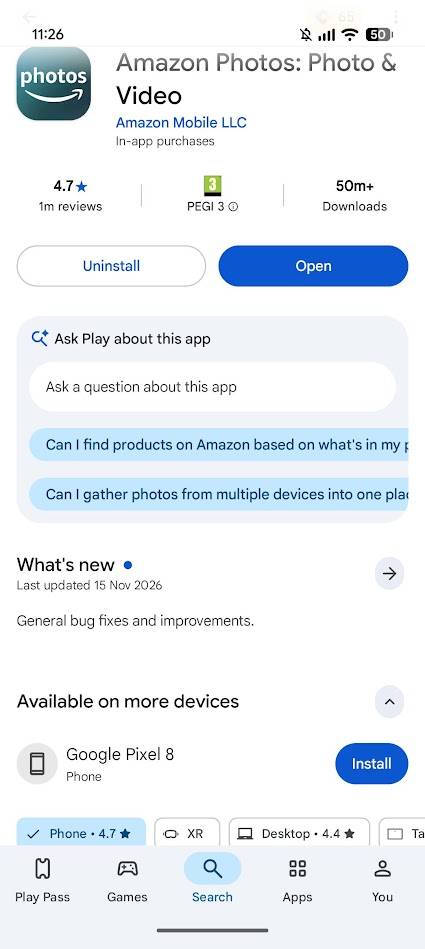
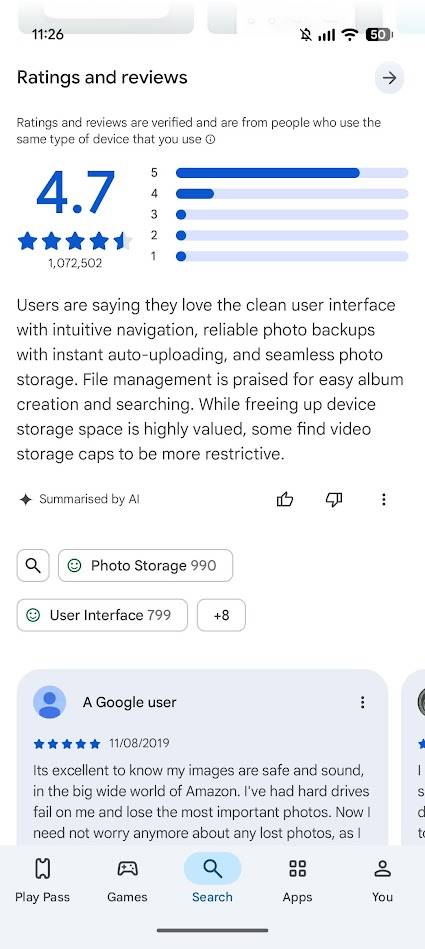
It's impossible for me to give a single star rating to Amazon Photos, but even by giving it a three-star rating and explaining why in the review, I know that the odds are stacked against me.
Numerous users in Amazon Photos' reviews and on forums have pointed out that it repeatedly asks you to review the app until you give it a five-star rating. I've experienced this once after reviewing the app, but it still calls into question the validity of stars.
How can we trust any star rating if developers can annoy us into rating their apps five stars or else?
Best to skip the star ratings and read the reviews.
Reviews are helpful but must be filtered
Fortunately, the Play Store provides the tools to filter out the junk
As I discovered with Amazon Photos, its reviews are borderline useless. Not one of the top reviews I read pointed out that the app has unlimited photo storage for Prime members.
However, there are useful reviews. But they aren't the five-star or one-star ratings that appear first.
To find the reviews that actually matter, I use two Play Store features. The first is a set of filters that appear just below the search bar on the reviews page. The Play Store identifies common themes in reviews and turns them into searchable keywords.
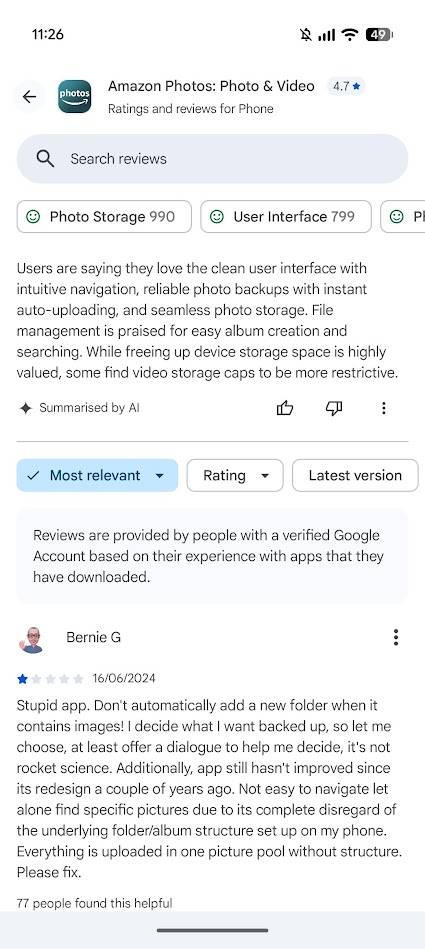
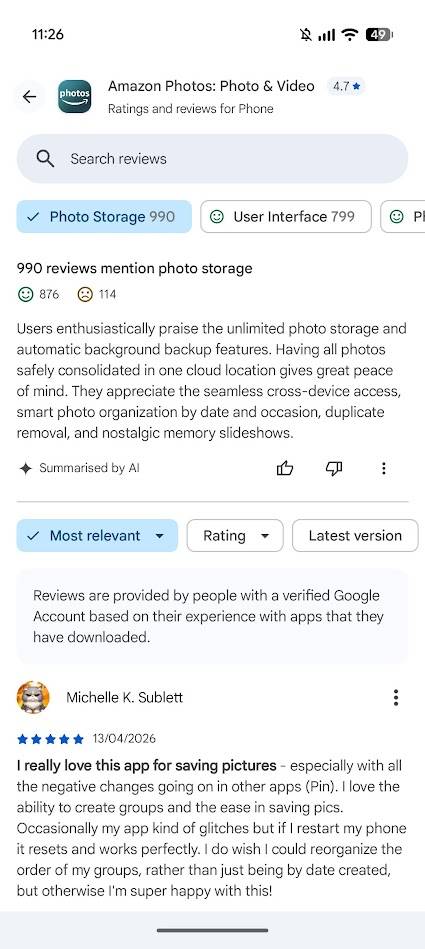
So if storage limits were my main concern when picking a new app, I would tap the filter on Amazon Photos' Play Store page. Of course, I can also search for my own keywords.
The second key feature is the version filter. The Play Store has an irritating habit of showing irrelevant reviews that complain about missing features that have since been added. By selecting the Latest version option, I only see the most relevant reviews.
Third-party review tools are vital to understanding apps
An app's rating history can tell you a lot more than its current score
AppBrain is a popular discovery app that suggests relevant apps in a dating-app-style swipe interface. I've never found its suggestions that useful, but I do rely on its website.
AppBrain gives a detailed analysis of a Play Store app's review and rating history. Through it, I can see if there were significant trend changes due to updates.
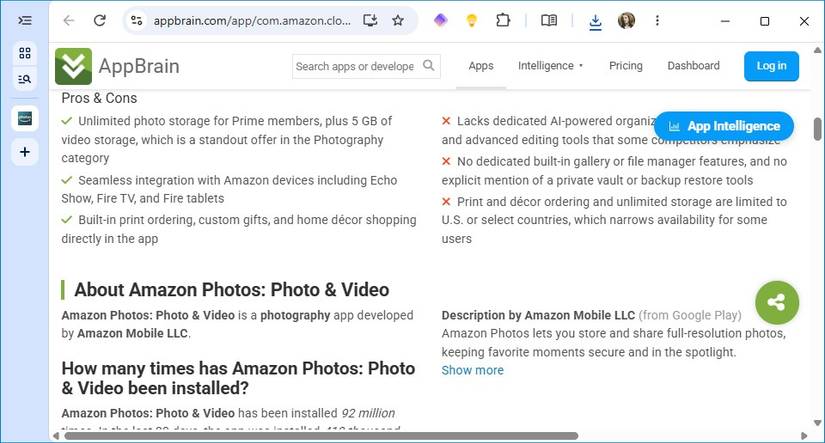
It also provides me with a more useful summary of the app's pros and cons collated from the reviews.
I can access these features directly through the AppBrain website, or through the Toolbox for Google Play Store Chrome extension, which collates a lot of useful tools for the Play Store, including an AppBrain shortcut that appears on every Play Store app's page.
Discovering new apps is easy, but it can be hard to identify whether they're good
The Play Store's star rating system is so easily gamed that it means nothing. Instead of relying on it, I use the Play Store's review filters and third-party services like AppBrain to identify whether an app is worth installing or not.
When all else fails, searching for an app review on Reddit works more often than not.