It's hard to believe that Gmail preceded Google Drive by over eight years — and that Google's cloud storage service didn't even exist when I got my first Android phone — but the service didn't actually launch until April 2012.
Thankfully, it was one of those things that came to Google Workspace (then known as Google Apps) at the same time as it hit consumer accounts. I signed up almost immediately — and haven't looked back since.
Once upon a time, I was fortunate to have legitimately unlimited storage in Google Drive. The company clamped down on that a few years back, but the 10TB that comes with my two Google Workspace Business Plus accounts is more than adequate for everything I need to store in the cloud.
Google Drive has evolved to a point where it's almost indispensable. I've considered self-hosted solutions from Nextcloud to Synology, but Drive just keeps working so flawlessly for collaboration and sharing that I fail to see the point in complicating my life.
That doesn't mean there's no place for a NAS in my world. In fact, I'd argue that using a cloud storage service makes even more important.
But instead of swapping out Google Drive for purely local hosting, I've adopted a hybrid approach that ensures my data isn't left entirely at Google's mercy.
Backing up the cloud
A Synology NAS is ideal as a local mirror
I've been using Google Drive for 14 years, and it has yet to fail me, but I've also learned to never say never.
That's why I refuse to leave anything solely in the cloud. Servers can fail, accounts can be inadvertently locked out, or my home internet might simply go down just when I need an important document.
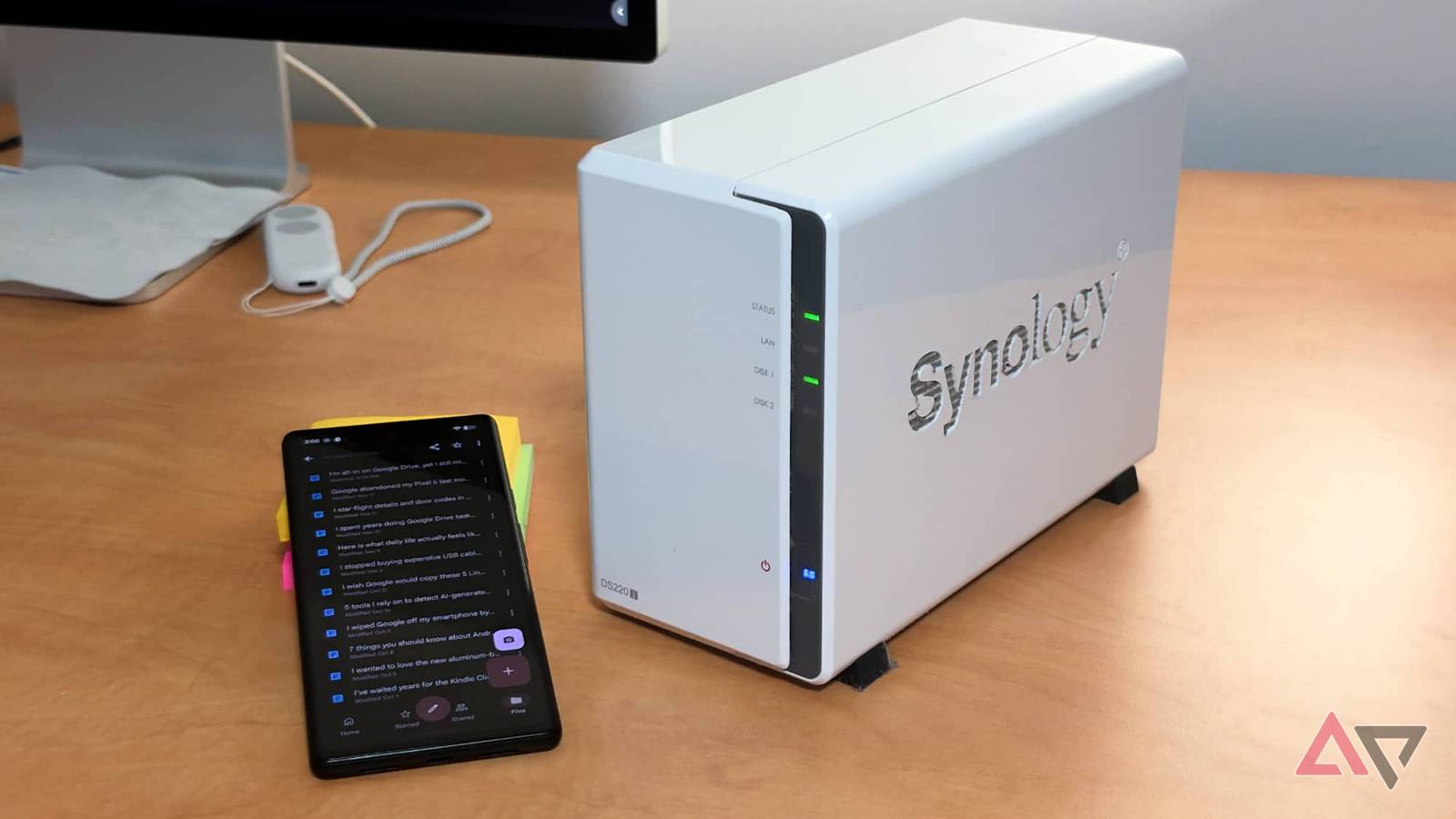
To solve that, I use a Synology NAS as a local mirror of everything in my Google Drive.
The beauty of this is that it doesn't require a lot of horsepower. I picked up a little Synology DS220j with a pair of mirrored 12TB drives years ago to dedicate to file services, and it's been humming along fine.
Synology also gave me everything I needed right out of the box. Its Cloud Sync DSM add-on package supports every cloud service I can think of and even handles Google shared drives properly.
Cloud Sync lets you choose to set up either one- or two-way syncing, select folders, exclude file types, and even encrypt data before sending it up to the cloud.
After it's configured, it runs in the background, quietly replicating everything that happens in Google Drive onto the physical hard drive platters sitting under my desk.
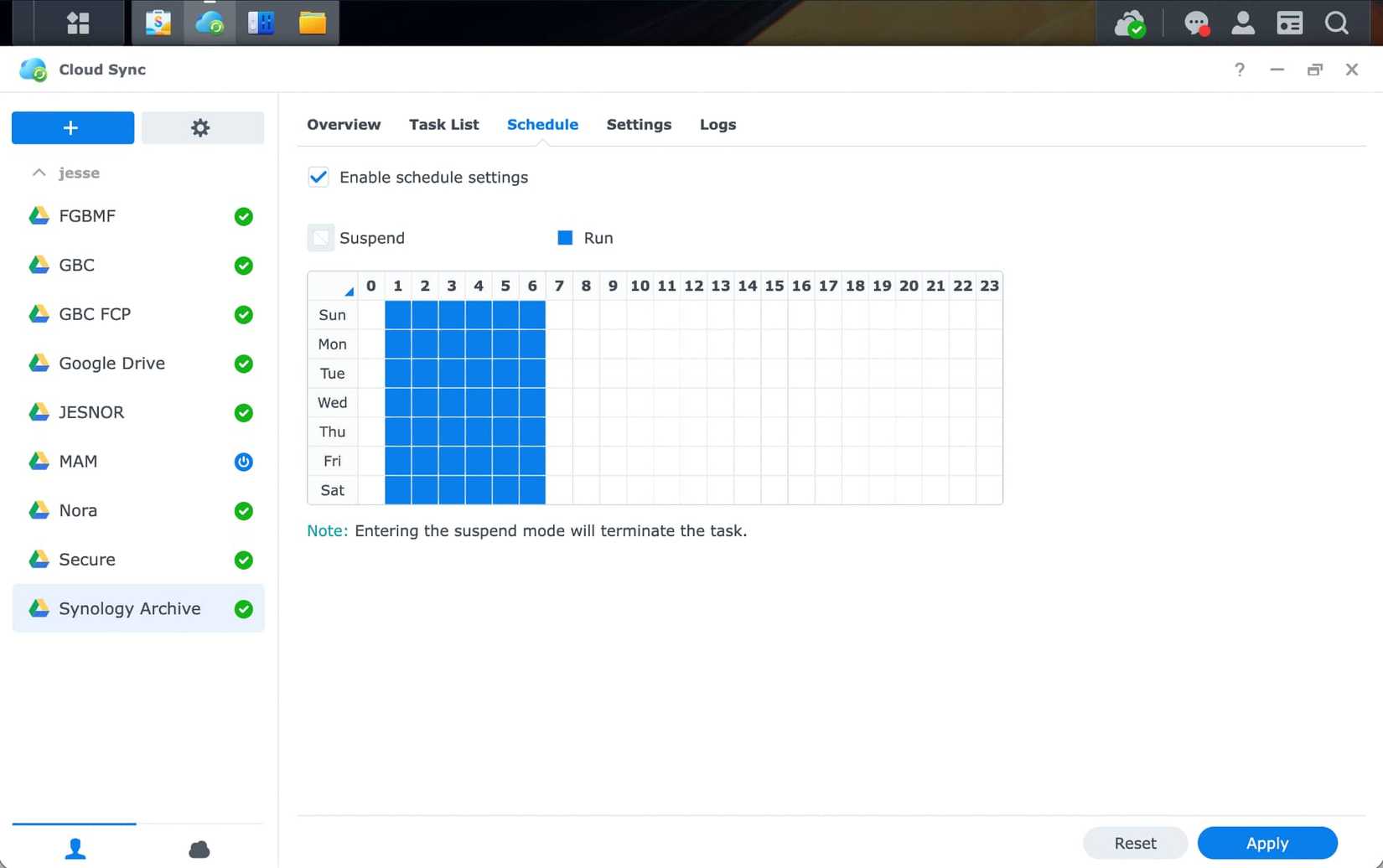
By default, Cloud Sync runs in near real time throughout the day, but you can also schedule it to sync only during specific hours. That's handy if you're staging a lot of data over a slow or metered internet pipe.
Keeping usable backups of my work
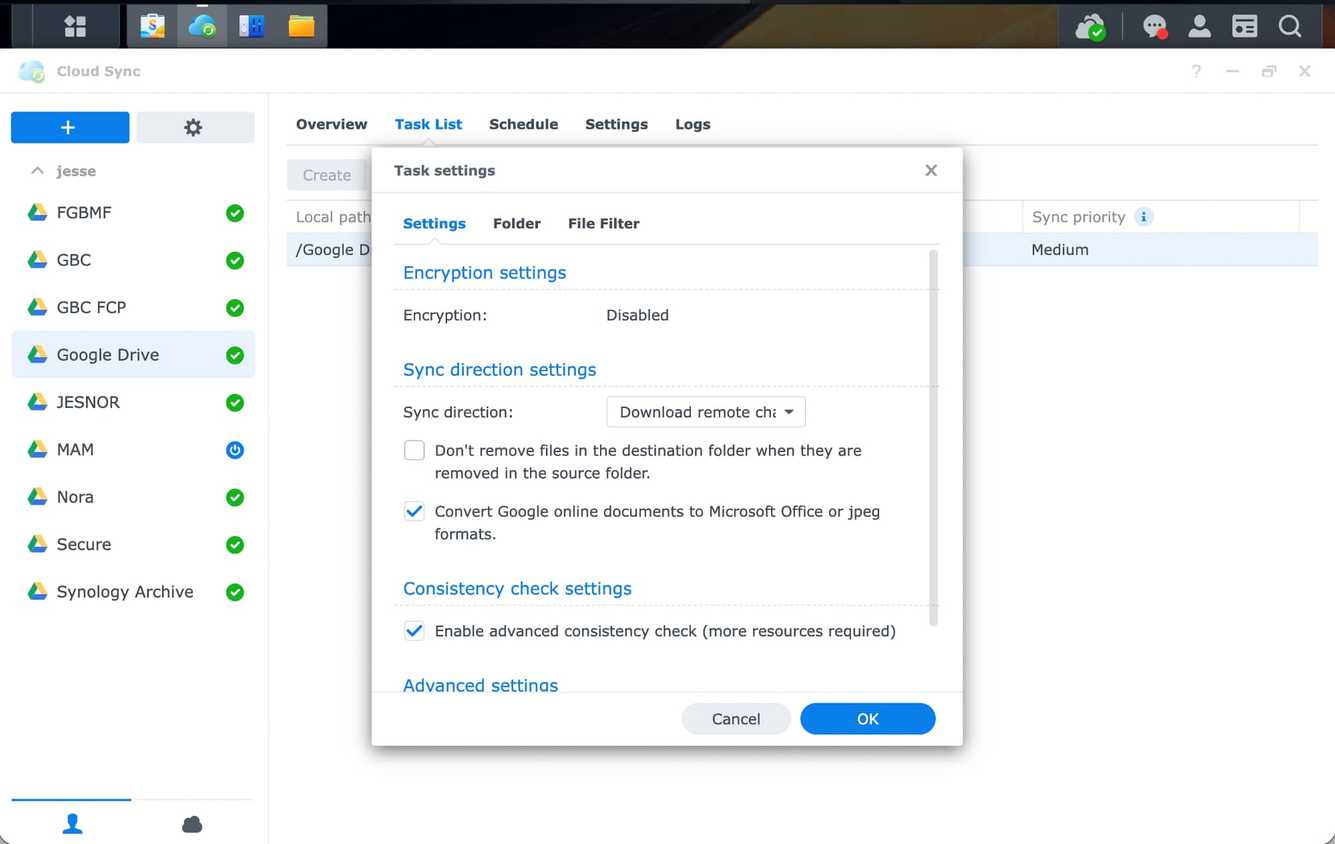
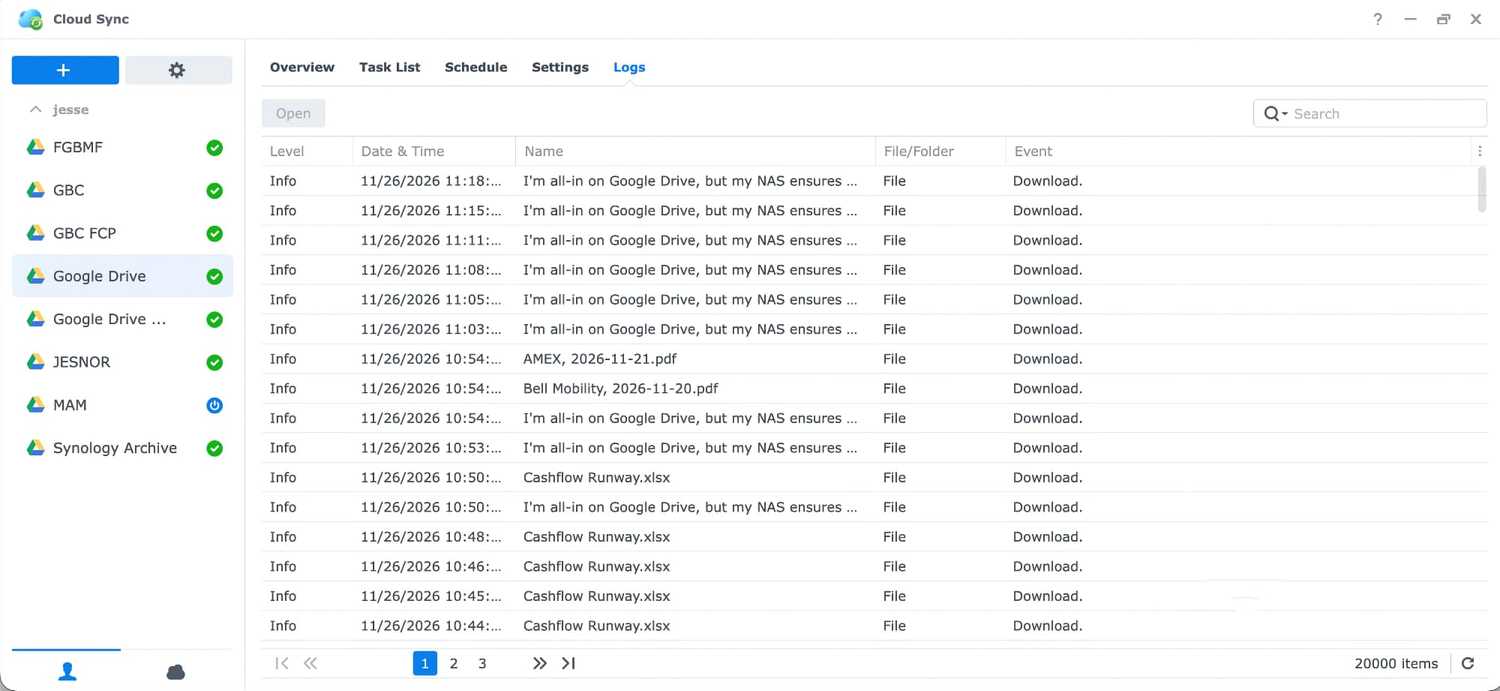
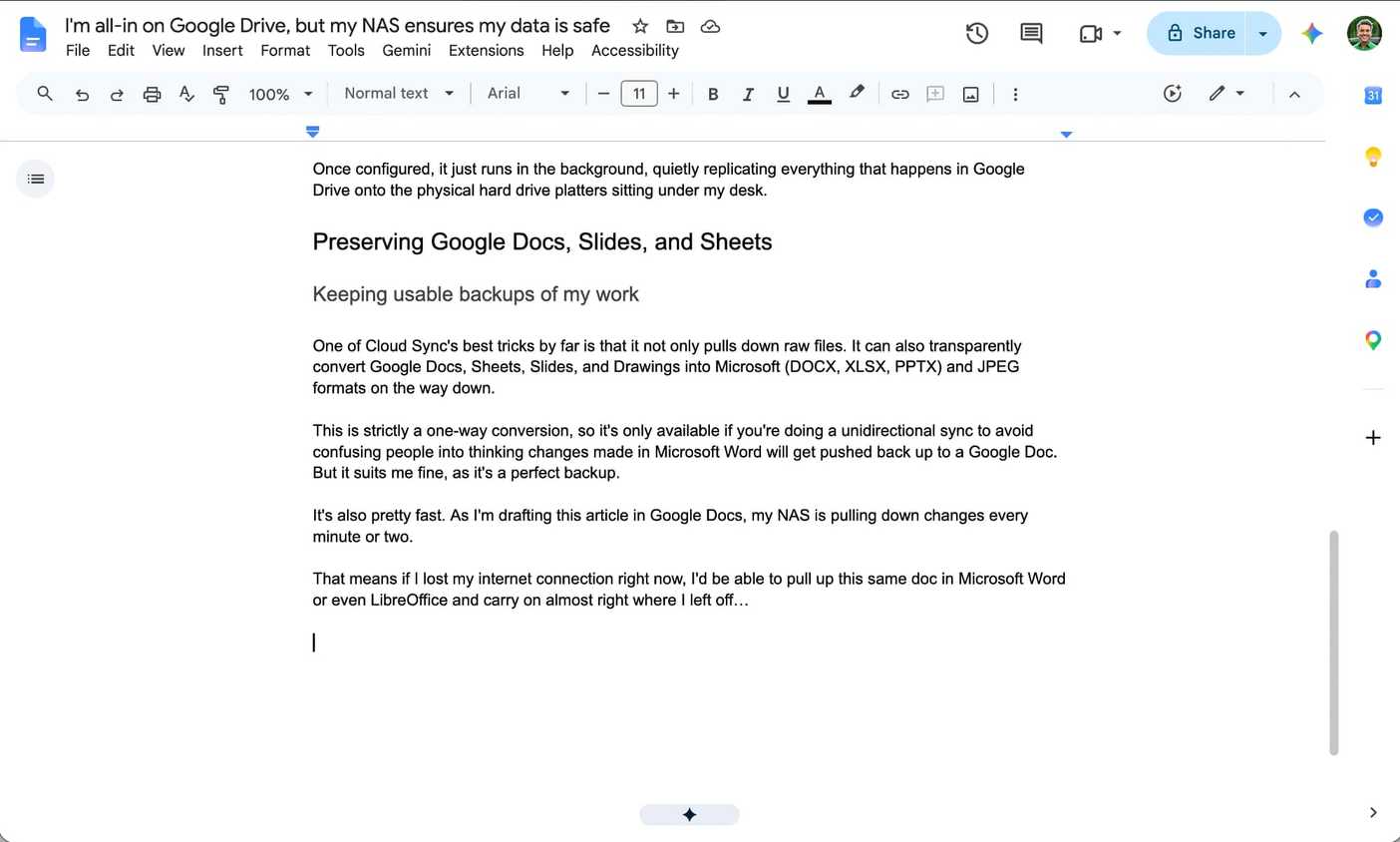
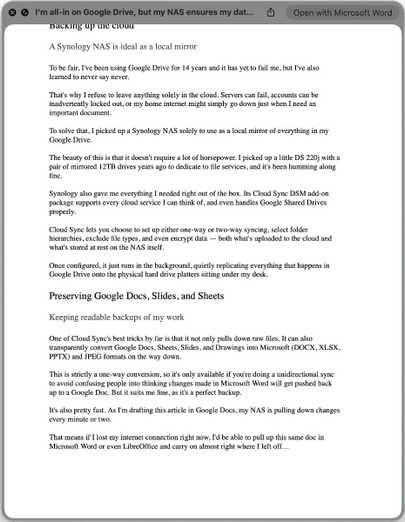
One of Cloud Sync's best tricks by far is that it doesn't just pull down raw files. It can also transparently convert Google Docs, Sheets, Slides, and Drawings into Microsoft (DOCX, XLSX, PPTX) and JPEG formats on the way down.
This is strictly a one-way conversion, so it's only available if you're doing a unidirectional sync to avoid confusing folks into thinking changes made in Microsoft Word will get pushed back up to a Google Doc. That suits me fine, as I do all my work in Google Drive.
It's also pretty fast. As I'm drafting this article in Google Docs, my NAS is pulling down changes every minute or two.
That means if I lost my internet connection right now, I'd be able to pull up this same doc in Microsoft Word or even LibreOffice and carry on almost right where I left off.
Going the other way
Google Drive is also a great way to back up a NAS
While I use a one-way sync to replicate everything in my primary "My Drive" down to my NAS, I also use Google Drive as a cloud backup for local files like databases that don't play nice with the cloud, archival data, and more confidential files.
Because I use Google Workspace, I store all this in a dedicated shared drive, although I could also easily carve out a folder in my standard Google Drive hierarchy if I didn't have the shared drive option.
This means I'm basically using Google Drive as a straight cloud backup service, but the cost per terabyte isn't all that different from any other mainstream service. Synology's C2 OneStorage charges $160 a year for 2TB, while Backblaze B2 will run you $167 a year.
By contrast, Google One provides 2TB for $100 annually for personal users, while Google Workspace is $168 yearly for 2TB (Business Standard) — and both come with a lot more than just raw storage. Then there's Google Workspace Business Plus, which offers an even better deal: 5TB for only $264 per year.
Using Cloud Sync's scheduling feature is crucial to avoid hitting Google Drive's 750GB daily upload limit when doing an initial sync. Do some quick math on your internet bandwidth and pick a window below that cap, or you'll risk being locked out of uploading anything to your Google Drive for the rest of that day.
Securing data in the cloud
Encryption is also available — with a small catch
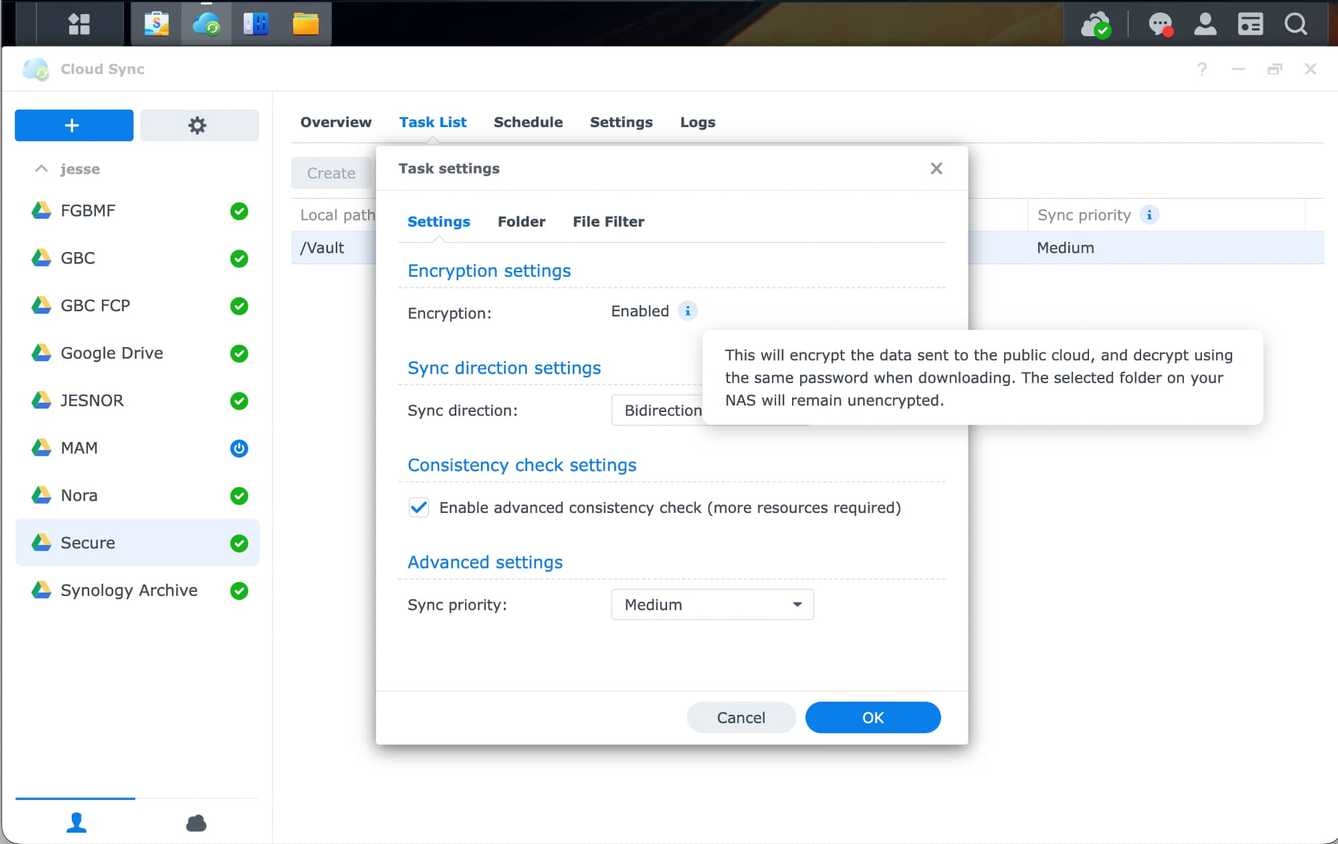
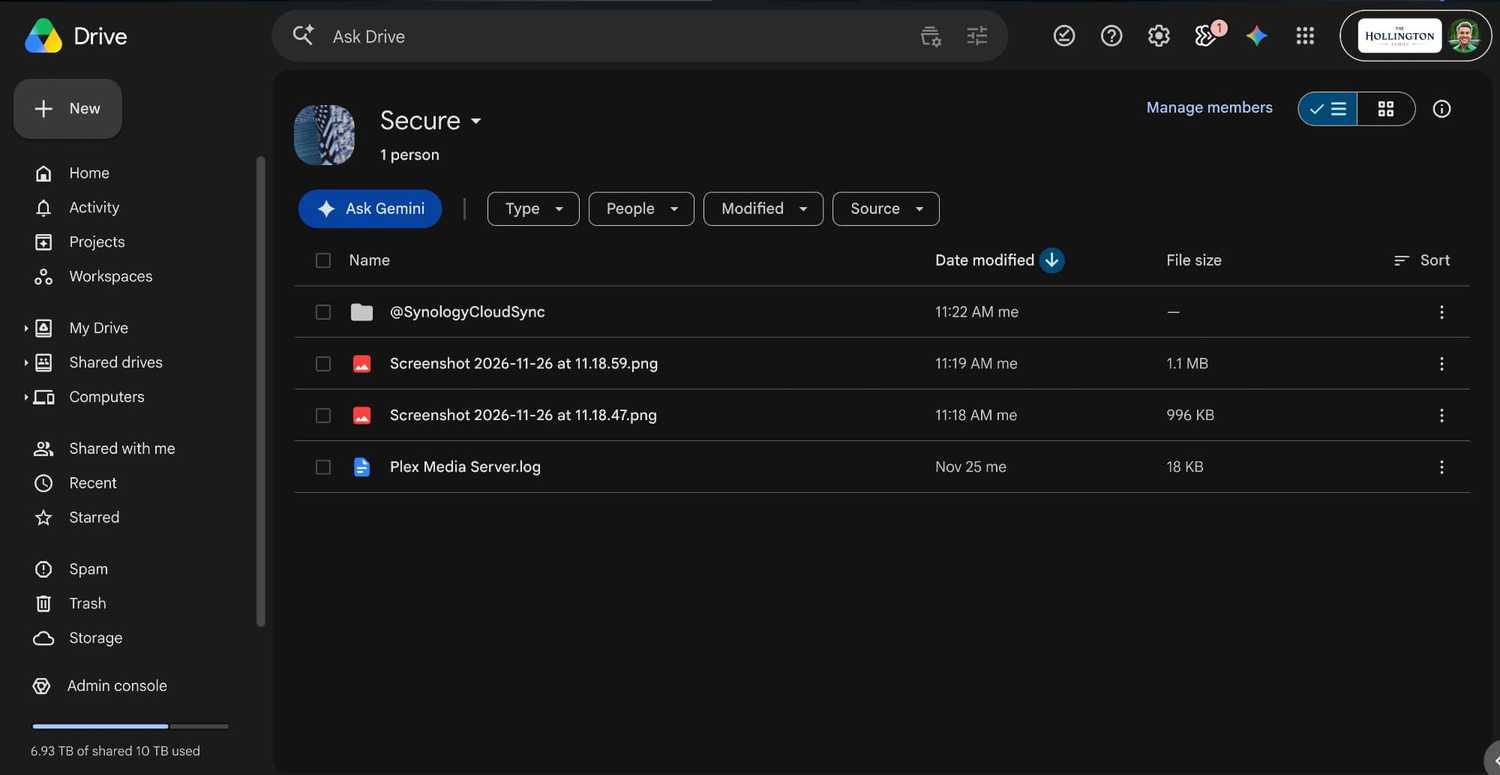
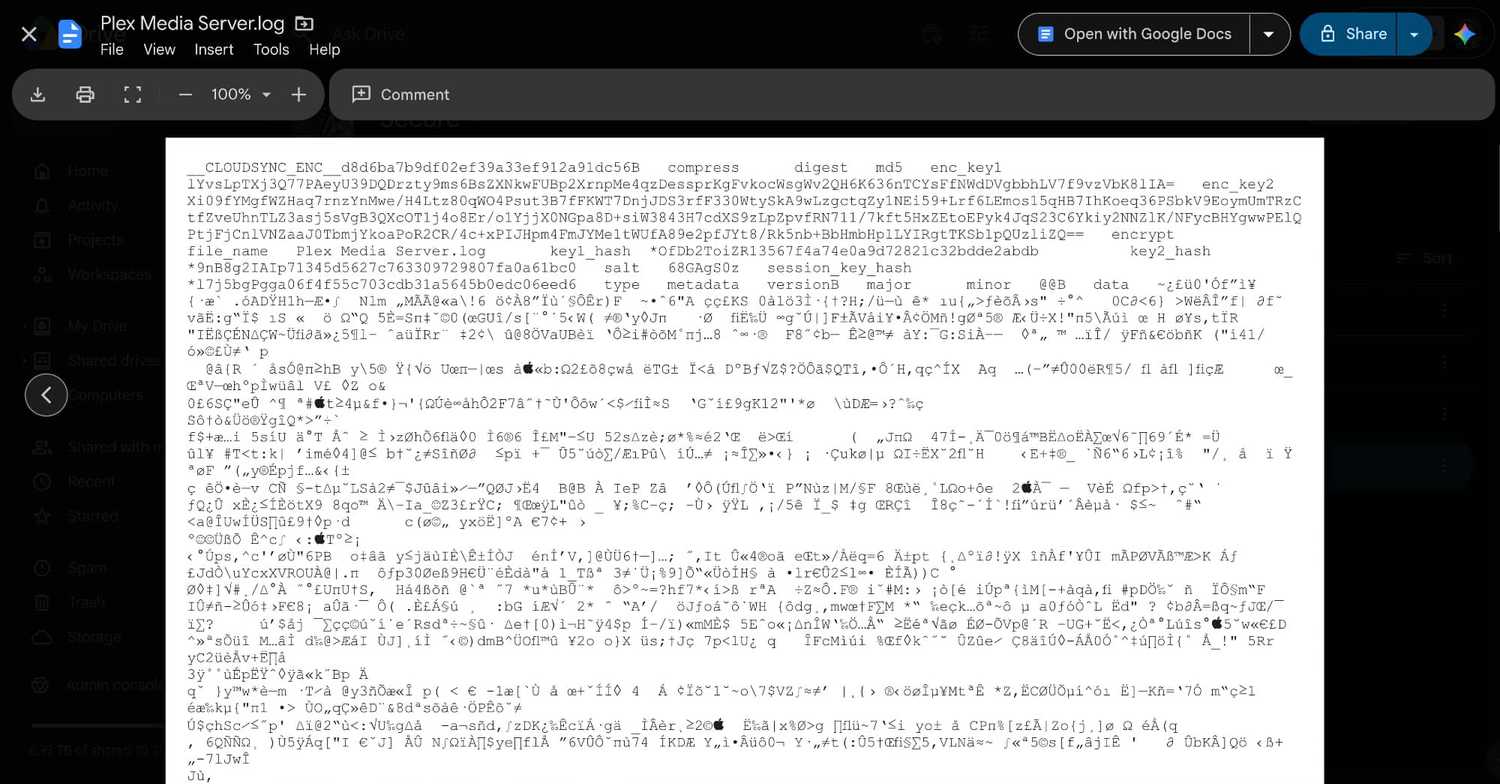
Synology's Cloud Sync also offers client-side encryption, which means I can even use Google Drive to back up my confidential data that I might otherwise be wary of keeping in the cloud.
The encryption operates on a simple passphrase-style key, but it's AES-256, so as long as you choose a reasonably strong key and don't store it online, it's a secure way to store private data in the cloud.
The only caveat is that Cloud Sync doesn't create a TrueCrypt-style blob; it only encrypts the content of the files, which are otherwise pushed up with the same names and folder structure they use on your NAS.
Encryption can be used with a bidirectional sync, but this really only lets you do file management in Google Drive — deleting, renaming, and moving files around — as the data itself is encrypted.
A first line of protection, but not the only one
I've been using with Google Drive for years, and while it's a great way to ensure I have a local copy of my data in case Google Drive ever goes sideways, it's not my only protection.
Cloud Sync won't protect against deleted files or data corruption in Google Drive. It will just happily sync those changes down. Using the Recycle Bin in Synology and Trash in Google Drive can mitigate some of that, but only if I discover it in time.
So, I still back everything up to external drives and rotate some of those off-site, but the NAS provides a perfect staging area. I have a replicated copy of my Google Drive stored as local files that can be backed up using tools like Hyper Backup just like anything else.