, but there's always a bit of an adjustment period when you first start using one. To begin with, you'll be unfolding it all the time. Then, you'll suddenly stop unfolding it entirely as the novelty wears off. Soon, you'll be wondering exactly why you bought it in the first place, if all you use it for is YouTube.
Before you sink into the depths of despair, take a moment. I get it. I've been there. Don't worry; your foldable phone is still a good purchase, and the inner display isn't just for YouTube. Here's how I get the most out of mine.
It's all too easy to forget about a foldable's inner display
Out of sight, out of mind

It's an odd thing to say, but it's really easy to forget about a tablet-sized display.
After the initial excitement has passed, you go back to using your new phone exactly like . That doesn't just apply to foldables, but to every new phone. And how are we used to using phones? With the normal, phone-sized display.
And so, until we open YouTube, we forget the inner display even exists.
Out of sight, out of mind.
However, you can change that fairly easily. You just have to change your default option in favor of some inner-display-friendly options that will absolutely benefit you in the long run.
Use it like a tablet
Tablets are the superior couch surfer

Tablets are great, but they're not really for everywhere. I wouldn't bust one out on the bus, for instance. And that rule tends to hold true for foldable phones too. When you're in public, unless you want people looking over your shoulder at whatever you're watching, you're probably using a phone-sized display.
But when I'm back at home? You can bet your bottom dollar I'm going to prefer using a tablet over a phone when I'm sitting on the sofa after a long day at work, or when I'm making food in the kitchen.
Unlike tablets, which tend to go wandering off whenever I'm not looking at them, your phone will almost always be on you. So that means less scrambling around, trying to find a device for superior scrolling. Just unfold it, and you're away.

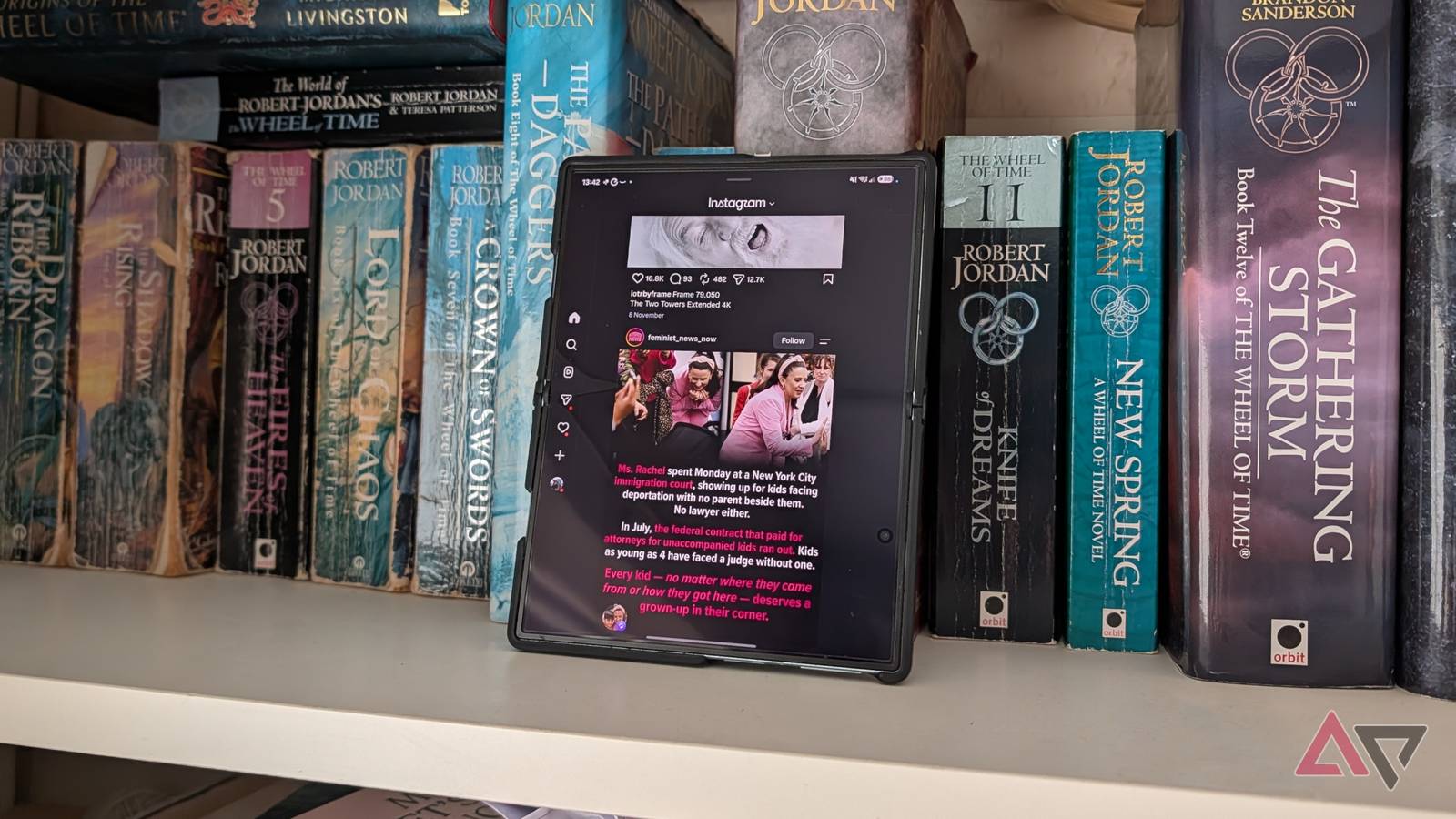
All of your favorite apps are already there, and everything is already set up and ready to go. Just open Instagram, unfold your phone, and you're away.
This may seem weird and a bit simple, but be honest with yourself. How often do you use your phone on your sofa, even though you have a larger screen right there? It happens all the time, doesn't it?
It takes some getting used to, but keep reminding yourself you're carrying a tablet around, and you'll get used to it in no time.
Embrace multi-apping
Why use one app when you could use two?
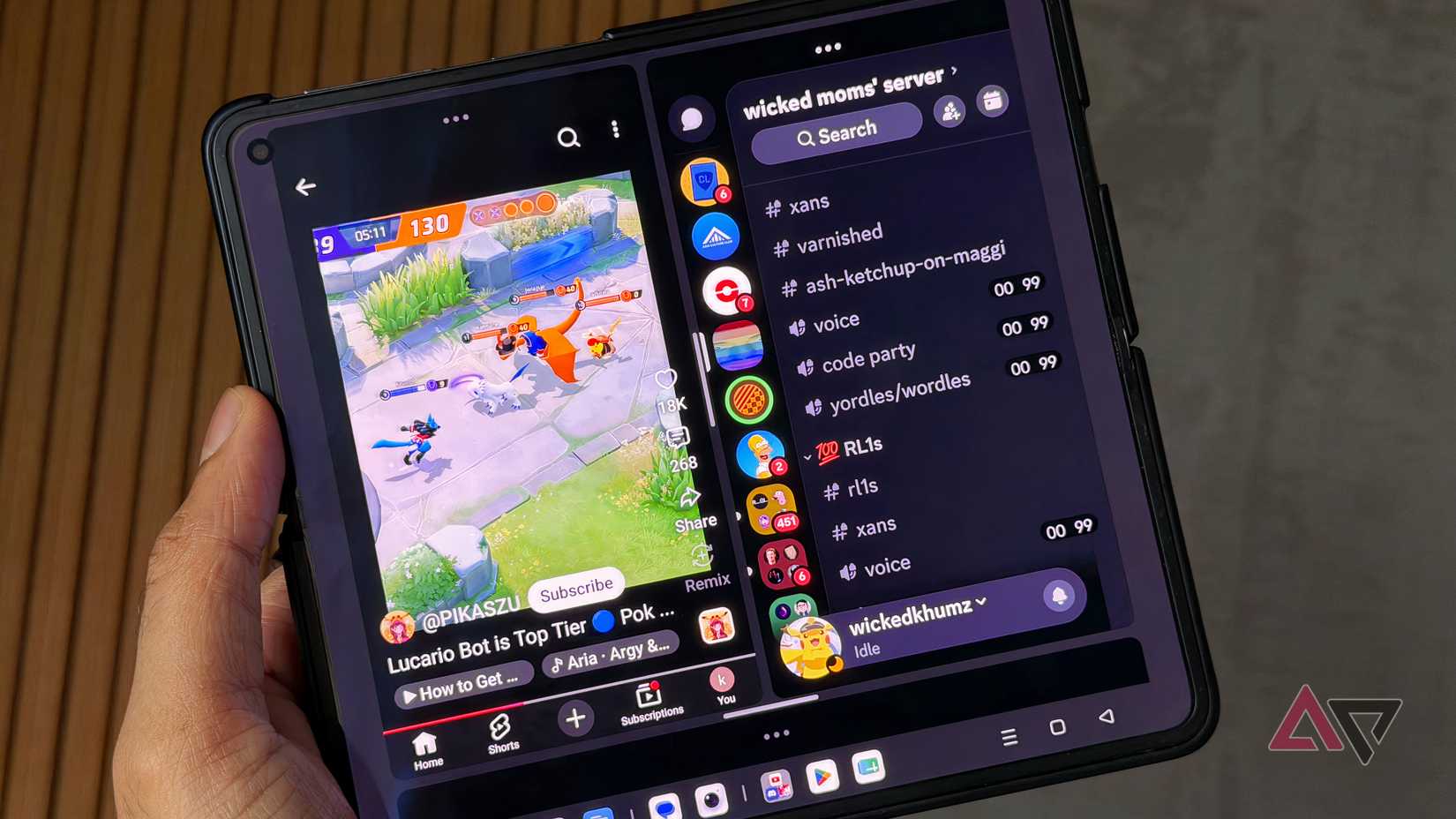
I'll admit, using multiple apps at once isn't something I'd been hugely familiar with before getting a foldable.
After all, modern smartphone screens are big, but they're not big. Two apps are pushing it, as far as usability goes. Three? Absolutely no chance.
All of that changes with a foldable.
My can handle a bunch of different apps at once. Sure, it's never going to be as good as a laptop or computer. But if I just want to quickly tally up some numbers on the calculator, then it's perfect for that.
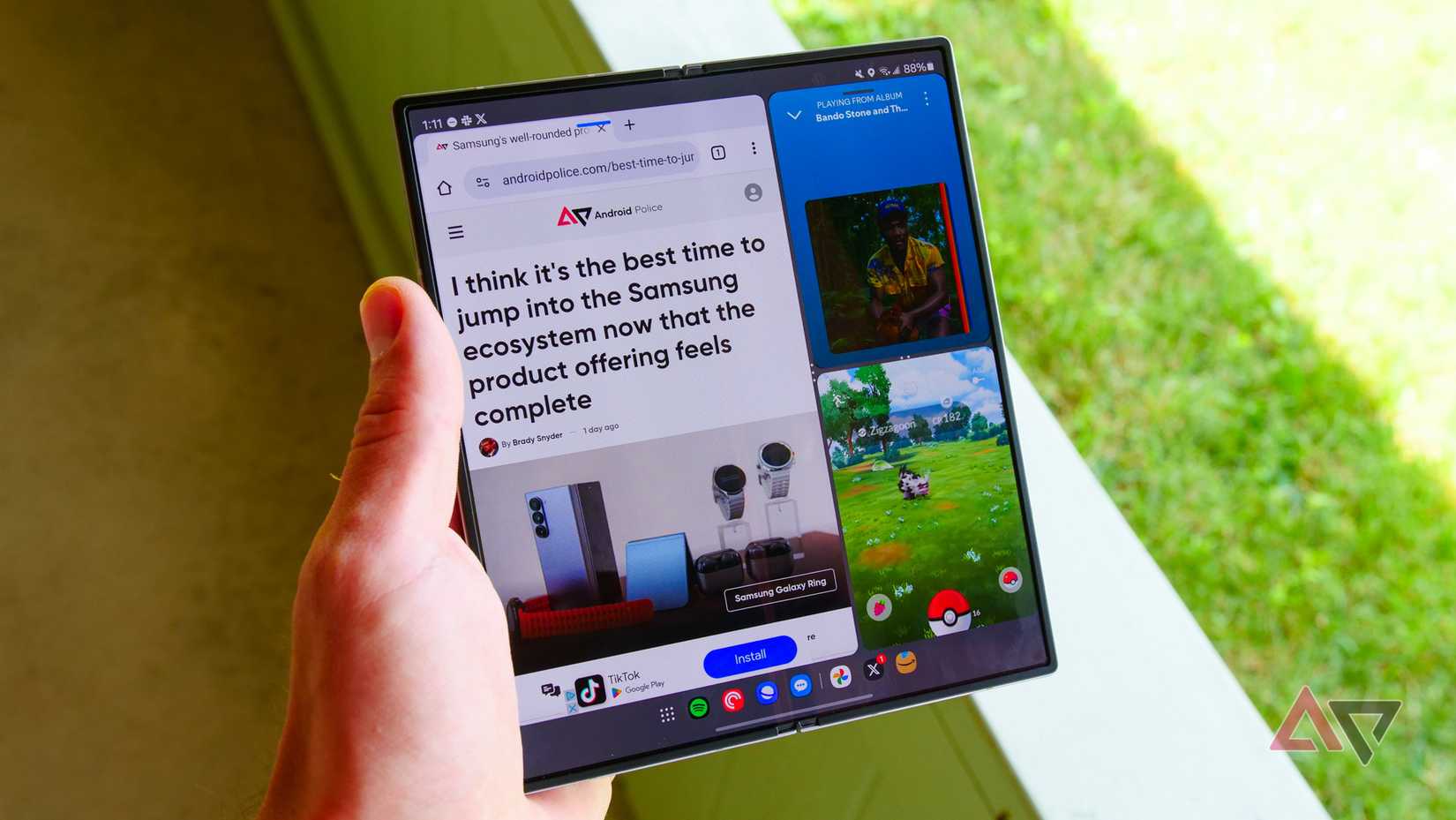
Heck, if you follow a monthly budget, then your foldable phone is a great way to keep track of your spending by keeping multiple tabs open at once.
If you have a pair of apps you use a lot, then you can tap the options button between the two apps while they're open, then tap the star icon. This allows you to save them as a shortcut on your taskbar, home screen, or Samsung's .
This one absolutely takes some getting used to. But after you start using it, you'll realize it's so much easier than swapping between apps to copy data.
It's an entertainment powerhouse
Not just for YouTube, but for reading, writing, and anything fun
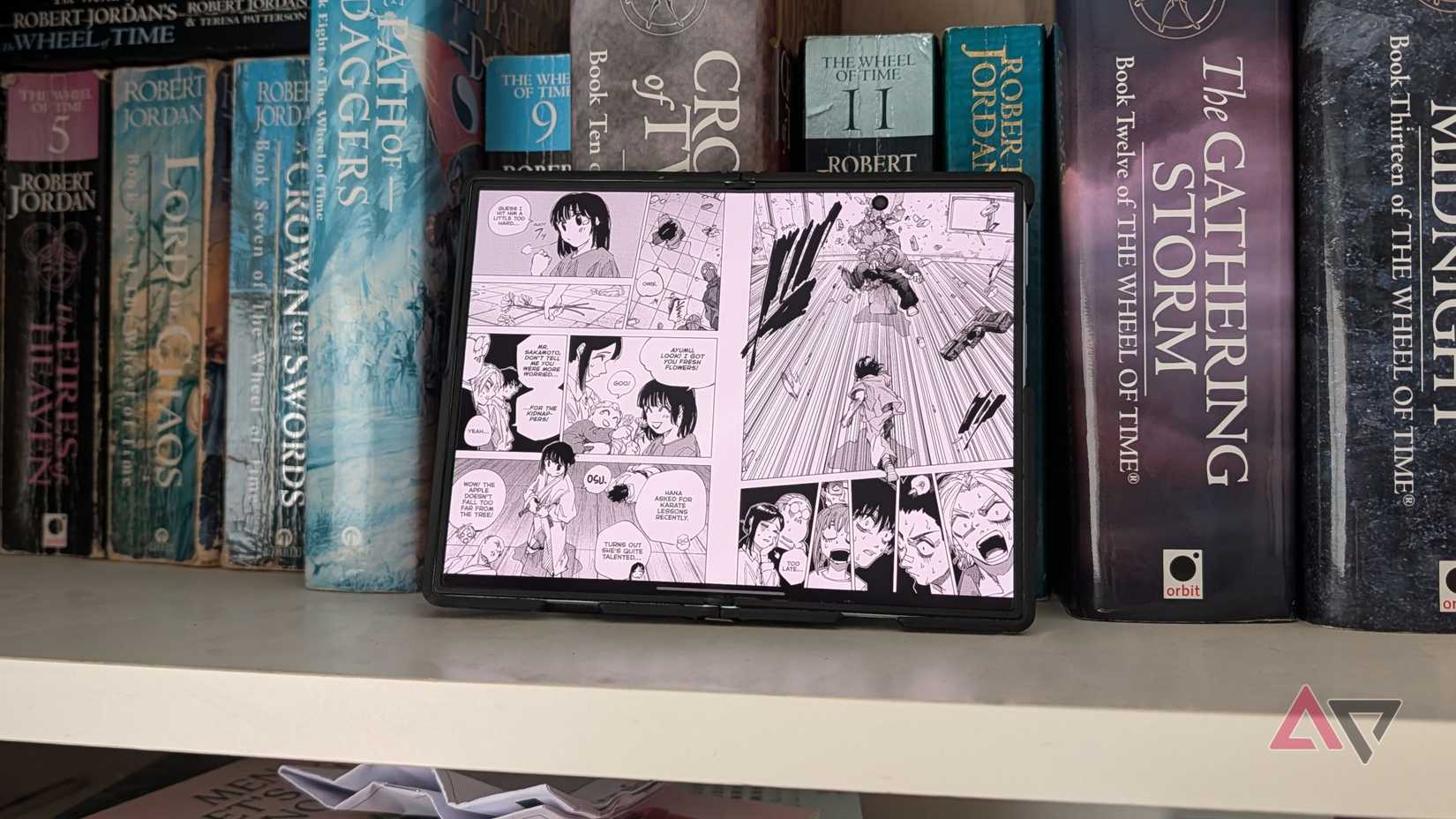
This one's obvious, but it still needs to be said: Most book-style foldable phones will excel at media and entertainment.
But I'm not just talking about YouTube and Netflix, though they're obviously great at both of those. No, I'm talking about literally everything that can be counted as entertainment.
It's a great device to read from using the or Kobo apps. It's great with comics, manga, and even games. Pair a Bluetooth controller with your foldable device, and you've basically got a portable gaming device ready to go.
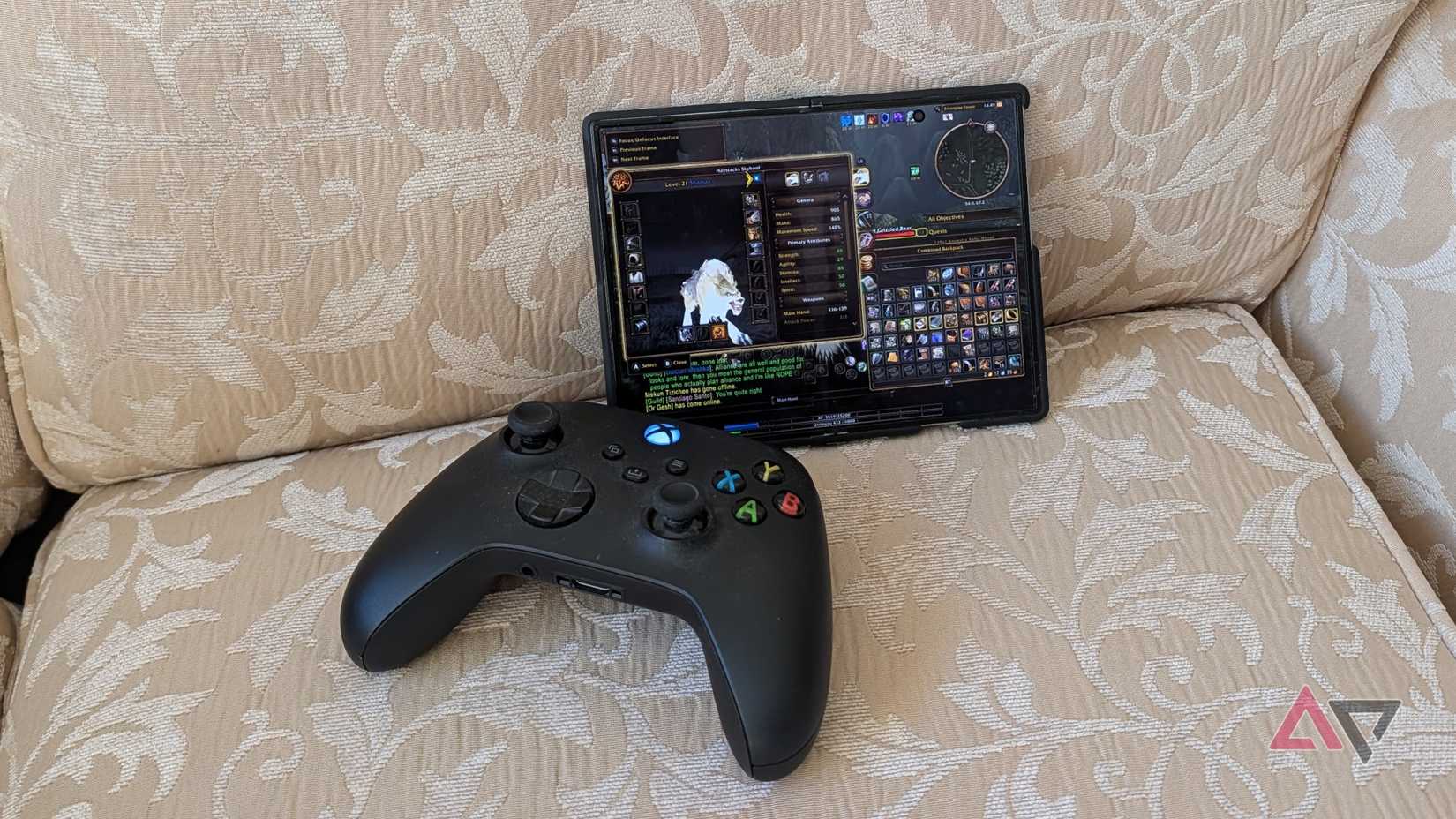
Speaking of Bluetooth, if you're a keen writer, then pair a keyboard with your phone and it's an excellent laptop replacement. Grab one of those keyboards that fold up, and it's easy to pop it into your bag for whenever you need it.
Depending on your phone model, it may also be a pretty good drawing tablet. My is unfortunately not compatible with the , so it will only work with regular capacitive stylus pens, but if your foldable works with more advanced stylus pens like the S Pen, then it's a great drawing tablet.
This one is going to depend on how much you enjoy creative pursuits, but it's worth considering.
Foldable phones are excellent
But they take getting used to
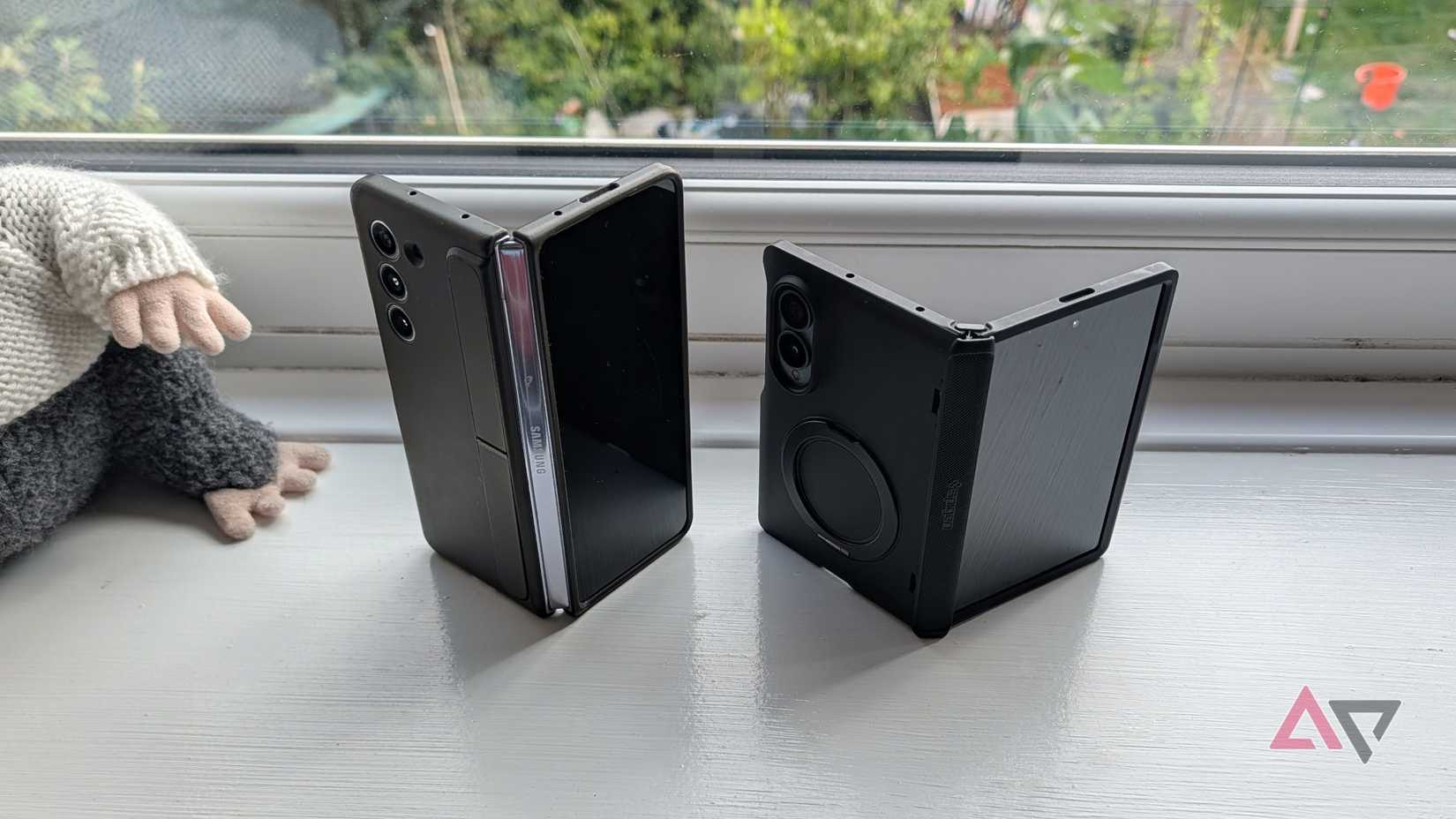
We've had smartphones for years now, and habits are strongly ingrained — which is why it can be tough to change how you use your faithful pocket pal.
Foldables represent a huge change in smartphones, and to some extent, we have to change with them. Or we're simply not going to get the most out of them that we could.
My list isn't exhaustive by any means, but it's a good place to get started if you're struggling with using your foldable phone's inner display the way it should be used.