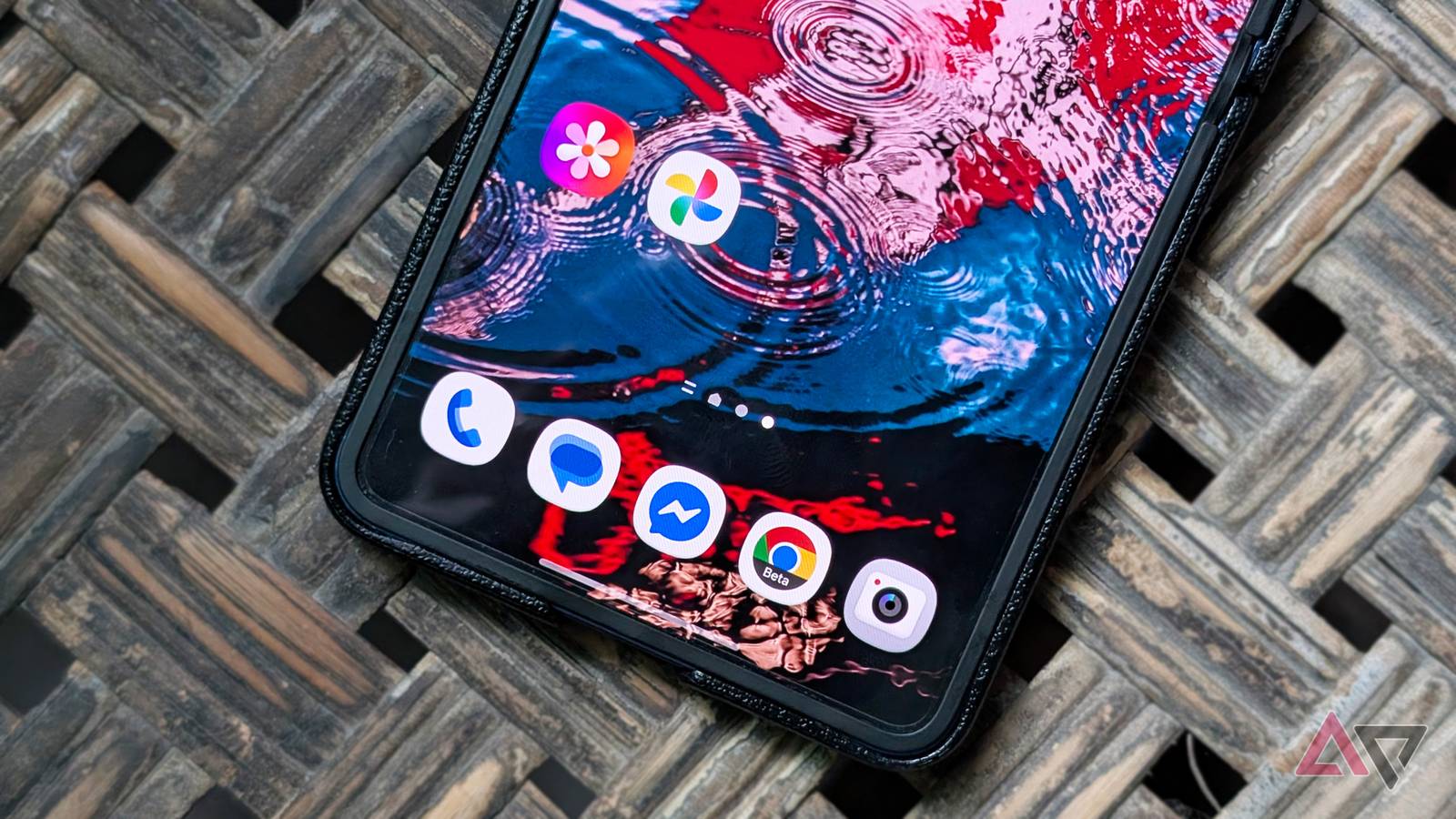
Samsung has announced that Galaxy users can now back up their photos and videos directly from the Gallery app to Google storage. This entirely skips the need to use Google Photos as the backup client for their media.
The feature arrives as Gallery sync, a replacement for Samsung's after it ended its partnership, and had been the default cloud storage service on millions of Galaxy devices.
Samsung says Gallery sync is already rolling out to One UI 9 devices and supports cross-device syncing and viewing across multiple devices. It was first spotted in during testing. Now, it confirms which Android version will get it first.
How users can sync Samsung Gallery directly to Google storage
After OneDrive is discontinued, users can still sync photos and videos through the OneDrive app or Google Photos. However, this adds the friction of another medium, instead of the direct syncing from the Gallery app before.
With Gallery sync, they get their media backed up and synced directly to Google storage. This is similar to how Google Photos works on the Pixel, where media is automatically backed up to the cloud and uses Google storage.
Users will also get cross-device syncing, meaning they can preview the same media across Galaxy devices in the Samsung Gallery app and download it to their device. I can test cross-device sync with my Galaxy Tab S10 FE once I update it to One UI 9.
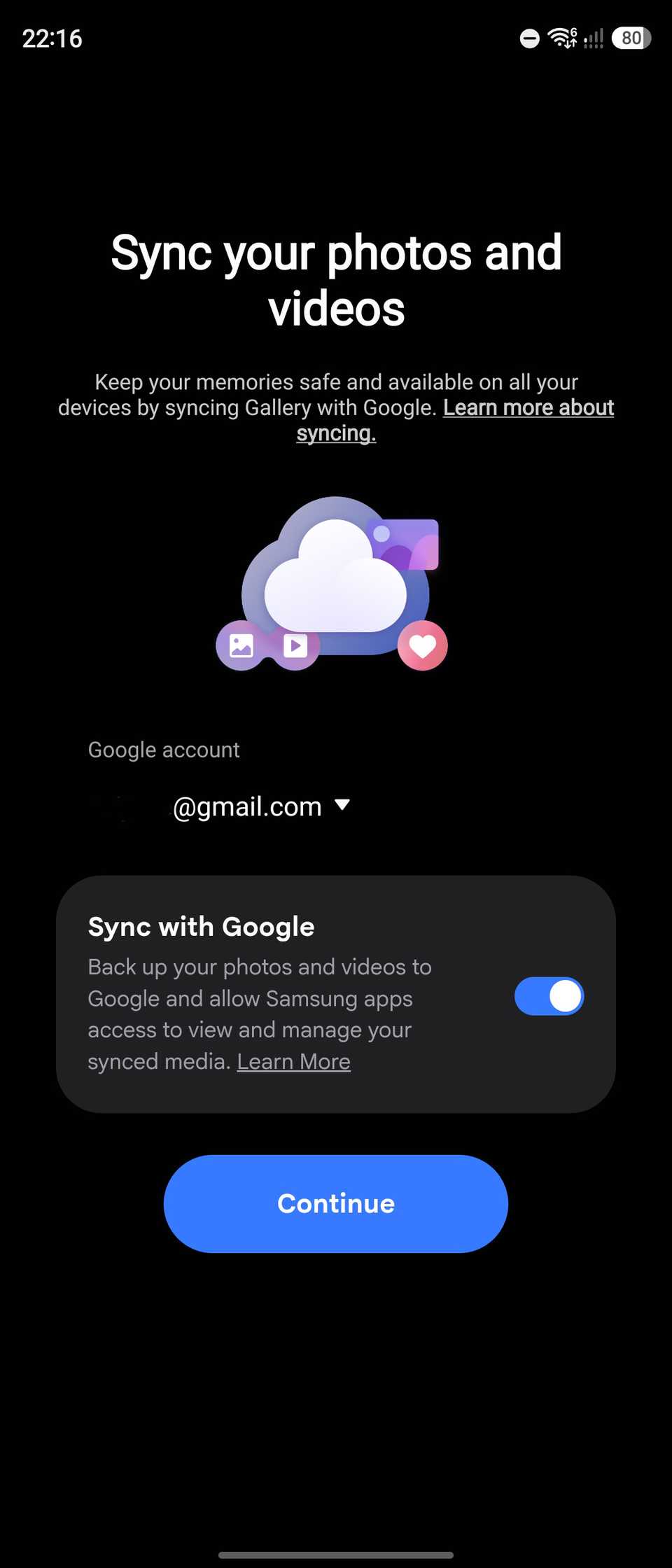
Samsung says users need to use the same Samsung and Google accounts signed in on their Galaxy device. It also works with any Google account, including the free tier, which offers 15GB shared space with other Google services like Gmail and Photos, even without a One AI storage subscription.
Google storage is now built into the Gallery app
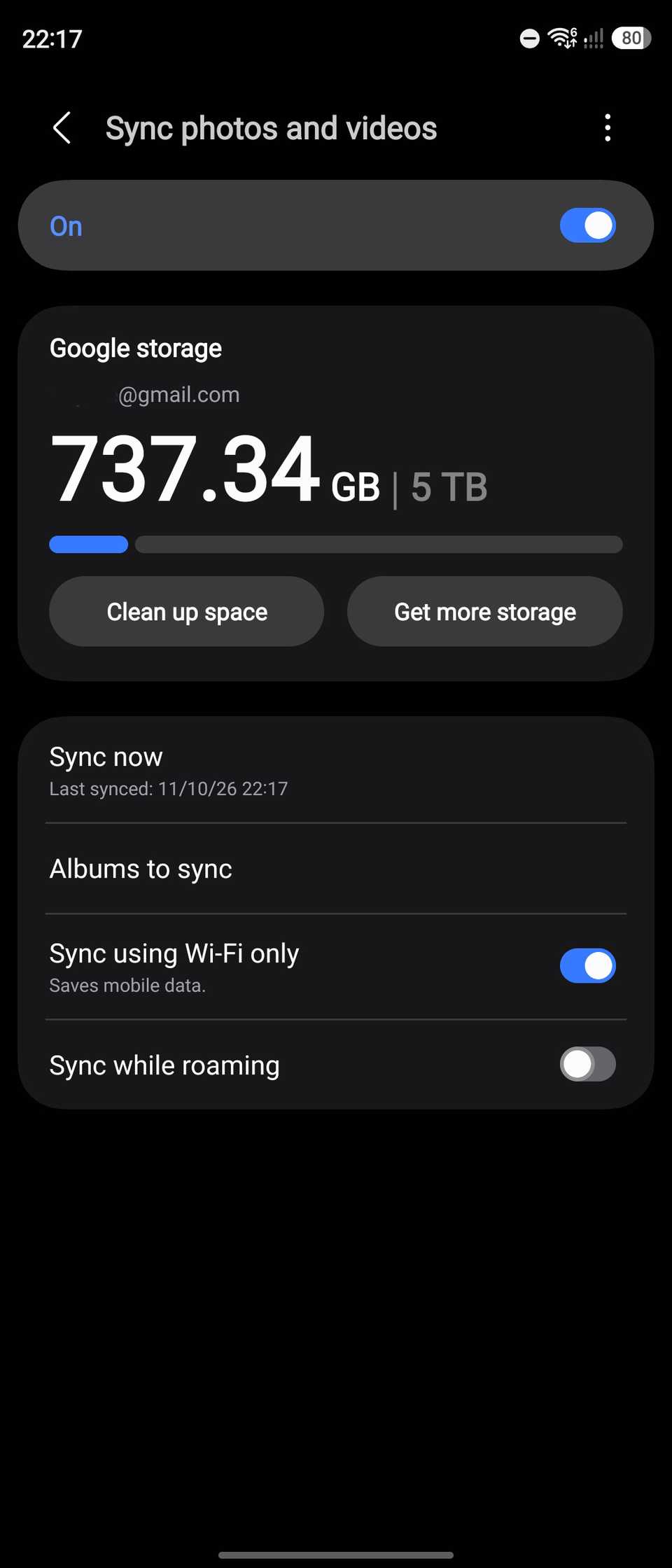
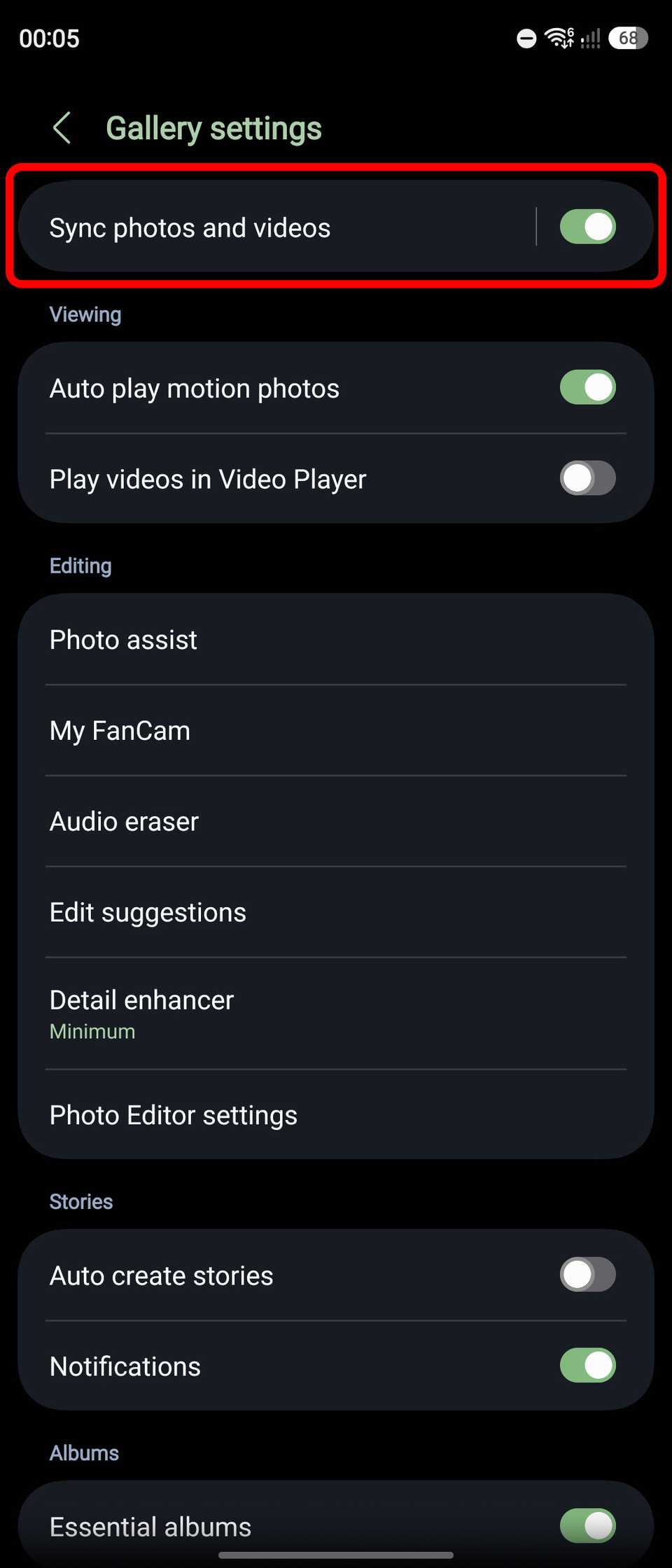
I've tested it on my Galaxy Z Flip 7 running One UI 9, and the feature is built into the Cloud section of the Gallery app. I simply tap the or go to Gallery settings. Then select which Google account your Samsung Gallery will sync with.
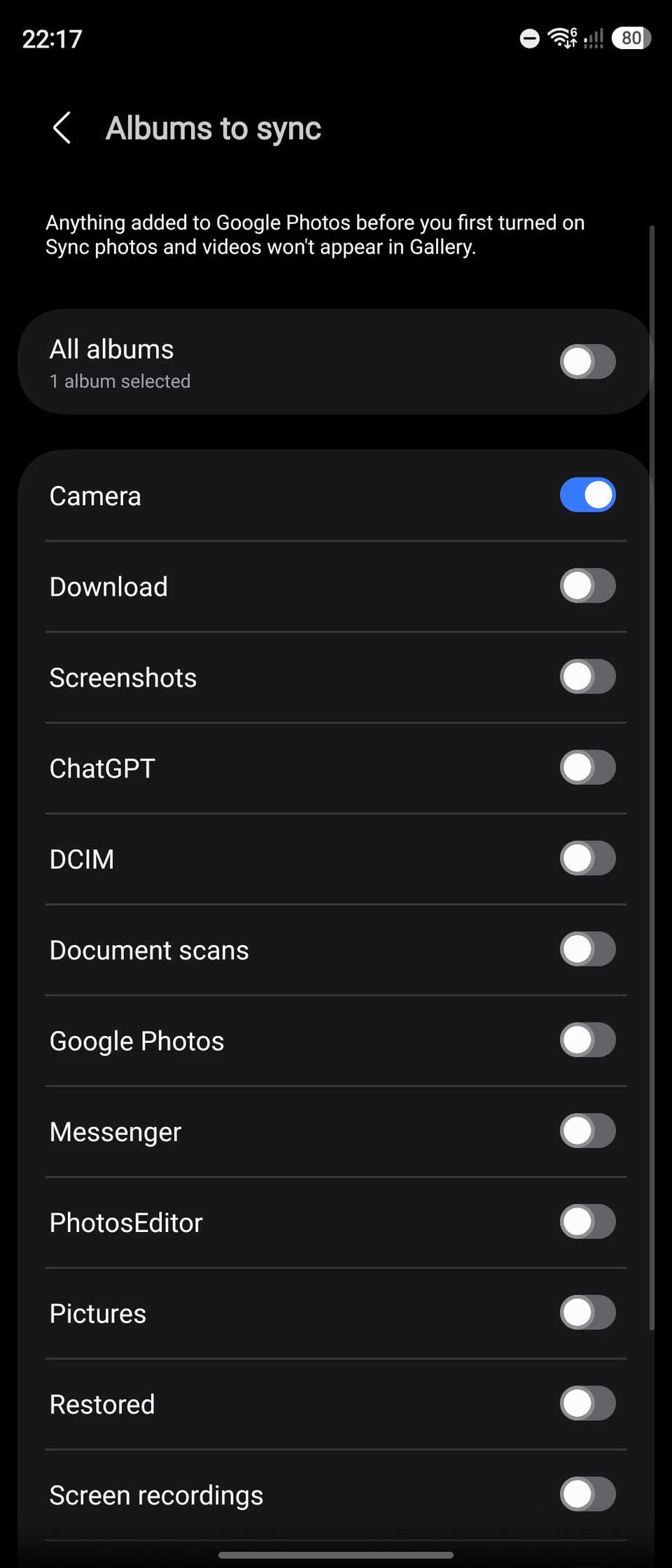
You will also see the available Google storage space and sync status. I also appreciate that there's an option to manage which albums to sync and which not to. Tapping on this opens a list of albums, and I can simply turn them on or off by toggling the album name.
Samsung also lets users free up on-device storage by removing local photos and videos once they're synced with Google storage.
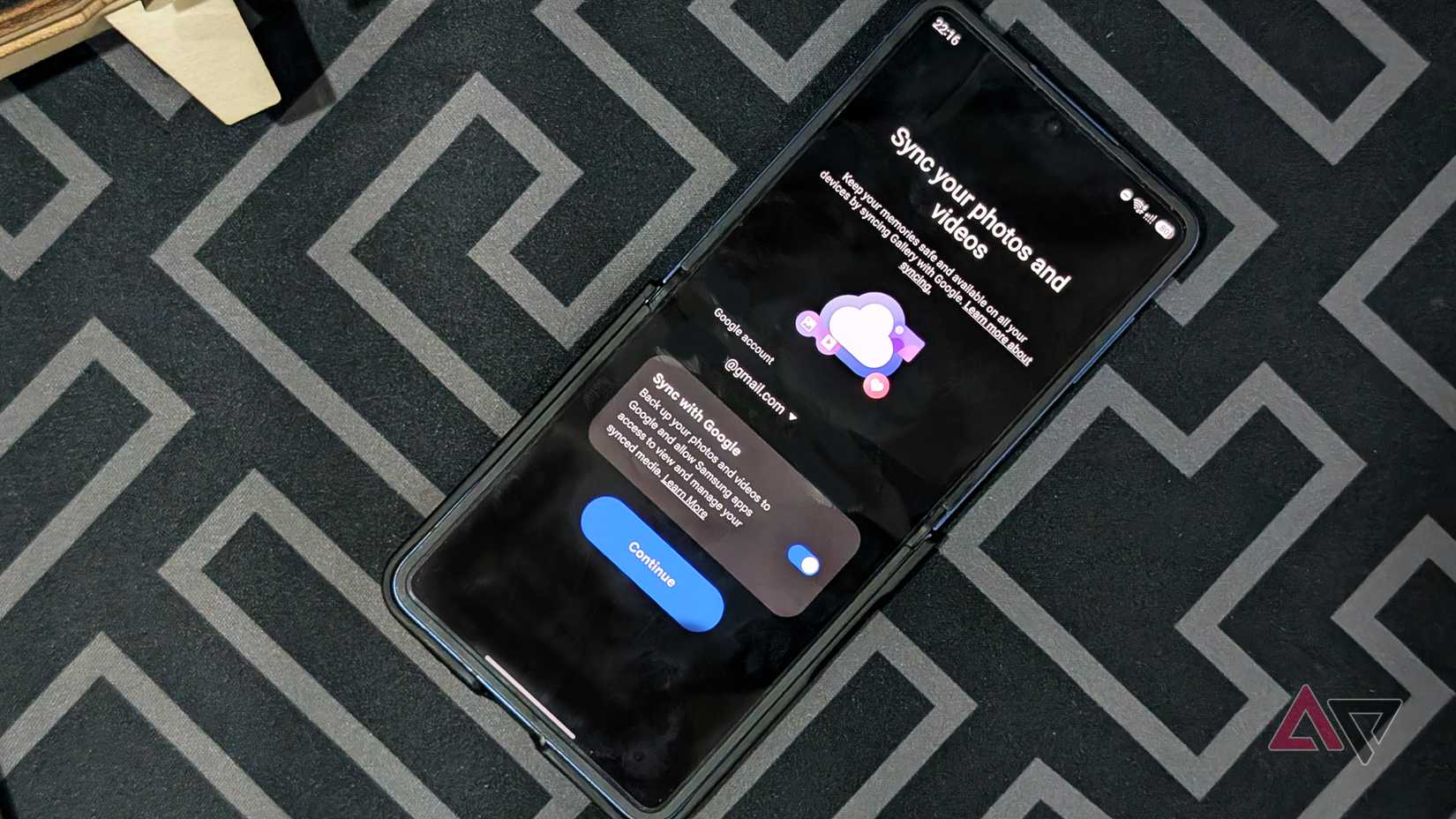
However, it appears this is still a staggered release, since I cannot see it in the Gallery settings besides Google storage's own clean-up utility.
Existing photos and videos from my Galaxy device that were already synced with Google Photos also haven't been uploaded twice after I enabled Gallery sync, which is a neat trick to avoid duplicates eating up storage.
It's more expected that Samsung will pick Google as the default cloud storage after OneDrive. Having Google also streamlines the service.
tr th, tr td {