You'll probably use sleep more, but shutdown has its benefits.
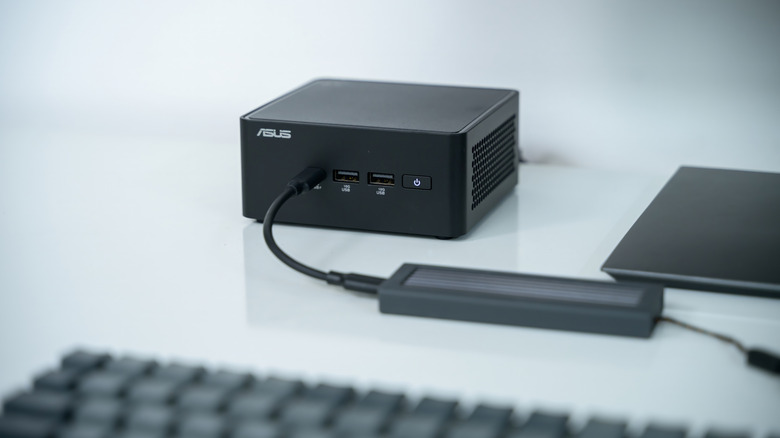
While mini PCs don't offer the performance or expansion capabilities of a full desktop, they make for excellent everyday computers. Their small footprint also makes them ideal for a home server or a media center. In many cases, they use relatively efficient hardware compared to traditional PCs.
In fact, you'll find that many mini PCs actually contain laptop-grade hardware under the hood. The only differences between a mini PC and a laptop are that mini PCs don't contain a battery and have beefier cooling hardware that tends to result in better sustained performance. But unlike a laptop where you can simply close its lid and put it away, a mini PC asks you to choose between sleep, shutdown and sometimes hibernation options when you're done using it. So when should you use the sleep and shutdown modes? In general, sleep is better for short periods, while shutdown allows you to unplug the mini PC.
Sleep vs. shutdown modes
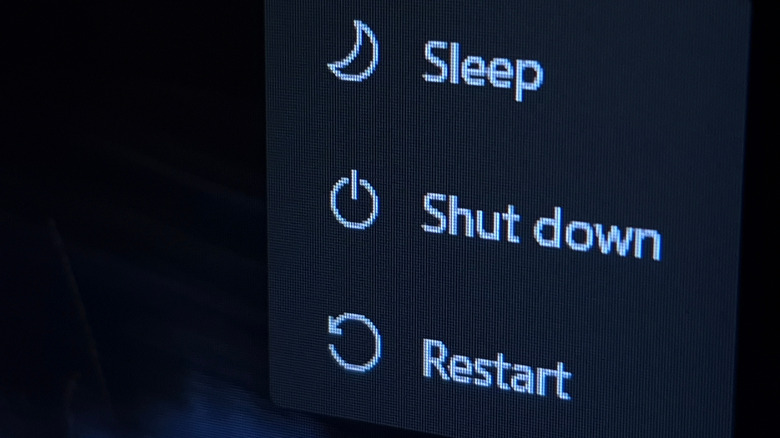
If you're simply stepping away from your mini PC for a few minutes, putting it to sleep is the best choice as it allows you to resume within seconds. Even with modern SSDs, you'll have to wait a couple of minutes before reaching the desktop if you shut it down completely.
But what about when you're walking away for extended periods of time? I would still personally favor sleep mode, as it allows you to keep your programs open for later. The downside is that the mini PC still draws some power in sleep mode, even if it's considerably less than when the computer is up and running.
If you don't care about running programs, though, a full shutdown allows you to unplug the mini PC altogether. This can be valuable if you live in a region with high electricity rates, although it's not worth worrying over in most cases. Mini PCs in sleep mode consume about one to four watts of power, which will barely register on most power bills. A full shut down, which closes open applications, can be useful to give your computer a fresh start from time to time, though.
If you want the best of both worlds, consider Windows' hibernation feature instead. When you use hibernation, your PC saves the current state of any open programs to your disk before completely powering down. When you turn the PC back on, it restores your previous session including any open applications and documents. Hibernation is similar to a full shutdown, which means you can unplug the computer from the wall. The only downside is that booting a hibernated PC takes longer than resuming from sleep.
You don't have to worry about wearing out your mini PC's internal components when it's in sleep mode either. The small amount of power running through them won't cause any major damage, unless you experience frequent brownouts or similar electrical anomalies. Capacitors and other electronic components were much more sensitive to breaking down with constant power running through them in prior decades, but that's no longer the case these days.
Your mini PC can remain powered on 24/7 too
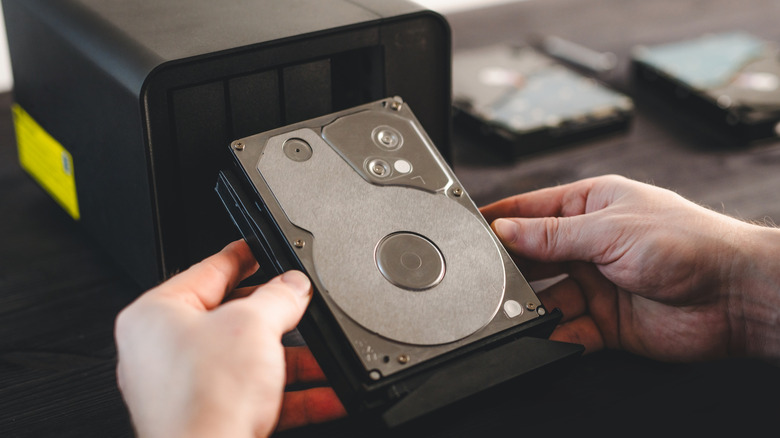
I have two mini PCs tucked away in a closet and drawer. One runs a self-hosted smart home server and the other serves media from my personal collection. In either case, I need them to be ready at a moment's notice — nobody in my family wants to wait several minutes for a movie to load, for example. And even when I'm away from home, I can stream media from the mini PC over the internet.
The good news is that mini PCs consume very little power, especially when you aren't running a performance-hungry application. Computer power draw generally increases with CPU load (and GPU load, if your mini PC has one). At idle, modern computers tend to sip power, and mini PCs are particularly good at keeping power consumption low.
Depending on the exact processor, memory and storage components in your mini PC, you can expect it to draw between 10W and 15W from the wall at idle. This number can go up if you add SSDs and especially hard drives to your mini PC, but we are still only talking about the difference of a few watts.
For some context, if your mini PC averages about 10 watts of power draw when idle, you can expect it to consume just over 87 kilowatt hours (kWh) annually. How much you will pay for that consumption depends upon your local rates, but assuming the average residential US electricity rate of $0.18 per kWh, you'll end up paying around $16 a year to keep your mini PC powered 24/7. Of course, the true cost will be higher depending on how frequently you use the mini PC for demanding tasks.