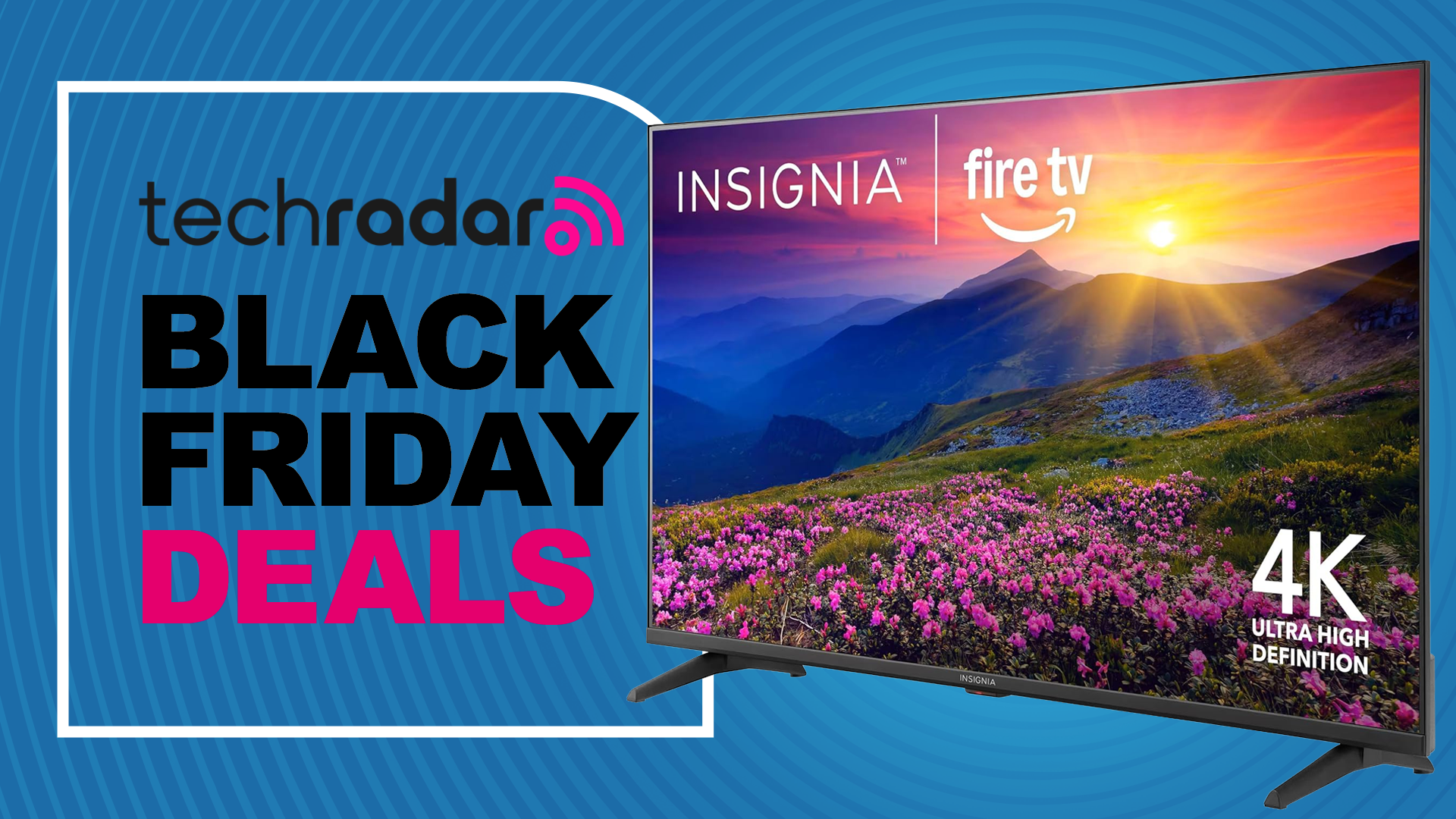
Who says that you need to buy a conventional monitor if you want a decent 4K display for your desk? I've found arguably the best alternative in the Cyber Monday sales.
The Insignia F50 Series 43-inch Fire TV is currently down to $120 (was $200) at Amazon. That's far below the price you'll pay for a big-screen 4K monitor, but it's effectively the same thing these days.
For comparison, Samsung's 43-inch 4K Smart Monitor is currently $370 (was $500), while Dell's 32-inch 4K display is $300 (was $370). So, that's a pretty big saving on a large screen that effectively does the same thing at your desk, with the added bonus of Fire TV for streaming after work.
Why we recommend the Insignia 4K Fire TV
The first advantage here? Size. The Insignia is a 43-inch 4K display that dwarfs the 27-inch panel that you might be tempted to buy if you’re on the hunt for a 4K desk display.
That makes it particularly appealing for working across multiple windows and seeing fine detail. It also means the F50 is a better option for watching films, streaming the latest content, and casual gaming - as well as working.
There’s plenty of convenience, too. It’s got Fire TV built-in, so you can easily access the top streaming services, and it has Alexa voice functionality so you can quickly search for content and control compatible smart home devices. The TV also supports Apple AirPlay.
Audio is another advantage over budget monitors. The Insignia includes DTS Virtual:X sound, while affordable 27-inch monitors will only rely on basic built-in speakers that sound tinny and underwhelming. The Insignia also has three HDMI ports and USB connectivity.
Just make sure you’ve got enough desk space!
At $119.99, the Insignia is cheaper than virtually any 27-inch 4K monitor we’ve ever seen. If you want to think outside of the established norm for your next desktop display, it’s a bargain. Compared to similarly sized 4K monitors, it's a genuine steal.
Should you buy it?
You’d like an affordable and big-screen 4K display for working and everyday entertainment.
You need a dedicated desktop monitor with more color accuracy, sharper pixels, and a higher refresh rate.
Mike has worked as a technology journalist for more than a decade and has written for most of the UK’s big technology titles alongside numerous global outlets. He loves PCs, laptops and any new hardware, and covers everything from the latest business trends to high-end gaming gear.