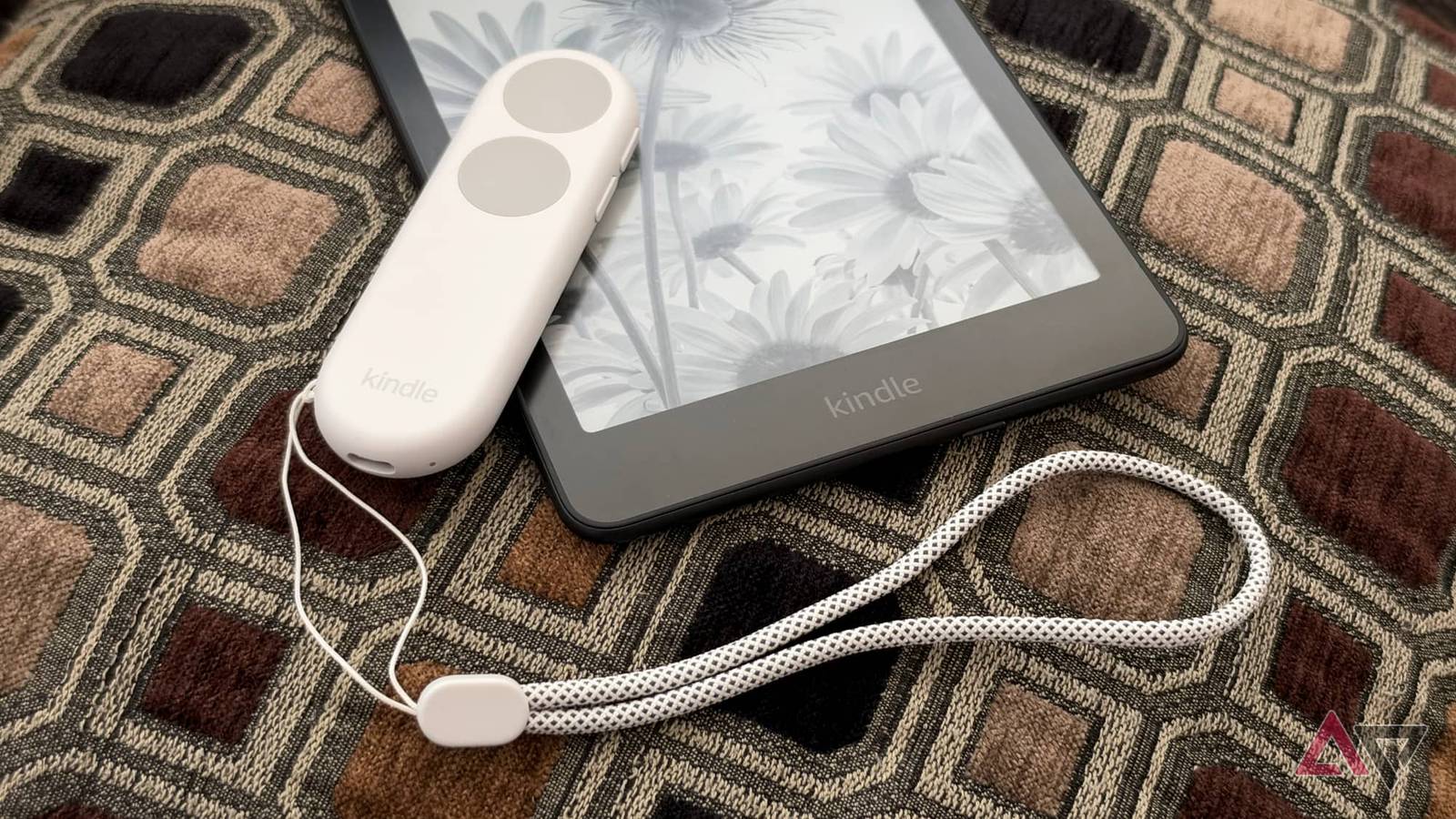
When Amazon unveiled the Kindle Click last month, I absolutely could not wait to get my hands on one.
The first Bluetooth remote for my favorite e-reader promised to be a game-changer — and it hasn't disappointed.
It may seem like a small thing, but for someone like me who has an ADHD brain and prefers immersive reading, every friction point counts as a potential distraction.
Decoupling the page-turning experience from the physical hardware makes it easier to get lost in a book when I'd otherwise be tempted to give up and set my e-reader aside (or, worse yet, stop what I'm doing to sit down and read instead).
The magical feel of the Kindle Click
This first-party accessory works exactly as it should
While the Kindle has long supported Bluetooth, it's been there solely for Audible books and VoiceView.
Remotes were strictly off-limits. That led to some awkward solutions, like clamping an RF receiver onto the edge of the Kindle's screen to act as a replacement finger. Those were crucial for accessibility situations, but I gave them a hard pass after one glance.
With the Kindle Click, Amazon unlocked Bluetooth for more than just audio. Sadly, you'll need a 2024 or later Kindle model, but if you have one, it pairs as easily as any other Bluetooth device.
To do this, open , go to Wi-Fi and Bluetooth, make sure is toggled on, and then tap and hold down a button on the Kindle Click to put it in pairing mode. Easy-peasy.
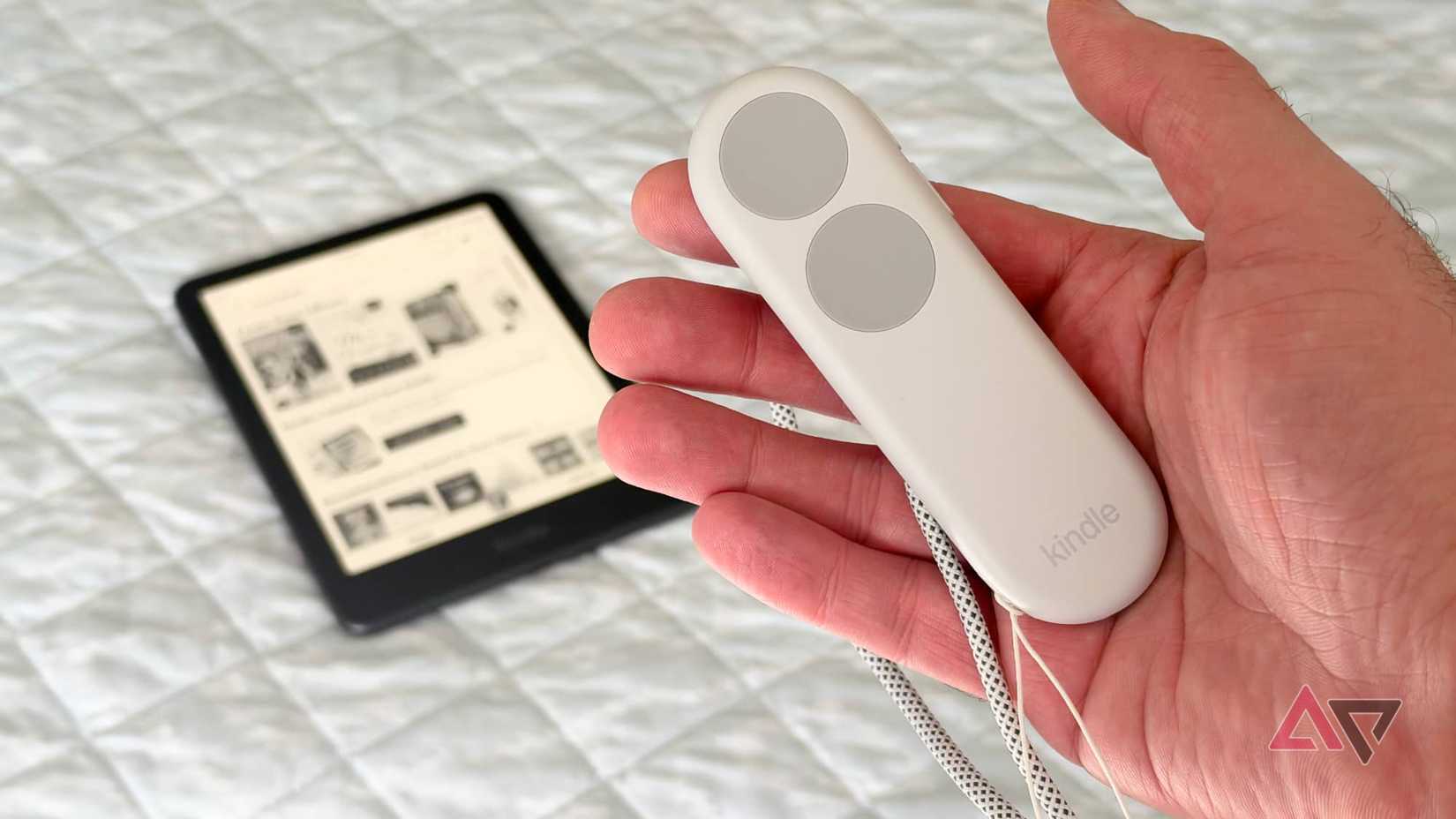
After it's paired, it's the very definition of something that just works. The top button skips ahead a page or scrolls down on the home screen, while the bottom button goes back or up.
The buttons have a nice tactile feel, are super easy to find without looking, and the experience feels at least as responsive as tapping the screen — perhaps even a bit more.
The range is also more than adequate, letting me put my Kindle anywhere, whether that's on a nearby pillow, a window ledge, or propped up on my treadmill or stationary bike.
The Kindle Click also has another hidden superpower: it lets me effortlessly adjust my screen brightness.
Turning a page may only take a single tap or swipe, but tweaking the front light requires at least two in the right places. It's just fidgety enough that I rarely bother unless it's necessary.
To be fair, my Paperwhite Signature Edition has auto-brightness, but sometimes that needs a nudge for my old eyes, and the side buttons on the Kindle Click make it as easy as adjusting the volume on a smartphone.
A surprisingly great fitness accessory
The Kindle Click is literally helping me get in shape
One of my biggest obstacles to working out is keeping my brain engaged. Spending half an hour on a treadmill or stationary bike can be downright boring.
As an avid reader, having my Kindle propped up on the console seemed like a great way to pass the time while I burned a few extra pounds, but there was just enough friction to discourage me.
It often seemed easier to skip the workout and sit down on the couch — something that usually has the opposite effect by also tempting me to snack (a groove in my brain chemistry that's become far too entrenched).
Trying to poke at a 7-inch device while running at a brisk pace is an exercise in frustration. That's even worse on a stationary bike, where my hands sit on the handlebars.
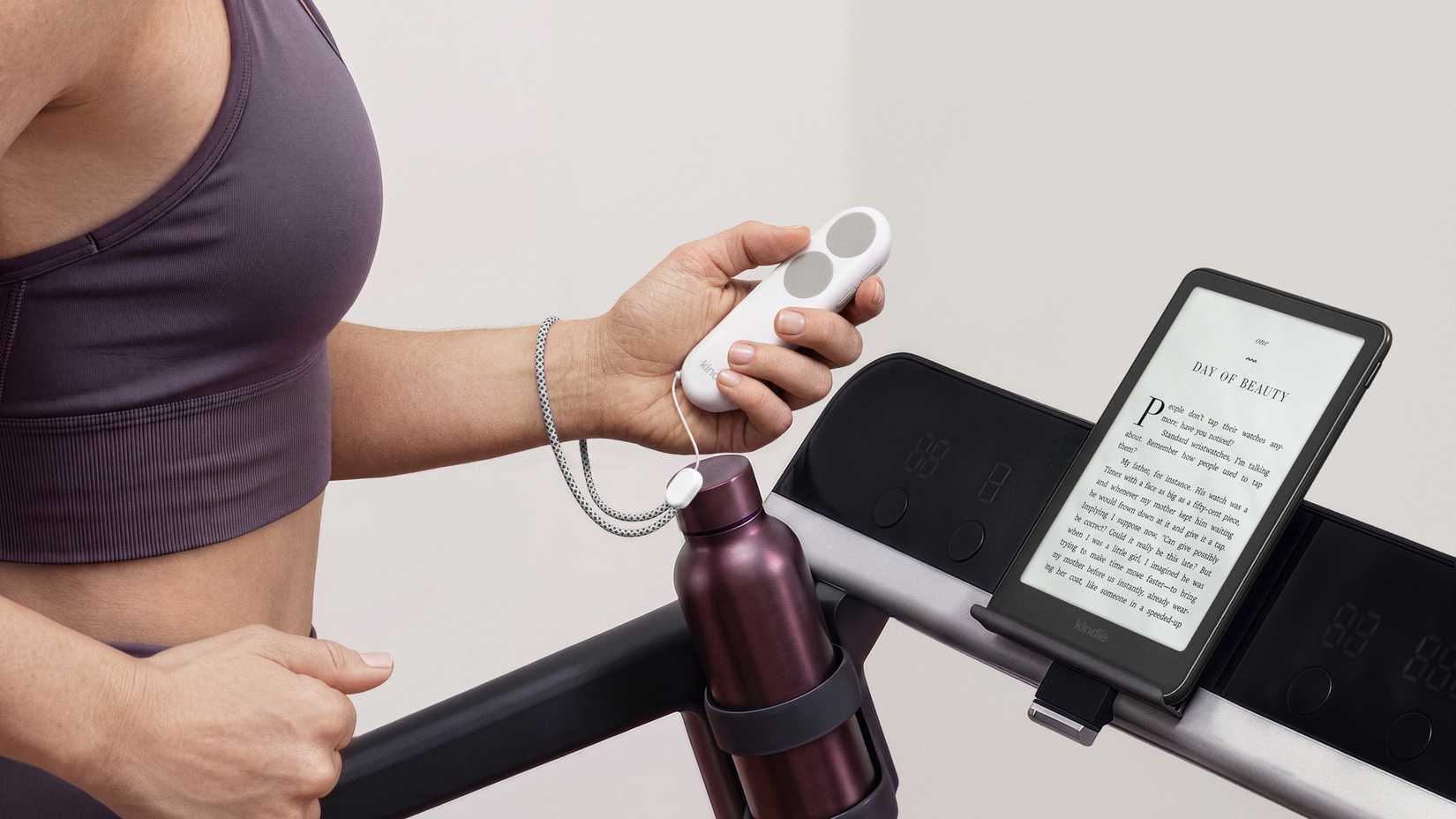
It's a scenario that the Kindle Click was born for — Amazon even highlighted this in its press release — and it actually works.
Keeping the Kindle Click in hand makes turning pages a reflex. After only two minutes, I'd stopped thinking about it. My brain put the forward button on autopilot, and I moved through the pages more seamlessly than ever before.
On my treadmill, the Kindle Click is light enough to hold in the palm of my hand, features a grippy enough material that I'm unlikely to drop it, and has a wrist strap, so I don't have to worry if I do.
However, this was a bit trickier on a stationary bike. The remote is small enough that I can tuck it under the palm of my hand on top of the handlebar, so my left thumb can easily reach the page-forward button, but the others are harder to reach.
Still, the Kindle Click experience has become so seamless that I've walked into my den immersed in a book, stepped on the treadmill, pressed the "start" button, and kept on reading for the next 30 minutes without missing a beat.
It's not just for workouts
The Kindle Click has easily doubled my reading intake
There's something freeing about using a remote with an e-reader. For years, using my Kindle meant picking it up and holding it in my hand to tap or swipe pages while I read.
Sometimes I could set it down on a pillow beside me or prop it up on the table while I ate, but the need to reach out and touch it after every page made me want to pick it up again.
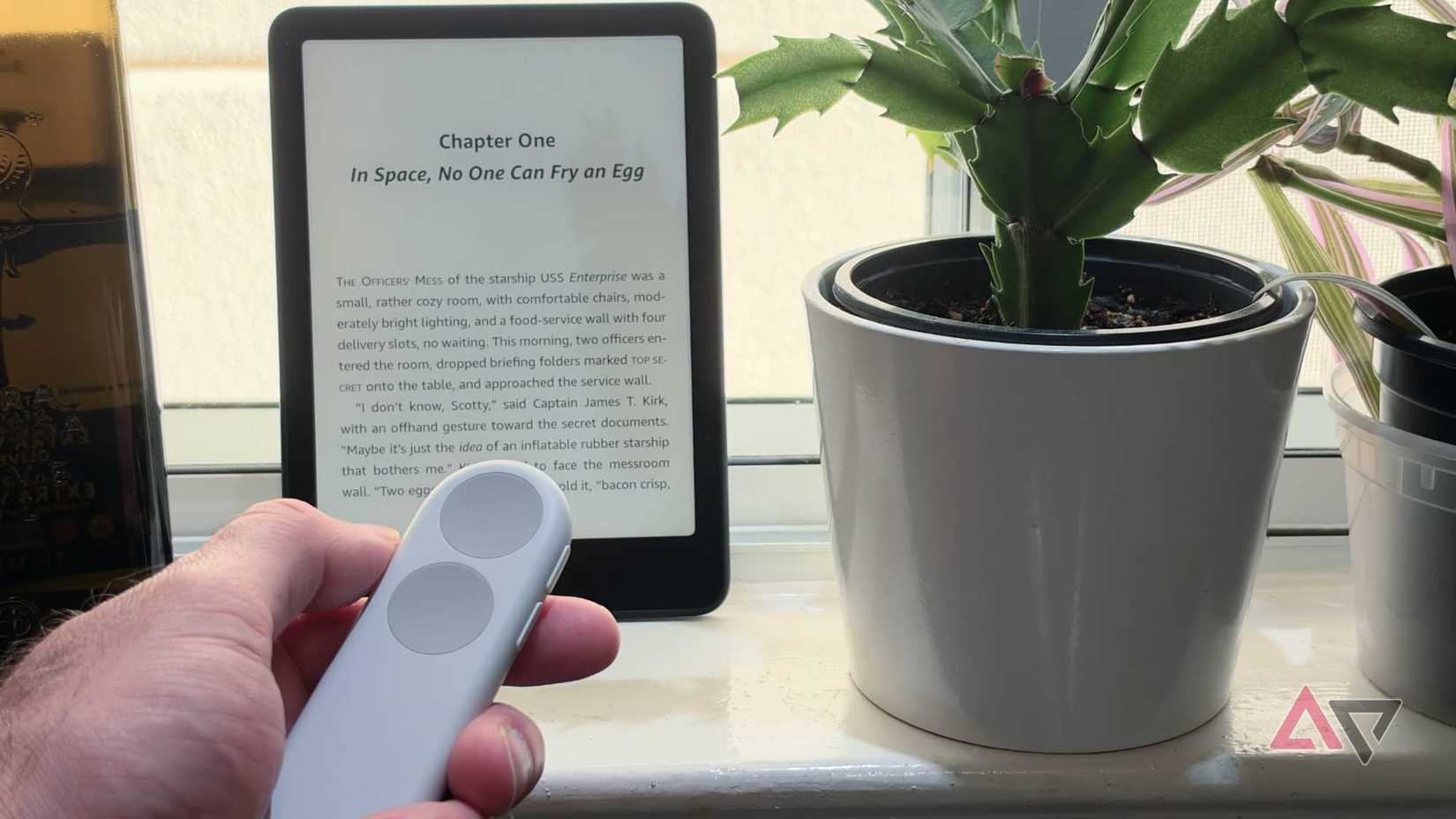
The Kindle Click eliminates that mental barrier, while also letting me read in places where I'd have given up before.
Propping the Kindle up on my window ledge while I'm cooking or baking would usually be a no-go for me — hands that are busy and dirty don't mix well with manipulating an e-reader.
One trick I've adopted is to let it dangle from my wrist when I need both hands and then flick it up and catch it in one hand when I need to turn a page or adjust the screen brightness.
A two-trick pony with room for improvement
The Kindle Click is very good at the two specific things it does: turning pages and adjusting screen brightness. However, after you close a book, its limitations become obvious.
While the brightness controls work everywhere, and you can use the buttons to scroll up and down through the library, that seems pointless since there's no way to select a book. You'll have to tap the screen for that.
The Kindle Click also won't wake the Kindle from sleep. You have to do that the old-fashioned way. The main buttons also do nothing when the menus are open.
Still, a Kindle's purpose is to read, and when I'm in a book, the experience is truly liberating. Best of all, this $35 remote removed any desire I had to splurge on Amazon's pricier Page-Turn Cover.