You don't have to force a stuck disc out, and you shouldn't have to pay for help either.
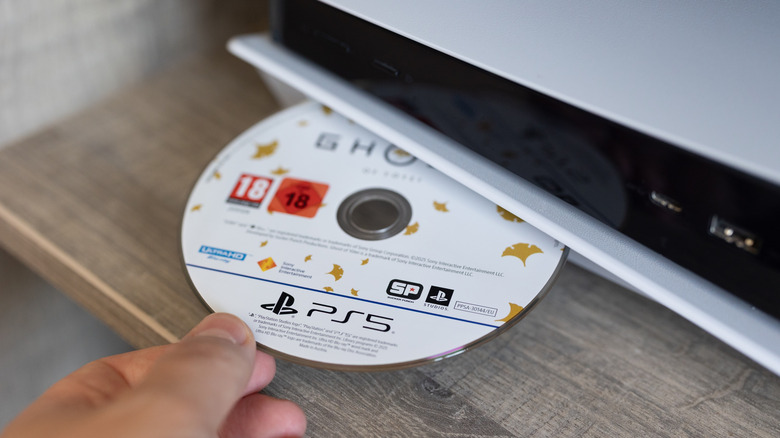
In a way, a stuck disc is a good problem to have with the PlayStation 5. That's because earlier this year, Sony announced plans to halt game disc production in 2028 — coincidentally, around the same window we're likely to get a PlayStation 6. That suggests the PS5 could be Sony's final console with a disc drive, or at least one that isn't an add-on.
On the flipside, avoiding stuck discs is one of the benefits of moving to digital games. These can be a serious issue: in a jam, you can't swap to a new game or movie. And if you botch the removal, you could damage a disc that cost as much as $70.
Thankfully, there's a reliable way to get a disc out if the eject button isn't working and you can't gently grasp the end with your fingers. It's going to require a little surgery, but it's better than sending your console in for help or having to buy a new one.
How to rescue a stuck disc from your PS5
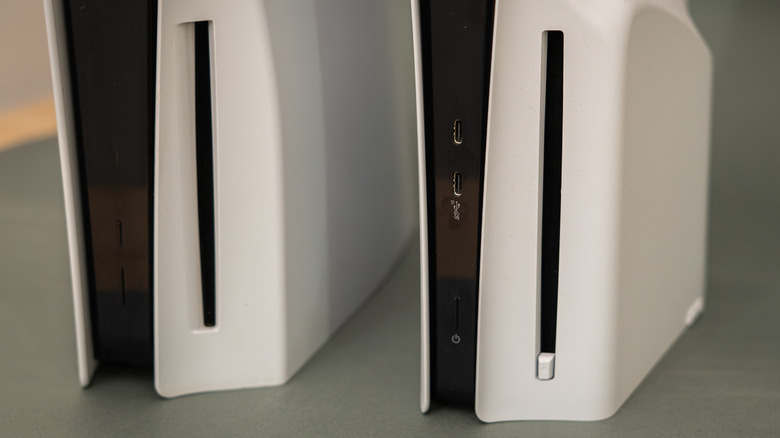
Before you begin, you'll need a few items. Primarily, you'll want a flat table for the job; you may also want a soft cloth to lay your PS5 on. Otherwise, grab a #1 Phillips head screwdriver, along with a flashlight if the room lighting isn't that bright.
Once those are ready to go, follow the steps below:
- Power down your PS5 (not just rest mode) and disconnect all its cables.
- Set the console on your table, optionally on top of a cloth, then remove the base.
- Turn the console so the screw hole for the base is facing towards you, the PlayStation logo is facing down, and the disc slot is on your left.
- Rest your palms near the top corners, then grasp the edge of the cover. You should be able to pull the cover up. If you hear a clicking sound, that's expected.
- If you have an older PS5 model, you may see a circle of thin black film. It's safe to remove this, or even push through it, since you'll need to reach the screw behind it.
- Using your screwdriver, rotate the screw clockwise until the stuck disc is almost completely exposed.
- You should be able to pull the disc out. Do this carefully though, because there's still a risk of damage. Don't force it; if you're having trouble, repeat the previous step.
- Reattach the cover by sliding it back in. It should click when it's locked.
From there, you're good to reconnect the cables and try playing again as usual. To prevent this issue in the future, make sure you don't insert any discs the PS5 is incapable of playing, like audio CDs. While your system is unplugged, it's also a good time to clean your PS5 if you haven't done so for a while.
Are there any other PS5 disc repair options?
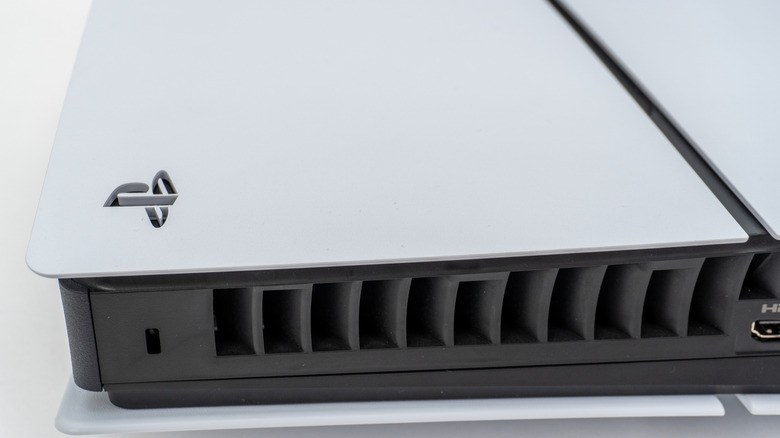
Failing the above, if you're lucky, you might be able to eject your disc by using Safe Mode. To try that, power off your PS5, then press and hold the power button until you hear a second beep. If you press the eject button again once Safe Mode is active, your console may be more willing to give up its loot.
Should your system still be under its one-year warranty, Sony can potentially repair or replace your console for free. During the claim process, be sure to let the company know there's a stuck disc. If you don't, you might not get your disc back in the return shipment. Follow Sony's console shipping guide for best results.
If none of the options above are feasible, you may be able to pay for help at a retailer with its own tech support team, like Best Buy. The DIY fix is so simple and cheap, however, that additional assistance probably isn't worth the time and money.