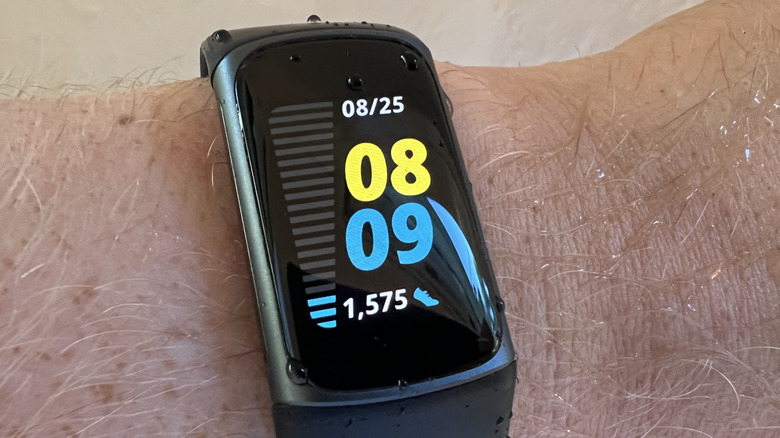
Every Fitbit has a rated battery life, usually anywhere from four to 10 days. The latest Fitbit Edge (see our Fitbit Edge review) and Fitbit Air (see our Fitbit Air review) are rated to last up to seven days per charge. To ensure the battery lasts as long as possible, always use the charging cable that came with the device. Though they're proprietary chargers, you can find third-party replacements for some models. But as a rule, buy a replacement directly from Google or Amazon if you lose the original.
Turning off the always-on display helps battery life. With the Charge 5 and 6, Inspire 3, Sense 2, and Versa 2 and 4, the always-on display drastically reduces battery life to just three days per charge. For the Edge, it can take it down to just two days. You should also dim the screen's brightness when indoors, choose a shorter screen timeout duration if the device has one and refrain from using animated clock faces that require more battery power.
Additionally, limit your use of built-in GPS on models that support it, since it also drains the battery quickly. You'll only get up to 10 hours with the Fitbit Edge, five hours with the Charge 4, 5, and 6, and 12 hours with the Sense, Sense 2, Versa 3, and Versa 4. If the Fitbit has adjustable GPS settings, choose to use the phone's GPS instead, or turn it off entirely if you don't need it.
Be sure to keep the software up to date and limit notifications to things you really need, like calls, messages and calendar updates versus unnecessary app alerts for your phone. Limit use of features like music controls, navigation, on-wrist calls, and contactless payments and turn off continuous Sp02 tracking, which is a major battery drain.
Increasing the overall life of your Fitbit battery
What about increasing the overall life of the Fitbit battery? Following all the steps above means fewer overall charges, which in turn preserves the longevity of the battery. But there's more you can do. Never charge it in extreme temperatures below 32 degrees Fahrenheit or above 113 degrees Fahrenheit and keep it in a cool, dry place. Avoid wearing it in extreme weather, like very high humidity or frigid cold temperatures as well as in saltwater sources, even for water-resistant models.
Not wearing it for a while? Maybe you're headed on vacation and leaving it at home, or recovering from an injury and won't use your Fitbit until you're back on your feet. If so, charge it to full and power it off if it has a power-off option. Don't leave it plugged in, and if you are keeping it in long-term storage, charge it up at least every six months to prevent it from falling into a deep discharge state.
While you can follow these steps to keep a Fitbit battery healthy for as long as possible, it will eventually die. If you notice the battery draining quickly, the display turning on and off, or the tracker taking a long time to recharge, it might be time to replace the device. Additionally, if it has issues syncing with your phone or performance is lagging, it might be time to consider a new Fitbit. With all this in mind, the Fitbit Edge is the brand's first with a replaceable battery. Opting for this model instantly gives you longer life for the cost of a replacement battery and servicing.
Keep your Fitbit going
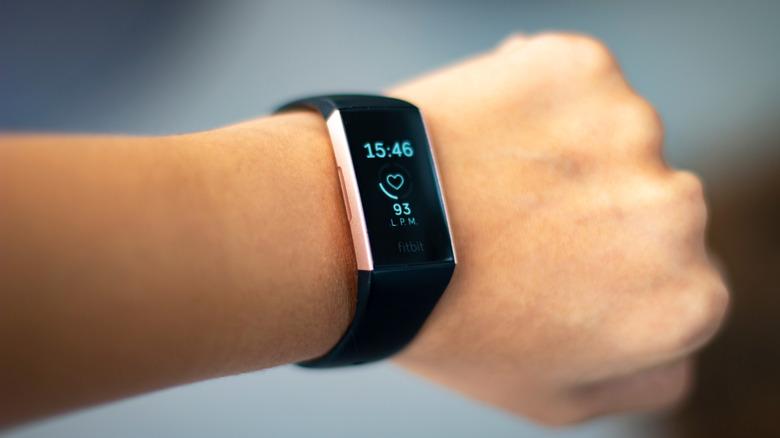
If you invested in a Fitbit, which ranks among the best fitness trackers, you want it to last as long as possible. That includes both per charge, as well as the device itself. Even if you decide to upgrade in a few years, you might want to hand the old one down to a friend or family member, or even sell it to make a few bucks for a new one. While every Fitbit will die at some point, there are ways you can extend battery life per use and overall.
While Fitbit trackers should last up to three years, there are stories of people still holding onto very old models that don't last as long per charge, but are still kicking. I recently plugged in an old Fitbit Charge 6 from 2023, and it's still powering up and functioning. So, you may be able to hold onto your classic Fitbit longer than you think — as long as you follow these battery life tips.