Some apps can now show you a message, or even a discount, when you try to cancel a subscription.
Canceling a subscription on your iPhone or iPad is usually quick. All you need to do is go to the menu in Settings. However, some apps may be a little more persistent before letting you cancel because of a recent Apple update for developers.
Earlier this month, Apple introduced subscription retention messages, which give developers a way to convince you to stay, whether with a message or even a special discount. So if an app keeps urging you to stay, it isn't breaking any App Store rules, and there's nothing to worry about. Here's how Apple's subscription retention messages work and what they mean for you.
How Apple's subscription retention messages work
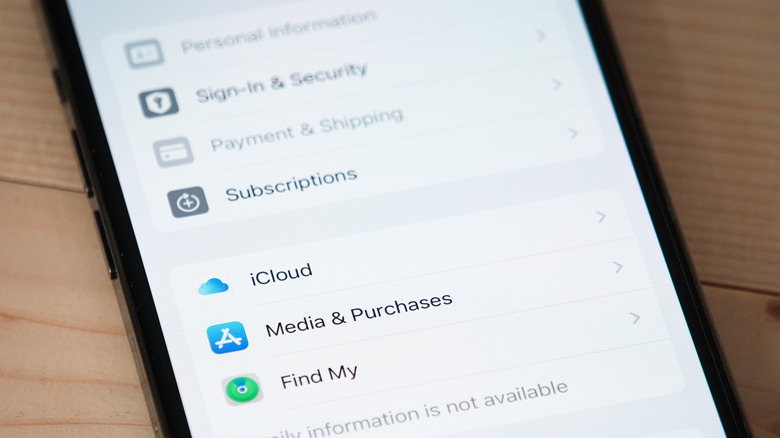
Retention messages appear when you try to cancel an auto-renewing subscription billed through your Apple Account. You can cancel subscriptions directly through the app you subscribed to or by going to > > . There, find the app you want to cancel, tap it and then tap . At that point, some apps may show you a retention message if the developer has implemented one. Apps can show you custom text, an image or even a retention offer when you try to cancel a subscription.
For example, an app might offer you a free trial or a discount on your next monthly payment if you're eligible and decide to stay. It's up to you whether to keep your subscription, and you'll see and buttons. If an offer is available, there will be a button too. Developers have to set these features up, so not every app will show you a retention message or offer. Developers can create these messages through App Store Connect, the platform they also use to distribute apps to Apple devices.
Messages and offers may also vary between users of the same app, since developers can set up a specific offer for people who have paid for a minimum subscription period. Each app can have up to 10 different retention messages. Developers who want more control can request access to the Apple Retention Messaging API, which requires review and approval by Apple. The retention messages can also highlight what you'll miss out on if you cancel a subscription, such as access to exclusive in-app content.
Developers are the obvious winners here, since many people cancel their subscriptions because of the price, and a last-minute discount might be enough to keep them from leaving. For apps that rely entirely on recurring revenue, even a small drop in subscribers can be costly. Apple benefits as well, since it takes a cut of up to 30 percent of these subscriptions. It's also tested other subscription discount options for developers, such as contingent pricing.
That doesn't mean you get nothing out of this feature. If you were planning to cancel a subscription because it's too expensive, a retention offer can give you the same service for less, at least for a while. It's worth reading the message before confirming to see how long the discount will last and what the price will be once the offer ends. And if you really want to cancel, nothing changes for you. Just tap and you won't be asked about it again.
Unfortunately, there's no way to turn off these retention messages, but they only appear when you try to cancel a subscription. They won't pop up out of nowhere while you're using your iPhone or iPad. Keep in mind that these retention messages require iOS 15.1 or later. They're also available on the latest versions of macOS and visionOS. It might also be a good time to find and cancel subscriptions you're not using.