We may receive a commission on purchases made from links.
PC gaming culture is a good deal different from playing on a PS5 or an Xbox Series X. But compare the PS5 to a custom rig that has been purpose-built to play the best PC games like at 4K and 120 fps with full path tracing enabled, and the PC builds aren't exactly subtle.
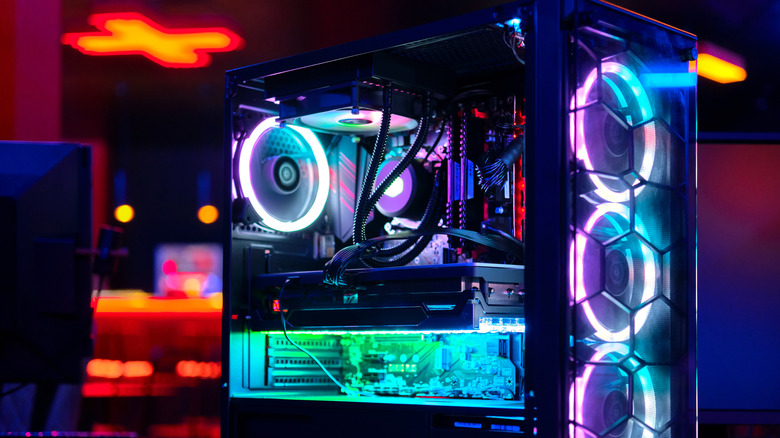
Many PC cases these days use tempered glass panels, largely because most hardcore gamers want to show off their expensive parts. Provided you know your components and are comfortable building your own gaming rig, there's a good chance you're going with a case with tempered glass panels. And honestly, you should if you like a showy hardware setup that heavily features RGB lighting.
Sure, there are slight issues that can arise from owning a rig with glass panels, but they're pretty uncommon. Whether you want a more minimalistic machine or a glass system that shows off your expensive liquid-cooled PC, let's get into PC panel culture.
Why do so many gamers want a glass-panel PC?

Aesthetics is the reason so many PC players want to put together a custom-built gaming rig. In an era where a lot of us are panic-buying PCs to avoid RAMageddon 2026, and with memory costs currently at sky-high levels, it's understandable that gamers want to be able to view their glowing RGB RAM sticks.
The main reason PC players want a glass-panel rig, though, is to showcase their GPU. I've been building PCs since 2004, and the amount I dropped on an NVIDIA GeForce RTX 5090 graphics card still occasionally makes me weep. The MSRP of the fastest consumer GPU is $1,999. Yet due to AI-related stock shortages, I paid a more than that. So of course I want a glass-panel PC case so I can constantly view a component that costs way more than my junky car!
Glass panels are also a great way to show off other components. I've owned a liquid-cooled system for a few years, and my specific model allows me to view the exact temperature it's running at via the small LCD on the CPU pump. This looks pretty (you can cycle custom animations with my NZXT Kraken Elite 360), and I can keep an eye on a key processor metric at a glance.
Functionally, there are slightly less glamorous practical upsides to owning a rig with glass panels. While glass won't improve performance or cooling, a see-through panel lets you inspect components. Transparent cases can let you see fans that might have unexpectedly stopped spinning, spot dust buildup or check whether a motherboard cable is coming too close to a GPU's spinning fans.
Why do PC cases always have the glass on the left side?
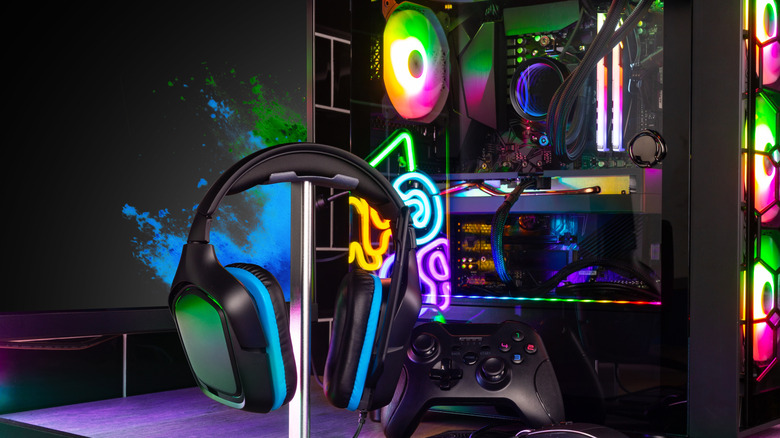
It's really all to do with traditional case design. When dealing with a typical ATX tower, the motherboard is normally mounted on the case's right side, with the components facing the left panel — that's just the way the vast majority of manufacturers lay out their hardware. Motherboard mounting structures are well established and are geared toward showing off components while concealing unsightly cables in rig builds that have glass panels.
Reversible cases do exist, letting you flip the layout of your gaming PC. This is a pretty niche market, though. Most of the time, a rig's glass panel will be on the left side. Unless you have a specific setup that requires a right-sided glass wall, the traditional positioning of a panel really shouldn't be an issue.
What are the downsides of owning a PC with glass panels?
Honestly, not that many, and they probably won't keep you up at night. The most likely one is occasional airflow issues can crop up if a glass panel is installed too tightly to a case.
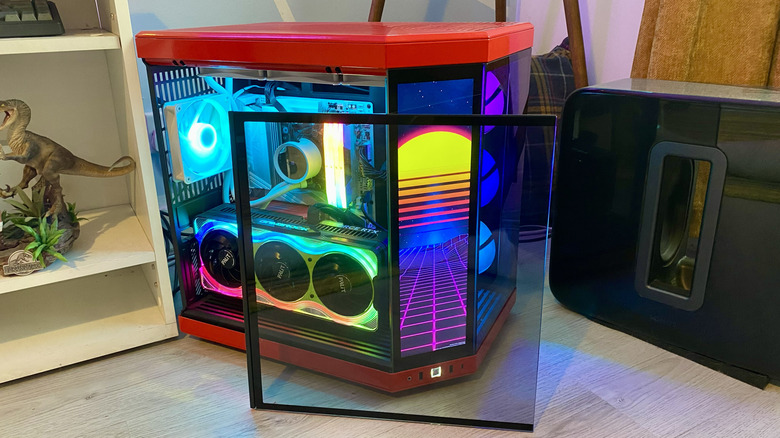
The main issue with tempered glass PC panels is that, even though they're tough, they can easily break if you're not careful around your rig. If you regularly upgrade your gaming PC, those panels are going to be removed quite often. Just one instance of butterfingers could see you shattering the panel.
You always have to be a lover of good cable management to get the most aesthetic benefit from a glass-panel gaming rig. I'm lucky that my HYTE Y70 Touch Infinite case is dual-chambered, meaning I can conceal all of those untidy PSU cables and other crucial motherboard leads behind a separate panel. That way, I see only a vertically mounted GPU and a well-organized cooling system where whatever cables can be seen are neatly laid out. Some glass-panel cases are far better at offering cable-concealing solutions than others. If you don't want to lose hours fussing over hiding cables, a glass-panel PC probably isn't for you.
Cases with tempered glass are also heavier than ones with plastic panels. They can build up dirt and grime too. To prevent my Hyte Y70 from collecting fingerprints (even though I rarely touch its panels), I wipe it down with a microfiber cloth every couple of weeks. Then again, maybe that's me just being obsessive because I really love my glass-paneled mega rig.