The Xerox C255a is one of a group of new printers and imaging devices from the American manufacturer. Despite being a relatively entry-level laser multifunction peripheral (MFP), it offers print, scan, copy, and fax functionality. With both wired and wireless networking, a color touchscreen with a USB host slot, and automatic double-sided (duplex) printing, it's surprisingly well specified at this price, even if its 25 pages per minute (ppm) engine speed isn't especially fast.
The appeal of this MFP's design depends to an extent on how you look at it. From the front, the contrast between its modern white panels and black core works quite well. From other angles, the black dominates, making it look more awkward. From any angle, it's quite compact for a laser multifunction, comfortably small enough to cohabit on a large desktop.
Inevitably, there are some compromises. The C255a's paper input accepts a maximum of 250 sheets – a full ream would be less hassle if you're printing a lot. There's also only a single-sheet bypass feed: printers with a multi-sheet multipurpose tray offer a bit more flexibility when it comes to handling headed or special media. And while the 50-sheet automatic document feeder (ADF) on top is handy for long copies, faxes or scans, it's only single-sided, meaning it's more hassle to deal with duplexed originals.
The Xerox C255a seems great value for the money, but as with all printers, it's important to consider its running costs. This MFP arrives with toners good for only 750 black or 500 color pages. When they're done, you can choose from replacements rated for either 1,300 or 3,000 black pages, and either 1,200 or 2,500 pages. Those numbers are fairly low, so a moderately used C255a might need its toner juggled on a reasonably frequent schedule. What's more, the running costs will add up: at the time of our review, we calculated 2.2p ex VAT per black page and 11.5p for a full-color page (black, cyan, magenta and yellow). That's about the average for an affordable laser MFP.
Nearly all laser MFPs are bulky and heavy, but the Xerox C255a is something of an exception. It's fairly easy for a fit individual to lift alone, and its compact size makes it easier than some to squeeze into a cramped office space. It is worth noting there's an air vent on its left flank, while the ADF's paper guides project slightly out at the right, so it might not fit snugly into the very corner of a cubicle.
There's not too much packaging to remove from the C255a, but we managed to miss a step that requires you to pull out the toner tray and remove plastic locking clips from each of the four colors. Fortunately, the on-device setup routine noticed and told us what we'd missed. This printer's paper tray isn't quite deep enough for A4 paper, but there's a lever to extend it. Happily, doing so doesn't leave the rear edge of the tray sticking out of the printer, an annoyance you'll find on some competitors.
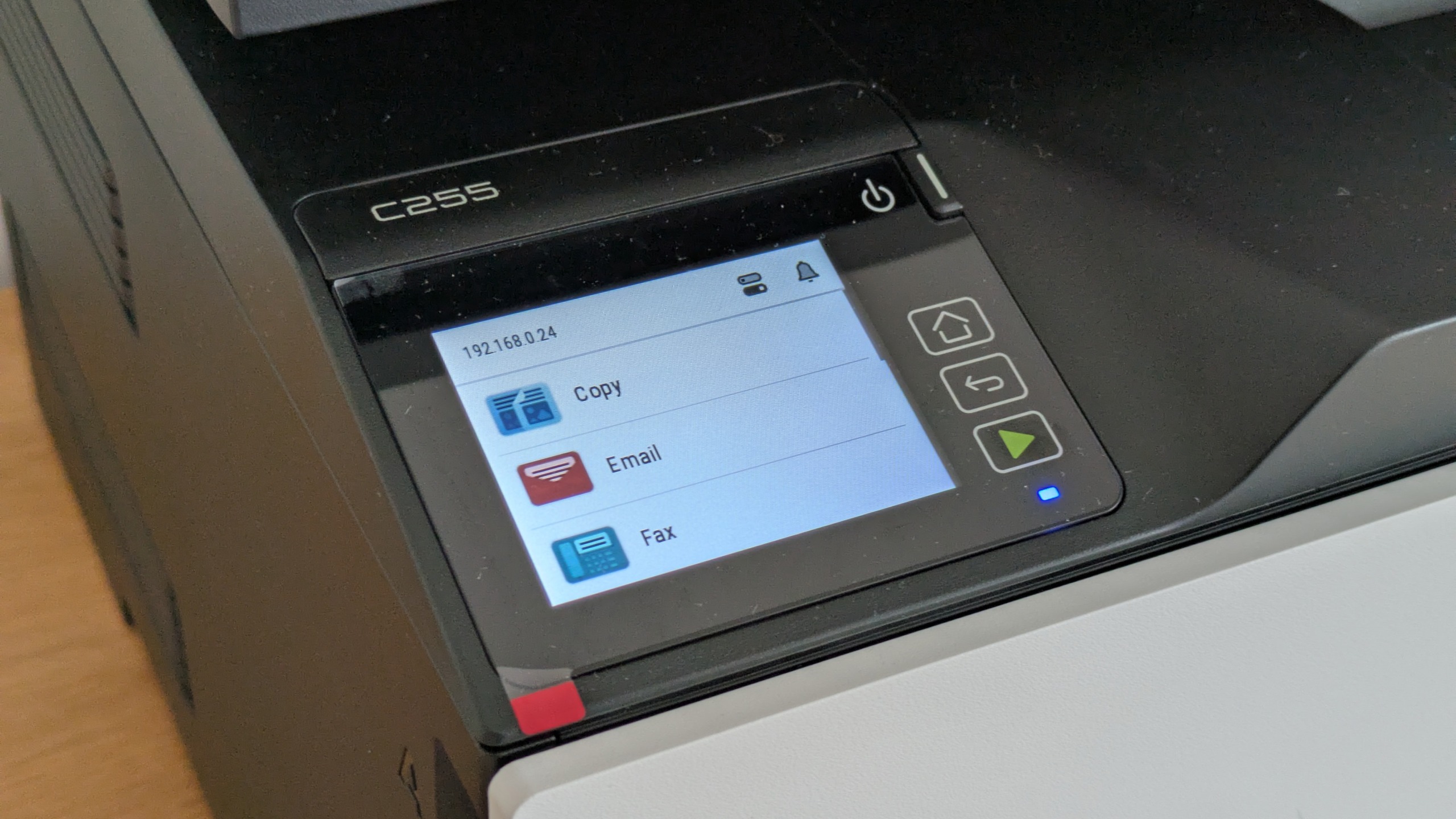
Starting this MFP takes some time, and on its first boot you'll need to answer the usual questions about location and time zone. You're also prompted to set up administrator credentials, so it's worth having them ready to go in advance. Once up, the touchscreen is responsive enough, and its menu system is relatively intuitive and friendly.
Sign up today and you will receive a free copy of our Future Focus 2026 report - the leading resource for IT decision-maker insight on priorities and investment areas in AI, security and more.
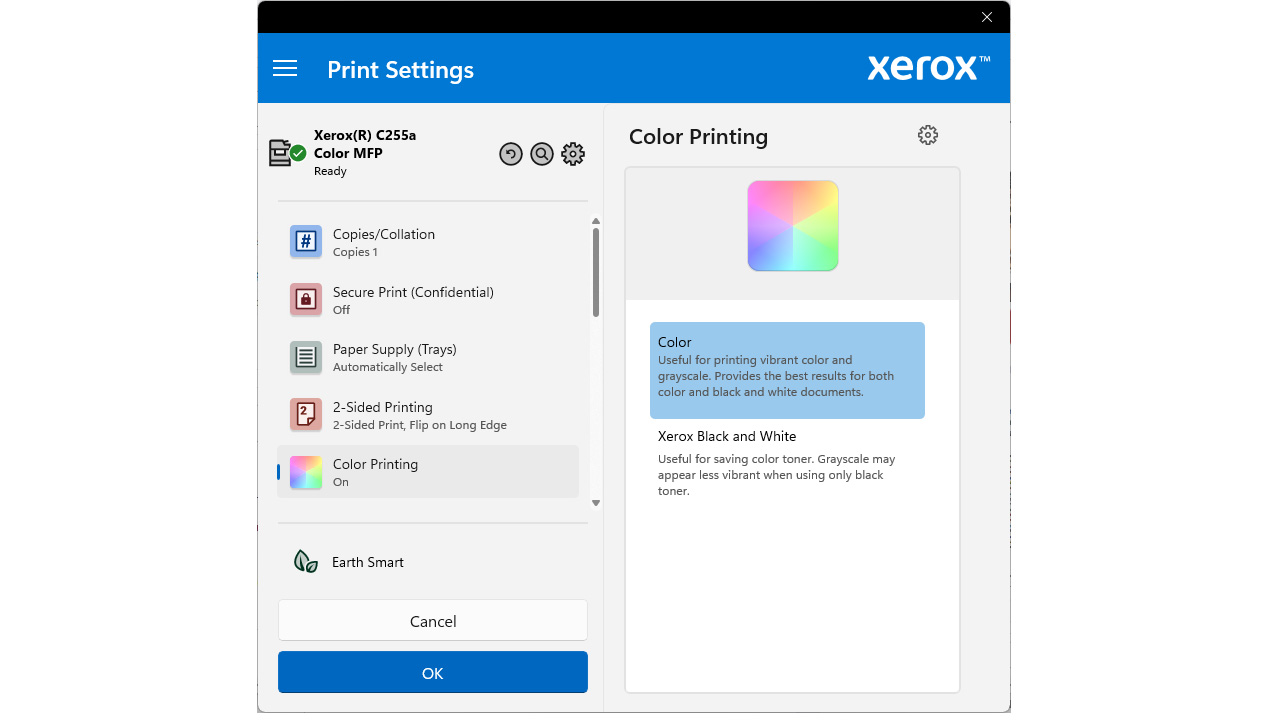
Xerox's PC software installer makes some curious assumptions. By default, it doesn't install a TWAIN scan driver, and it configures a strange 15-second timer between you clicking print and the job actually being processed. While that could be useful if you often change your mind shortly after hitting the button, for most it's a needless delay. Fortunately, it's easy to remove it in the print driver. Similarly, you can choose custom settings in the installer if you'll need TWAIN functionality.
This MFP's security provisioning stands out given its competitive pricing: the C255a supports LDAP/Active Directory login with Kerberos authentication, and TLS 1.3 encryption by default alongside an OpenSSL module validated to FIPS 140-3. It's also compatible with Xerox Workplace Suite and Workplace Cloud for fleet-level print management, making it a decent fit for small businesses that need centralized device oversight.
Xerox C255a review: Printing, scanning and copying
With its 25ppm print engine, it's fair not to expect blistering print speeds from the Xerox C255a. Even so, it was a bit disappointing, even on black text. It delivered a first page in 18 seconds, and finished 25 pages in 76 seconds – a rate of only 19.7ppm. It was even further off the mark in color, needing more than two minutes to complete a 24-page document; at 11.7ppm, that's way short of Xerox's stated speeds. This slow color performance contributed to a labored result in our duplex test: the C255a delivered a 10-side, 5-page color document at a rate of 5.6 images (sides) per minute (ipm), significantly slower than we'd expect from a laser device.
Part of the issue was that multi-page documents seemed to require quite a bit of job preparation and spooling time. As an example, our 50-page excerpt from Alice in Wonderland is usually a chance for printers to stretch their legs. Here, a slow start meant the C255a reached only 18.2ppm on this test, slower than it managed when making multiple copies of our single-page letter document.
The Xerox C255a showed a more impressive turn of pace when scanning and copying. It could return a preview image in only seven seconds, and needed just 10 seconds to scan an A4 document at up to 300 dots per inch (dpi). It scanned a 6x4" (15x10cm) photo at 600dpi in 11 seconds. Single-page copies needed only 14 seconds in mono or color. There was little difference, too, when using the ADF to make a 10-page copy: 35 seconds in black, or 38 in color.
When mono copying, there was something almost comical about the speed mismatch between the steady printer and the almost hyperactive ADF that finished the 10-page scan job in just 17 seconds – twice as fast as the printer could deliver the results. Unfortunately, the fast ADF wasn't especially tolerant of our aged and dog-eared original document, and refused to pick it up until we rotated it through 180 degrees.
We're always happy to forgo a bit of speed if the results are a step above the norm, but sadly the Xerox C255a didn't shine here, either. Black text prints were as good as we'd expect from a laser printer, but color graphics and photos all suffered from a cool blue bias. While this suited some photos such as a picture of a space-walking astronaut framed by a cloudy planet Earth, it made other portrait subjects look pallid, and left business graphics looking a little dull.
Many print drivers let you tweak color settings. In our experience, it's not always possible to dial out a noticeable bias, but here there aren't even any settings to try, leaving you stuck with it. Unfortunately, scans had a similar issue, coming out just a little on the dark side, and with less faithful color reproduction than we tend to see on modern devices. Our scans of a Kodak Q-60 target showed that the C255a's scanner struggled to distinguish the darkest third or so of a gray shade progression, meaning detail might be lost from the darker regions of an image.
With a slightly gloomy bias to both the printer and scanner, you might expect gloomy copies, but happily these were a little more vibrant. We did notice some bordering to a block of large color text, however, possibly suggesting the C255a had tried to sharpen the image for printing.
Xerox C255a review: Is it worth it?
Despite its competitive price and great specifications, the Xerox C255a is disappointing. It's a fast scanner and copier, but it's a slow printer. More significantly, its results in our tests were almost universally just a little below par. That would be something if it were particularly cheap to run, but despite a small set of consumables, its cost-per-page is broadly what you'd expect from a laser MFP in this class. On balance, unfortunately, that leaves us little reason to recommend it.
|
Color laser MFP |
||
|
Maximum print resolution |
2,400x600dpi |
|
|
345x411x400mm |
||
|
19.5kg |
||
|
Maximum paper size |
||
|
One year onsite |